|

|
Processed through Paypal No account required. |








Buy our over-priced crap to help pay the bills.



|
|
Processed through Paypal No account required. |
| File - Download FotoSketcher v4.50 | ||||||||
| Description | ||||||||
|
Always scroll to the bottom of the page for the main download link. We don't believe in fake/misleading download buttons and tricks. The link is always in the same place. FotoSketcher Studio v4.50 👉 Turn photos into paintings, sketches, and artistic effects with a free image editing tool. FotoSketcher Studio is a free creative image editor that transforms photos into artwork using artistic effects such as pencil sketches, painting styles, drawing effects, and photo filters. It also includes tools to enhance original images, add frames and text, batch process multiple images, manually retouch selected areas, combine multiple filters, and create custom effects with scripts. It is free to use, including for commercial use. 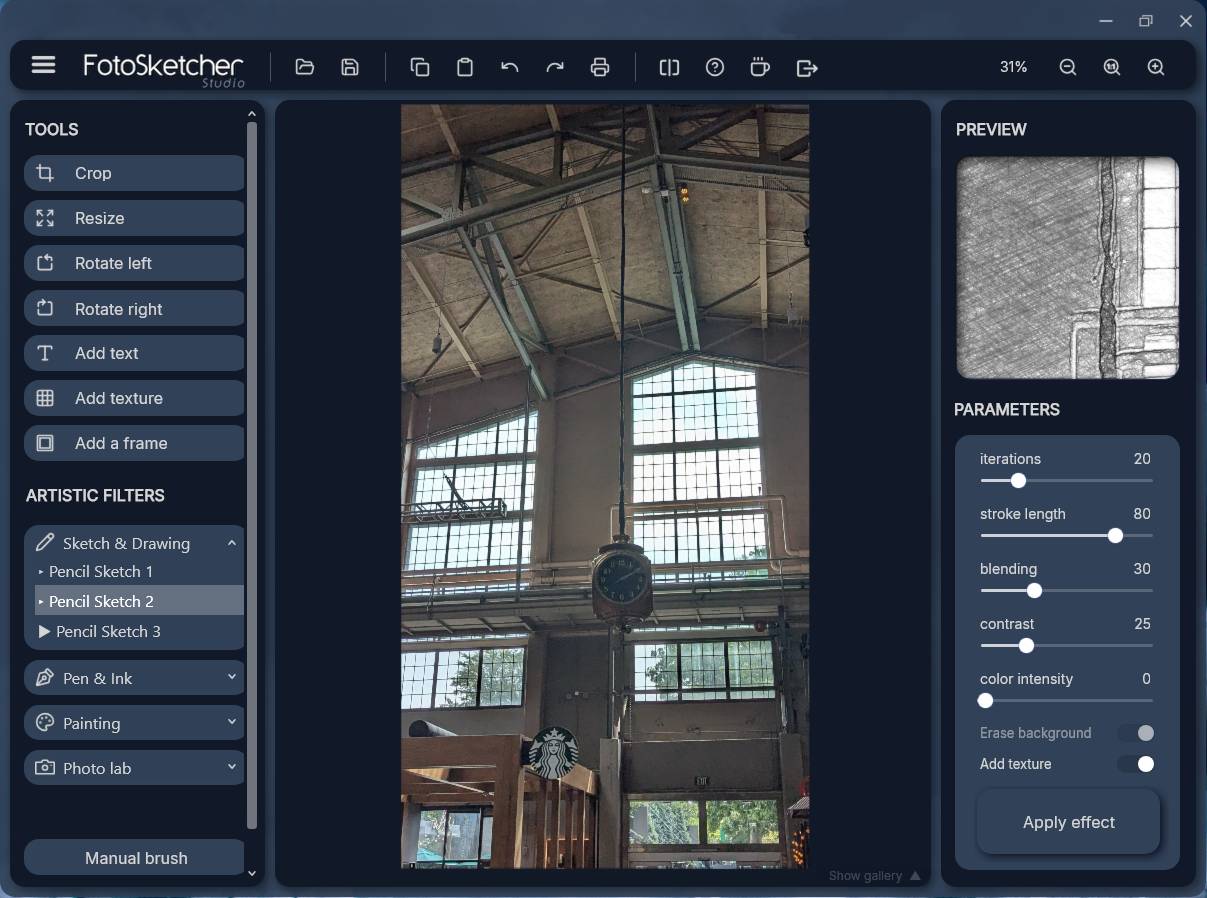 Features: • Turn photos into paintings, sketches, drawings, and photo effects • Includes 14 artistic effects spanning pencil, drawing, painting, and photo filter styles • Batch processing for applying effects to multiple images at once • Manual brush for selectively applying effects to chosen areas of an image • Can improve original photos with contrast, sharpening, luminosity, saturation, and other adjustments • Lets you add simple or realistic frames and text to images • Can combine multiple filters for mixed artistic results • Supports custom effect creation through scripts • Includes Vintage Sepia and Retro Film photo effects in v4.10 • Automatic system language detection with a keyboard shortcut to change interface language • Manual brush panning with CTRL + Left Mouse Button drag • Digitally signed Windows and macOS releases Supported operating systems: • Windows 10, Windows 11 • macOS (Intel, Apple Silicon) Supported languages: • Chinese, German, English, Spanish, French, Italian, Japanese, Korean, Dutch, Polish, Portuguese Changes: v4.50 07-27-26 This version brings a new painting effect, an image watermark tool, full keyboard navigation and a rather long list of improvements and fixes. New Gouache Painting effect 🎨 A new Gouache Painting effect joins the Painting category. Gouache sits somewhere between watercolour and oil paint: thick, opaque, with a matte finish and visible brushstrokes. Watermark and logo tool The "Add text" window has been expanded into "Add text/watermark". You can now load any image file (PNG with transparency, JPG, or other formats) and place it over your picture as a watermark or logo. Drag to move, drag a corner to resize, and use the floating opacity slider to control transparency. Transparent borders are cropped automatically on load, and the watermark works in scripts too. 2 new embedded scripts Two new ready-made scripts are included, both using the new Gouache Painting effect. Open the Script Editor to try them out or adapt them to your own style. Crosshatch improvement The Crosshatch effect now supports the "do not erase background" toggle. This means you can draw crosshatch lines over any existing painting or drawing, combining two effects in two quick steps. VisualArt & Design Keyboard navigation for better accessibility Tab and Shift+Tab now cycle through controls in reading order, with a blue ring highlighting the selected item. Enter activates it, and inside effect categories the arrow keys browse effects directly. Watercolour performance The Watercolour effect has received a significant speed improvement. A bug that could cause issues on certain CPU configurations (Intel Xeon for instance) has also been fixed. Before/after divider The split-view divider has been reworked. It no longer drifts off the image, stays on the same spot when you zoom, and is correctly clamped when scrolled. It had always been a bit "iffy", I hope it behaves now 😂 Light/dark themes The light theme has been refined for better contrast and legibility, and some remaining light/dark inconsistencies have been fixed throughout the interface. Other improvements Parameters files saved with older versions of FotoSketcher are now loaded correctly. Watermarks are downscaled using the best possible quality for cleaner edges at small sizes. A little easter egg: a gentle steam animation appears on the support button's coffee cup when the mouse hovers over the icon. In the Script Editor window, the 3D cube animation has been optimized to consume very little CPU resource. A portable version for Windows (no setup needed) is now available for download in .zip format. Bug fixes Fixed Escape and Enter not working correctly in some in-app windows. Fixed a crash in the Script Editor when the application zoom level was set below 100%. Fixed the right-click menu in the history gallery appearing in the wrong position at non-default zoom levels. Fixed taskbar flickering with an auto-hidden taskbar at fractional zoom (typically 125%). Fixed the Script Editor memo splitting its background into two colours. Brushstrokes frame and other minor corrections. macOS build updated with interface layout improvements 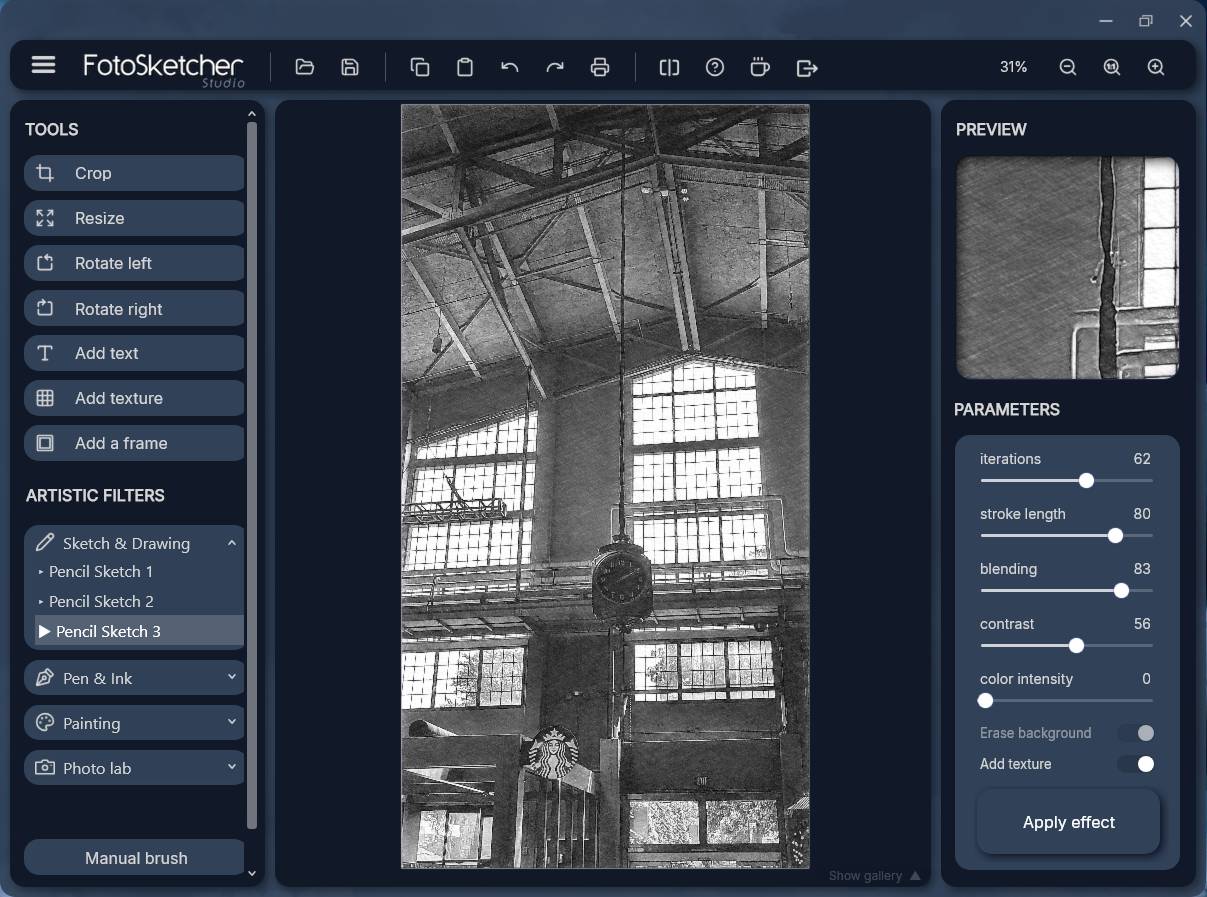 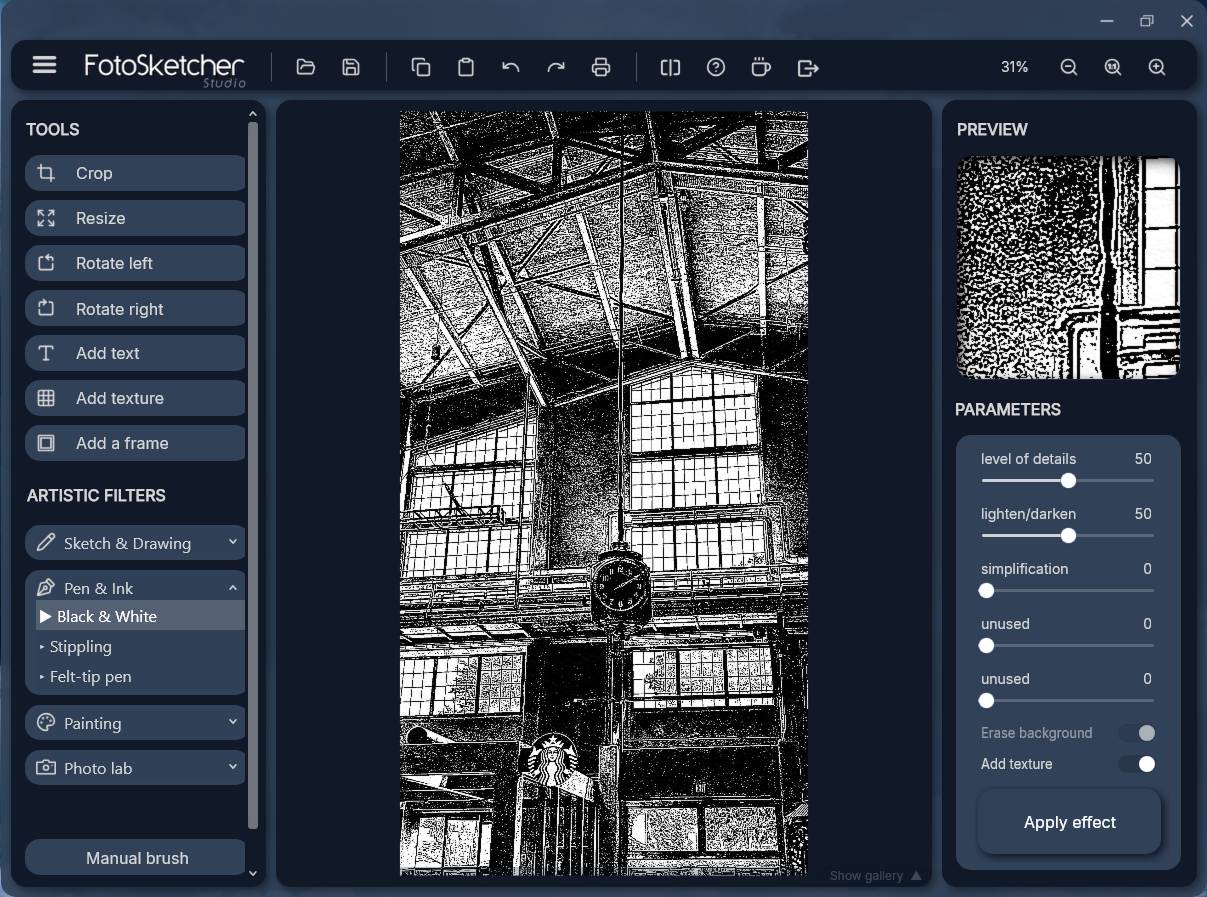 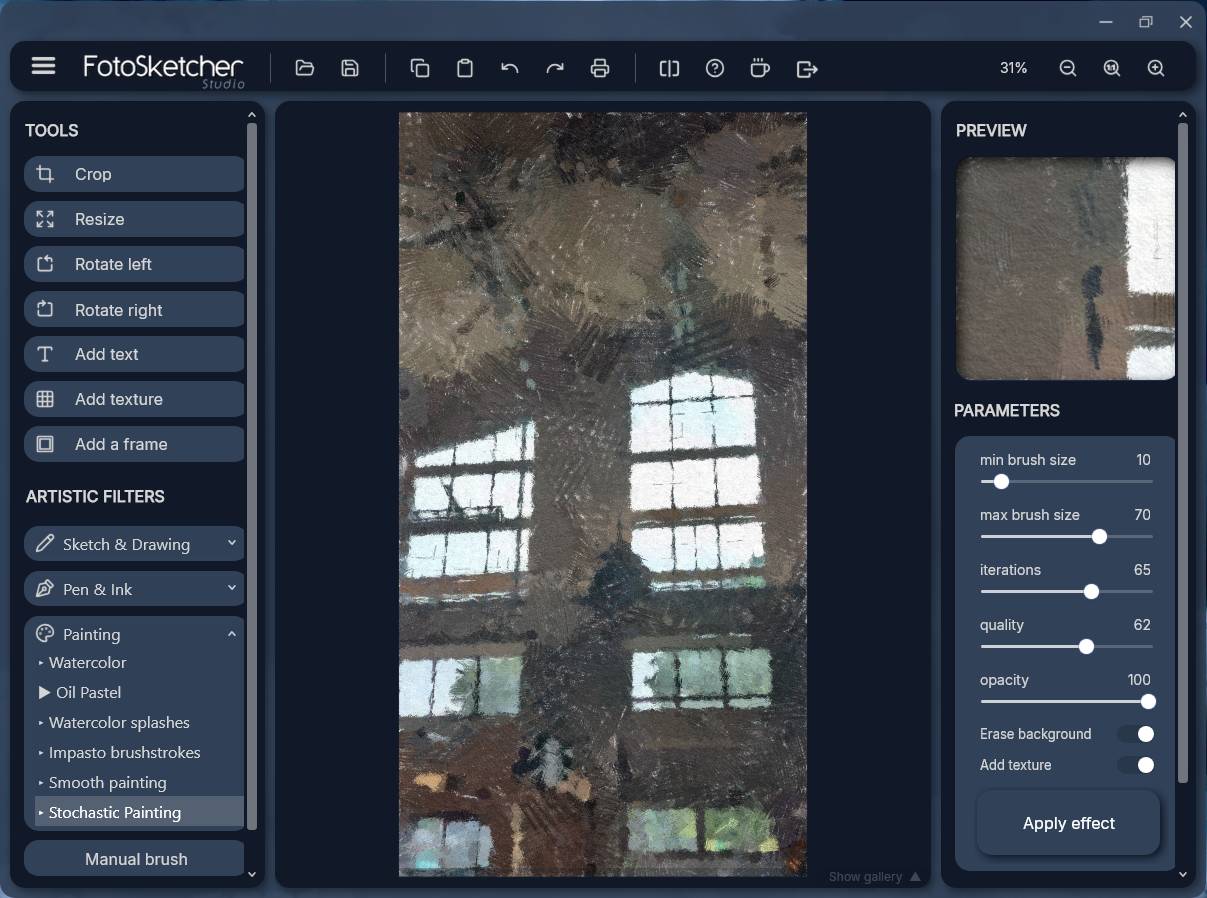 This download is for the Windows portable version (very bottom of page). All other download assets are below: Other Windows: FotoSketcher_Studio_Setup_4.50.exe macOS: FotoSketcher_Studio_4.50.dmg Click here to visit the author's website. Continue below for the main download link. |
||||||||
| Downloads | Views | Developer | Last Update | Version | Size | Type | Rank | |
| 10,837 | 21,998 | David Thoiron | Aug 12, 2026 - 12:07 | 4.50 | 39.54MB | ZIP |  , out of 93 Votes. , out of 93 Votes. |
|
| File Tags | ||||||||
| macOS freeware Windows creative drawing filters FotoSketcher photo editor photo art image editor sketch painting batch effects | ||||||||
Click to Rate File Share it on Twitter → Tweet
|


