|

|
Processed through Paypal No account required. |








Buy our over-priced crap to help pay the bills.


|
|
Processed through Paypal No account required. |
| File - Download Filee v2.3.0 | ||||||||
| Description | ||||||||
|
Always scroll to the bottom of the page for the main download link. We don't believe in fake/misleading download buttons and tricks. The link is always in the same place. Filee v2.3.0 👉 Convert more than 250 file formats offline with a simple drag-and-drop gesture. Filee is a free, open-source file converter that works on your computer. Hold a key, drag one or more files, and drop them onto a matching format in the donut menu that appears at your cursor. Filee converts images, documents, spreadsheets, presentations, PDFs, e-books, video, audio, subtitles, archives, CAD drawings, 3D models, and more. It works offline, does not upload your files, and handles many formats without Microsoft Office or other office software. 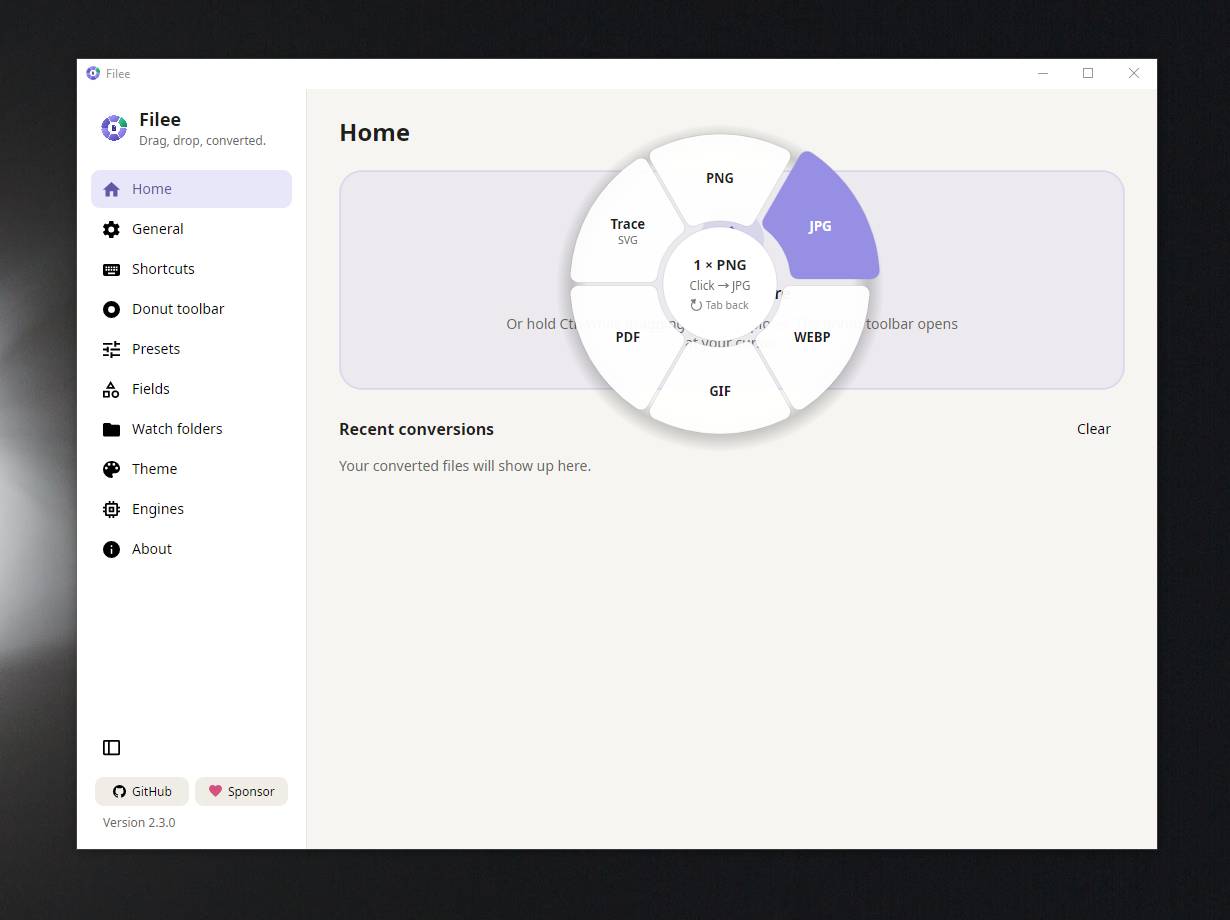 Features: • Converts more than 250 formats, finding a conversion route between formats automatically. • Converts files individually or in batches, processing multiple files in parallel. • Opens its format menu with a drag gesture, keyboard shortcut, right-click menu, Send To option, or the main window’s drop zone. • Converts files dragged from web pages, including pictures, links, and downloads. • Provides presets for image quality, size, DPI, PDF pages, compression, video, audio, output folders, and file names. • Includes tools to crop, rotate, flip, resize, convert to grayscale, remove backgrounds, merge PDFs, and create ZIP archives. • Watches folders and converts files as they arrive. • Supports command-line conversion of files, folders, and wildcard selections for automation. • Offers optional conversion engines, including FFmpeg, LibreOffice, Calibre, Ghostscript, and Pandoc. • Annotates pictures with arrows, boxes, highlights, freehand lines, text, and numbered markers. • Crops video, removes black bars, places multiple PDF pages on one sheet, and copies or moves files to another folder. • Creates SRT captions from video or recordings, and translates documents, e-books, and subtitles using a local AI model. Supported operating systems: • Windows 10, Windows 11 • macOS 13 or higher (preview) • Linux x64 or ARM64 (Ubuntu 22.04 or higher) Supported languages: English, Spanish, Japanese, Korean, Simplified Chinese, Traditional Chinese, Polish, Hindi, Russian, Arabic, Brazilian Portuguese, French, Nepali, Thai, Turkish, European Portuguese, German, Italian, Indonesian, Vietnamese Changes: [v2.3.0 11-03-26] Added picture annotation, video cropping, PDF pages per sheet, pixelate and blur tools, picture-to-3D relief conversion, and options to copy or move files to a folder. Added local AI translation for documents, e-books, and subtitles, plus SRT caption creation. Added new file formats, CMYK improvements, and additional settings for fields, image sizes, cropping, and file merging. 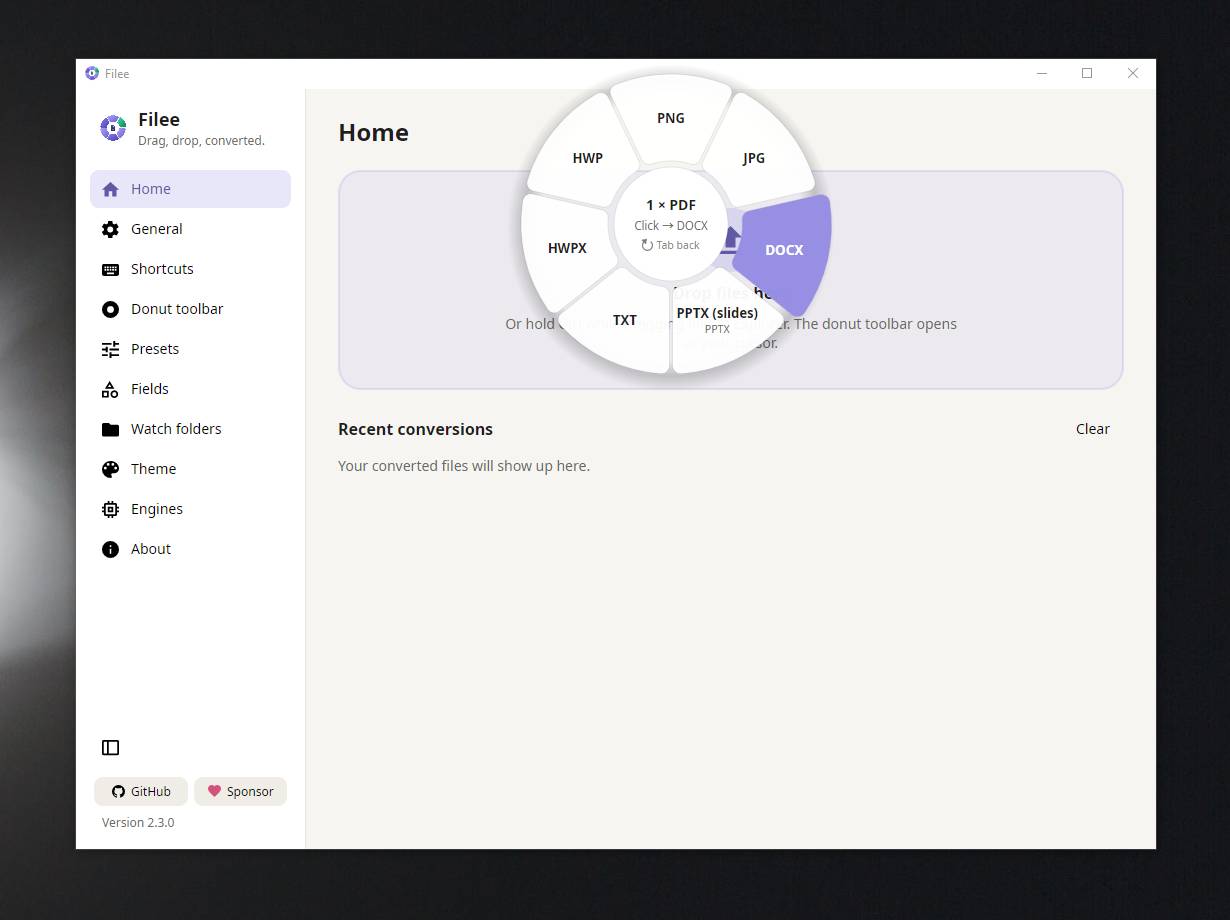 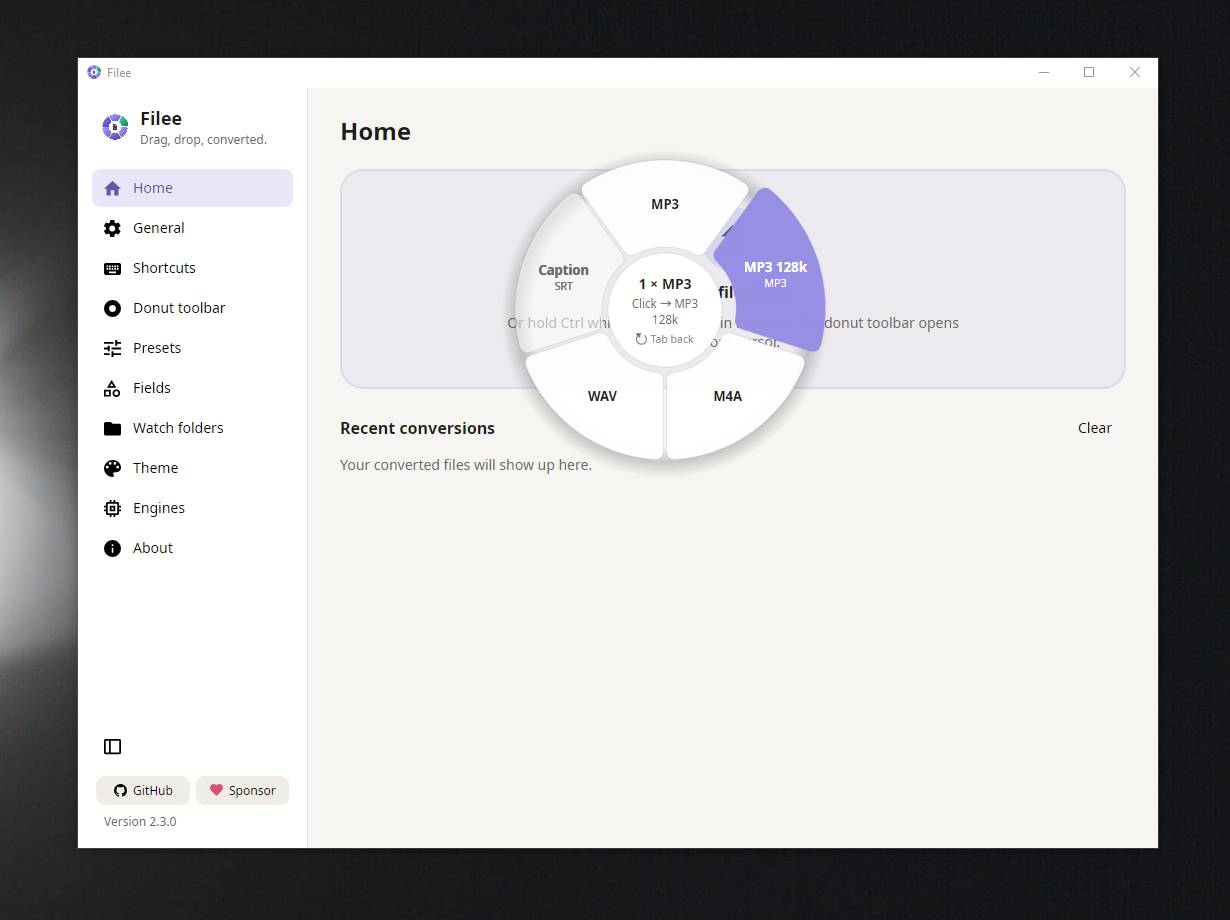 👉 This download is for the Windows portable version (very bottom of page). All other download assets are below: Windows: Filee-2.3.0-win-Setup.exe macOS: Filee-2.3.0-osx-arm64.dmg Filee-2.3.0-osx-arm64.tar.gz Filee-2.3.0-osx-x64.dmg Filee-2.3.0-osx-x64.tar.gz Linux: Filee-2.3.0-linux-arm64.tar.gz Filee-2.3.0-linux-x64.tar.gz Click here to visit the author's website. Continue below for the main download link. |
||||||||
| Downloads | Views | Developer | Last Update | Version | Size | Type | Rank | |
| 4 | 17 | Myeonggu Kim | Nov 04, 2026 - 12:21 | 2.3.0 | 153.3MB | ZIP |  , out of 1 Votes. |
|
| File Tags | ||||||||
| Filee converter Windows macOS Linux offline batch images documents audio video PDF archives ebooks | ||||||||
Click to Rate File Share it on Twitter → Tweet
|