|

|
Processed through Paypal No account required. |








Buy our over-priced crap to help pay the bills.



|
|
Processed through Paypal No account required. |
| File - Download DeskRealm v0.5.8 | ||||||||
| Description | ||||||||
|
Always scroll to the bottom of the page for the main download link. We don't believe in fake/misleading download buttons and tricks. The link is always in the same place. DeskRealm v0.5.8 👉 Give each Windows virtual desktop its own real Desktop folder, icon layout and hotkeys. DeskRealm turns Windows virtual desktops into separate Desktop “realms,” each with its own Desktop folder, icon layout and optional direct hotkeys. Instead of every Win + Tab workspace showing the same desktop clutter, DeskRealm redirects the current user’s Windows Desktop Known Folder to the folder assigned to the active virtual desktop. 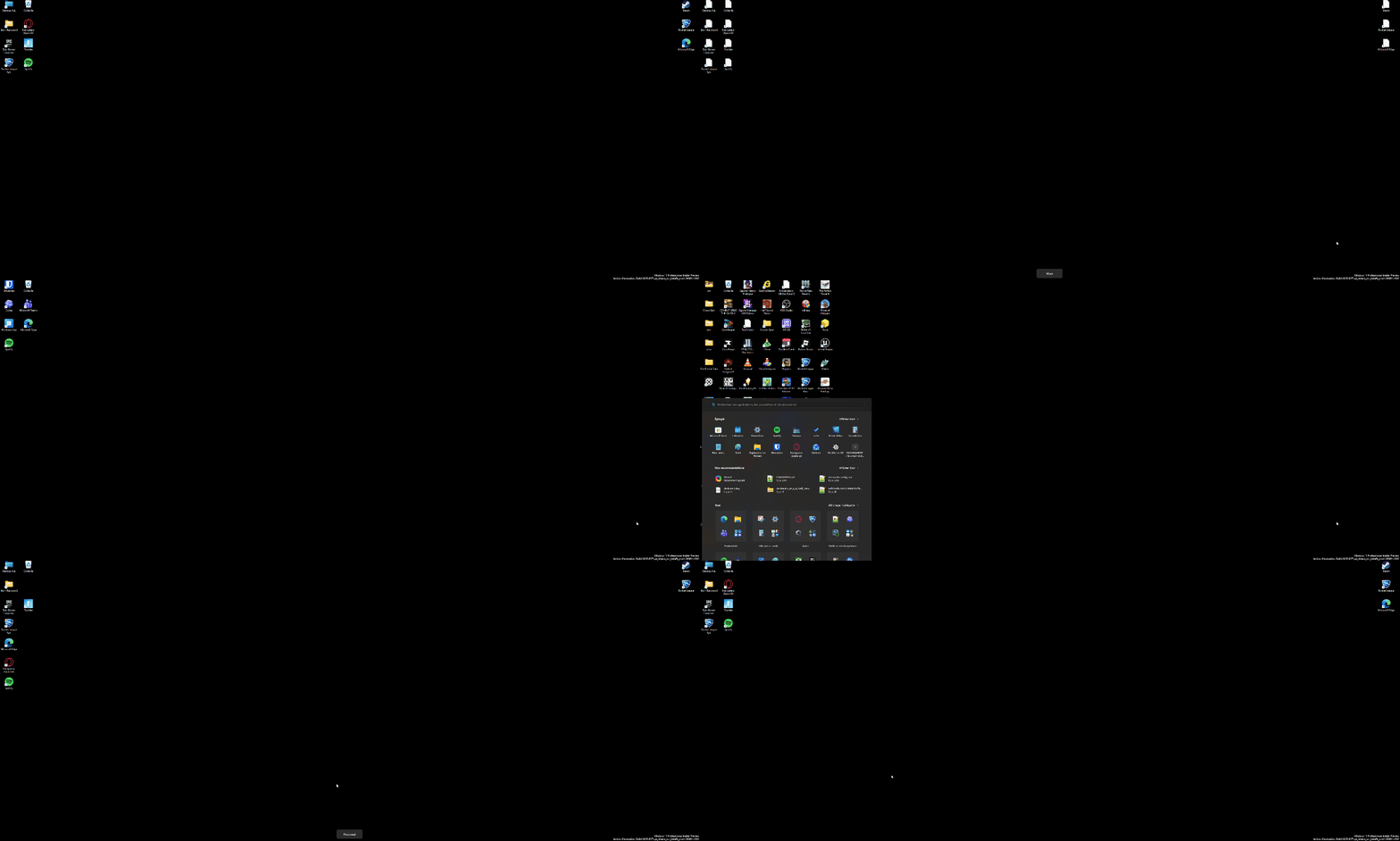 Features: • Assigns separate Desktop folders to Windows virtual desktops • Synchronizes realm folder names with Windows Task View desktop names • Saves and restores per-realm Desktop icon layouts • Automatic icon layout autosave with change detection • Configurable global hotkeys for jumping to numbered desktops • Tray menu with status, refresh, sync, pause/resume, logs, config and restore options • Optional startup with Windows • Preserves the original Desktop folder instead of moving files during onboarding • Refuses OneDrive Desktop redirection by default • Refuses duplicate virtual desktop names and unsafe folder conflicts • Includes emergency restore script for returning the original Desktop path • Portable ZIP and install-bundle release options Supported operating systems: • Windows 10, Windows 11 Supported languages: English Changes: v0.5.8 06-12-26 Fixed: • Reworked first-run onboarding so DeskRealm no longer moves files from the original Windows Desktop into a managed realm folder. • The selected virtual desktop realm now points directly to the original Desktop folder, preserving the normal Desktop when DeskRealm is closed or disabled. • Added absolute-path realm assignments so a realm can safely use an existing external folder such as the original Desktop. • Prevented duplicate assignment of the original Desktop path to multiple virtual desktops. Changed: • The first-run wizard now describes the safe association model instead of file migration. • Config migration v6 disables the legacy initialDesktopImportMoveFiles flag. • Documentation, installation notes, safety notes and release process now describe the no-move onboarding model. Safety: • DeskRealm must not silently move user Desktop files during onboarding. Existing files remain in the original Desktop folder. This download is for the Windows 64bit installer version (very bottom of page). If you need the Windows 64bit portable version, download here. Click here to visit the author's website. Continue below for the main download link. |
||||||||
| Downloads | Views | Developer | Last Update | Version | Size | Type | Rank | |
| 618 | 1,803 | Ayahua Ekimaku | Jun 12, 2026 - 12:26 | 0.5.8 | 62.75MB | ZIP |  , out of 5 Votes. , out of 5 Votes. |
|
| File Tags | ||||||||
| DeskRealm virtual desktop folders icons layout hotkeys tray Windows workspace shell portable realms productivity organization Apache2 | ||||||||
Click to Rate File Share it on Twitter → Tweet
|


