|

|
Processed through Paypal No account required. |








Buy our over-priced crap to help pay the bills.



|
|
Processed through Paypal No account required. |
| File - Download GIMP Portable v3.2.6 | ||||||||
| Description | ||||||||
|
Always scroll to the bottom of the page for the main download link. We don't believe in fake/misleading download buttons and tricks. The link is always in the same place. GIMP Portable v3.2.6 👉 Portable image editor for photo retouching, image composition and graphic creation. GIMP Portable is the portable version of the GNU Image Manipulation Program, a free and open source image editor for photo retouching, image composition, image authoring, painting, batch processing, rendering and image format conversion. It runs from a cloud folder, removable drive, local folder or the PortableApps.com Platform without needing a traditional installation. 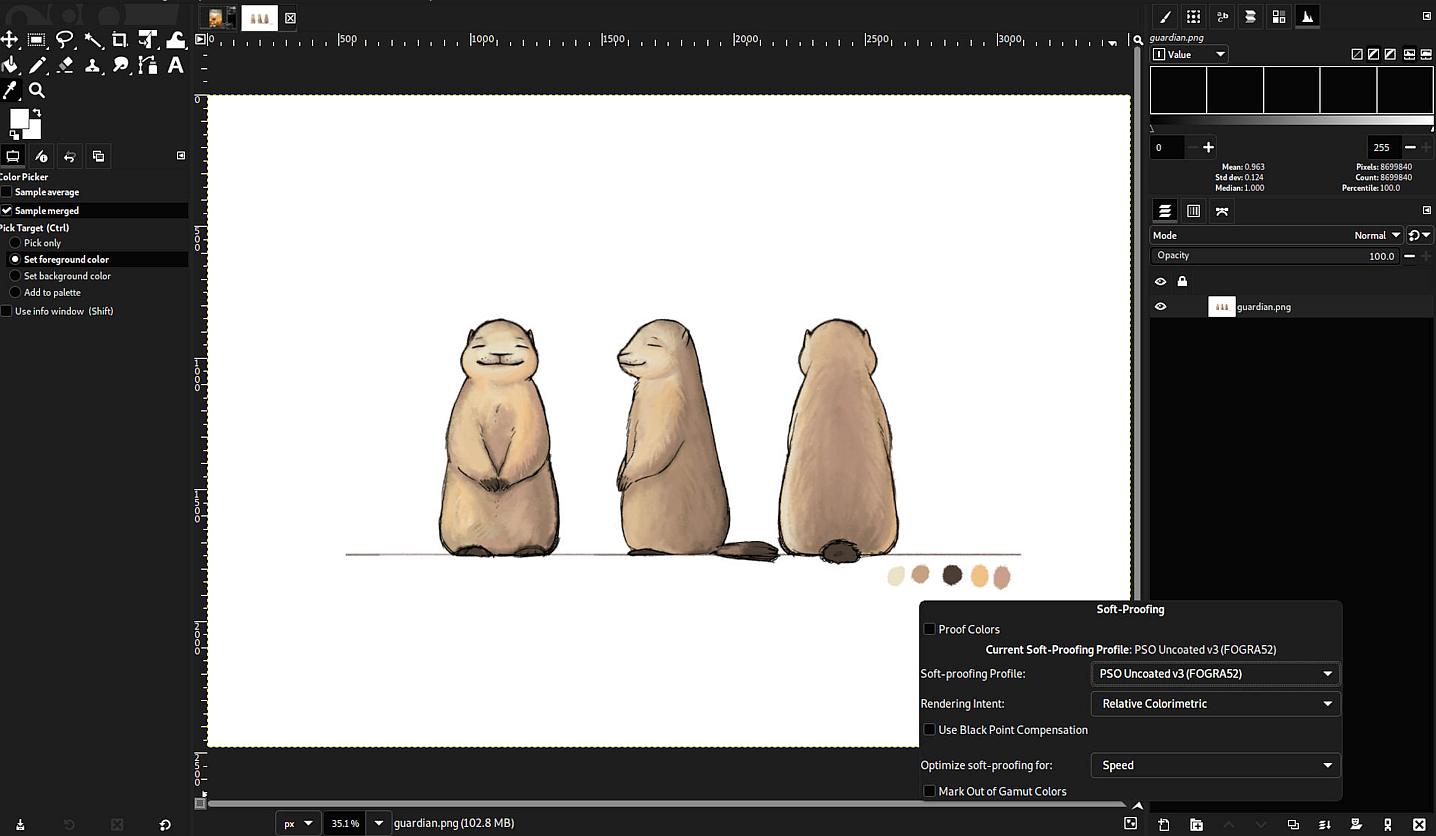 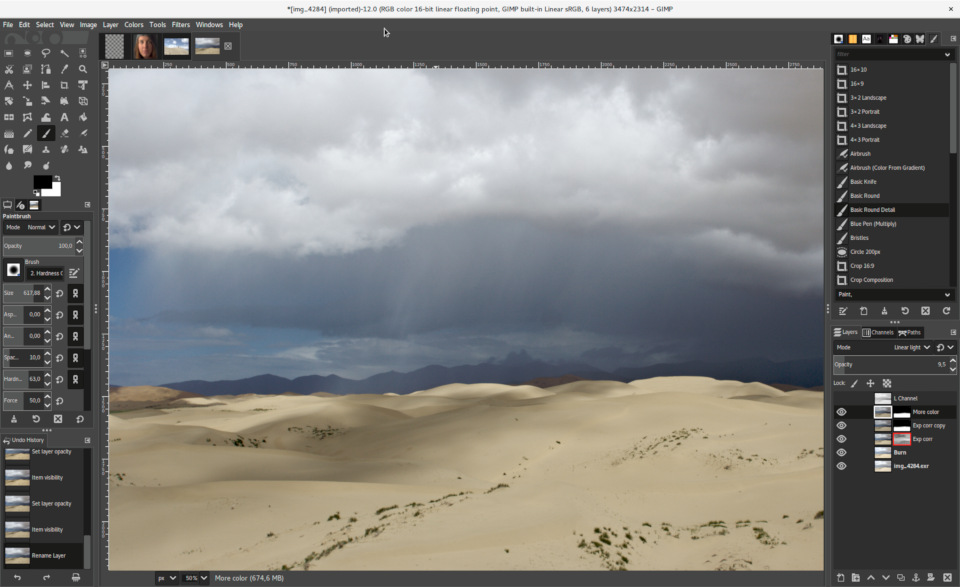 Features: • Portable version of GIMP for Windows • Runs from USB drives, cloud folders or local folders • Photo retouching and image editing • Image composition and authoring • Paint program capabilities • Expert-quality photo manipulation tools • Batch processing support • Image rendering and format conversion • Supports plug-ins and scripts • User plug-ins and scripts can be placed in the portable Data\GimpAppData folder • Optional English-only offline help add-on available • PortableApps.com Platform support for easier installs and automatic updates • Open source software under the GPL Supported operating systems: Windows XP, Vista, 7, 8, 10, 11 Supported languages: Multilingual, GIMP is available in more than 80 languages Changes: v3.2.6 09-10-26 Several months of patches, bug fixes, security updates, and stability improvements. Cut can now be used on rasterized, unlocked layer groups to cut the same area from all layers in the group. Color Picker's Sample Merged option now accounts for filters applied to a single layer. Improved performance when loading large numbers of fonts, including faster startup, text entry, and closing font lists. Fixed text being hidden at the edges when using fixed text layouts. Fixed dark smudges produced by the Heal Tool when working outside the bounds of a layer smaller than the canvas. Fixed a crash that could occur when pressing keys quickly after releasing the spacebar while panning. Text can now be selected for editing even when partially covered by a layer mask. Fixed loading of Licensor image metadata. Added a maximum width for tooltips with long descriptions. Fixed several issues involving rasterized vector layers. Added Rotation/Barrel Rotation stylus dynamics input, including support in the MyPaint Brush tool. Improved dialogs, window focus, multi-window operation, system themes, and accent colors on Windows and macOS. Windows Send to Email now works through MAPI with applications such as Thunderbird and Outlook Classic. Windows Open With can now open multiple files in a single GIMP instance. Introduced a newly built macOS package with improved integration with native macOS features. macOS improvements include theme-aware titlebars, system scrollbar preferences, standard cache locations, additional keyboard shortcuts and modifiers, corrected drag-and-drop offsets, improved custom cursors, localized standard menus, and native support for opening remote files. Patched 28 reported CVE/ZDI security vulnerabilities affecting various parts of GIMP. Added the GIMP SDK to official AppImage, Windows, and macOS packages, allowing C plug-ins and GEGL filters to be built using gimptool. Updated GdkPixbuf minimum dependency to 2.32.0. Improved plug-in update detection and PDB error/warning handling. Updated the GIMP 3.2 Help Manual. Includes babl 0.1.128 and GEGL 0.4.72, with build, stability, OpenCL, file-format, and security improvements. 179 reports were closed as fixed, 104 merge requests were merged, and 871 commits were made since GIMP 3.2.4. 21 translations were updated. This download is for the Windows 10/11 64bit version (very bottom of page). All other download assets are below: Legacy Windows: GIMPPortableLegacy32bit_3.2.0.paf.exe (Windows 10 32-bit) GIMPPortableLegacyWin7_2.10.38-1.paf.exe (Windows 7/8) GIMPPortableLegacyWinXP_2.8.22.paf.exe (Windows XP/Vista) Click here to visit the author's website. Continue below for the main download link. |
||||||||
| Downloads | Views | Developer | Last Update | Version | Size | Type | Rank | |
| 6,742 | 15,957 | GIMP Team & PortableApps.com | Sep 11, 2026 - 11:38 | 3.2.6 | 94.11MB | EXE |  , out of 85 Votes. , out of 85 Votes. |
|
| File Tags | ||||||||
| image Portable GIMP editor photo graphics painting retouching layers filters raster design artwork open source Windows macOS Linux | ||||||||
Click to Rate File Share it on Twitter → Tweet
|


