|

|
Processed through Paypal No account required. |








Buy our over-priced crap to help pay the bills.



|
|
Processed through Paypal No account required. |
| File - Download No Bloat PDF v1.5.0 | ||||||||
| Description | ||||||||
|
A plea... Deanna and I have been running this site since 2008 and lately we're seeing a big increase in users (and cost) but a decline in percentage of users who donate. Our ad-free and junkware-free download site only works if everyone chips in to offset the revenue that ads on other sites bring in. Please donate at the bottom of the page. Every little bit helps. Thank you so much. Sincerely, your Older Geeks: Randy and Deanna Always scroll to the bottom of the page for the main download link. We don't believe in fake/misleading download buttons and tricks. The link is always in the same place. No Bloat PDF v1.5.0 👉 A tiny, fast and private PDF viewer with no ads, accounts or telemetry. No Bloat PDF is a lightweight, open-source PDF viewer designed to do one thing well: open and read PDF files without the advertising, cloud services, accounts, launchers and other extras found in many modern PDF readers. The complete installer is only about 4.6 MB, yet the program provides tabbed viewing, document search, thumbnails, bookmarks, zooming, rotation and printing. It uses Mozilla's pdf.js rendering engine inside a small native application shell and is designed to open documents quickly without a splash screen or sign-in process. Privacy is a major part of the design. No Bloat PDF makes zero network calls, includes no telemetry and requires no account. PDF documents remain entirely on your computer. Multiple documents can be kept open as tabs in a single window, and the program remembers your position in previously viewed files. Dark mode follows the operating system while leaving the actual PDF pages in their original colors. 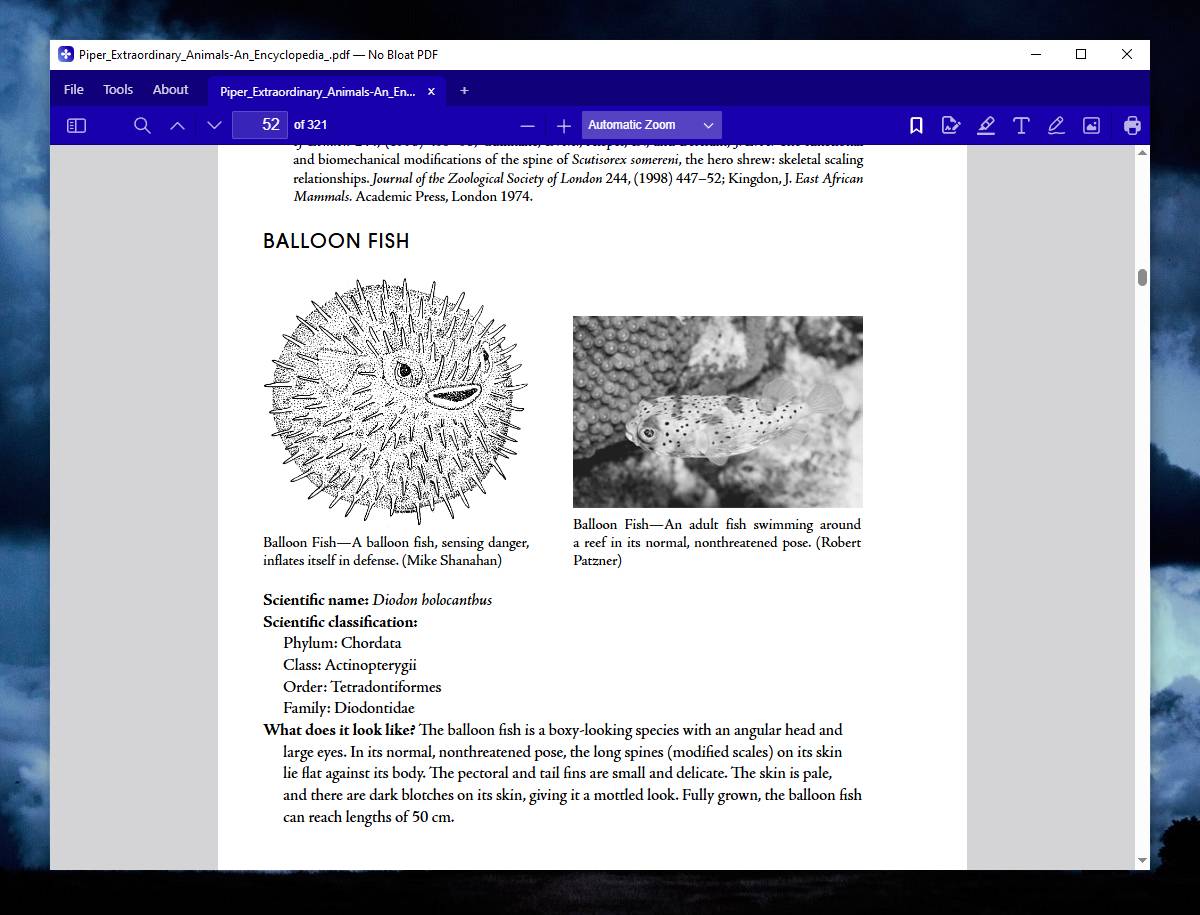 Features: • Small 4.6 MB installer • Fast PDF opening with no launcher or splash screen • Built on Mozilla's pdf.js PDF rendering engine • Multiple PDF documents open as tabs in a single window • Full-text document search • Page thumbnail navigation • Document outline and bookmark navigation • Zoom controls for easier reading • Page rotation • Remembers your position in each PDF • High-resolution PDF printing directly from the viewer • Drag-and-drop support for opening PDF files • Can be configured as the system's default PDF viewer • Dark mode follows the operating system setting • PDF documents remain true-color when dark mode is enabled • Zero telemetry • Zero network calls • No user account or sign-in required • No cloud services • No advertising or upsells • Documents never leave your computer • Free to use • Open-source software released under the MIT license • Combine multiple PDFs and images into a single new PDF • Supports PDF, PNG, JPEG, TIFF, GIF, BMP and WebP files when combining • Multi-page TIFF files are converted to one PDF page per image • Drag files into the desired order before creating the combined PDF • Password-protected PDFs can be combined by entering their password • Combined files are processed entirely on your computer with nothing uploaded • Command-line support for combining files without opening a dialog How to make No Bloat PDF your default PDF viewer: Windows 11: • Right-click any PDF file and select Open with → Choose another app. • Select No Bloat PDF from the list. • Click Always to make No Bloat PDF the default app for .pdf files. • If No Bloat PDF is not listed, select Choose an app on your PC and browse to the program. Windows 10: • Right-click any PDF file and select Open with → Choose another app. • Select No Bloat PDF. • Check Always use this app to open .pdf files. • Click OK. macOS: • In Finder, select any PDF file. • Press Command-I, or right-click the file and select Get Info. • Expand the Open with section. • Select No Bloat PDF from the application menu. • Click Change All.... • Click Continue when asked to confirm. • All PDF files will now open with No Bloat PDF by default. Supported operating systems: • Windows 10, Windows 11 • macOS 12 or Higher Supported languages: English Changes: v1.5.0 09-06-26 Feature release: Combine Files. File > Combine Files (or the button on the start screen) opens a screen where you drop PDFs and images, drag them into order, and get one new PDF, saved wherever you choose and opened in a tab. Everything runs on your machine; nothing is uploaded. What is in it: Accepts PDF, PNG, JPEG, TIFF, GIF, BMP, and WebP. A multi-page TIFF becomes one page per image. Image pages fill their page edge to edge, oriented to the image, so a scan comes out as a clean full page. Password-protected PDFs are accepted with their password. Drag cards to reorder, or use Option/Alt plus the arrow keys. Delete removes a card. Command line: no-bloat-pdf --combine out.pdf a.pdf b.png c.tif writes the result without any dialog. The PDF is written by the same pdf.js page extractor that saves page edits, so there is no second PDF engine and the installer stays 4.6 MB. The TIFF decoder (UTIF.js and tiny-inflate, both MIT) loads only when a TIFF is added. Also: the macOS CI smoke test now runs Combine Files end to end on macOS 15 and current macOS before a build is accepted. 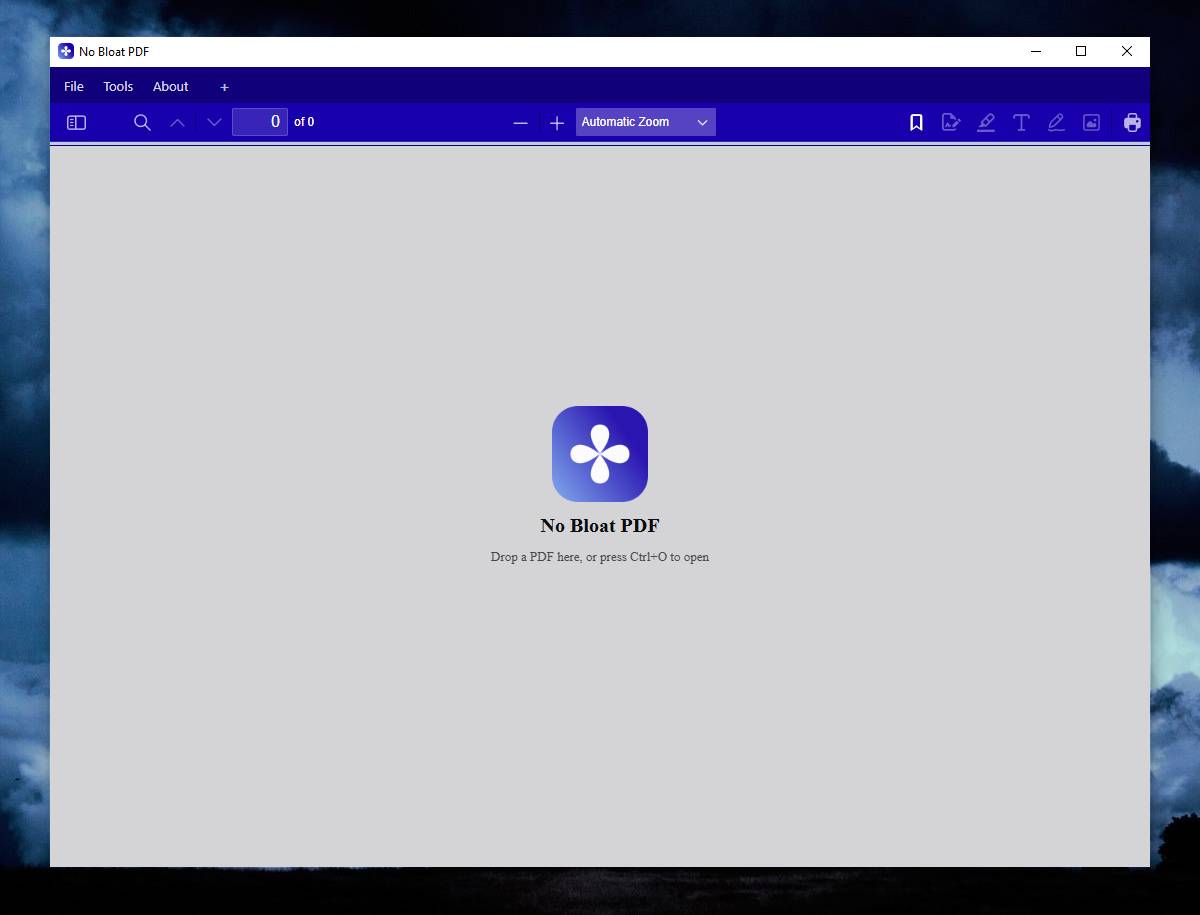 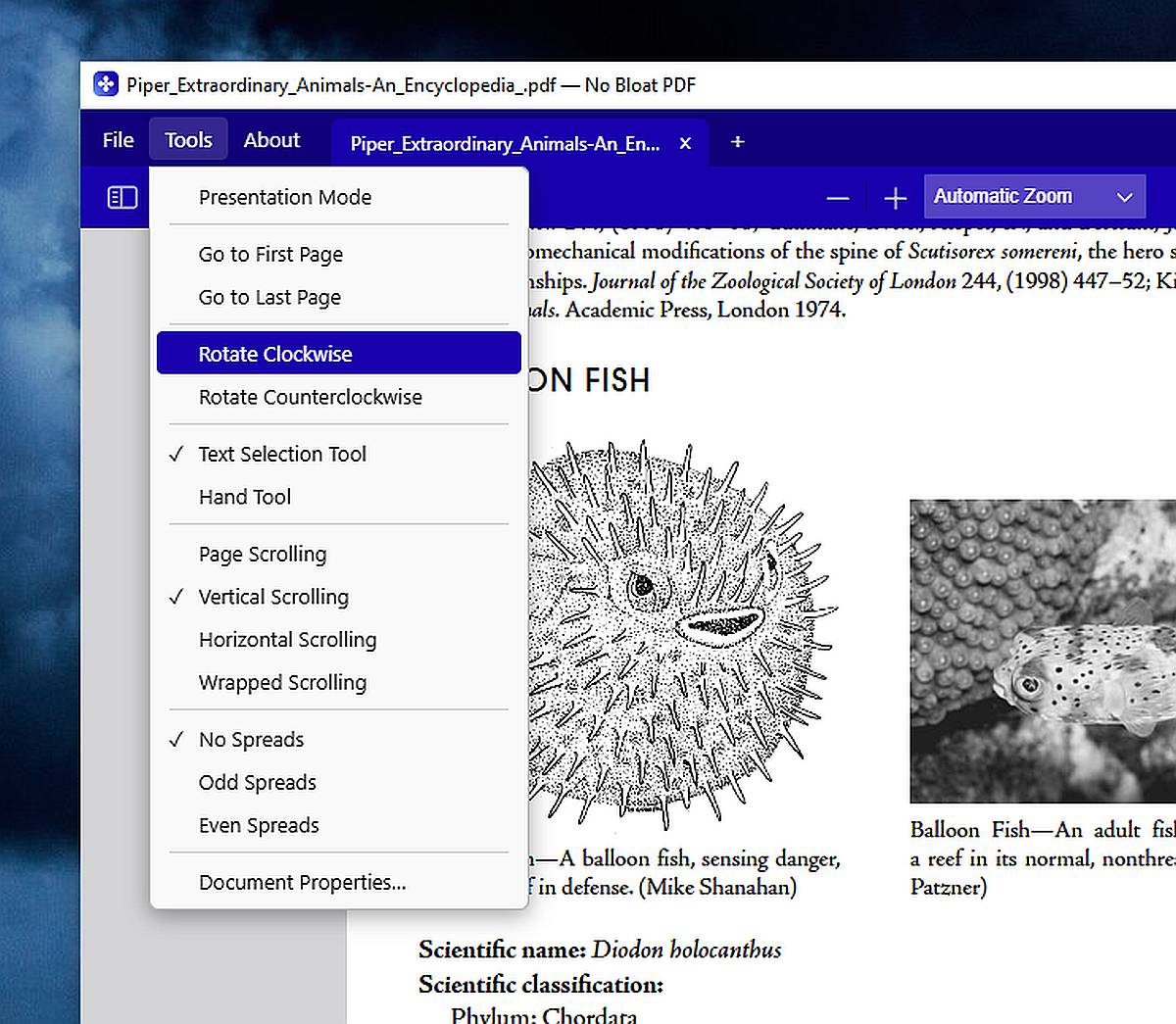 This download is for the Windows version (very bottom of page). All other download assets are below: macOS: NoBloatPDF-1.5.0-apple-silicon.dmg NoBloatPDF-1.5.0-intel.dmg Click here to visit the author's website. Continue below for the main download link. |
||||||||
| Downloads | Views | Developer | Last Update | Version | Size | Type | Rank | |
| 280 | 1,132 | Brian Galvan | Sep 09, 2026 - 11:04 | 1.5.0 | 4.62MB | EXE |  , out of 3 Votes. , out of 3 Votes. |
|
| File Tags | ||||||||
| documents Windows macOS printing bookmarks offline lightweight reader viewer tabs PDF open-source NoBloatPDF search private | ||||||||
Click to Rate File Share it on Twitter → Tweet
|


