|

|
Processed through Paypal No account required. |








Buy our over-priced crap to help pay the bills.



|
|
Processed through Paypal No account required. |
| File - Download Nextpad++ v1.1.0 | ||||||||
| Description | ||||||||
|
A plea... Deanna and I have been running this site since 2008 and lately we're seeing a big increase in users (and cost) but a decline in percentage of users who donate. Our ad-free and junkware-free download site only works if everyone chips in to offset the revenue that ads on other sites bring in. Please donate at the bottom of the page. Every little bit helps. Thank you so much. Sincerely, your Older Geeks: Randy and Deanna Always scroll to the bottom of the page for the main download link. We don't believe in fake/misleading download buttons and tricks. The link is always in the same place. Nextpad++ v1.1.0 👉 A free, open-source, native port of Notepad++ for macOS and Linux. Nextpad++ is a full open-source community port of Notepad++ designed to provide the familiar Notepad++ editing experience natively on macOS and Linux. It uses the same Scintilla editing engine and provides syntax highlighting, search and replace, macro recording, split-view editing, user-defined languages and a growing ecosystem of ported plugins. The macOS interface is implemented using native Cocoa APIs, while the Linux edition uses GTK4, eliminating the need for Wine or other Windows compatibility layers. The editor supports more than 80 programming languages for syntax highlighting and includes 137 interface languages. Its search tools include regular expressions, Find in Files, line bookmarks and incremental search. Documents can be viewed side-by-side with split-view editing, and repetitive editing operations can be automated using recordable and replayable macros. Nextpad++ supports plugins through its built-in Plugin Admin, with community developers continuing to port Notepad++ plugins to macOS and Linux. Configuration files, themes and User Defined Languages are designed to remain compatible across the Windows, macOS and Linux editions. The macOS edition is a Universal Binary containing native ARM64 and x86_64 code, allowing it to run directly on Apple Silicon and Intel Macs without Rosetta. The Linux edition runs natively on x86_64 and ARM64 systems and supports both Wayland and X11. Nextpad++ is an independent community project and is not affiliated with the official Notepad++ development team. It is free and open source under the GNU General Public License v3. The application contains no advertising and the developer states that it contains no telemetry, analytics or data collection. 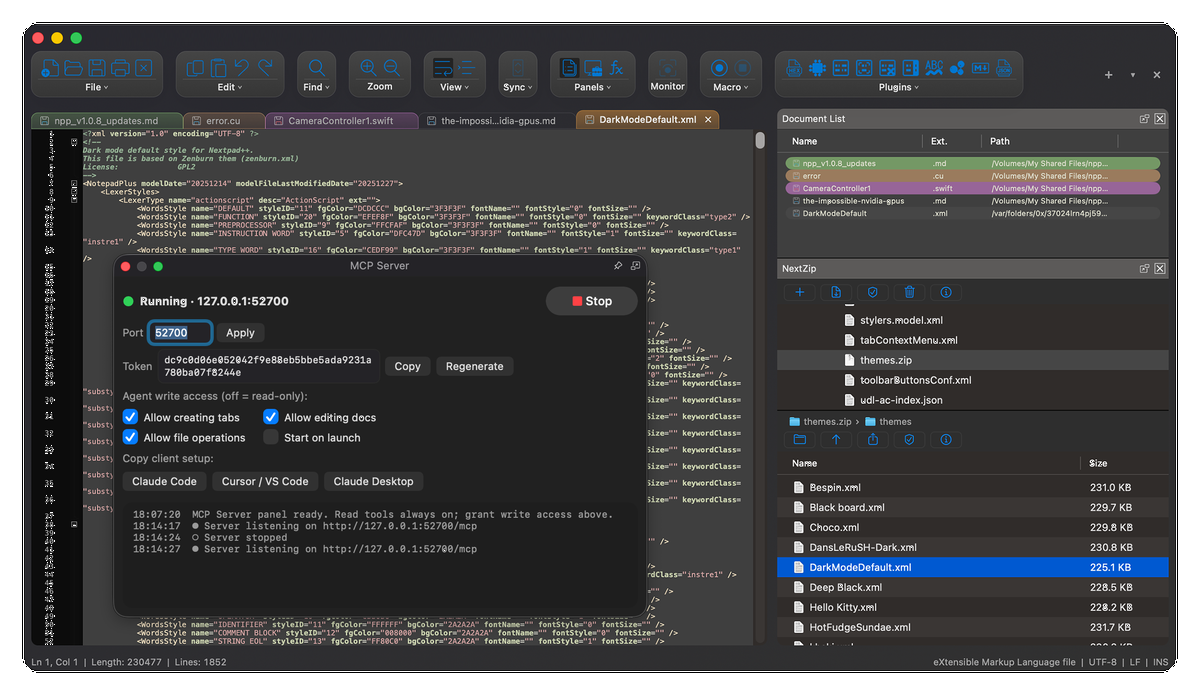 Features: • Full independent community port of Notepad++ for macOS and Linux • Native macOS Cocoa/AppKit interface • Native GTK4 interface on Linux • Uses the same Scintilla editing engine as Notepad++ • Syntax highlighting for more than 80 programming and markup languages • User Defined Languages for adding custom language definitions • Customizable color themes • Powerful search and replace • Regular expression searching • Find in Files • Incremental search • Line bookmarks • Split-view editing for viewing two documents side-by-side • View and edit two different parts of the same document simultaneously • Record, save and replay macros • Plugin support with a built-in Plugin Admin • Growing collection of native macOS and Linux plugin ports • Native Apple Silicon ARM64 support • Native Intel x86_64 Mac support • No Rosetta required on Apple Silicon • Native Linux x86_64 and ARM64 support • Native Wayland and X11 support on Linux • Compatible configuration files, themes and User Defined Languages across platforms • Apple Developer ID signed and notarized on macOS • Free and open source under the GNU GPL v3 • No Wine, CrossOver or other Windows compatibility layer required • No advertising, telemetry, analytics or data collection Supported operating systems: • macOS 11 Big Sur or higher, Apple Silicon M1-M5 and Intel • Linux with GTK 4.14+ and glibc 2.39+, Ubuntu 24.04 LTS or higher, Debian 13 or higher, Fedora 40 or higher, RHEL 10 or higher, openSUSE Leap 16 or Tumbleweed, Linux Mint, Arch Linux Supported languages: Abkhazian, Afrikaans, Albanian, Amharic, Arabic, Aragonese, Armenian, Assamese, Aymara, Azerbaijani, Bambara, Basque, Belarusian, Bengali, Bhojpuri, Bosnian, Brazilian Portuguese, Breton, Bulgarian, Catalan, Cebuano, Chichewa, Chinese Simplified, Corsican, Croatian, Czech, Danish, Dhivehi, Dogri, Dutch, English, Esperanto, Estonian, Ewe, Extremaduran, Farsi, Finnish, French, Friulian, Galician, Georgian, German, Greek, Gujarati, Hausa, Hawaiian, Hebrew, Hindi, Hmong, Hong Kong Cantonese, Hungarian, Igbo, Ilocano, Indonesian, Irish, Italian, Japanese, Javanese, Kabyle, Kannada, Kazakh, Kinyarwanda, Konkani, Korean, Kurdish, Kyrgyz, Lao, Latvian, Ligurian, Lingala, Lithuanian, Luxembourgish, Macedonian, Maithili, Malagasy, Malay, Malayalam, Marathi, Mizo, Mongolian, Myanmar, Nepali, Norwegian, Nynorsk, Occitan, Odia, Pashto, Pig Latin, Polish, Portuguese, Punjabi, Quechua, Romanian, Russian, Samogitian, Sardinian, Sepedi, Serbian, Serbian Cyrillic, Sesotho, Shona, Sinhala, Slovak, Slovenian, Somali, Spanish, Spanish (Argentina), Sundanese, Swahili, Swedish, Tagalog, Taiwanese Mandarin, Tajik (Cyrillic), Tamil, Tatar, Telugu, Thai, Tigrinya, Tsonga, Turkish, Turkmen, Twi, Ukrainian, Urdu, Uyghur, Uzbek, Uzbek (Cyrillic), Venetian, Vietnamese, Welsh, Xhosa, Yoruba, Zulu Verifying Your Download: Every macOS release of Nextpad++ is distributed through Apple's macOS software-distribution chain. • Code-signed with an Apple Developer ID certificate. Every binary inside the application bundle is cryptographically signed. • Notarized by Apple. The DMG is submitted to Apple's notarization service for malware and known bad-signature scanning. • The notarization ticket is stapled directly to the DMG so Gatekeeper can verify it without an Internet connection. • The exact source commit used for each release is tagged in the project's public GitHub repository so the source can be independently audited or rebuilt. To verify the installed application yourself, open Terminal and run: codesign -dv --verbose=4 /Applications/Nextpad++.appspctl -a -vvv -t execute /Applications/Nextpad++.appThe first command displays the signing identity and certificate chain embedded in the application. The second asks Gatekeeper to verify that the application is notarized and accepted for execution. On a healthy installation, both commands should complete without warnings and spctl should report source=Notarized Developer ID.Changes: v1.1.0 08-04-26 • Added file associations. • Improved update notifications. • Side panels can dock on either side and remember their position. • Improved printing. • Fixed major issues involving non-English text. • Added the Parakeet AI plugin. • Added the MCP Server plugin. • Added the LuaScript plugin. 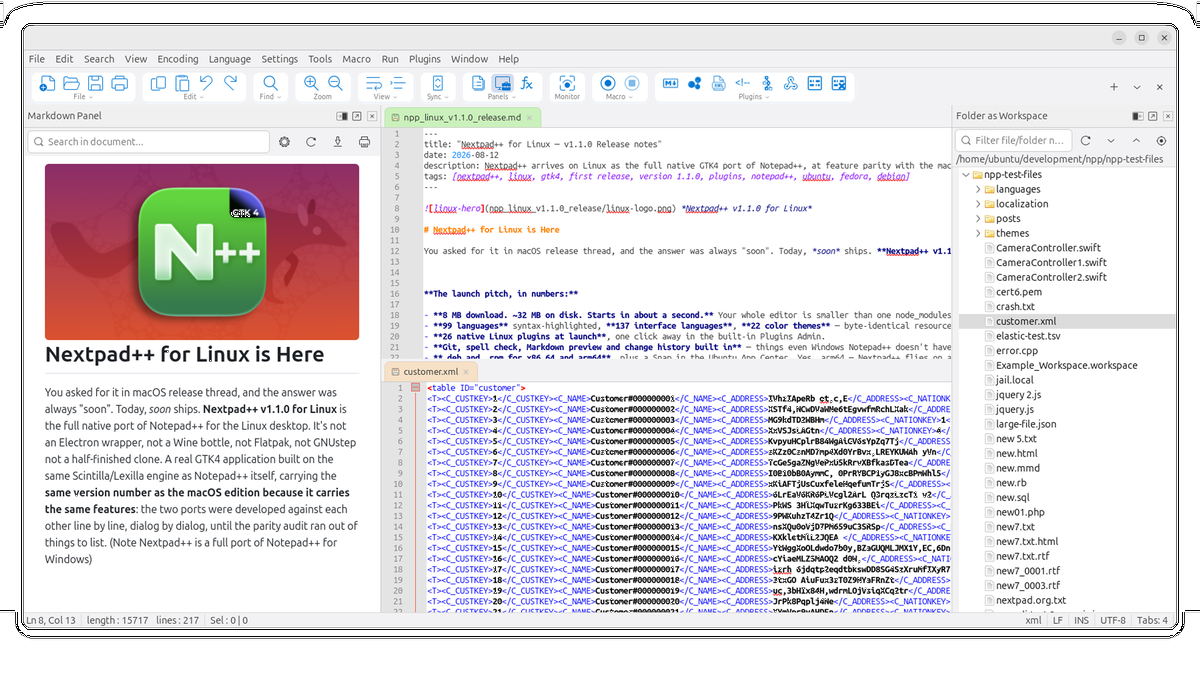 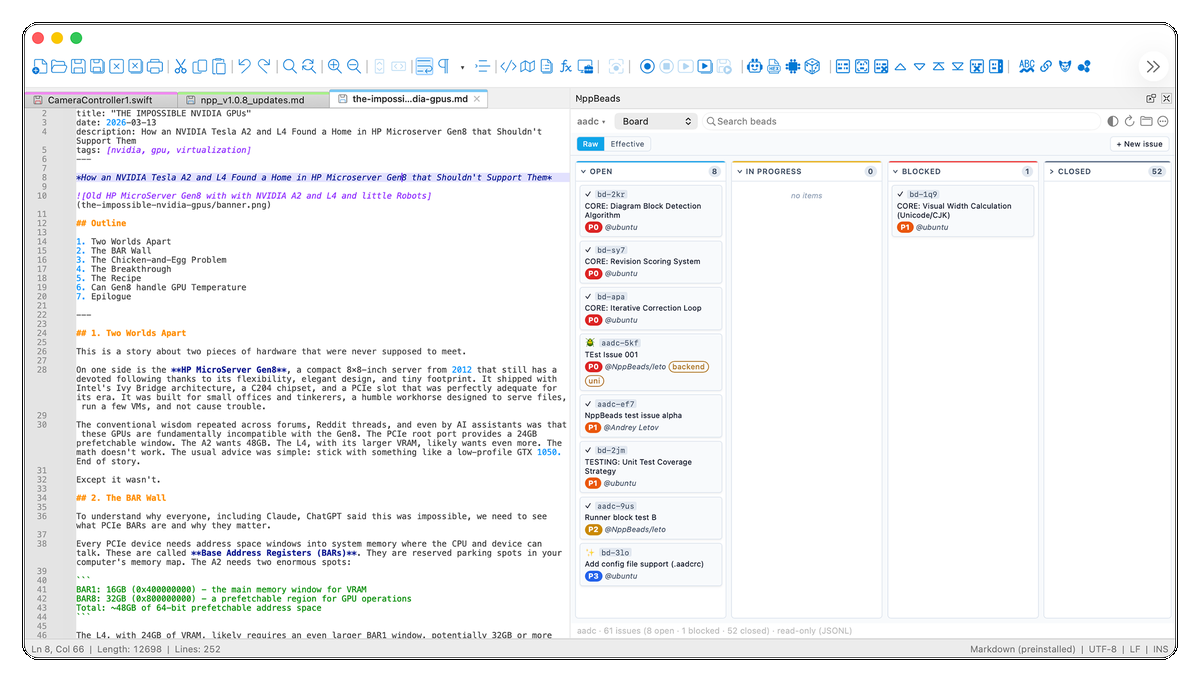 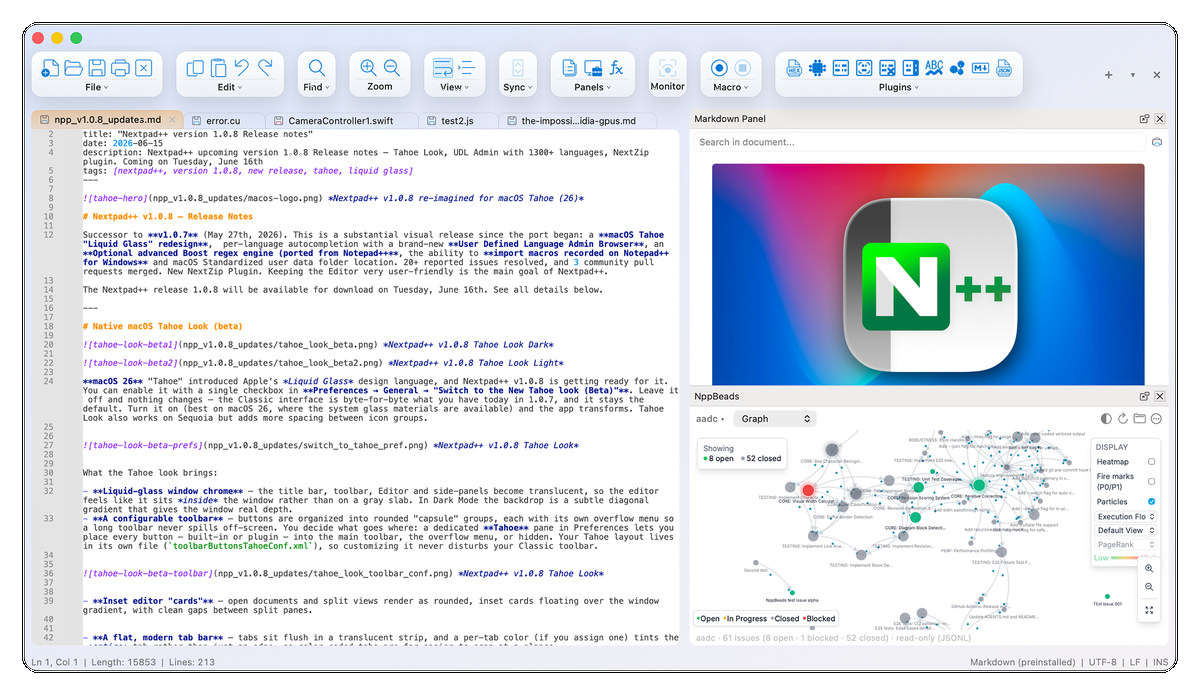 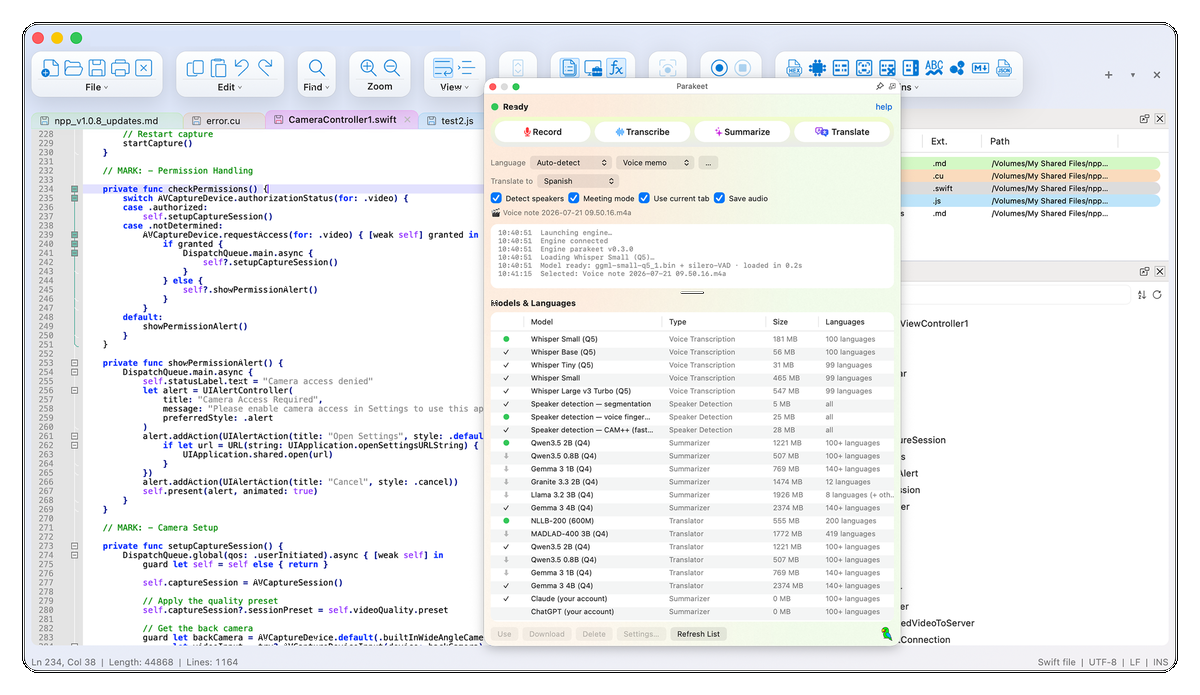 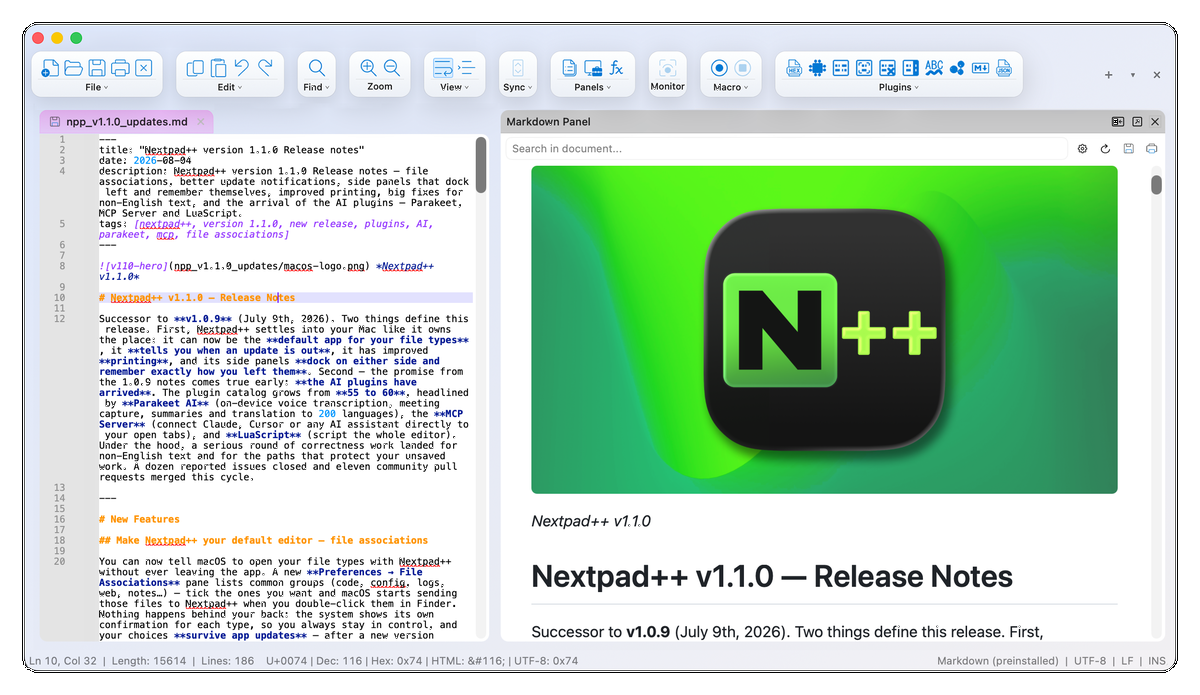 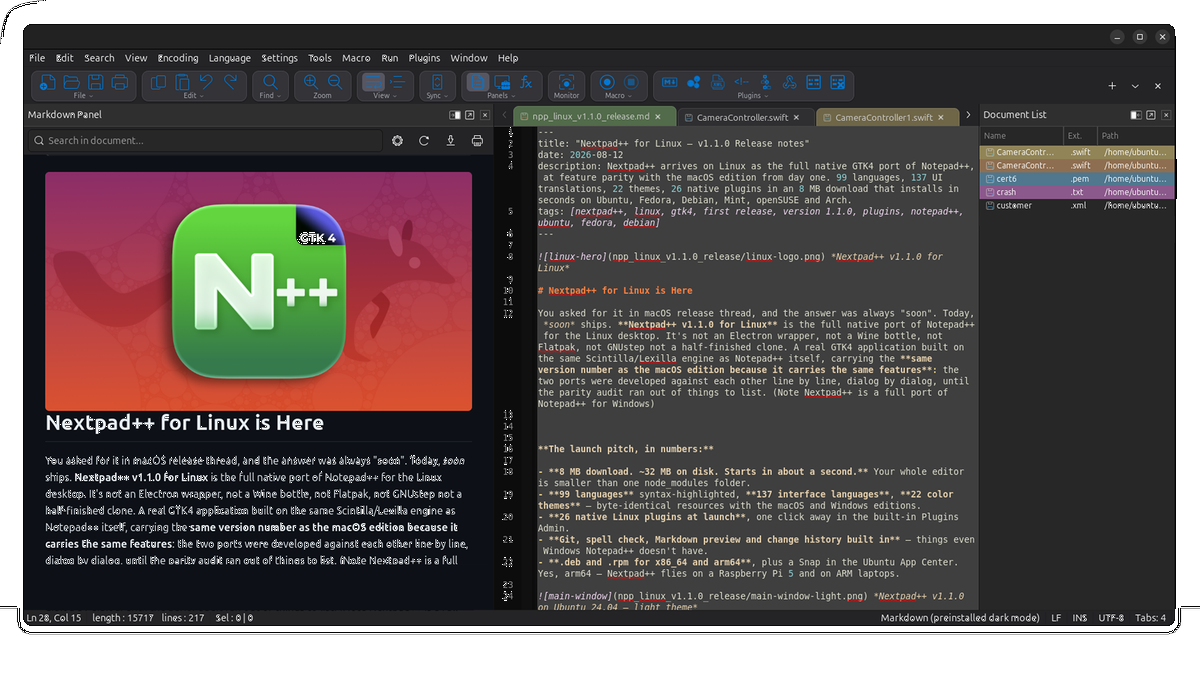 This download is for the macOS version (very bottom of page). All other download assets are below: Linux: Nextpad++v1.1.0_amd64.deb Nextpad++v1.1.0_arm64.deb Nextpad++v1.1.0_amd64.rpm Nextpad++v1.1.0_arm64.rpm Click here to visit the author's website. Continue below for the main download link. |
||||||||
| Downloads | Views | Developer | Last Update | Version | Size | Type | Rank | |
| 587 | 2,026 | Nextpad++ for Mac & Linux | Sep 03, 2026 - 12:01 | 1.1.0 | 15.35MB | DMG |  , out of 5 Votes. , out of 5 Votes. |
|
| File Tags | ||||||||
| text plugins syntax Scintilla coding programming editor Linux macOS Notepad++ Nextpad++ open-source development GTK4 Cocoa ARM64 | ||||||||
Click to Rate File Share it on Twitter → Tweet
|


