|

|
Processed through Paypal No account required. |








Buy our over-priced crap to help pay the bills.



|
|
Processed through Paypal No account required. |
| File - Download Super Productivity v18.19.0 | ||||||||
| Description | ||||||||
|
Always scroll to the bottom of the page for the main download link. We don't believe in fake/misleading download buttons and tricks. The link is always in the same place. Super Productivity v18.19.0 👉 A privacy-focused task manager with time tracking and Pomodoro timer. Super Productivity is an open-source productivity app designed to help users manage tasks, track time, and improve focus using built-in techniques like the Pomodoro timer. It integrates with popular issue tracking platforms such as Jira, GitHub, and GitLab, making it especially useful for developers and teams. The application emphasizes privacy by storing all data locally with no required sign-up or cloud dependency. Features: • Task management with subtasks, attachments, and notes • Built-in Pomodoro timer and break reminders • Time tracking with detailed statistics and reports • Integration with Jira, GitHub, GitLab, and other issue trackers • Offline-first design with local data storage • Distraction blocking and focus mode • Daily schedule planning and timeboxing • Keyboard shortcuts and command palette • Data import/export and backup support • Cross-platform synchronization options (optional) • Customizable themes and dark mode • Open-source with no ads or tracking Supported operating systems: • Windows 10, Windows 11 • macOS 11 or higher • Linux (AppImage, Snap, Flatpak, Debian/Ubuntu) • Android • iOS Supported languages: English, German, Spanish, French, Italian, Portuguese, Russian, Chinese, Japanese, Korean Changes: v18.19.0 08-07-26 Highlights Added search to global settings and a ? keyboard shortcut cheat sheet (#9302, #9318). Added crash-safe local drafts for project notes (#8982). Added interval recurrence phrases such as @every 2 weeks and @every 2 fridays (#9328). Added URL scheme actions for creating and completing tasks (#9121). Completed translations across all locales (#9360). Security and sync Enforced encrypted-only SuperSync uploads when E2EE is required and stopped clients from accepting plaintext downloads when encrypted sync is expected (GHSA-vrc7-775g-ggqc, #8903, #9457). Added diagnostics and recovery guidance for encrypted-operation integrity failures (#9331, #9439, #9444). Prevented stale-key uploads after server state replacements (#8730, #9330). Resolved Plan for Today bulk conflicts and preserved Planner placement during Today conflicts (#9442, #9454). Improved section conflict replay, older-client compatibility, first-sync overwrite confirmation, and blocked-action reporting (#9326, #9334, #9373, #9412). Fixed a multi-tab operation-log race that could skip replaying a concurrent operation (#8337, #9158). The local REST API now requires a bearer token for every request except GET /health. The token can be viewed or regenerated under Settings → Misc → Access Token (#9155). Sanitized plugin dialog HTML and SVG icons (#9440, #9445). Tasks, planning, and focus Improved recurring Schedule projections, continued segments, localized headings, reliable opening, and wide or six-row calendar layouts (#9258, #9314, #9372, #9375, #9377, #9406, #9455). Prevented deleted calendar events from reappearing (#9470). Fixed DST and logical-day handling for recurrences, Planner and Schedule date ranges, weekday scheduling, typed times, and date loading (#9174, #9370, #9401). Workday recurrences no longer start on a weekend selected from the add-task menu (#9404). Improved Focus Mode session tracking, break-rule editing, break-timer resets, and idle handling (#9092, #9351, #9357, #9361, #9407). Restored valid project tasks that were missing from their project's ordering lists (#9354). Kept the add-task button available during initial loading and the global add-task bar above mobile system navigation (#9420, #9471). Made the Planner schedule dialog fit small phone screens (#9467). Added “Move to top” and “Move to bottom” actions to subtask context menus (#9469). Made the Habit Tracker's seven-day strip update when the day changes (#9072, #9380). Integrations, platforms, and UI Serialized automatic backups, waited for Electron backup writes to finish, and prevented overlapping backup runs (#9327, #9337). Correctly escaped fields in worklog CSV exports (#9313). Synced CalDAV completion state and limited recurrence expansion to prevent UI hangs (#9097, #9279). Restored the GitLab finish-day worklog dialog (#9466, #9468). Loaded translations from uploaded plugin ZIPs and aligned plugin addTask and updateTask behavior with the local REST API (#9474, #9490). Fixed mobile safe-area overlays, Android back-button handling, and saved task-widget opacity on Windows and Linux (#9176, #9369, #9394). Restored the complete macOS icon set and macOS release builds, and stabilized iOS release builds on newer runners (#9335, #9464, #9487). Fixed color-picker rendering, tag placeholder visibility, and shortcuts after cancelling an input (#9312, #9367, #9458). Improved locale fallbacks, translation placeholders, accessibility labels, and Chinese and Turkish translations (#9130, #9298, #9301, #9309, #9401). Added support for SiYuan deep links in Electron (#9359). Added sync.md Multi to the community plugin documentation (#9323). SuperSync server Made legal pages and configuration operator-owned for self-hosted installations, with optional deploy-synced terms (#9390, #9395). Improved monitoring report accuracy, failure reporting, cleanup, scope limits, and database usage. Notices Added a warning that User Profiles will be removed in the next release (#9491). 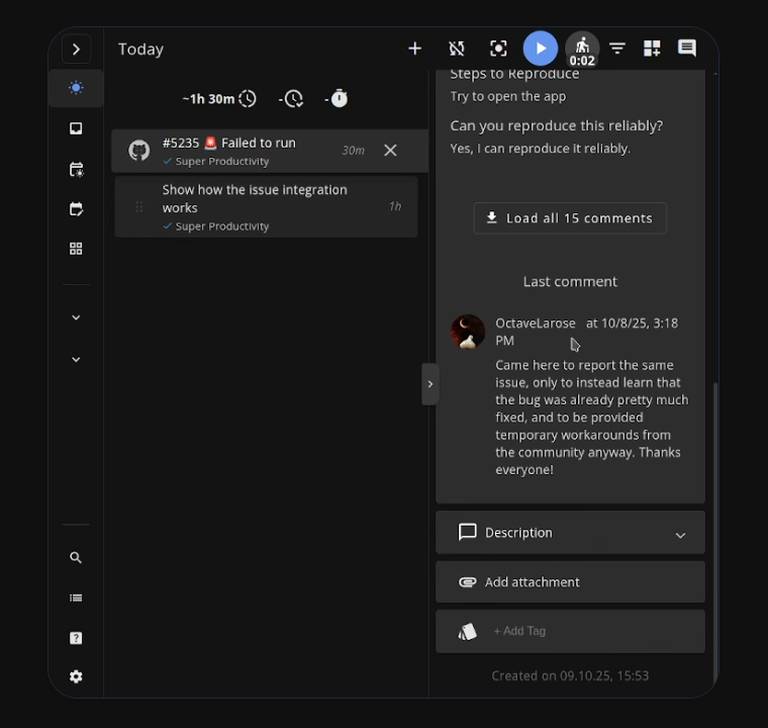 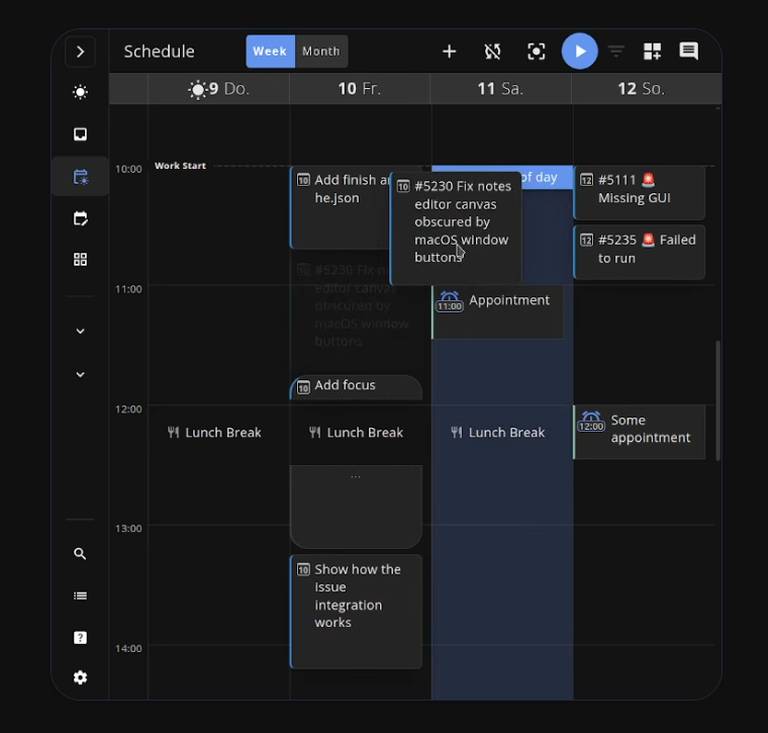 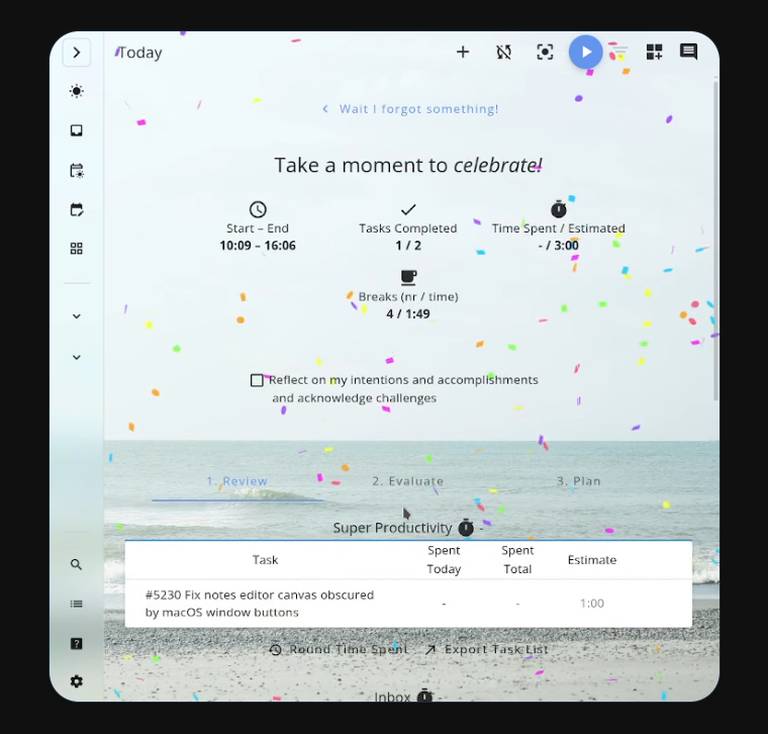 This download is for the Windows installer version (very bottom of page). All other download assets are below: Other Windows: superProductivity.exe (portable) Super-Productivity-Setup-arm64.exe superProductivity-arm64.exe (portable) macOS: superProductivity-universal.dmg Linux: superProductivity-x86_64.AppImage superProductivity-amd64.deb superProductivity-x86_64.rpm Install via snap: sudo snap install superproductivitySnap Store https://snapcraft.io/superproductivity Flathub https://flathub.org/apps/com.super_productivity.SuperProductivity Android: https://play.google.com/store/apps/details?id=com.superproductivity.superproductivity iOS: https://apps.apple.com/app/super-productivity/id1482572463 Click here to visit the author's website. Continue below for the main download link. |
||||||||
| Downloads | Views | Developer | Last Update | Version | Size | Type | Rank | |
| 694 | 3,281 | Super Productivity Org | Aug 12, 2026 - 11:55 | 18.19.0 | 213.84MB | EXE |  , out of 7 Votes. , out of 7 Votes. |
|
| File Tags | ||||||||
| scheduling calendar planner tasks Super Productivity time tracking productivity focus developer workflow organizer software | ||||||||
Click to Rate File Share it on Twitter → Tweet
|


