|

|
Processed through Paypal No account required. |








Buy our over-priced crap to help pay the bills.



|
|
Processed through Paypal No account required. |
| File - Download Winhance v26.06.12 | ||||||||
| Description | ||||||||
|
Always scroll to the bottom of the page for the main download link. We don't believe in fake/misleading download buttons and tricks. The link is always in the same place. Winhance v26.06.12 👉 Enhance, debloat, and customize Windows with powerful system tweaks. Winhance is a Windows optimization and customization tool designed to help users debloat, fine-tune, and enhance their Windows experience. It provides a structured interface to adjust privacy settings, remove unwanted apps, optimize performance, and configure various system components in a safe and organized way. Winhance simplifies advanced Windows configuration by grouping hundreds of commonly used tweaks, optimizations, and customization options into an intuitive interface. It can remove unnecessary Windows components, improve privacy, adjust gaming and performance settings, install or remove software, customize Explorer and the Start menu, and generate reusable configuration files for deploying the same settings across multiple computers. Winhance is open source and supports both installed and portable operation. 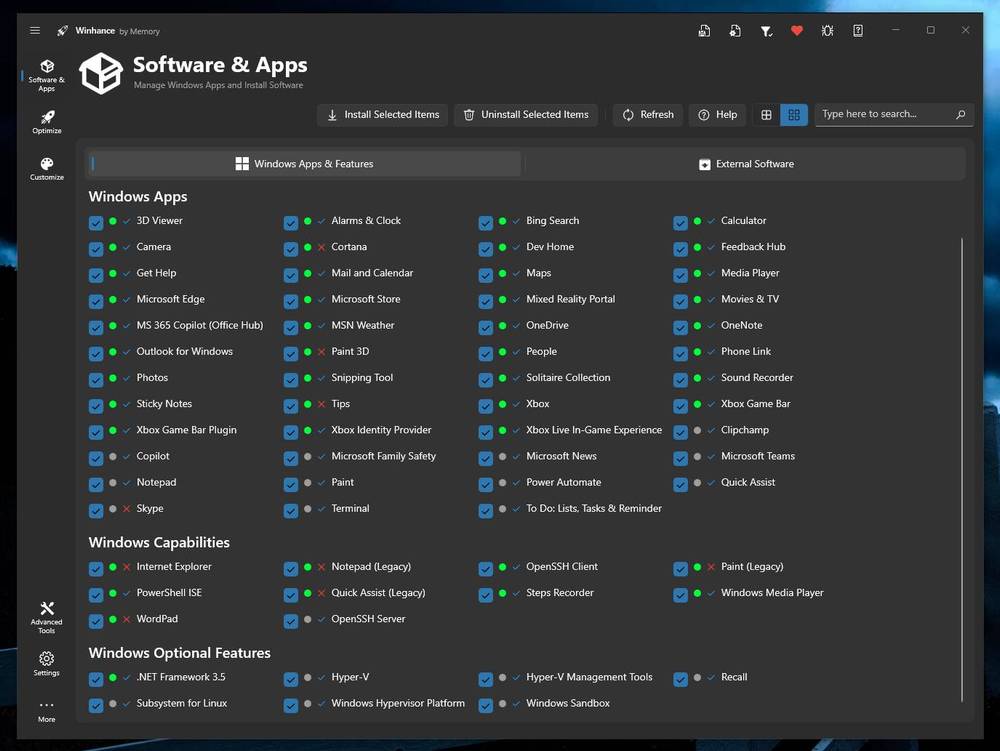 Features: • Remove preinstalled Windows apps, optional features, and unwanted components • Apply privacy, security, gaming, and performance optimizations • Customize the taskbar, Start menu, Explorer, desktop, and Windows appearance • Install or uninstall popular third-party software from a built-in catalog • Configure Windows services, power settings, networking, and system behavior • Create reusable Winhance configuration files and unattended Windows deployment files • Review and track applied changes with a built-in change history log • Available as both an installed and portable application • Open source with support for Windows 10 and Windows 11 Supported operating systems: • Windows 10 x64 (22H2), Windows 11 (23H2, 24H2, 25H2) Supported languages: Arabic, Bulgarian, Chinese (Simplified), Chinese (Traditional), Croatian, Czech, Danish, Dutch, English, Finnish, French, German, Greek, Hebrew, Hungarian, Italian, Japanese, Korean, Norwegian Bokmεl, Polish, Portuguese (Brazil), Portuguese (Portugal), Romanian, Russian, Serbian, Slovak, Spanish, Turkish, Ukrainian Changes: v26.06.12 06-12-26 • Added Builder Mode for creating Winhance configuration files and autounattend.xml files without modifying the current PC • Added a Sponsors & Supporters page and a Change History log that records all applied settings and app installations/removals • Added Hebrew language support, bringing the total to 29 supported languages • Added new Explorer customization options, app-local UI zoom, additional Windows 11 Start menu settings, and new external applications • Improved accessibility, software icon loading, app management interface, and overall performance • Fixed layout scaling, startup crashes on older Windows builds, configuration import issues, silent update installation paths, WinGet error reporting, and numerous other bugs Portable Install: 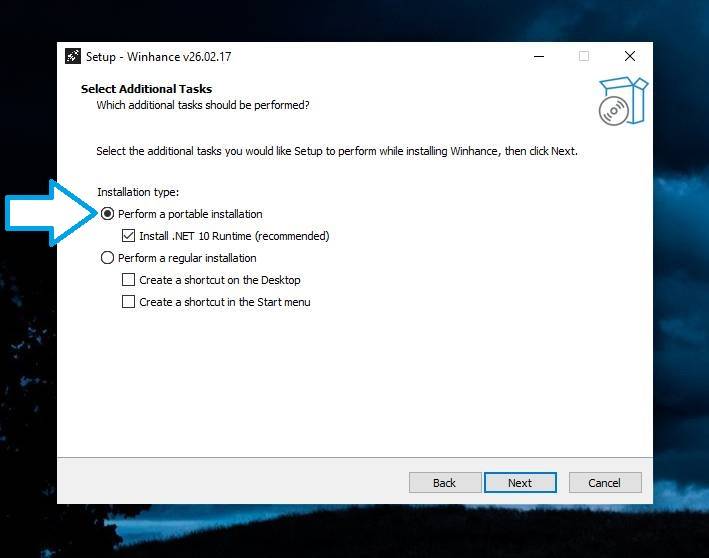 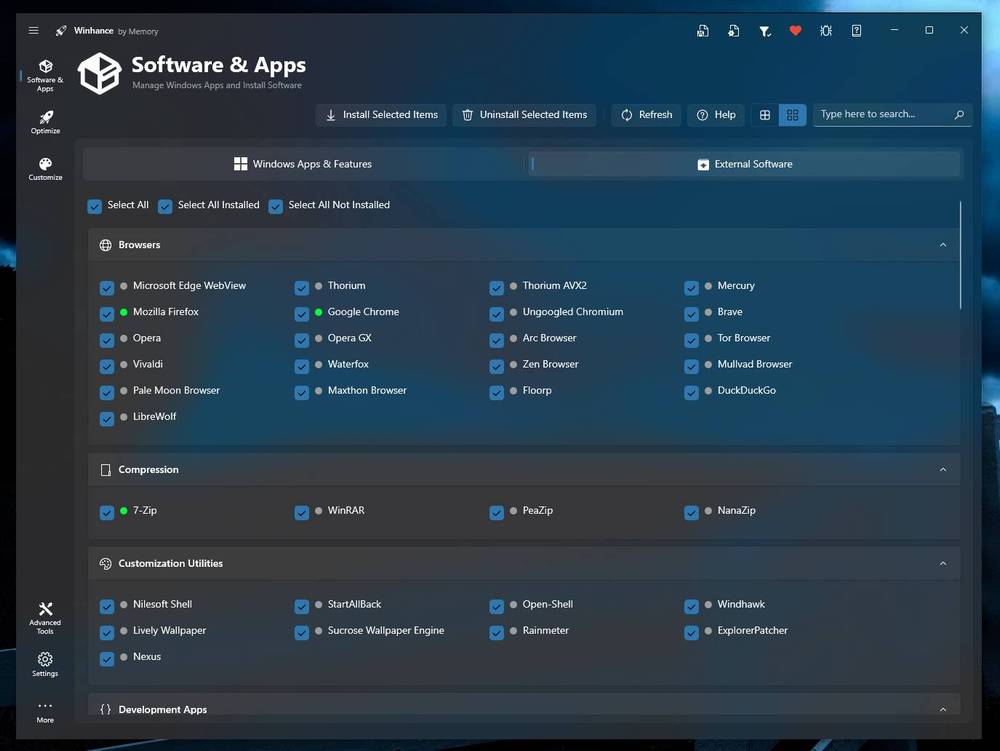 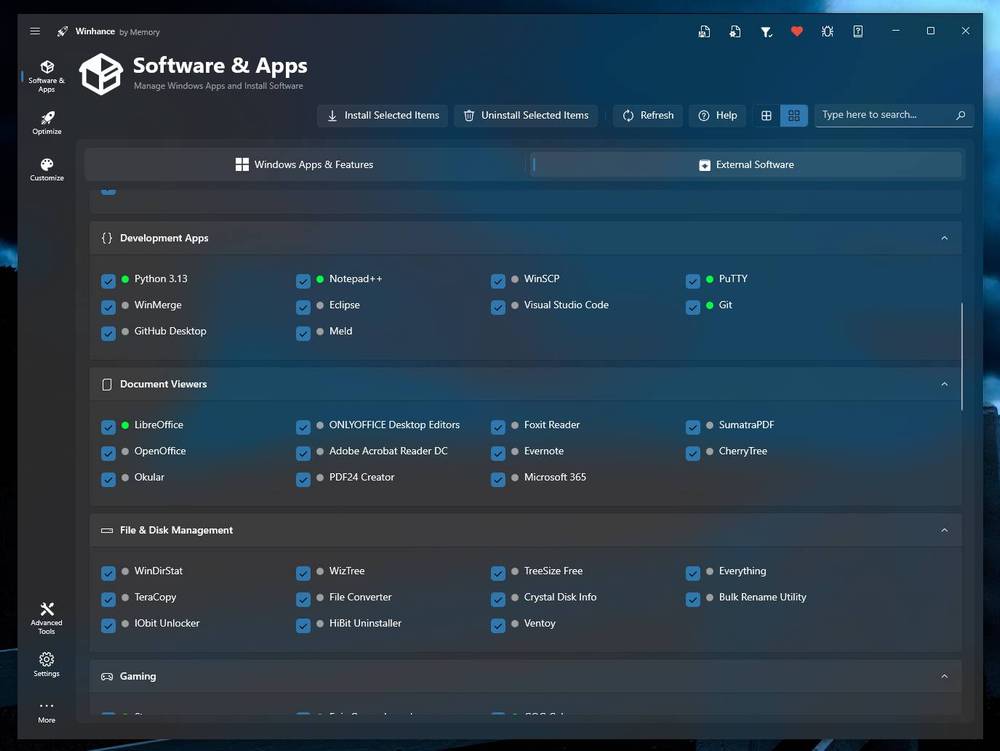 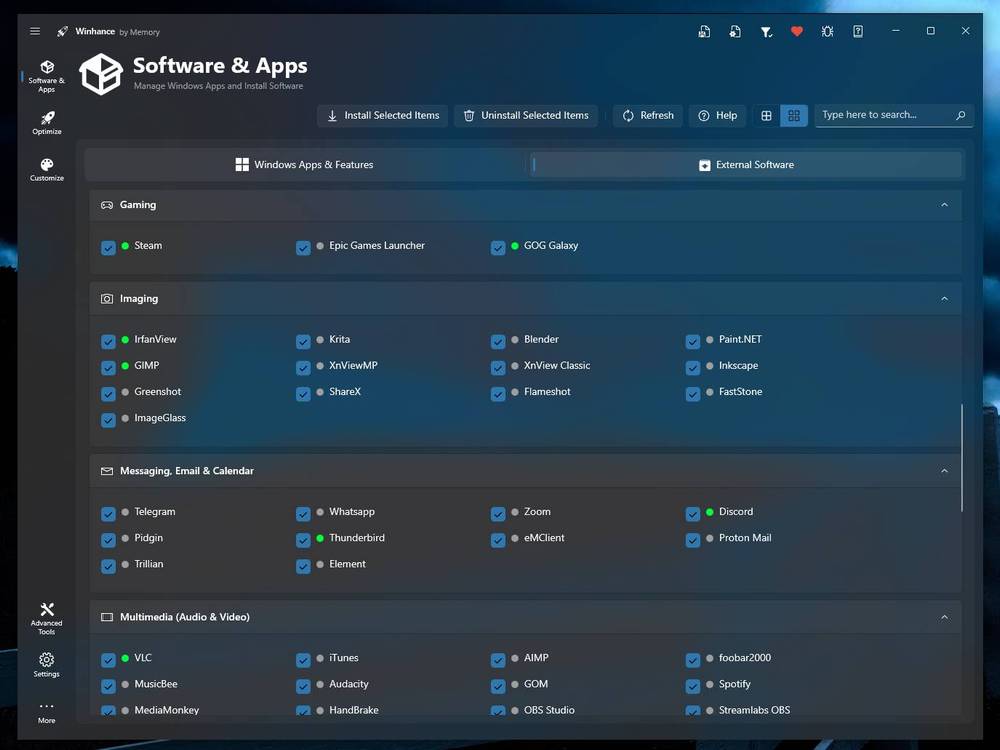 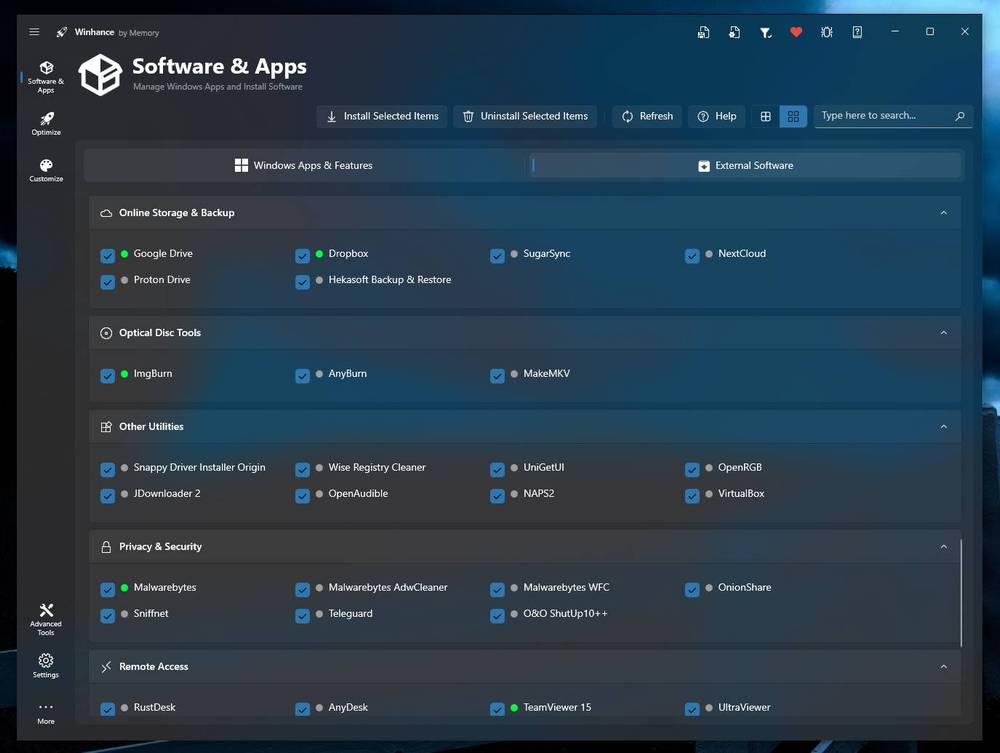 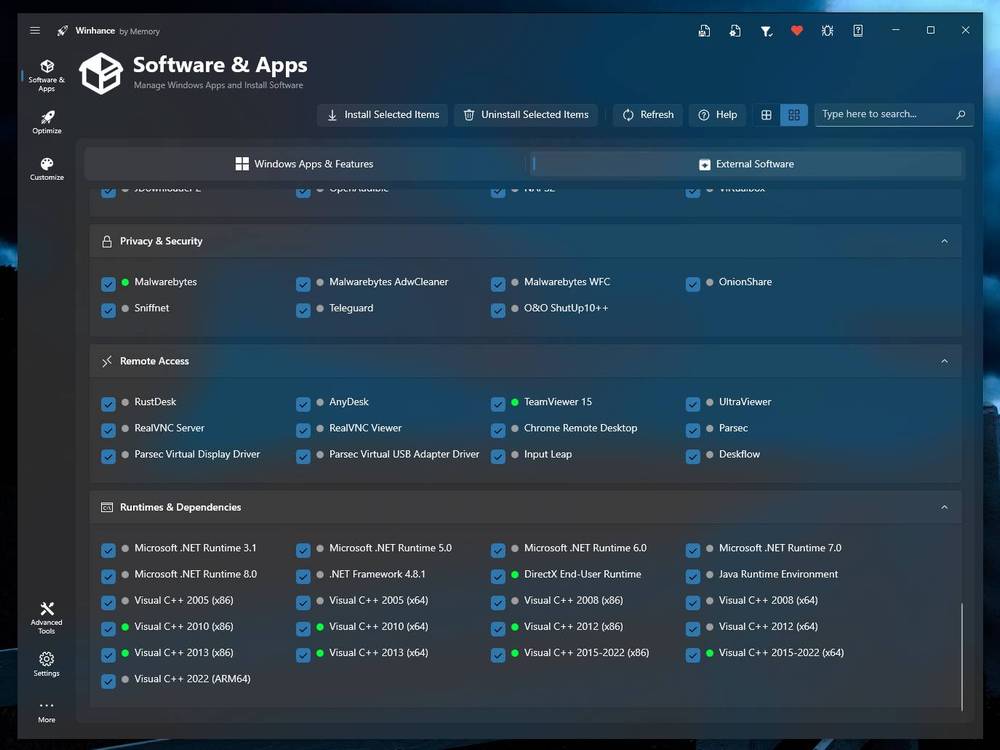 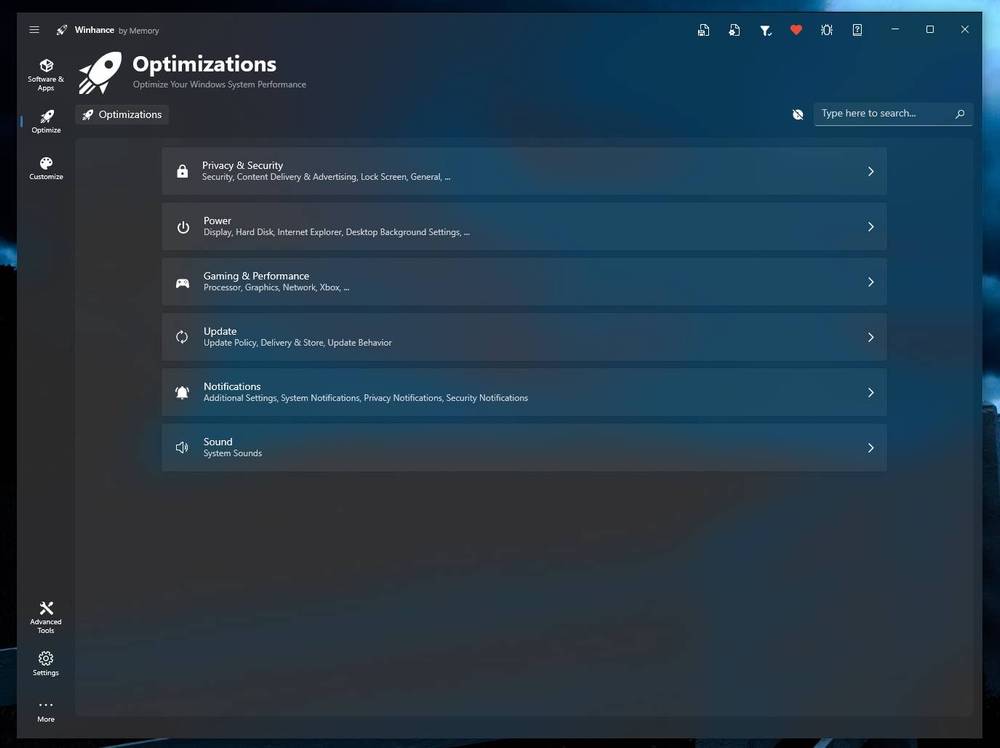 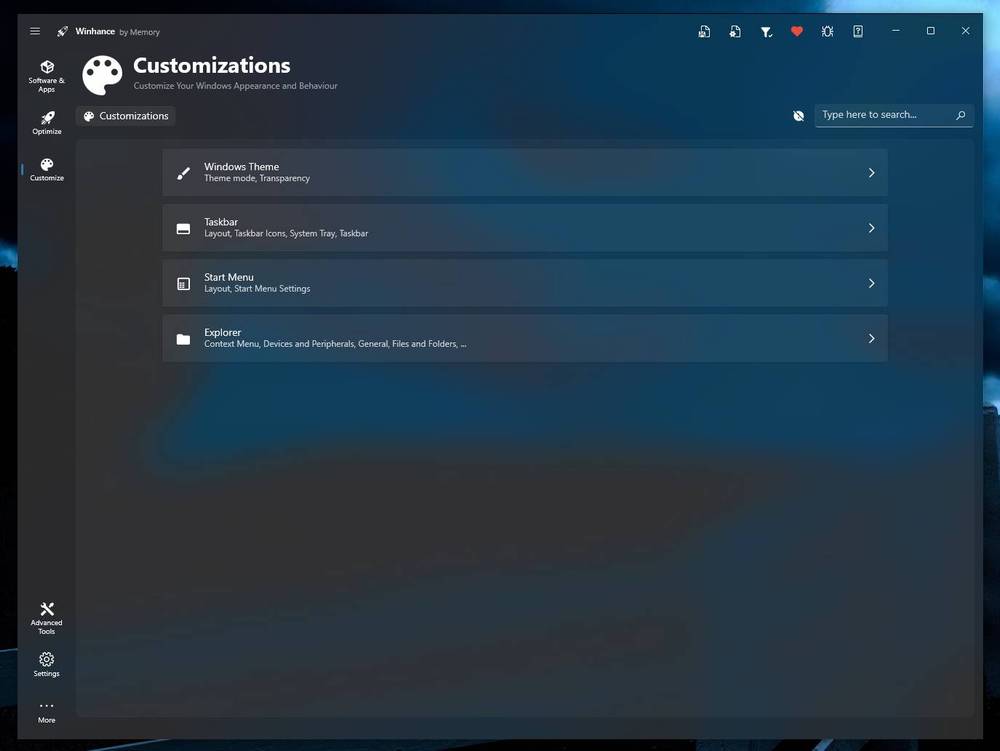 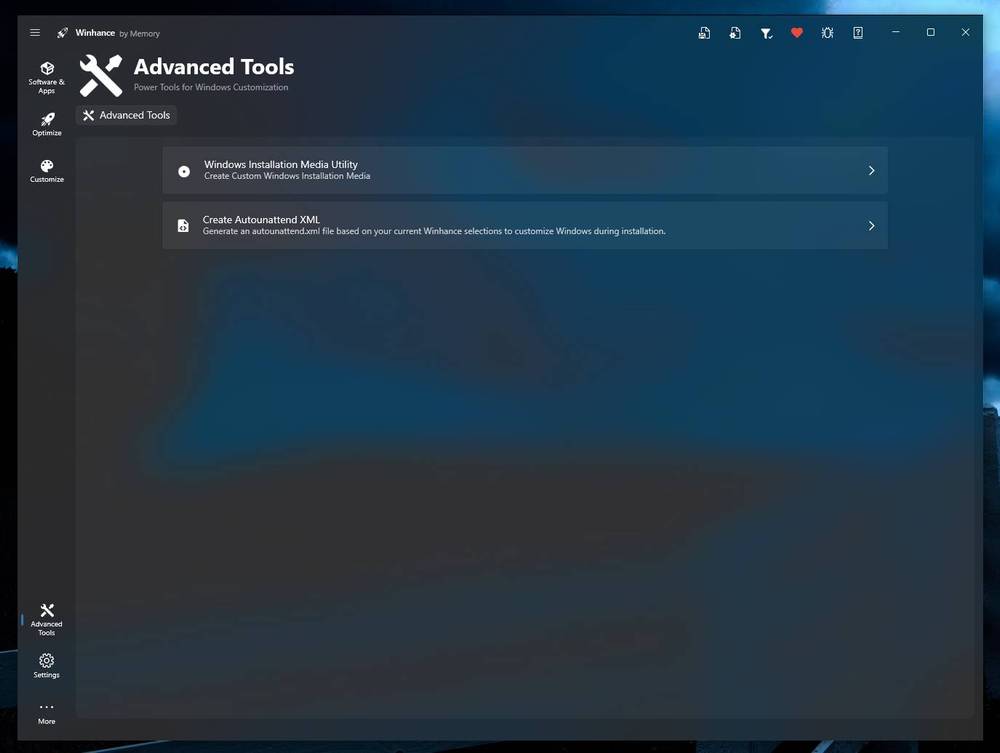 Click here to visit the author's website. Continue below for the main download link. |
||||||||
| Downloads | Views | Developer | Last Update | Version | Size | Type | Rank | |
| 1,100 | 7,524 | Marco du Plessis | Jun 29, 2026 - 11:55 | 26.06.12 | 61.5MB | EXE |  , out of 11 Votes. , out of 11 Votes. |
|
| File Tags | ||||||||
| Winhance performance Windows optimization Windows debloat privacy customization Windows Windows utility tweak explorer taskbar startmenu software deployment open-source configuration unattended WinGet | ||||||||
Click to Rate File Share it on Twitter → Tweet
|


