|

|
Processed through Paypal No account required. |








Buy our over-priced crap to help pay the bills.



|
|
Processed through Paypal No account required. |
| File - Download Android Webcam System v1.0.6 | ||||||||
| Description | ||||||||
|
A plea... Deanna and I have been running this site since 2008 and lately we're seeing a big increase in users (and cost) but a decline in percentage of users who donate. Our ad-free and junkware-free download site only works if everyone chips in to offset the revenue that ads on other sites bring in. Please donate at the bottom of the page. Every little bit helps. Thank you so much. Sincerely, your Older Geeks: Randy and Deanna Always scroll to the bottom of the page for the main download link. We don't believe in fake/misleading download buttons and tricks. The link is always in the same place. Android Webcam System v1.0.6 👉 Turn an Android phone into a high-quality Windows webcam over USB or Wi-Fi. Android Webcam System is a free and open-source webcam solution that uses an Android smartphone as a webcam for a Windows computer. The system consists of the AWA Android app, which streams video from the phone, and the AWC desktop client, which receives the stream and provides a virtual webcam device that can be selected by compatible Windows applications. Everything operates locally without requiring a cloud streaming service. The project supports both USB and Wi-Fi connections. USB provides lower latency and improved stability without requiring Wi-Fi, while wireless mode lets the phone and computer communicate over the same local network. The Android app supports resolutions from 480p through 4K and allows switching between the phone's front and rear cameras. The virtual webcam can be used with programs such as Zoom, Microsoft Teams, Google Meet, Discord, OBS Studio and Skype, as well as other Windows programs capable of selecting a webcam device. 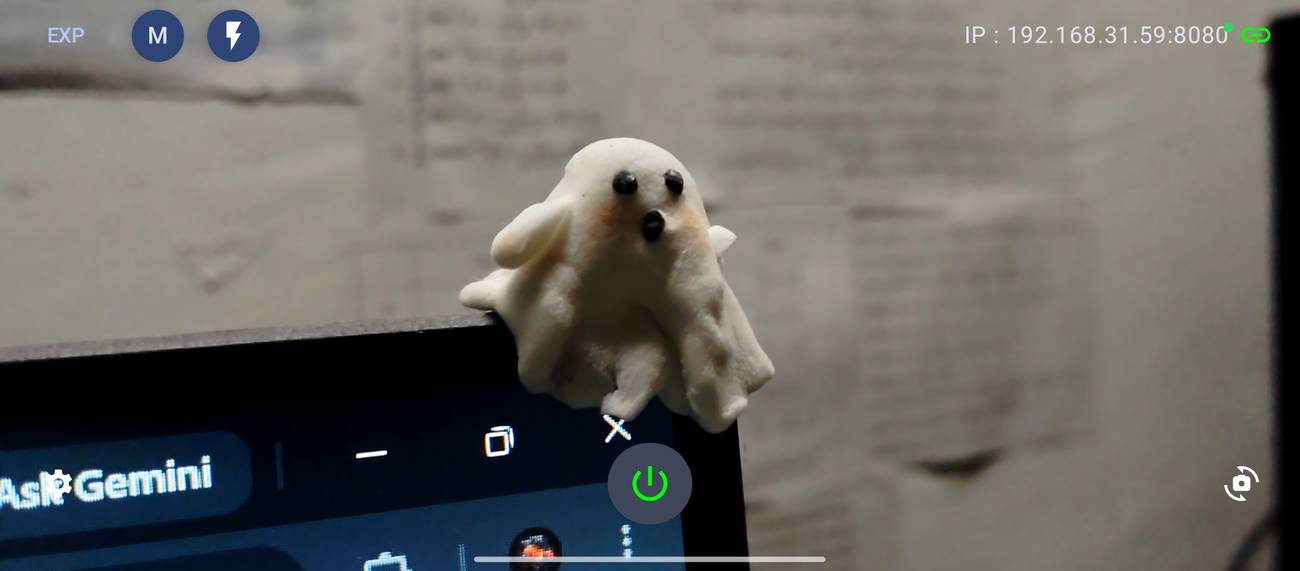 Features: • Turns an Android smartphone into a Windows webcam • Includes AWA, a Kotlin-based Android camera and streaming application • Includes AWC, the desktop client that receives the phone's video stream • Creates a virtual webcam device for compatible Windows applications • Supports USB and Wi-Fi connections • USB mode offers lower latency and improved connection stability • Wi-Fi mode provides completely wireless operation over the local network • Supports 480p, 720p, 1080p and 4K video resolutions • Supports front and rear Android cameras • Displays real-time connection status • Provides desktop connection statistics • Designed for low battery usage on the Android device • Works with Zoom, Microsoft Teams, Google Meet, Discord, OBS Studio and Skype • Can be used by other applications that support standard webcam devices • Uses a fully local, serverless architecture • No cloud video relay is required • No advertisements • Free and open-source under the GNU GPL v3.0 license • Source code can be modified and customized • Default networking uses ports 8080 and 8554 • USB mode can operate without a Wi-Fi connection • 5 GHz Wi-Fi can be used for improved wireless video performance Supported operating systems: • Windows 10, Windows 11 • Android 8.0 or Higher Supported languages: English Changes: v1.0.6 08-08-26 Virtual Webcam Device is back in this release. The virtual webcam device was not included in client v1.0.5 while the developer investigated an issue. Users who require the virtual camera are instructed by the developer to install client v1.0.6. 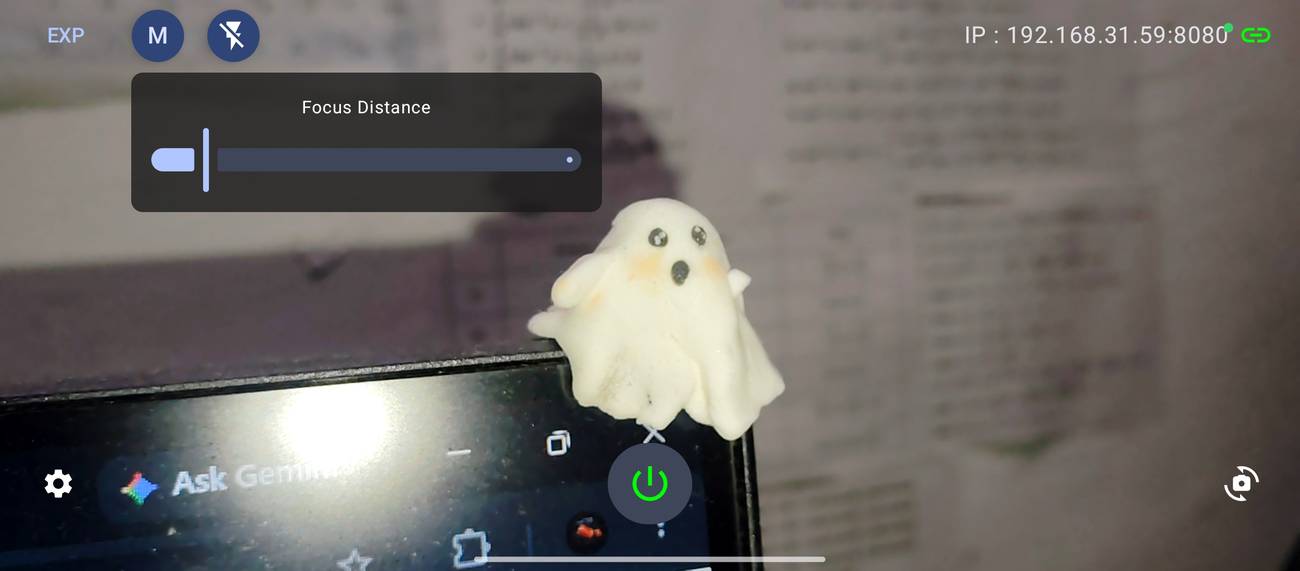 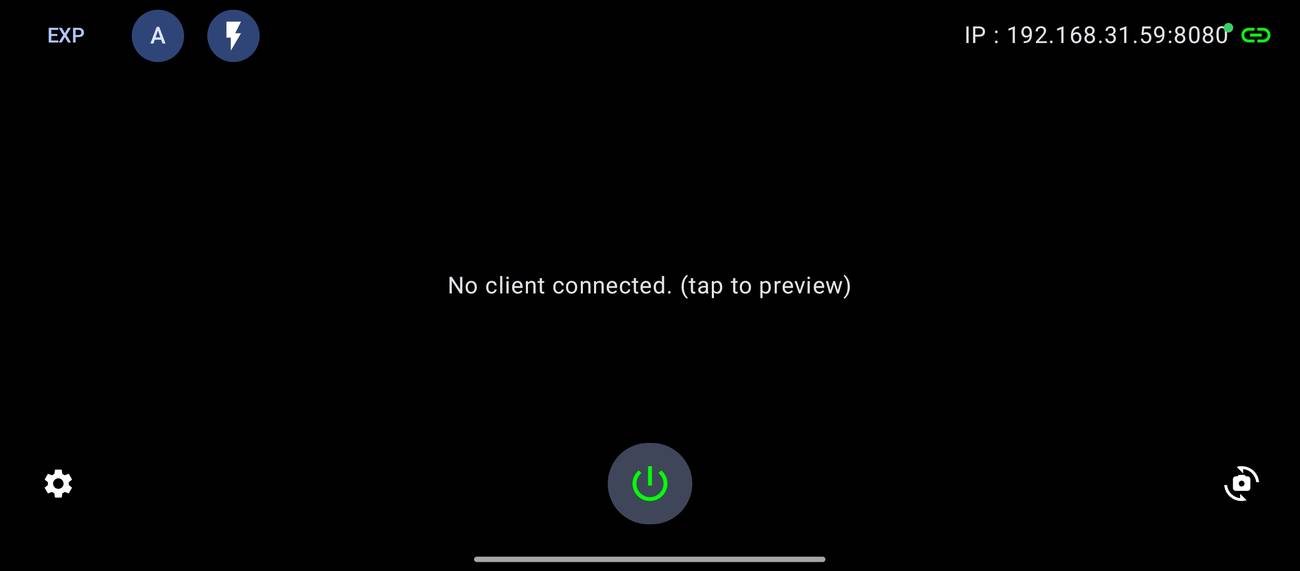 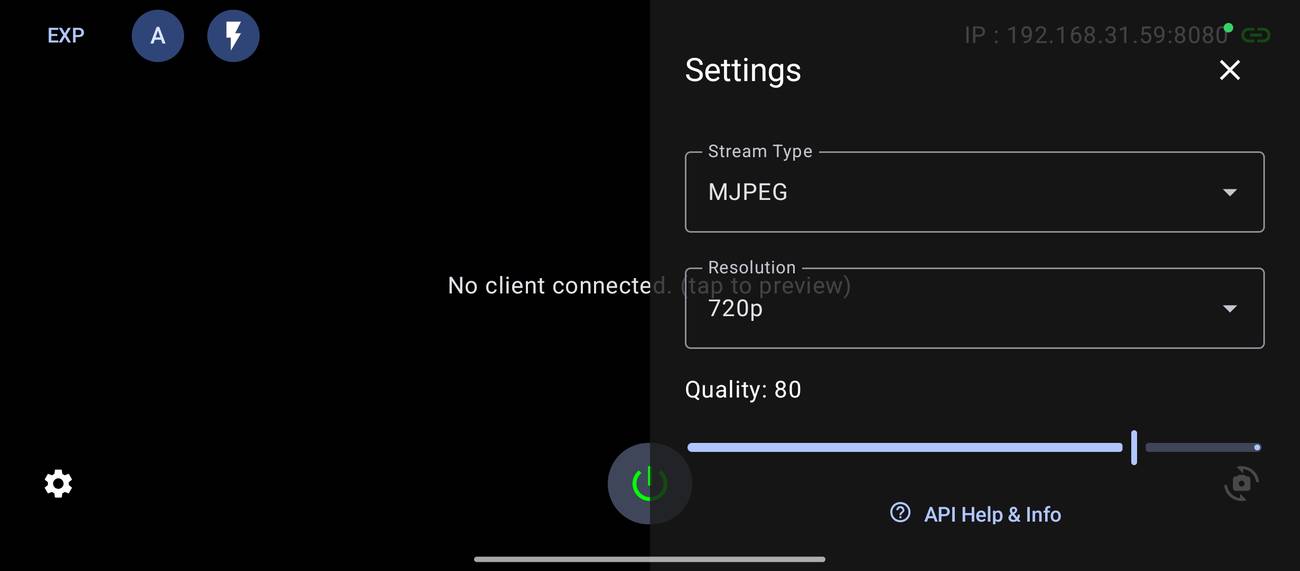 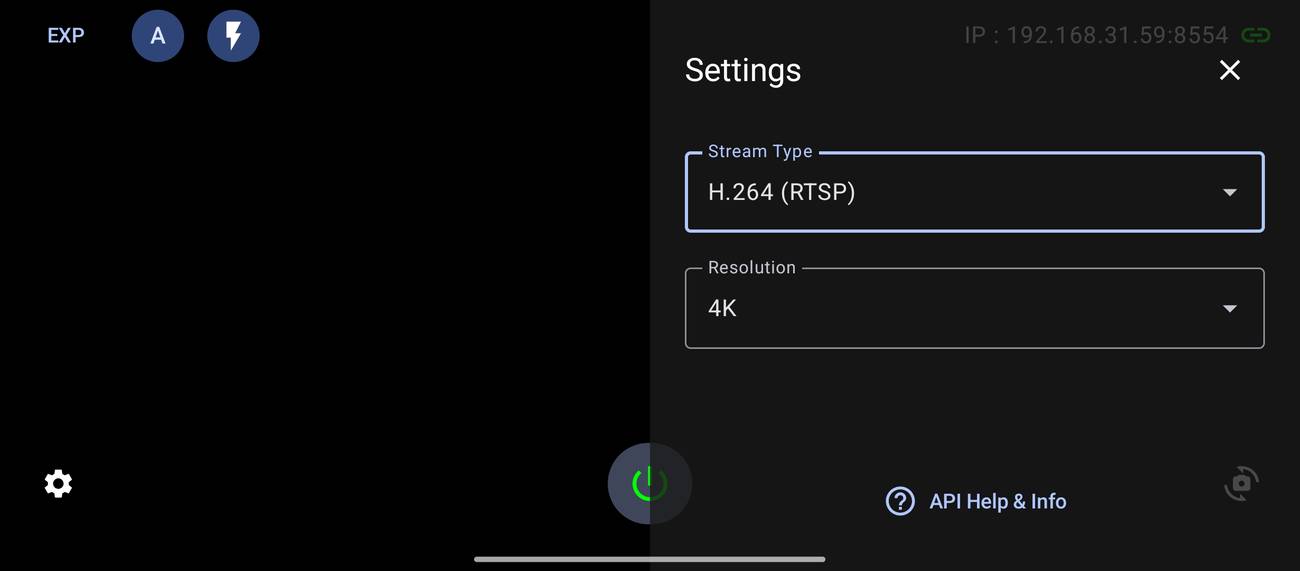 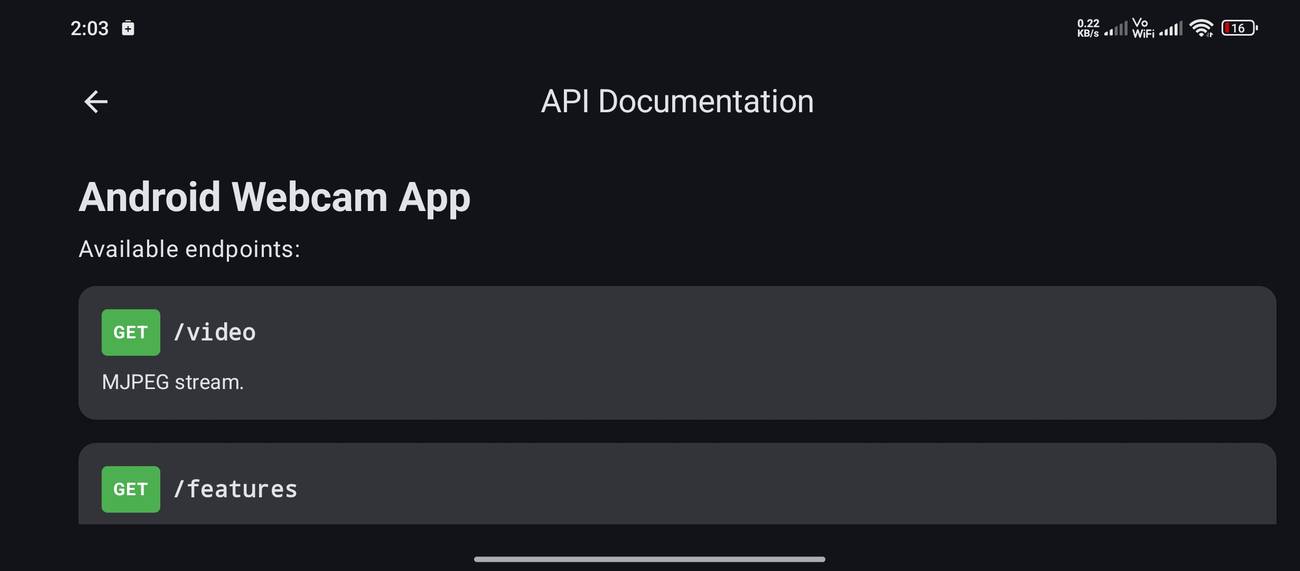 Info on files: • AWA Android App (APK) - Install this APK on your Android phone. AWA is the camera and streaming side of the system. It uses your phone's front or rear camera and streams the video to your computer over USB or Wi-Fi. It supports resolutions from 480p through 4K and acts as the local streaming server. • AWC Windows Client - Install this on your Windows computer. AWC connects to the AWA app running on your phone, receives its video stream and creates the virtual webcam device used by Windows applications. Once connected, the phone can be selected as a webcam in programs such as Zoom, Microsoft Teams, Google Meet, Discord, OBS Studio and Skype. Both components are required: AWA runs on the Android phone and sends the camera video, while AWC runs on the Windows PC and turns that video stream into a webcam that other programs can use. USB provides the lower-latency, more stable connection, while Wi-Fi allows completely wireless operation. This download is for the AWC Windows Client (very bottom of page). If you need the AWA Android App (APK), download here. Click here to visit the author's website. Continue below for the main download link. |
||||||||
| Downloads | Views | Developer | Last Update | Version | Size | Type | Rank | |
| 228 | 845 | Soubhagyajit Borah | Aug 09, 2026 - 16:30 | 1.0.6 | 69.28MB | EXE |  , out of 2 Votes. , out of 2 Votes. |
|
| File Tags | ||||||||
| webcam AndroidWebcamSystem smartphone camera Android Windows USB WiFi streaming virtual video Zoom Teams OBS Discord open-source GPL | ||||||||
Click to Rate File Share it on Twitter → Tweet
|


