|

|
Processed through Paypal No account required. |








Buy our over-priced crap to help pay the bills.



|
|
Processed through Paypal No account required. |
| File - Download Kivo v0.1.0 | ||||||||
| Description | ||||||||
|
A plea... Deanna and I have been running this site since 2008 and lately we're seeing a big increase in users (and cost) but a decline in percentage of users who donate. Our ad-free and junkware-free download site only works if everyone chips in to offset the revenue that ads on other sites bring in. Please donate at the bottom of the page. Every little bit helps. Thank you so much. Sincerely, your Older Geeks: Randy and Deanna Always scroll to the bottom of the page for the main download link. We don't believe in fake/misleading download buttons and tricks. The link is always in the same place. Kivo v0.1.0 👉 Lightweight desktop teleprompter with smooth auto-scrolling. Kivo is a lightweight desktop teleprompter that provides a clean, always-on-top overlay for reading scripts during presentations, livestreams, video recordings, and other speaking engagements. It offers smooth automatic scrolling, adjustable speed controls, automatic reloading when the source text changes, and a distraction-free interface to help you stay focused on your content. 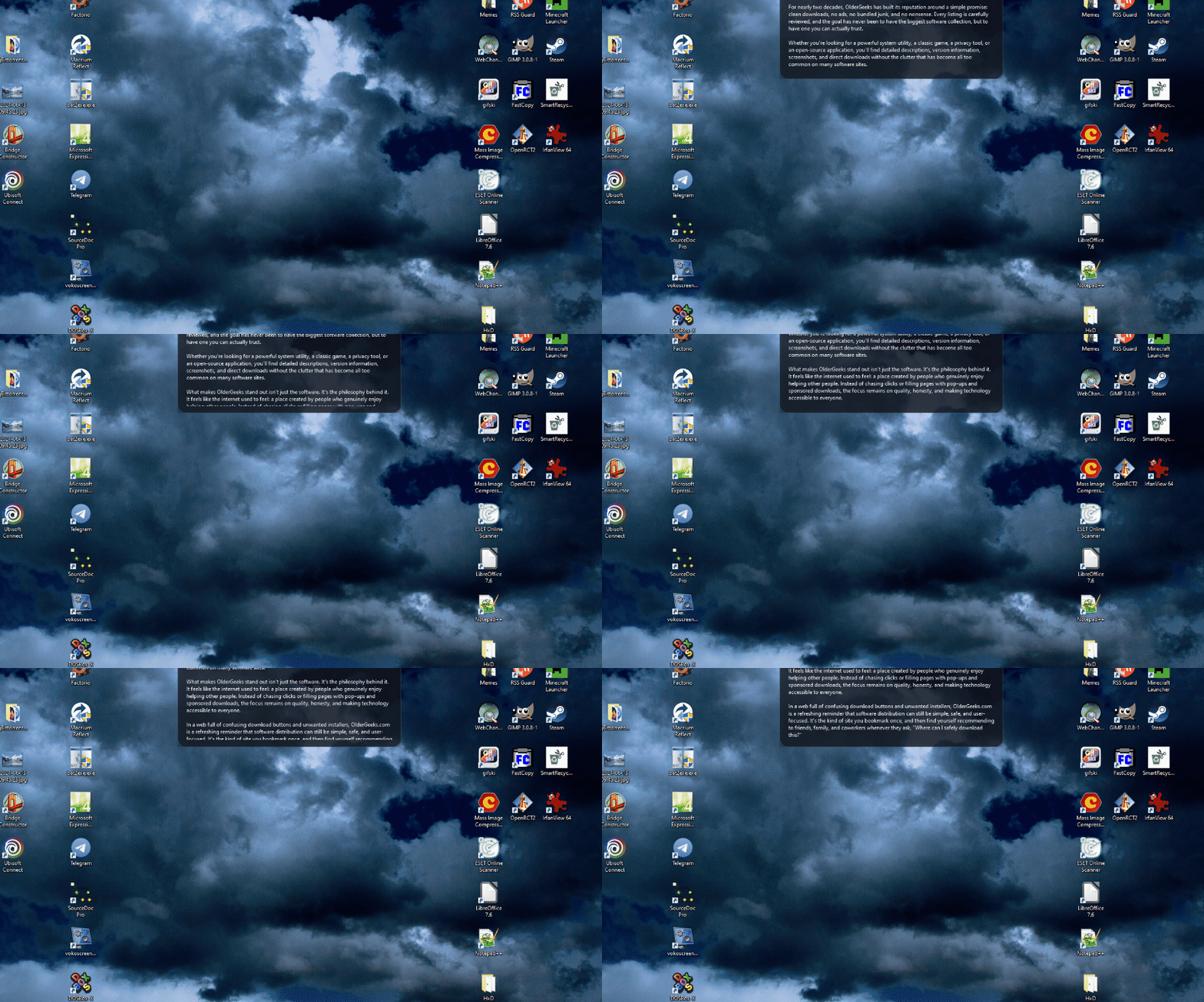 Features: • Always-on-top frameless window • Modern translucent interface • Draggable overlay • Open plain text (.txt) files • Automatically reloads text when the file changes • Smooth teleprompter-style auto-scrolling • Adjustable scrolling speed • Pause and resume scrolling • Keyboard shortcuts for playback controls • Lightweight, distraction-free design Usage: • Run Kivo.exe • Select a text file of what you want to scroll on screen. Keyboard Shortcuts: • Esc - Close Kivo • Space - Pause/Resume scrolling • ↑ - Increase scrolling speed • ↓ - Decrease scrolling speed Supported operating systems: • Windows 10, Windows 11 Supported languages: English Changes: v0.1.0 06-27-26 First release. Initial MVP of Kivo. Added a frameless always-on-top window. Added a draggable overlay. Added a modern rounded translucent interface. Added text file loading. Added automatic file reloading. Added smooth teleprompter scrolling. Added adjustable scrolling speed. Added pause and resume functionality. Added keyboard shortcuts. Modularized the application into separate window and file selector components. Added the foundation for future settings, global hotkeys, and custom rendering. 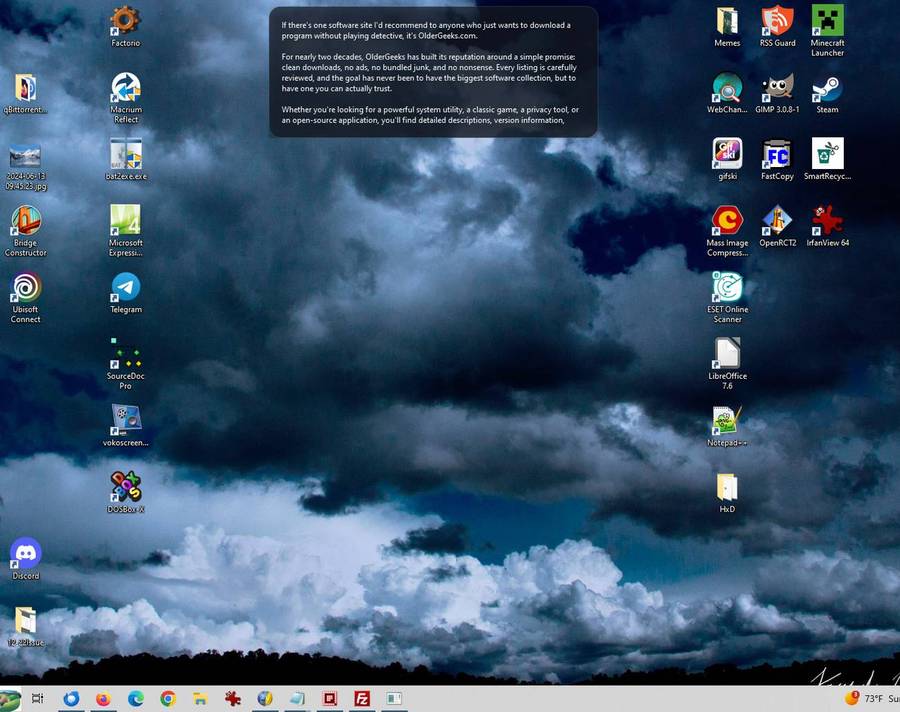 Note: This file has three hits on VirusTotal. We have confirmed these to be false positives. The file is safe. Click here to visit the author's website. Continue below for the main download link. |
||||||||
| Downloads | Views | Developer | Last Update | Version | Size | Type | Rank | |
| 414 | 1,209 | Rajtilak Bhattacharjee | Jul 01, 2026 - 12:26 | 0.1.0 | 43.07MB | EXE |  , out of 3 Votes. , out of 3 Votes. |
|
| File Tags | ||||||||
| overlay teleprompter Kivo scrolling scripts presentation livestream recording PySide6 Python text productivity utility | ||||||||
Click to Rate File Share it on Twitter → Tweet
|


