|

|
Processed through Paypal No account required. |








Buy our over-priced crap to help pay the bills.



|
|
Processed through Paypal No account required. |
| File - Download Flow Launcher v2.1.3 | ||||||||
| Description | ||||||||
|
Always scroll to the bottom of the page for the main download link. We don't believe in fake/misleading download buttons and tricks. The link is always in the same place. Flow Launcher v2.1.3 👉 Fast keyboard-driven launcher for finding apps, files, settings, bookmarks, and more on Windows. Flow Launcher is a quick file search and app launcher for Windows with community-made plugins. It is designed to help you search and launch applications, find files and file contents, run web searches, access browser bookmarks, use system and shell commands, search Windows and Control Panel settings, and extend functionality through a built-in plugin ecosystem. 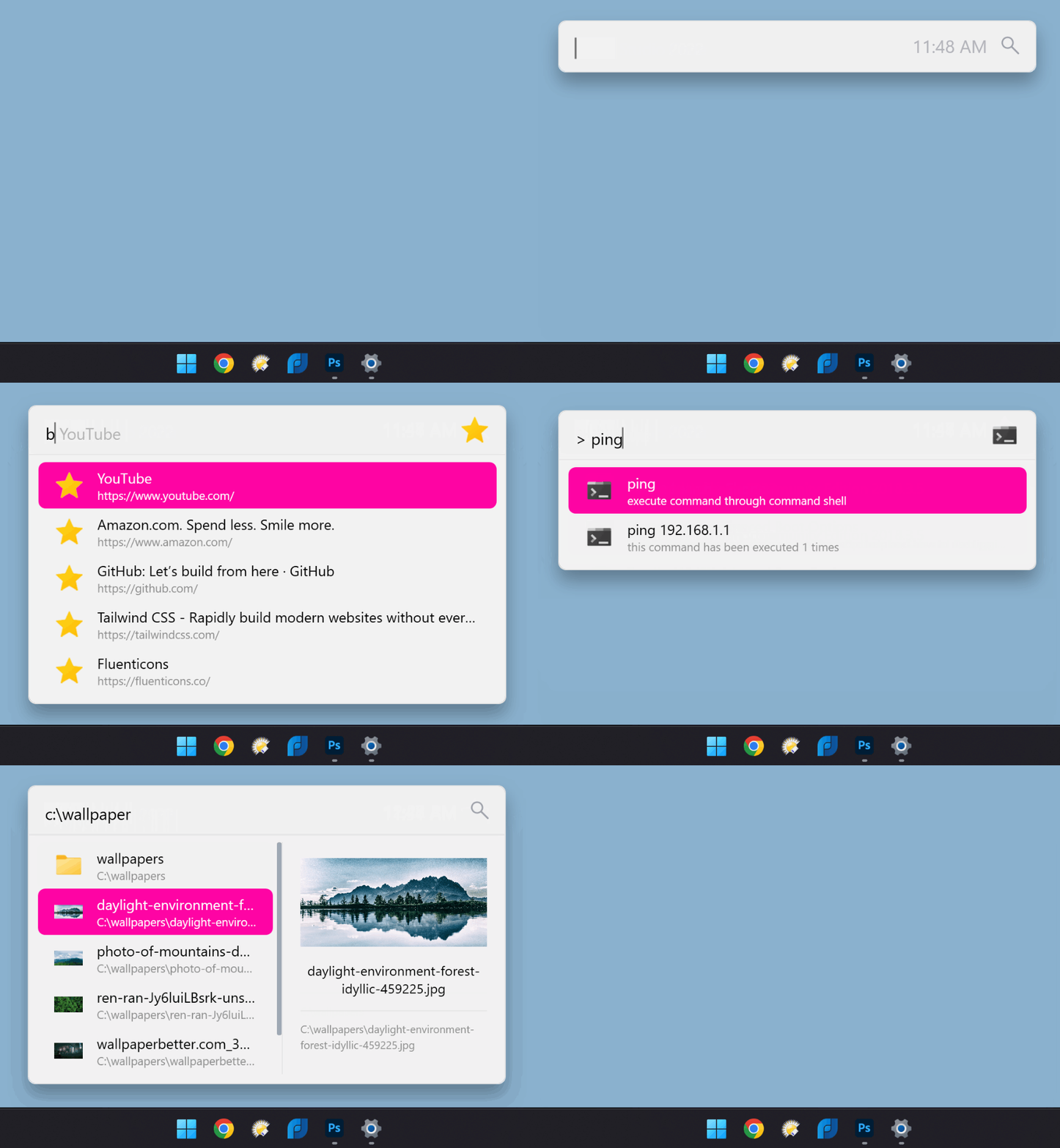 Features: • Search and launch applications from the keyboard • Search files and file contents using Everything or Windows Search • Run web searches with your preferred search engine • Search bookmarks from supported browsers • Access system commands such as restart, sleep, shutdown, lock, and settings • Run batch and PowerShell commands, including as Administrator or another user • Perform mathematical calculations and copy results to the clipboard • Search Windows settings and Control Panel settings • Browse and install community-made plugins from the plugin store • Supports custom themes, animations, sounds, and color schemes • Lets you display date and time in the search window • Supports portable use • Includes Game Mode to pause hotkey activation while gaming • Supports dialog jump for Open and Save As windows • Includes drag and drop support for files and folders • Lets you prioritize plugin result order • Includes a preview panel for supported items • Supports plugin development in C#, F#, Python, JavaScript, and TypeScript Hotkeys: • Alt + Space Open Flow Launcher (default hotkey, customizable) • Ctrl + Shift + Enter Run selected result as Administrator • Ctrl + Enter Open file location (Explorer) • Tab Autocomplete selected result • Enter Launch selected result • Esc Close Flow Launcher • ↑ / ↓ Navigate results list • Ctrl + C Copy selected result info (when supported) System Command List: • shutdown Shut down the computer • restart Restart the computer • sleep Put the computer to sleep • hibernate Hibernate the computer • lock Lock the current user session • signout Sign out of the current user account • settings Open Windows Settings • control Open Control Panel • cmd Open Command Prompt • powershell Open Windows PowerShell • taskmgr Open Task Manager • device manager Open Device Manager • services Open Services manager • regedit Open Registry Editor • msconfig Open System Configuration • explorer Open File Explorer Supported operating systems: • Windows 10, Windows 11 Supported languages: English, Chinese (Simplified), Chinese (Traditional), Ukrainian, Russian, French, Japanese, Dutch, Polish, Danish, German, Korean, Serbian, Serbian (Cyrillic), Portuguese, Portuguese (Brazil), Spanish, Spanish (Latin America), Italian, Norwegian Bokmεl, Slovak, Turkish, Czech, Arabic, Vietnamese, Hebrew Changes: v2.1.3 06-08-26 Bug fixes Fixed blur theme backdrop, corner, and margin handling. Fixed canceled Program queries from caching empty results. Fixed a System.OverflowException in CustomScrollViewerEx mouse wheel handling. Fixed Program plugin .lnk shortcuts to show full descriptions and command-line options when longer than 260 characters. Fixed default browser detection for newer Windows versions while remaining compatible with older ones. Updated translations. Improved thumbnail and icon loading with smarter fallbacks. Improved image hashing to produce consistent results across image formats and DPI settings. Improved progress bar animation logic. 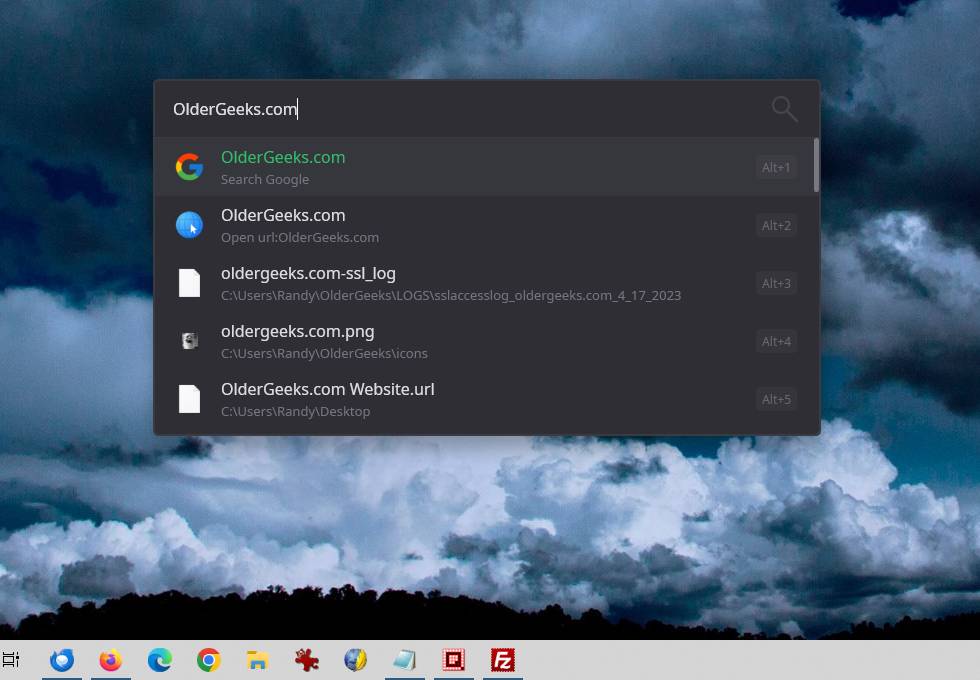 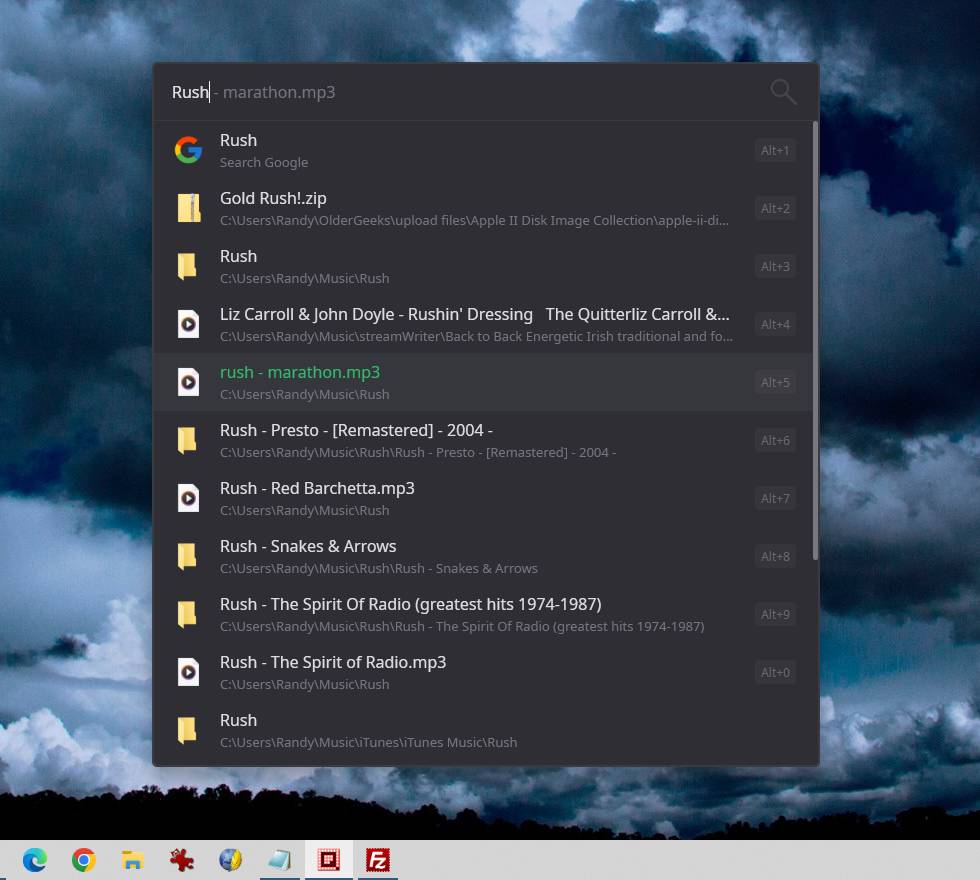 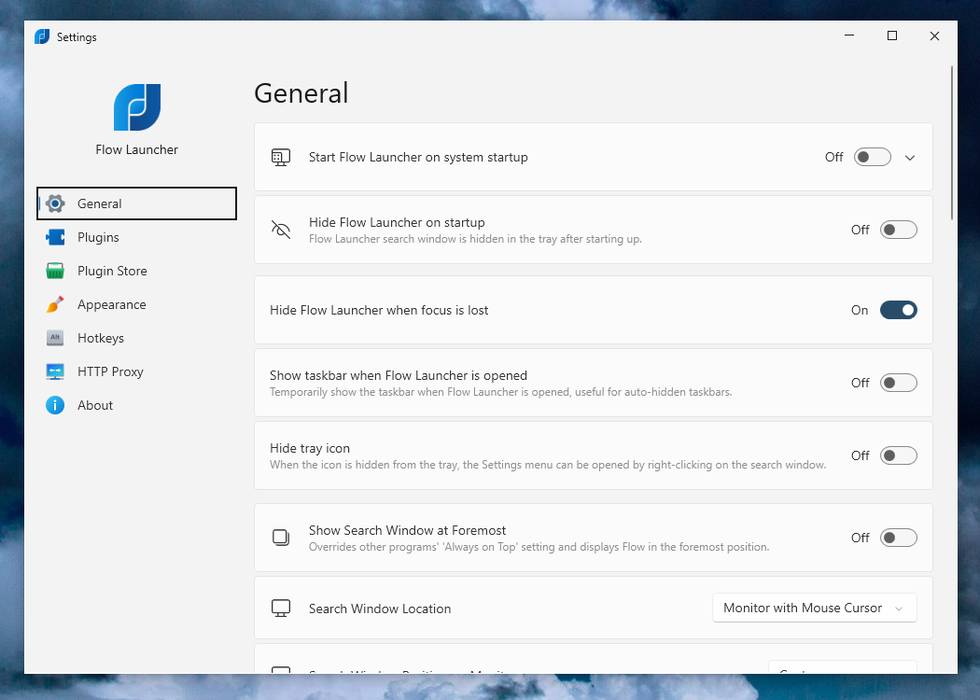 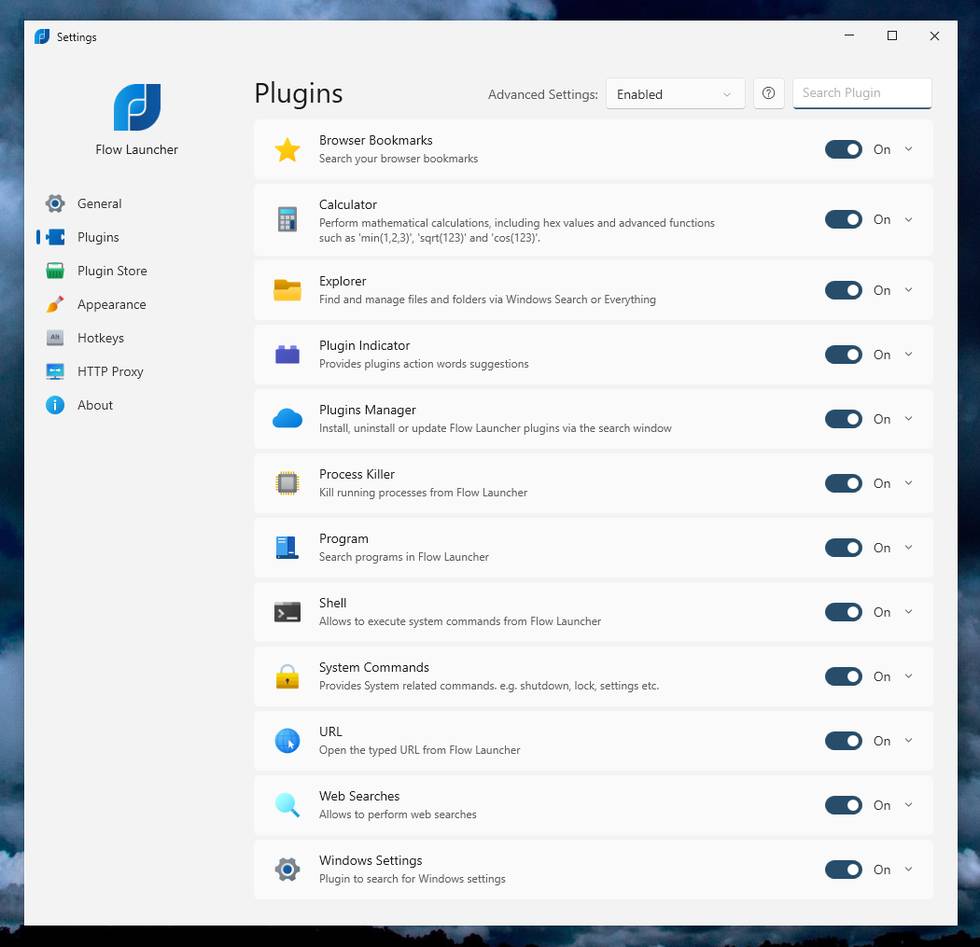 This download is for the Windows installer version (very bottom of page). If you need the Windows portable version, download here. Click here to visit the author's website. Continue below for the main download link. |
||||||||
| Downloads | Views | Developer | Last Update | Version | Size | Type | Rank | |
| 709 | 2,760 | Flow Launcher Team | Aug 09, 2026 - 15:01 | 2.1.3 | 9.71MB | EXE |  , out of 7 Votes. , out of 7 Votes. |
|
| File Tags | ||||||||
| search search productivity plugins search FlowLauncher utility hotkeys applications files bookmarks commands calculator Everything portable opensource customization automation | ||||||||
Click to Rate File Share it on Twitter → Tweet
|


