|

|
Processed through Paypal No account required. |








Buy our over-priced crap to help pay the bills.



|
|
Processed through Paypal No account required. |
| File - Download Qmmp v2.4.2 | ||||||||
| Description | ||||||||
|
Always scroll to the bottom of the page for the main download link. We don't believe in fake/misleading download buttons and tricks. The link is always in the same place. Qmmp v2.4.2 👉 A lightweight, Winamp-style audio player with broad format support, playlists, streaming, effects and plugins. Qmmp is a free, open-source audio player built with the Qt framework and designed for users who want a compact, highly configurable music player. Its classic skinned interface is similar to Winamp and XMMS, while an alternative interface based on standard Qt widgets is also included. Qmmp supports a wide variety of audio formats including MP3, Ogg Vorbis, Opus, FLAC, AAC, WMA, Musepack, WavPack, MIDI, SID, tracker modules and numerous chiptune formats. Additional formats can be handled through FFmpeg and libsndfile. Beyond basic music playback, Qmmp includes multiple playlists, a 10-band equalizer, ReplayGain, crossfade, lyrics, cover art, CUE sheets, internet radio streams, visualizations, audio conversion, recording, listening history and a media library. It can also use classic Winamp 2.x and XMMS skins. The modular plugin system provides support for additional input formats, output systems, DSP effects, visualizations and online services. Qmmp can submit listening history to Last.fm, Libre.fm and ListenBrainz and includes a stream browser for finding and playing online audio. 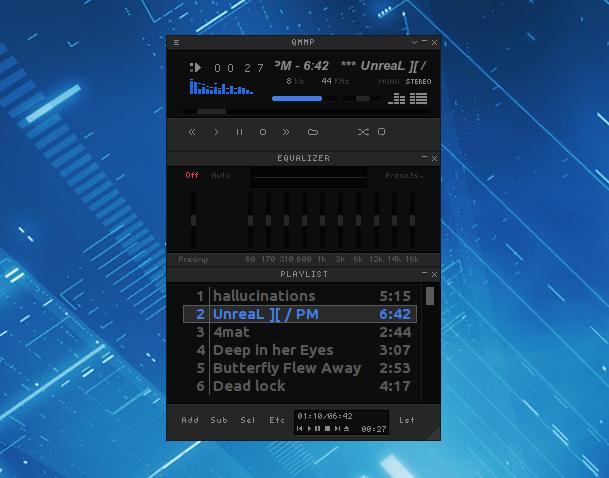 Features: • Classic Winamp/XMMS-style skinned interface • Alternative interface using standard Qt widgets • Supports Winamp 2.x and XMMS skins • MP3 and MPEG Layer 2/3 playback • Ogg Vorbis and Ogg Opus support • Native FLAC and Ogg FLAC playback • AAC and ADTS AAC support • WMA and additional FFmpeg-supported formats • Musepack and WavPack support • PCM WAVE and other libsndfile-supported formats • MOD, S3M, IT, XM and other tracker modules • MIDI and SID playback • Extensive chiptune support including AY, GBS, GYM, HES, KSS, NSF, NSFE, SAP, SPC, VGM, VGZ and VTX • Audio CD playback • MP3, Vorbis, AAC and AAC+ internet streaming • Multiple playlists • M3U, PLS and XSPF playlist support • 10-band equalizer • ReplayGain playback support and ReplayGain scanner • Crossfade and extra stereo DSP effects • Sample-rate conversion • LADSPA effects • projectM visualization support • Spectrum analyzer • Lyrics display • Album cover art support • CUE and embedded CUE sheet support • Automatic character-set detection for CUE files and ShoutCast metadata • Media library • Listening history • Stream browser • Audio recording • Built-in audio format conversion • CDDB support • RAR and 7z archive reading • Last.fm, Libre.fm and ListenBrainz listening-history submission • MPRIS support • Removable device detection through UDisks • Can execute external programs when tracks change • WASAPI, DirectSound and WaveOut output under Windows • ALSA, PulseAudio, PipeWire, JACK and other output systems Supported operating systems: • Windows 7, Windows 8, Windows 8.1, Windows 10, Windows 11 Supported languages: English, Russian, Dutch, Finnish, German, Galician, Italian, Japanese, Korean, Polish, Portuguese, Spanish, Ukrainian, Chinese Simplified, Chinese Traditional Changes: v2.4.2 09-02-26 added feature to enable built-in OPL3 FM synthesizer in the wildmidi plugin (requires WildMIDI 0.5.0 or higher); fixed crash on startup when shuffle mode is enabled; fixed build warning. 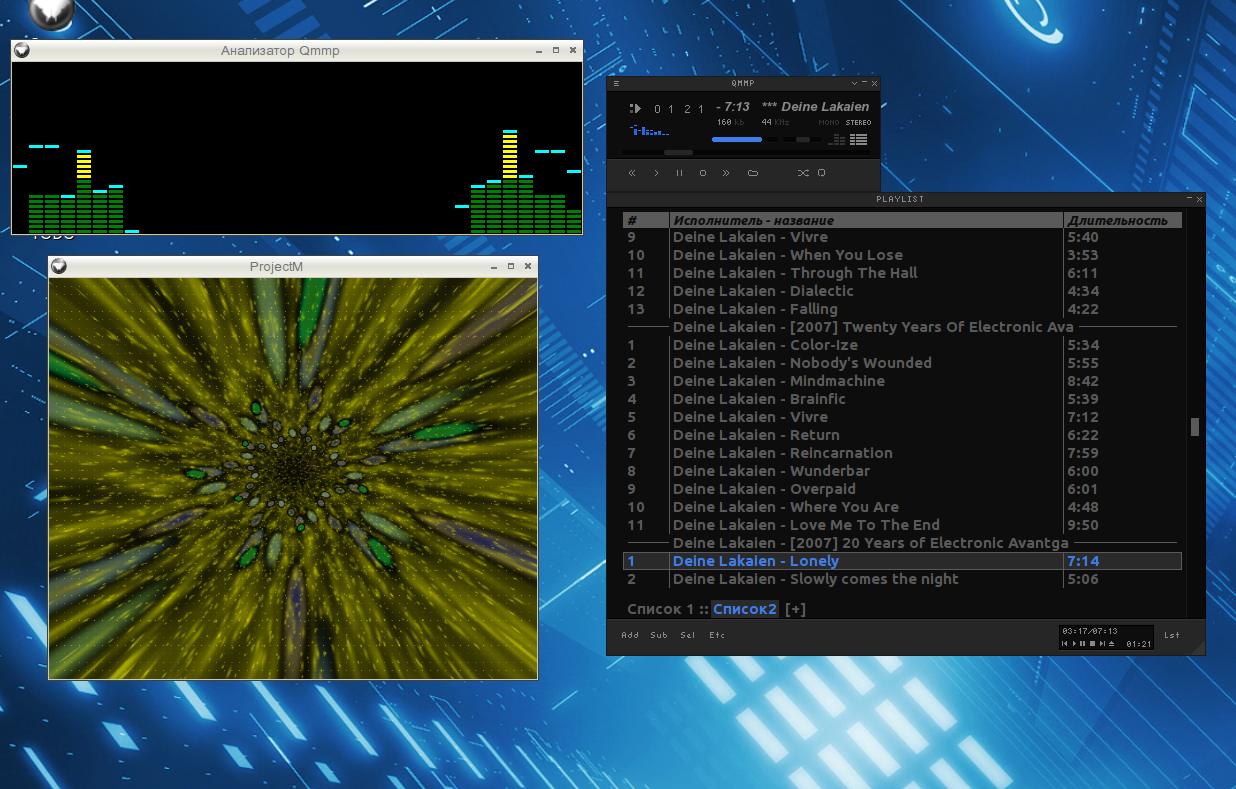 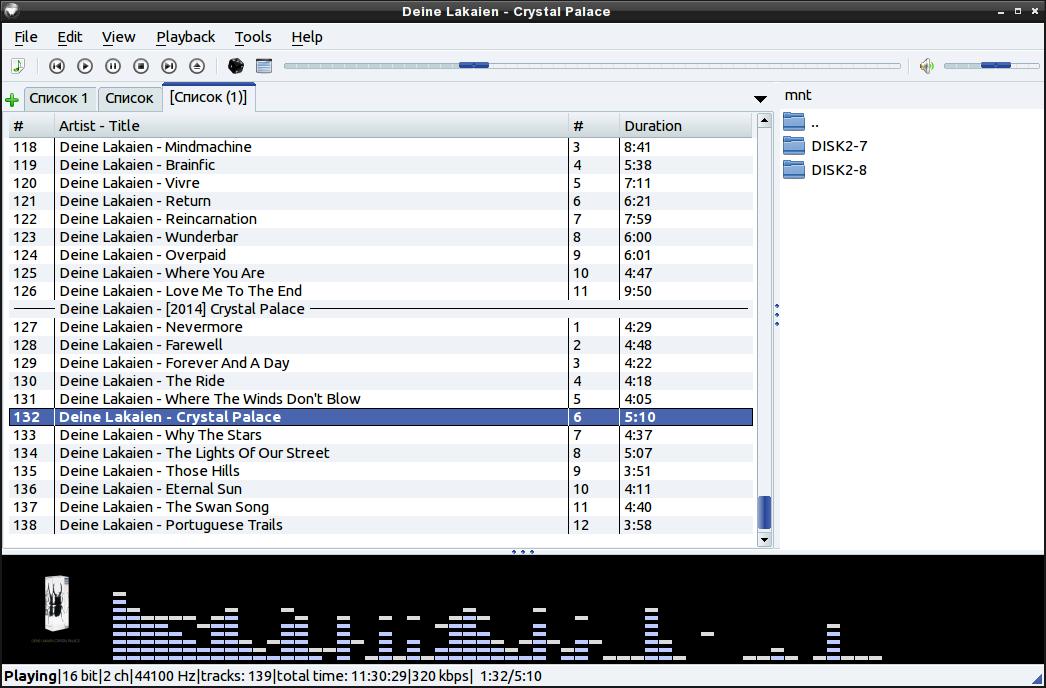 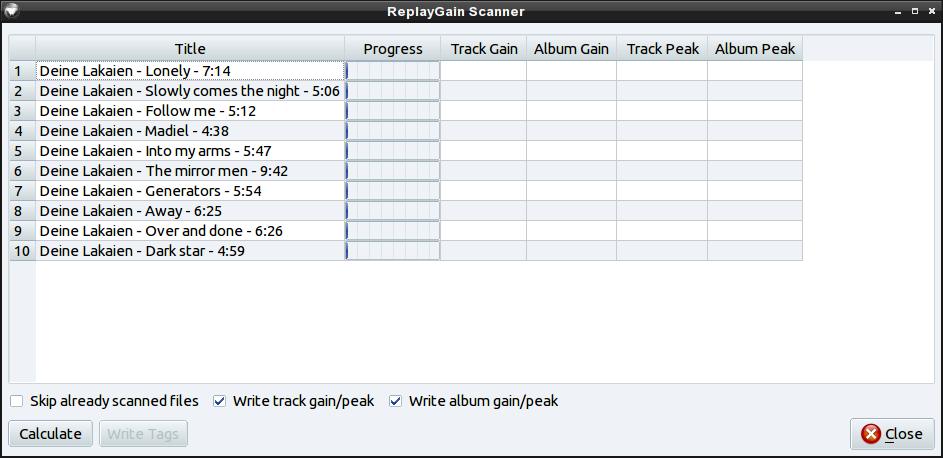 This download is for the Windows 10 or higher 64bit version (very bottom of page). All other download assets are below: Other Windows: qmmp-2.4.2-win32.exe (10 or higher 32bit) qmmp-1.7.11-win64.exe (7 or higher 64bit) qmmp-1.7.11-win32.exe (7 or higher 32bit) qmmp-0.12.23-win32.exe (XP or higher 32bit) Click here to visit the author's website. Continue below for the main download link. |
||||||||
| Downloads | Views | Developer | Last Update | Version | Size | Type | Rank | |
| 2,794 | 7,848 | Qmmp Development Team | Sep 09, 2026 - 11:30 | 2.4.2 | 24.14MB | EXE |  , out of 54 Votes. , out of 54 Votes. |
|
| File Tags | ||||||||
| audio player music Winamp MP3 FLAC Ogg Opus AAC streaming equalizer playlists skins chiptune Qt | ||||||||
Click to Rate File Share it on Twitter → Tweet
|


