|

|
Processed through Paypal No account required. |








Buy our over-priced crap to help pay the bills.



|
|
Processed through Paypal No account required. |
| File - Download NBFC - Notebook FanControl v1.6.3 | ||||||||
| Description | ||||||||
|
Always scroll to the bottom of the page for the main download link. We don't believe in fake/misleading download buttons and tricks. The link is always in the same place. NBFC - Notebook FanControl v1.6.3 NBFC is a fan control service for notebooks. It comes with a powerful configuration system, which allows to adjust it to many different notebook models. Windows Run the NBFC installer Start NoteBook FanControl.exe (by default located in C:\Program Files (x86)\NoteBook FanControl) Select a config. As soon as you hit the apply button, NBFC should take control over your notebook’s fans. There is no additional configuration required. The NBFC service will start automatically. If you want to adjust the selected config according to your needs, edit it in the Config Editor. 1.6.3 Most important changes: Support for Intel CoffeeLake, ApolloLake and AMD Ryzen CPUs (thanks @dan-and) Support for AMD Puma CPUs Support for many new notebook models ec-probe now supports colored output Improved settings file handling Lots of stability improvements and bugfixes 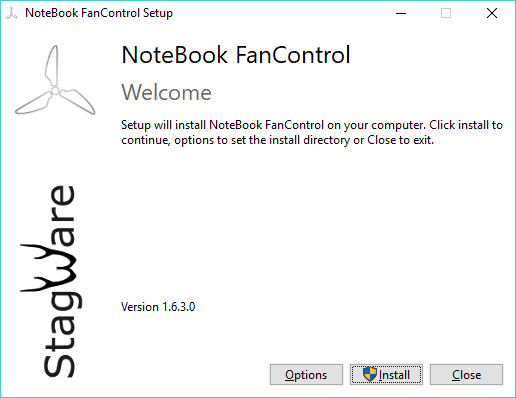 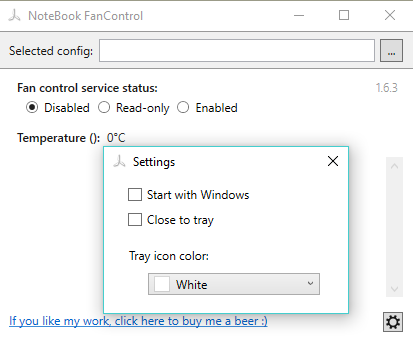 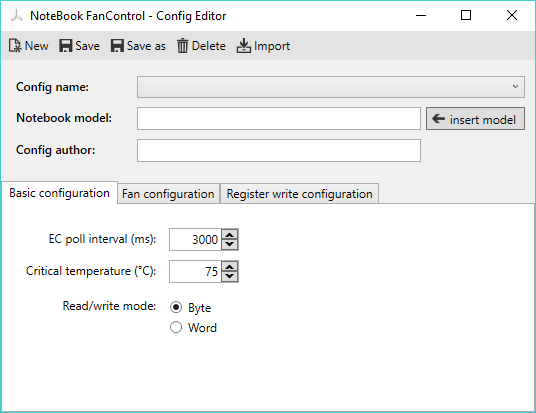 Click here to visit the author's website. Continue below for the main download link. |
||||||||
| Downloads | Views | Developer | Last Update | Version | Size | Type | Rank | |
| 5,327 | 12,486 | Stefan Hirschmann | Apr 16, 2019 - 12:10 | 1.6.3 | 2.21MB | EXE |  , out of 84 Votes. , out of 84 Votes. |
|
| File Tags | ||||||||
| - NBFC Notebook FanControl v1.6.3 | ||||||||
Click to Rate File Share it on Twitter → Tweet
|


