|

|
Processed through Paypal No account required. |








Buy our over-priced crap to help pay the bills.



|
|
Processed through Paypal No account required. |
| File - Download Run-Command v6.41 | ||||||||
| Description | ||||||||
|
Always scroll to the bottom of the page for the main download link. We don't believe in fake/misleading download buttons and tricks. The link is always in the same place. Run-Command v6.41 👉 Enhanced Windows Run dialog replacement with extended command execution features. Run-Command is a small but powerful alternative to the standard Windows Run dialog. It provides extended functionality for executing commands, opening programs, launching system tools, and accessing frequently used folders more efficiently. Designed as a portable utility, Run-Command enhances productivity by offering customizable favorites, command history, and quick access to administrative tools. It is lightweight, requires no installation, and is suitable for both everyday users and advanced system administrators. 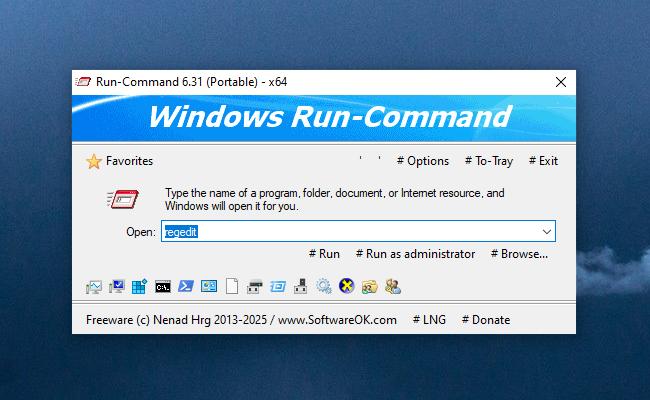 Features: • Alternative to the standard Windows Run dialog • Favorites menu for frequently used commands • Command history with quick recall • Run programs with administrative privileges • Drag & drop support • Portable – no installation required • Multilingual user interface • Small size and low system resource usage Supported operating systems: • Windows 7, Windows 8, Windows 8.1, Windows 10, Windows 11 • Windows Server 2012, Windows Server 2016, Windows Server 2019 Supported languages: • German, English, Greek, Russian, Simplified Chinese, French, Persian, Swedish, Romanian, Arabic (Iraq), Hungarian, Italian, Portuguese (Brazil), Dutch, Spanish (Venezuela), Indonesian, Polish, Traditional Chinese, Japanese, Taiwanese Chinese, Czech, Korean, Ukrainian, Portuguese (Portugal), Turkish, Thai, Filipino, Finnish, Norwegian, Bosnian, Croatian, Serbian, Bulgarian Changes: v6.41 05-06-26 • Improvements to the Run command as an alternative to the Windows Run dialog, including enhancements to the interpretation of Windows Run commands. • Updated language files, along with various minor adjustments and optimizations within the alternative Run dialog for MS Windows. 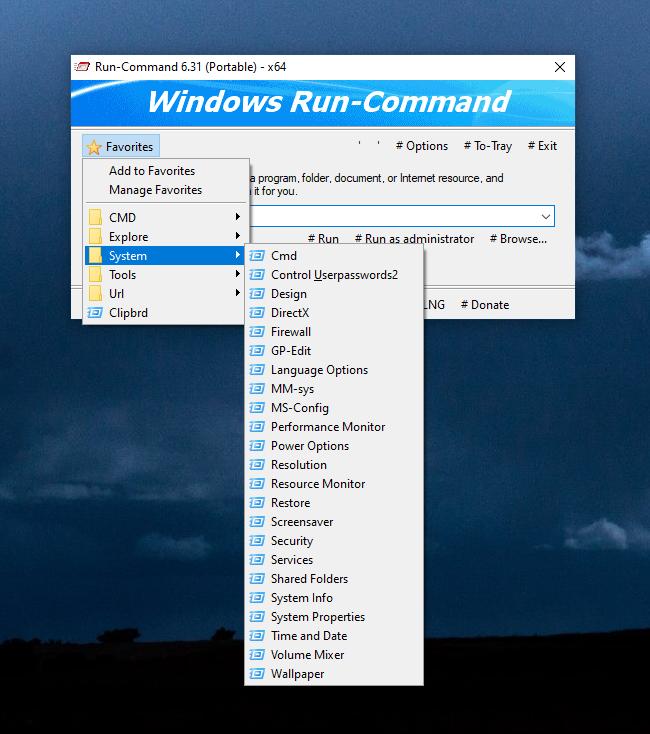 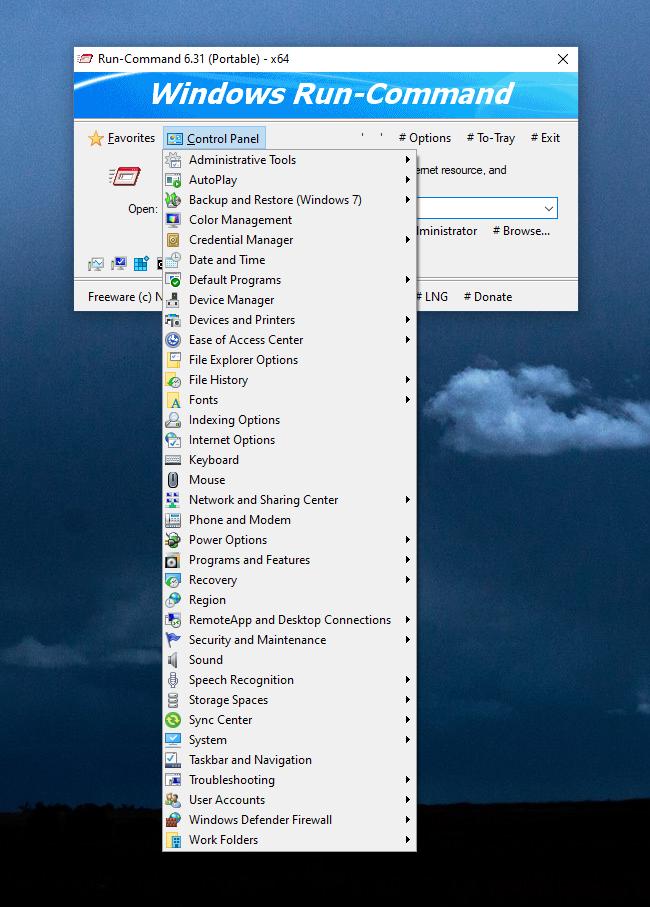 This download is for the Windows 64bit version (very bottom of page). If you need the Windows 32bit version, download here. Click here to visit the author's website. Continue below for the main download link. |
||||||||
| Downloads | Views | Developer | Last Update | Version | Size | Type | Rank | |
| 10,836 | 23,887 | Nenad Hrg | May 07, 2026 - 12:45 | 6.41 | 233.3KB | ZIP |  , out of 106 Votes. , out of 106 Votes. |
|
| File Tags | ||||||||
| Run-Command Run Command SoftwareOK Windows Run dialog replacement command launcher portable utility system tool multilingual | ||||||||
Click to Rate File Share it on Twitter → Tweet
|


