|

|
Processed through Paypal No account required. |








Buy our over-priced crap to help pay the bills.



|
|
Processed through Paypal No account required. |
| File - Download DeckCraft v0.8.0 | ||||||||
| Description | ||||||||
|
Always scroll to the bottom of the page for the main download link. We don't believe in fake/misleading download buttons and tricks. The link is always in the same place. DeckCraft v0.8.0 👉 Create and present slide shows with this free, open-source presentation app. DeckCraft is a presentation app for creating and delivering slide shows. It includes slide masters, themes, layouts, vector shapes, transitions, animations, and presenter view with speaker notes and rehearsal tools. Open and save PowerPoint presentation files, export slides and handouts as vector PDF, or render slides as images. DeckCraft is available as a native app for Windows, macOS, and Linux. 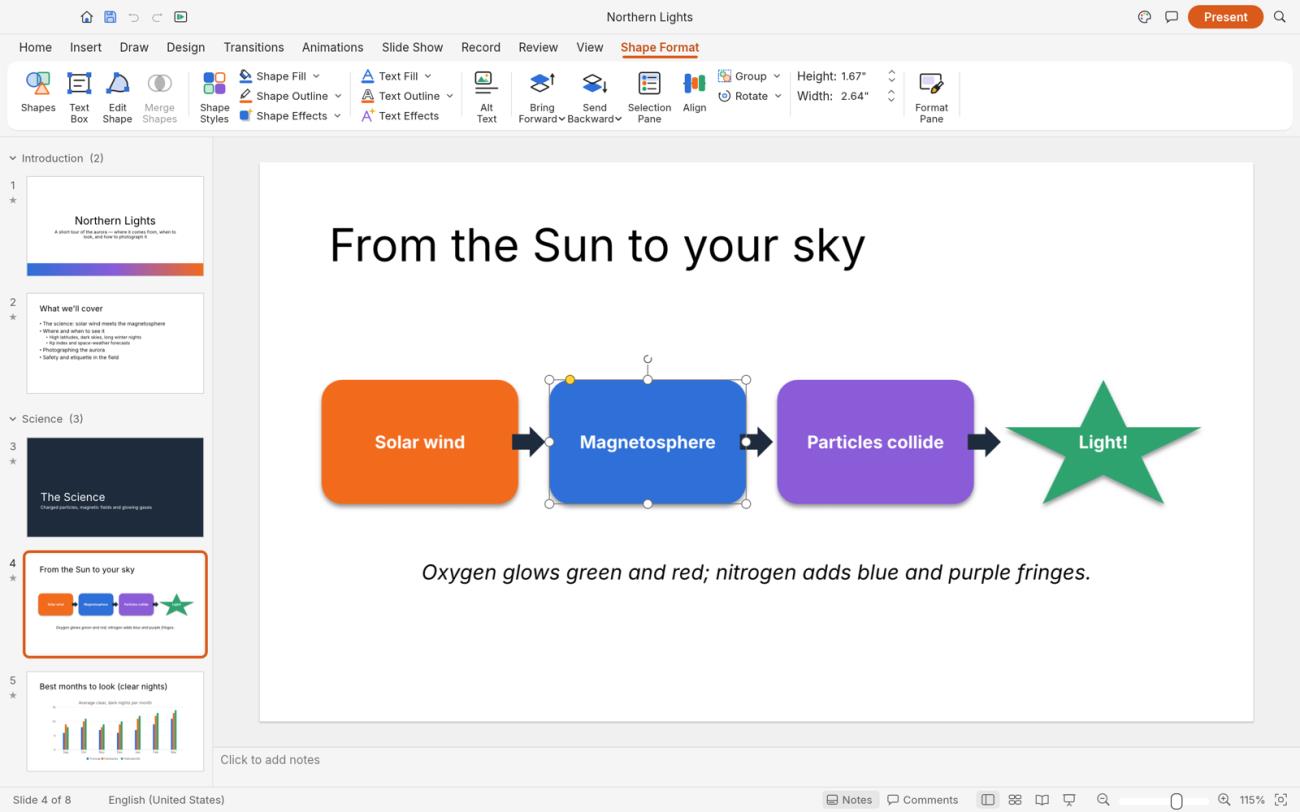 Features: • Create slide masters, use eleven layouts, and organize presentations into sections • Choose from eight built-in themes with font and colour schemes • Use presenter view with speaker notes, slide previews, timers, rehearsal timings, and pen drawing • Draw with more than 150 vector shapes, adjustment handles, sticky connectors, curve booleans, gradient fills, and outline styling • Apply slide transitions, including Morph, and use entrance, emphasis, exit, and motion-path animations • Build presentations with by-paragraph animations • Open and save .pptx presentation files • Export vector PDF slides and handouts, or render slides as images • Automate tasks with more than 200 commands, a command-line interface, JSON control channel, and MCP server Supported operating systems: Windows 10 and Windows 11 (64-bit x64, 32-bit x86, and ARM64 builds; ARM64 is listed for Windows 11 on ARM), macOS (Intel and Apple silicon), Linux (x86_64 and ARM64; Flatpak, AppImage, Debian/Ubuntu .deb, Fedora/RHEL/openSUSE RPM Supported languages: English Changes: [v0.8.0 10-18-26] Improved slide editing, presentation compatibility, export, media handling, text editing, chart rendering, and command-line behavior. Added and updated features for slide size, picture editing, SmartArt, presenter view, animations, and transitions. Fixed assorted editing, display, navigation, and stability issues. 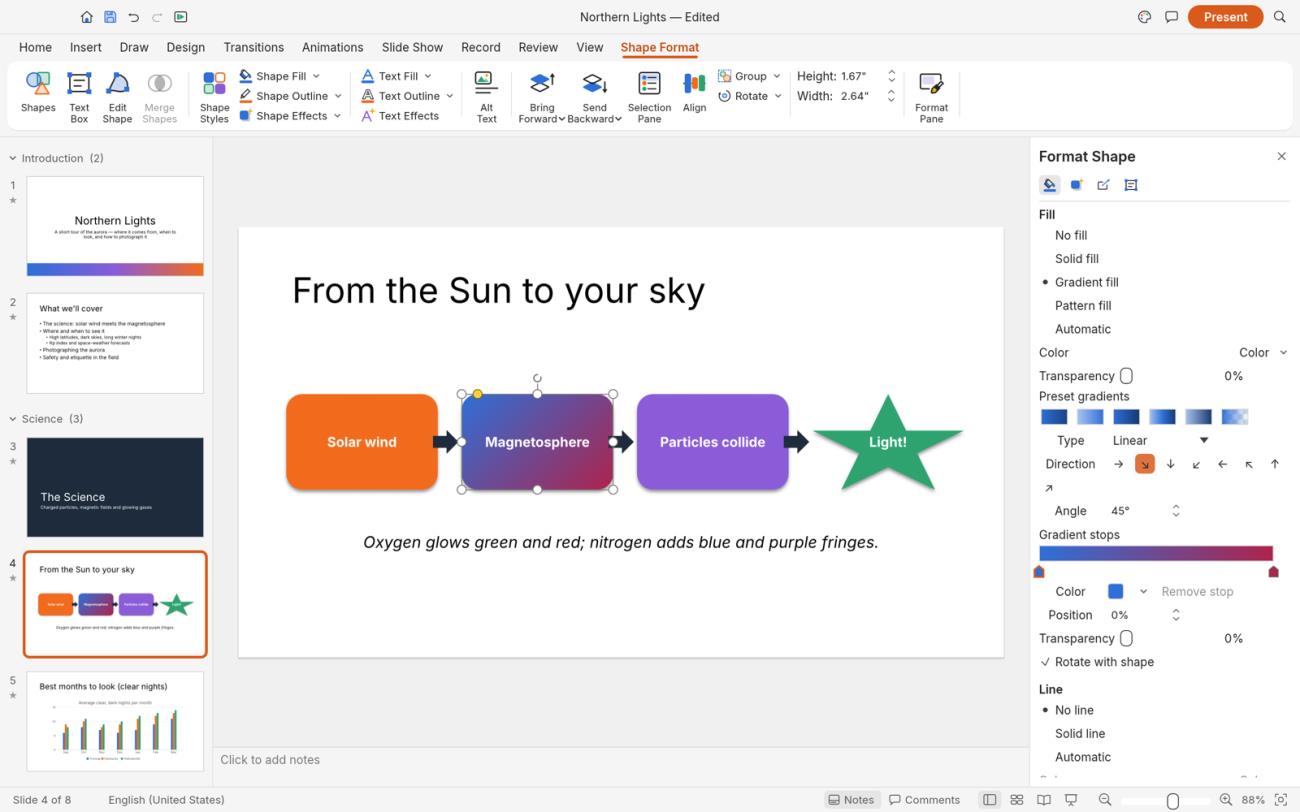 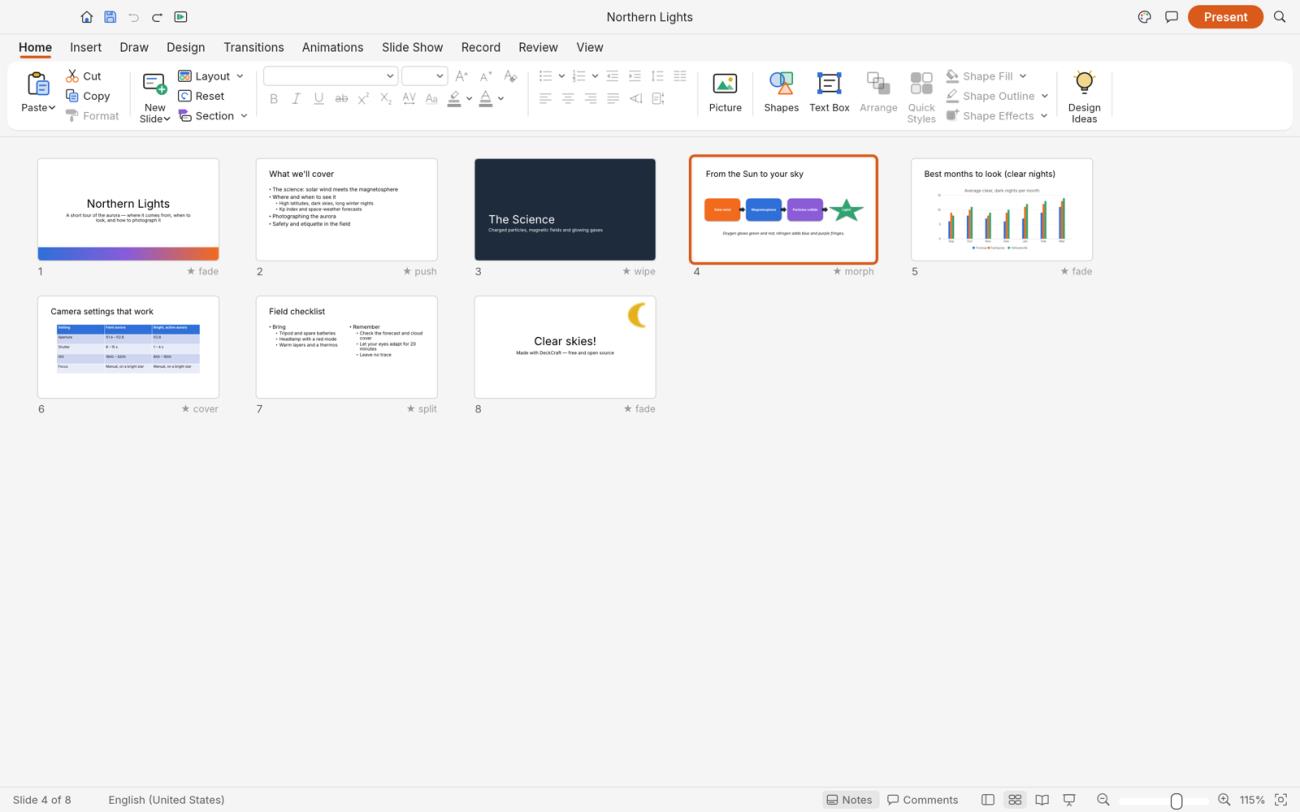 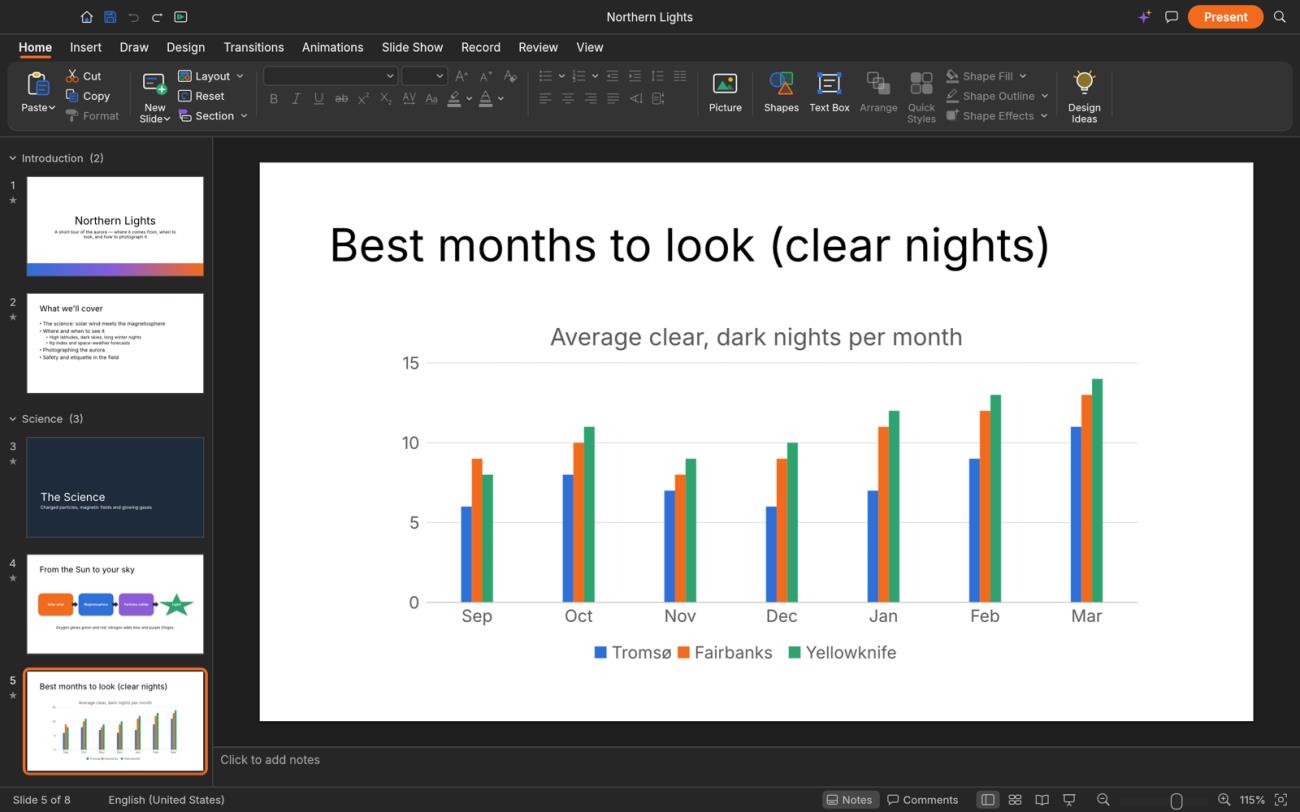 👉 This download is for the Windows 64-bit installer version (very bottom of page). All other download assets are below: Windows ARM64: deckcraft-0.8.0-windows-arm64.msi deckcraft-0.8.0-windows-arm64-portable.zip Windows 64-bit: deckcraft-0.8.0-windows-x64-portable.zip Windows 32-bit: deckcraft-0.8.0-windows-x86.msi deckcraft-0.8.0-windows-x86-portable.zip macOS: deckcraft-0.8.0-macos-universal.dmg deckcraft-cli-0.8.0-macos-universal.zip Linux ARM64: deckcraft-0.8.0-linux-aarch64.AppImage deckcraft-0.8.0-linux-aarch64.deb deckcraft-0.8.0-linux-aarch64.flatpak deckcraft-0.8.0-linux-aarch64.rpm Linux 64-bit: deckcraft-0.8.0-linux-x86_64.AppImage deckcraft-0.8.0-linux-x86_64.deb deckcraft-0.8.0-linux-x86_64.rpm Click here to visit the author's website. Continue below for the main download link. |
||||||||
| Downloads | Views | Developer | Last Update | Version | Size | Type | Rank | |
| 14 | 98 | ArtCraft | Oct 26, 2026 - 12:50 | 0.8.0 | 60.78MB | MSI |  , out of 1 Votes. , out of 1 Votes. |
|
| File Tags | ||||||||
| DeckCraft presentation slideshow slides editor PowerPoint PPTX themes animations transitions presenter vector | ||||||||
Click to Rate File Share it on Twitter → Tweet
|


