|

|
Processed through Paypal No account required. |








Buy our over-priced crap to help pay the bills.



|
|
Processed through Paypal No account required. |
| File - Download HTTrack v3.50-4 | ||||||||
| Description | ||||||||
|
Always scroll to the bottom of the page for the main download link. We don't believe in fake/misleading download buttons and tricks. The link is always in the same place. HTTrack v3.50-4 Website Copier 👉 Download entire websites to your computer for convenient offline browsing. HTTrack is a free and open-source offline browser and website copier that allows you to download a website from the Internet to a local directory. It recursively builds directories and retrieves HTML pages, images and other files while preserving the original site's relative link structure. Once downloaded, you can open the mirrored website in your regular browser and navigate from page to page as if you were viewing it online. HTTrack can also update an existing mirrored site, resume interrupted downloads and provides extensive configuration options and an integrated help system. 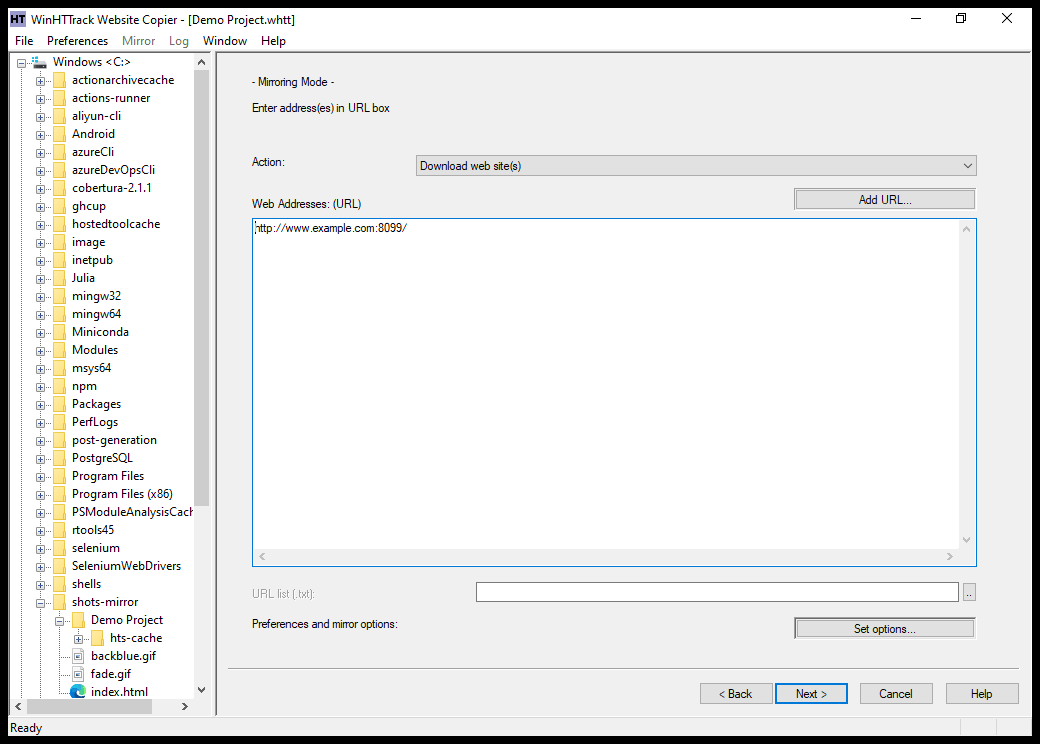 Features • Downloads complete websites for offline browsing • Recursively retrieves HTML pages, images and other linked files • Preserves the original website's relative link structure • Browse downloaded websites using a regular web browser • Updates previously downloaded website mirrors • Resumes interrupted downloads • Extensive configuration options for controlling downloads • Integrated help system • WinHTTrack graphical interface for Windows • WebHTTrack interface for macOS, Linux, Unix and BSD • Supports modern HTTPS connections • Supports SOCKS5 and CONNECT proxies • Supports Brotli and Zstandard compression • Supports files larger than 2 GB • Supports Windows paths longer than 260 characters • Supports accented and non-Latin project names and paths • Supports WARC web archive output • Can use sitemaps as a source of URLs • Can create standalone single-file pages • Can report changes made during mirror updates Supported operating systems • Windows 7 SP1, Windows 8, Windows 8.1, Windows 10, Windows 11 • Windows XP and Windows Vista are supported by the older 3.49-2 release. • Windows systems older than Windows 2000 are supported by the older v3.49-2 release. • Windows XP and Windows Vista are supported by the older v3.33 release. • macOS ARM only • Linux, Unix, BSD. Supported languages Bulgarian, Chinese (Simplified), Chinese (Traditional), Croatian, Czech, Danish, Dutch, English, Estonian, Finnish, French, German, Greek, Hungarian, Italian, Japanese, Macedonian, Norwegian, Polish, Portuguese, Portuguese (Brazil), Romanian, Russian, Slovak, Slovenian, Spanish, Swedish, Turkish, Ukrainian, Uzbek. Changes v3.50-4 09-25-26 + Fixed: a truncated string was left unterminated on Windows, because those builds aliased snprintf to _snprintf, which writes no terminator when it truncates. WinHTTrack 3.50-2 aborted on one (#1752) + Fixed: a JavaScript name ending in "url" had its assignment read as a link, where the value carries no file extension. On 3.50.3, var myurl = "hello world" fetched /hello%20world and the saved script was rewritten to point at it (#1743) + Fixed: import x from "./setup.js", the form almost all module code uses, was never followed (#1737) + Fixed: import("./chunk.js") inside /assets/app.js was fetched as /chunk.js, so the mirror stored the server's 404 page where the browser reads the module. Sites built with SvelteKit, Vite and umi all hit this (#1730) + Fixed: a WARC record described the 100 Continue headers instead of the response. It happened when a server answered 100 and then sent a reply carrying no headers of its own (#1742) + Fixed: a script polling for hts-in_progress.lock could read the file before the engine backdated it. A stop request written at that instant then lost the race it should win (#1749) + Fixed: --pause made the engine sit out the whole gap before it looked at a stop request. A stop is taken at once now (#1755) + Fixed: five tests failed on GNU/Hurd, so 3.50.3 did not build there (#1717) + New: a 429 or a 503 is retried and Retry-After is obeyed, where both used to end the link on the first answer. --max-retry-after caps what the engine waits for, 60 seconds by default, because the server picks the value. A 503 naming no usable delay stays fatal (#1755) + New: the WebHTTrack interface carries a Max Retry-After field on its Flow control page, translated in all 30 catalogs (#1757) + New: --mptcp opens every connection with Multipath TCP on Linux and macOS, so a mirror keeps running when one network path goes away. It is on by default only where the kernel escapes a blackholed SYN by itself (#1759) + New: the log names a site's bot protection when it refused the crawl. The status line and the rollback warning that followed it read as an httrack defect (#1734) + New: the end of a mirror says when links above the start directory were left out, and names -B. A start URL inside a subdirectory lost every asset at the site root and nothing said why. A single-page application does that on every crawl (#1725) + New: httrack --help names the WebHTTrack graphical interface installed beside it, and man httrack points at webhttrack(1) (#1722) + Changed: thirteen calls libhttrack already exported are declared in httrack-library.h now, so an embedder no longer writes the prototype by hand. Six that only the library itself calls left the library (#1721) + Changed: the Windows binaries are built with Control Flow Guard and the arm64 binaries with branch protection (#1724, #1723) + Changed: multiple internal hardening, test and CI improvements 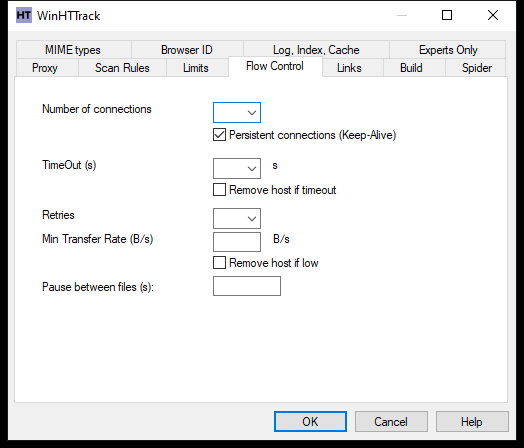 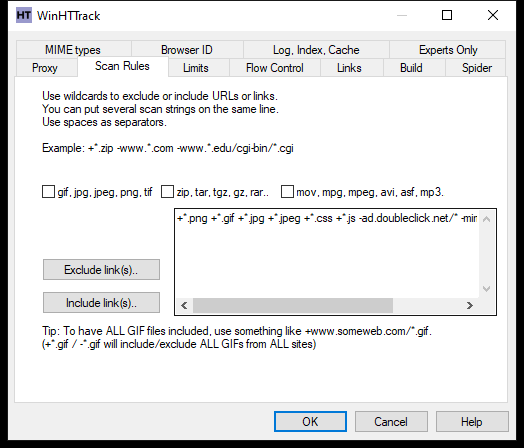 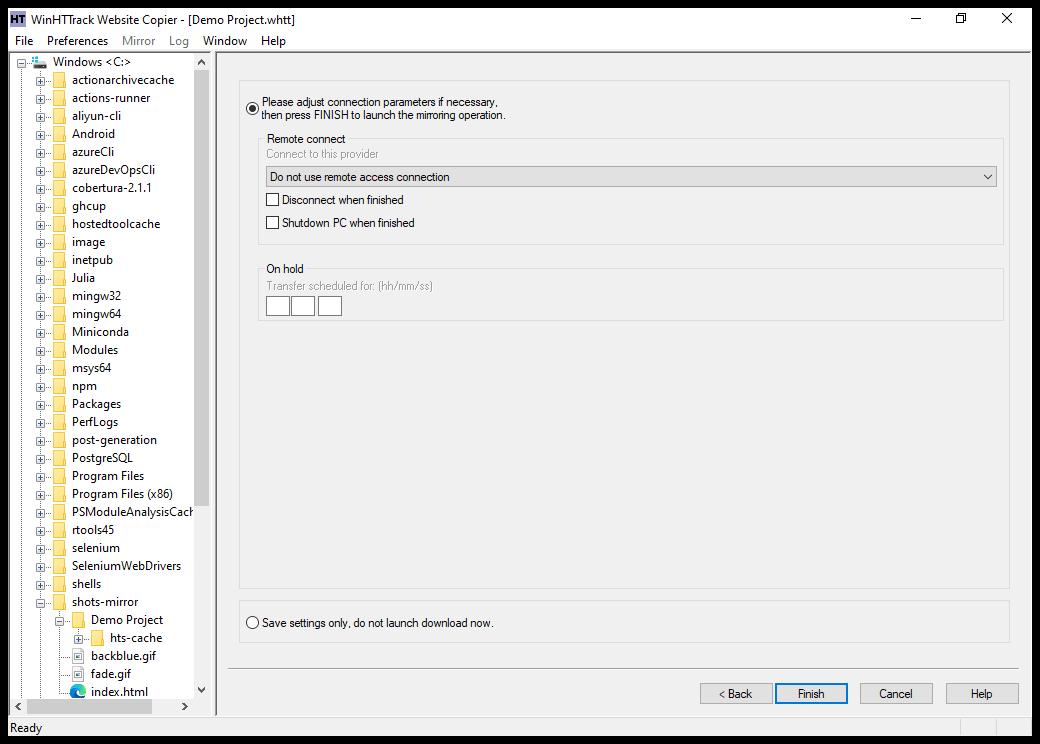 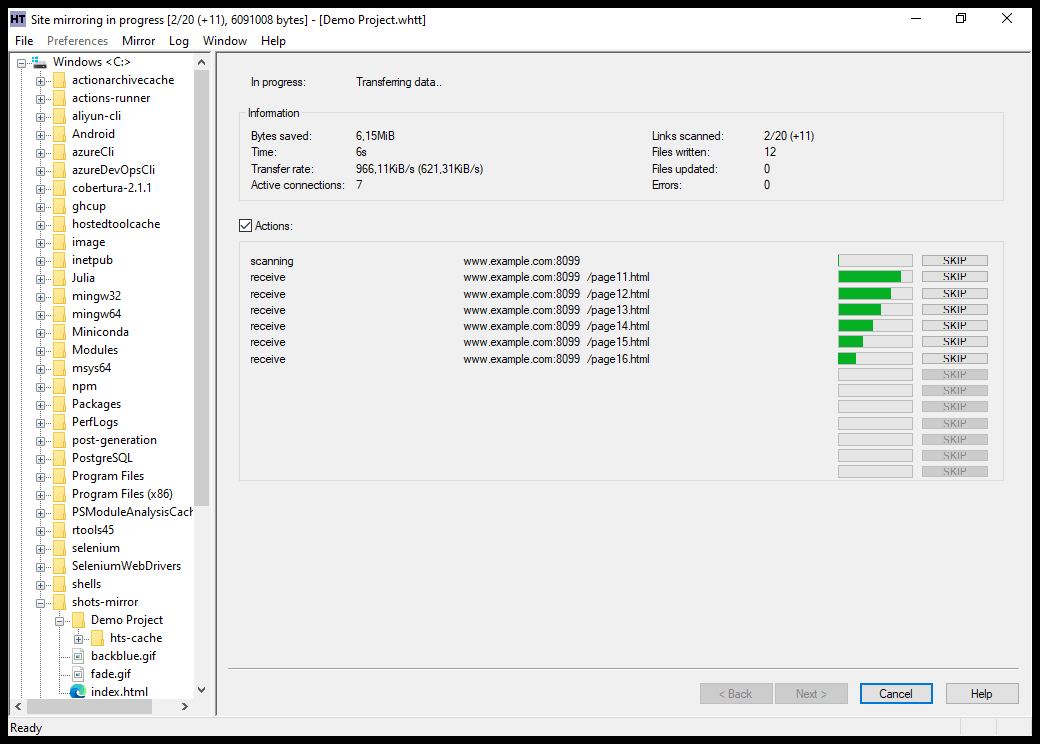 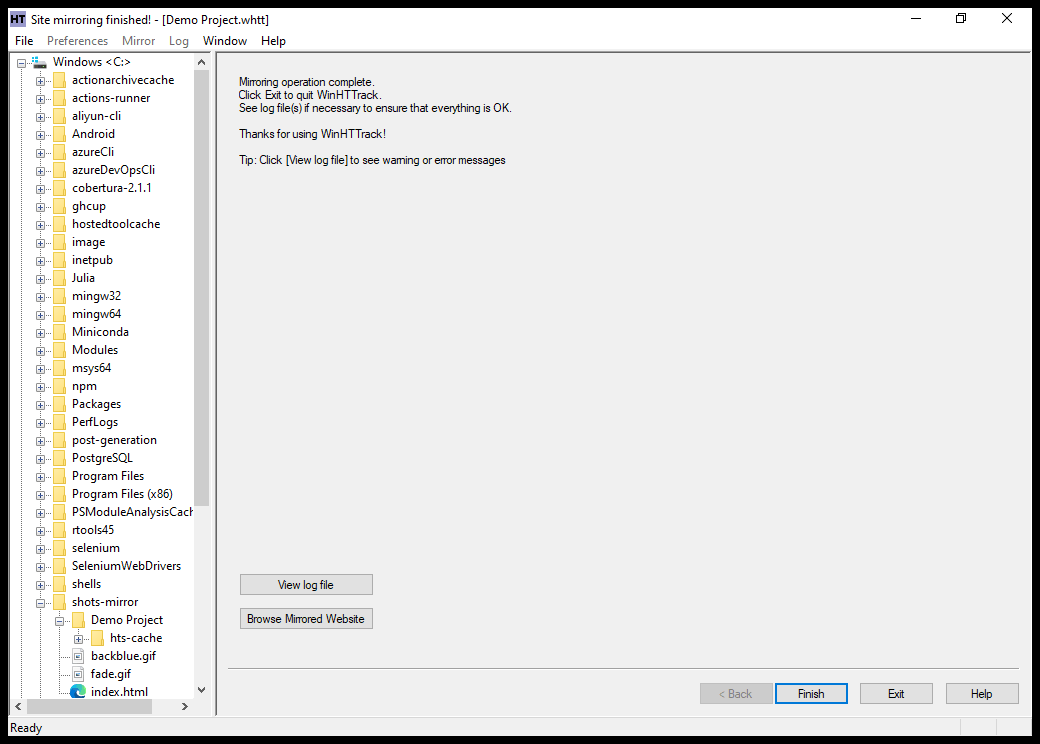 👉 This download is for the Windows 7 SP1 64bit and later installer version (very bottom of page). All other download assets are below: Other Windows: Windows 7 SP1 and later 32-bit installer Windows 7 SP1 and later 64-bit without installer Windows 7 SP1 and later 32-bit without installer Windows 2000, XP, Vista 32bit Windows XP, Vista 64bit Windows systems older than Windows 2000 macOS: macOS 15 and later, Apple Silicon (arm64) only Linux/OSX/BSD/Unix: Source Click here to visit the author's website. Continue below for the main download link. |
||||||||
| Downloads | Views | Developer | Last Update | Version | Size | Type | Rank | |
| 211 | 1,064 | Xavier Roche & other contributors | Sep 25, 2026 - 10:48 | 3.50-4 | 9.78MB | EXE |  , out of 3 Votes. , out of 3 Votes. |
|
| File Tags | ||||||||
| HTTrack, website copier, offline browser, web mirroring, site downloader, webpage archiver, internet backup, HTML capture, WARC output, portable utility, open source, recursive crawler, Windows software, Linux tool, macOS app | ||||||||
Click to Rate File Share it on Twitter → Tweet
|


