|

|
Processed through Paypal No account required. |








Buy our over-priced crap to help pay the bills.



|
|
Processed through Paypal No account required. |
| File - Download ScreenArc v1.4.1 | ||||||||
| Description | ||||||||
|
Always scroll to the bottom of the page for the main download link. We don't believe in fake/misleading download buttons and tricks. The link is always in the same place. ScreenArc v1.4.1 👉 Create polished screen recordings with automatic cinematic zooming and mouse tracking. ScreenArc is a free and open-source screen recorder and editor designed to turn ordinary screen captures into polished videos. It automatically follows mouse activity and creates smooth cinematic zoom and pan effects, making it particularly useful for software demonstrations, tutorials, presentations, product walkthroughs, and instructional videos. Record your screen, edit the resulting footage, adjust its appearance, and export the finished project without having to build every movement and zoom manually. 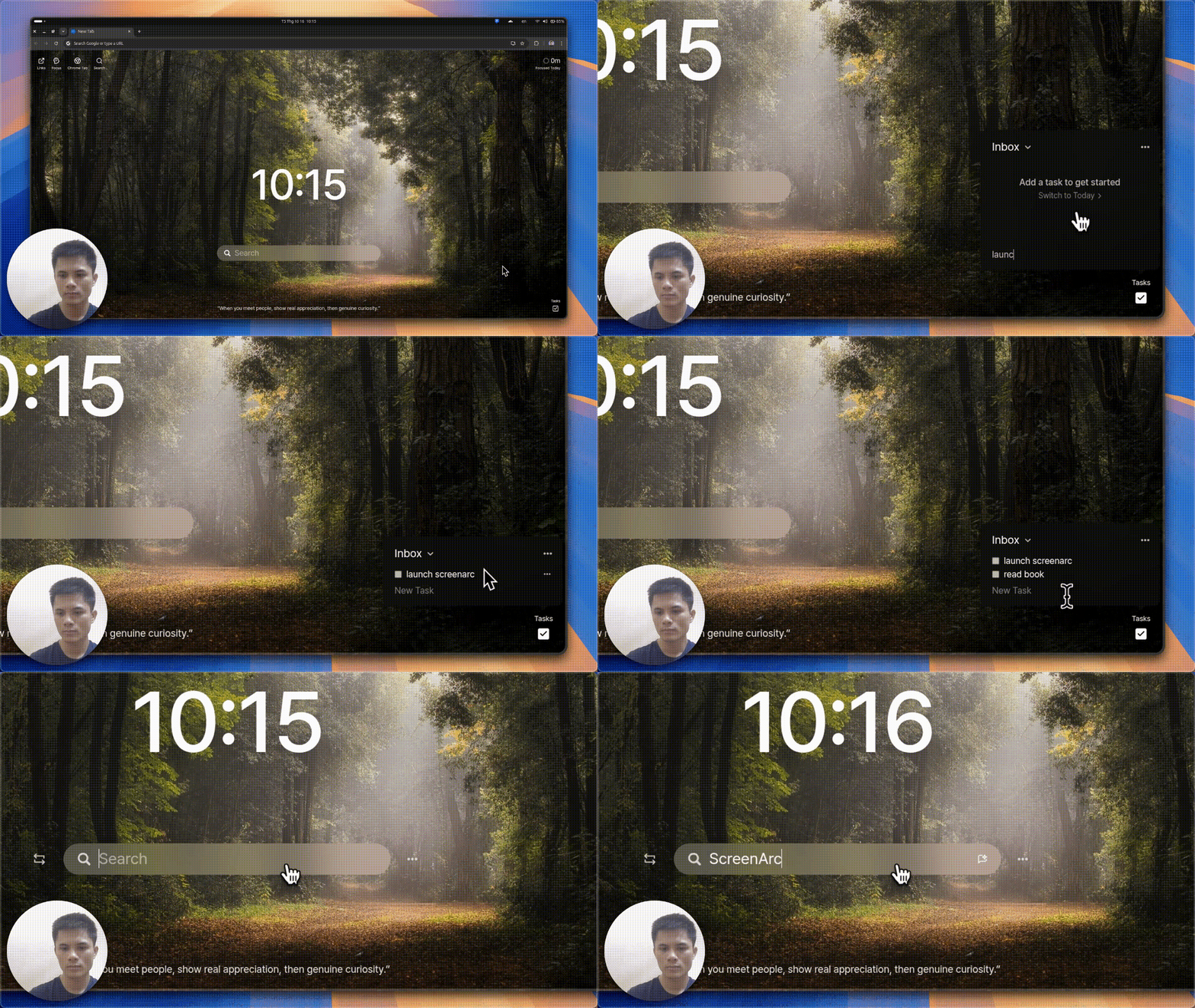 Features: • Record your screen for tutorials, demonstrations, presentations, and other projects • Automatic cinematic zoom and pan effects • Mouse tracking automatically follows activity on the screen • Smooth focus and zoom animations based on mouse activity • Built-in video editing tools for refining recordings • Timeline-based editing for working with captured footage • Webcam recording and overlay support • Customize video frames and backgrounds • Add colors, gradients, wallpapers, and shadows to recordings • Multiple aspect ratios for traditional, square, and vertical videos • Save styling choices as reusable presets • Export completed recordings as video • Cross-platform desktop application • Free and open-source software released under the GNU GPL v3 Supported operating systems: • Windows, version not specified by author • macOS 12.3 or higher • Linux x64 with X11 display server, Wayland is not currently supported Supported languages: English Changes: v1.4.1 07-22-26 Bug Fixes: • Overwrite stale recording outputs. 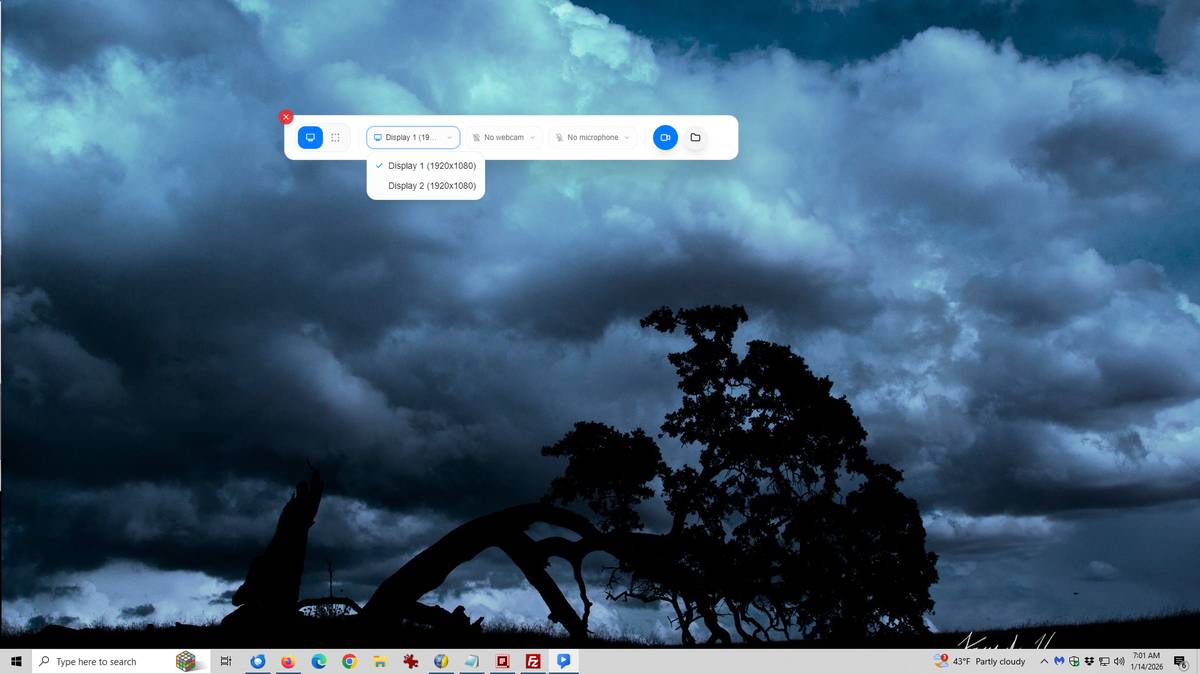 This download is for the Windows version (very bottom of page). All other download assets are below: macOS: ScreenArc-1.4.1-universal.dmg ScreenArc-1.4.1-universal-mac.zip 1) After downloading and attempting to open the app, you'll see a security warning 2) Close the warning dialog 3) Open System Settings > Privacy & Security 4) Scroll down to the "Security" section 5) Click "Open Anyway" next to the warning about ScreenArc 6) Click "Open" in the confirmation dialog Linux: ScreenArc-1.4.1-linux-x64.AppImage ScreenArc-1.4.1-linux-x64.zip ScreenArc-1.4.1-linux-x64.deb ScreenArc-1.4.1-linux-x64.rpm Click here to visit the author's website. Continue below for the main download link. |
||||||||
| Downloads | Views | Developer | Last Update | Version | Size | Type | Rank | |
| 851 | 3,922 | Tam Nguyen | Sep 14, 2026 - 11:29 | 1.4.1 | 216.27MB | EXE |  , out of 13 Votes. , out of 13 Votes. |
|
| File Tags | ||||||||
| recorder ScreenArc capture video editing cinematic zoom pan mouse tracking webcam tutorials presentations open source Windows macOS Linux | ||||||||
Click to Rate File Share it on Twitter → Tweet
|


