|

|
Processed through Paypal No account required. |








Buy our over-priced crap to help pay the bills.



|
|
Processed through Paypal No account required. |
| File - Download Sandboxie-Classic v5.73.3 | ||||||||
| Description | ||||||||
|
Always scroll to the bottom of the page for the main download link. We don't believe in fake/misleading download buttons and tricks. The link is always in the same place. Sandboxie-Classic v5.73.3 👉 Run programs in an isolated sandbox to prevent permanent system changes. Sandboxie Classic is a sandbox-based isolation tool that allows applications to run in a controlled environment, preventing them from making permanent changes to your system. It is especially useful for safely testing unknown software, browsing the web securely, and protecting your system from malware or unwanted modifications. Sandboxie Classic creates a virtualized environment where files, registry changes, and system interactions are contained within the sandbox. Once the sandbox is deleted, all changes made during the session are completely removed, leaving your system unchanged. 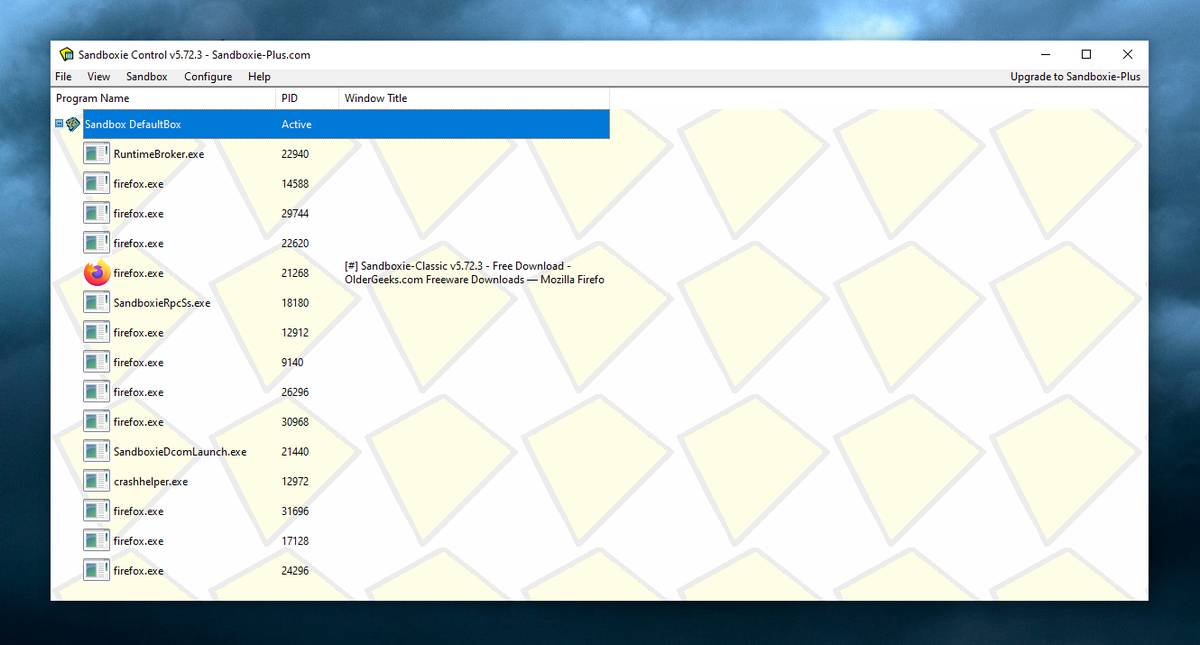 Features: • Run applications in an isolated sandbox environment • Prevent permanent changes to files and Windows registry • Secure web browsing by containing browser activity • Test untrusted programs safely before installing • Easy sandbox deletion to remove all traces of activity • Lightweight and efficient with minimal system impact • Supports forced programs and folders to always run sandboxed • Snapshot and recovery options for sandbox contents • Compatible with many common Windows applications • Open source and actively maintained Supported operating systems: • Windows 7, Windows 8, Windows 8.1, Windows 10, Windows 11 Supported languages: English, German, French, Spanish, Italian, Dutch, Russian, Chinese, Japanese, Korean, Portuguese, Polish Changes: v5.73.3 08-30-26 Added added a visible Cleanup Trace Log action to the standalone SandMan trace monitor Fixed fixed File Migration action dropdown changes being discarded when clicking Apply or OK while the editor still has focus #5548 fixed SandMan File Panel and Browse Files preserving expanded folders and restoring selection, keyboard focus, and scrolling to the nearest surviving item after deletion #5499 fixed Start.exe autorun handling for oversized registry values, bounded shortcut paths, paginated Startup directories, and dynamically sized launch command lines fixed SandMan Trace Log crashes and stale entries when clearing the log while integrated and standalone trace views are open fixed standalone Trace Logging controls not reflecting the monitor state or disabling logging after the monitor window was closed; closing now offers stop-and-clear, disable-while-retaining logs, or continued logging fixed a Firefox 154 MFCDM AppContainer launch failure in Standard Isolation (SBIE2112; DLL/driver pipe-name mismatch) #5549 fixed a box initialisation issue for processes with an AppContainer token This download is for the Windows 64bit version (very bottom of page). If you need the older Windows 32bit version, download here. Click here to visit the author's website. Continue below for the main download link. |
||||||||
| Downloads | Views | Developer | Last Update | Version | Size | Type | Rank | |
| 6,424 | 18,641 | David Xanatos | Sep 02, 2026 - 12:16 | 5.73.3 | 2.99MB | EXE |  , out of 113 Votes. , out of 113 Votes. |
|
| File Tags | ||||||||
| sandbox security virtualization safe browsing malware testing isolation tool Windows | ||||||||
Click to Rate File Share it on Twitter → Tweet
|


