|

|
Processed through Paypal No account required. |








Buy our over-priced crap to help pay the bills.



|
|
Processed through Paypal No account required. |
| File - Download LibreOffice Productivity Suite v26.8.0 | ||||||||
| Description | ||||||||
|
Always scroll to the bottom of the page for the main download link. We don't believe in fake/misleading download buttons and tricks. The link is always in the same place. LibreOffice Productivity Suite v26.8.0 👉 Free and powerful open-source office suite for documents, spreadsheets, presentations, and more. LibreOffice is a full-featured, open-source productivity suite that includes applications for word processing, spreadsheets, presentations, drawings, databases, and mathematical formulas. Designed as a powerful alternative to commercial office software, LibreOffice offers broad file format compatibility, including native support for OpenDocument Format (ODF) and strong interoperability with Microsoft Office file types. LibreOffice includes Writer for documents, Calc for spreadsheets, Impress for presentations, Draw for vector graphics and diagrams, Base for database management, and Math for formula editing. It provides a customizable interface, extensive template support, advanced formatting tools, and a large extension ecosystem to expand functionality. Writer Edit all kinds of documents Writer has all the features you need from a modern, full-featured word processing and desktop publishing tool. It's simple enough for a quick memo, but powerful enough to create complete books with contents, diagrams, indexes, and more. You're free to concentrate on your message, while Writer makes it look great. 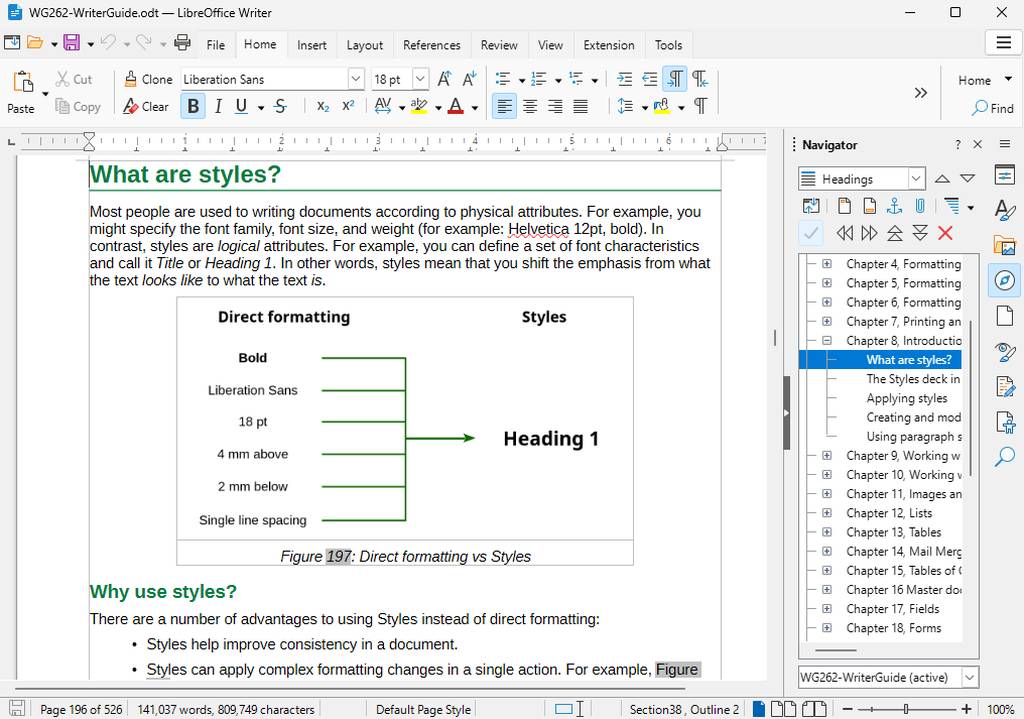 Calc The spreadsheet for everyone Calc is the free spreadsheet program you've always needed. Newcomers find it intuitive and easy to learn, while professional data miners and number crunchers appreciate the comprehensive range of advanced functions. Built-in wizards guide you through choosing and using a comprehensive range of advanced features. Or you can download templates from the LibreOffice template repository, for ready-made spreadsheet solutions. 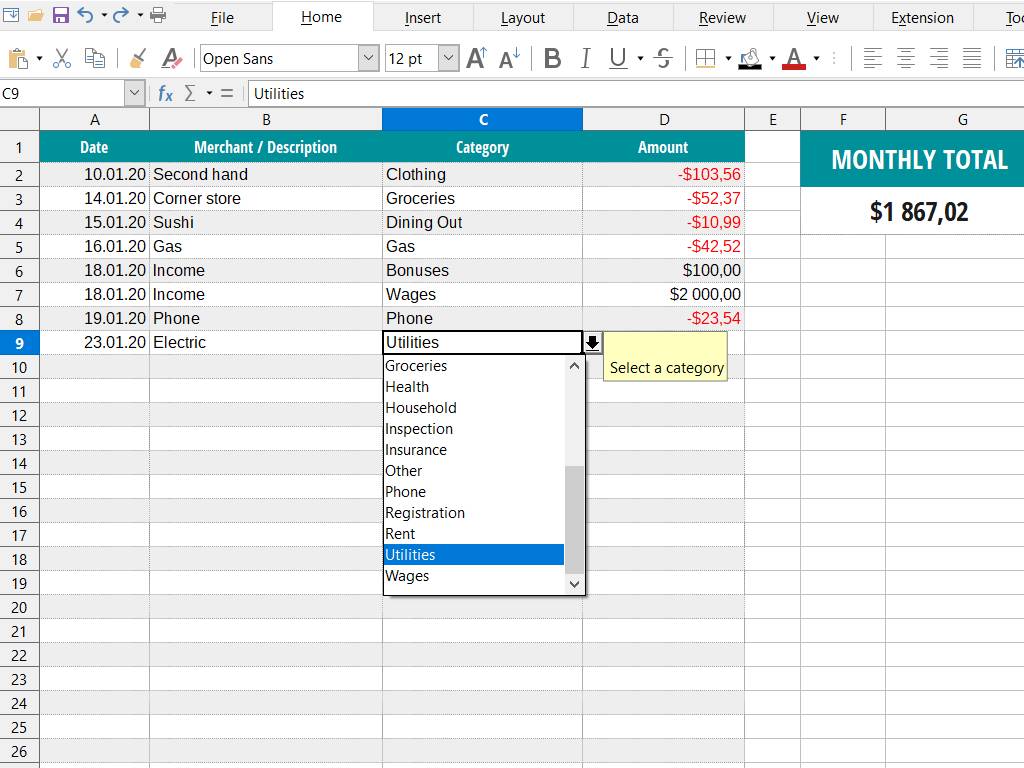 Impress Presentations done right In Impress, creating and editing slides is very versatile thanks to different editing and view modes: Normal (for general editing), Outline (for organizing and outlining your text content), Notes (for viewing and editing the notes attached to a slide), Handout (for producing paper-based material), and Slide Sorter (for a thumbnail sheet view that lets you quickly locate and order your slides). 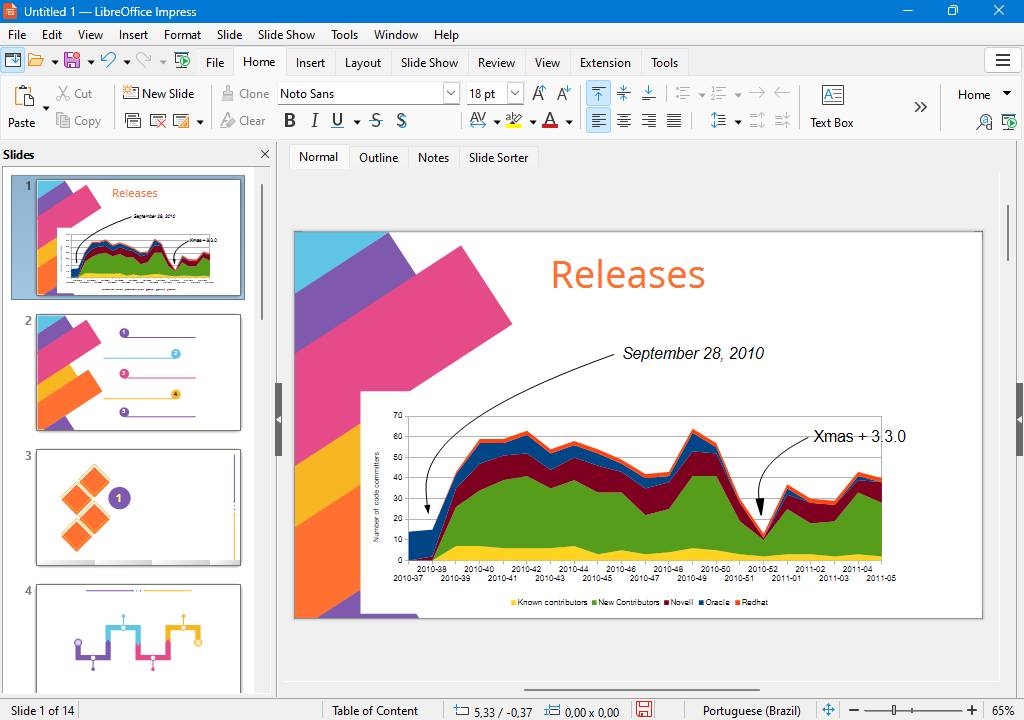 Draw Eye-popping graphic documents Draw lets you produce anything from a quick sketch to a complex plan, and gives you the means to communicate with graphics and diagrams. With a maximum page size of 300cm by 300cm, Draw is a an excellent package for producing technical drawings, brochures, posters and many other documents. Draw lets you manipulate graphical objects, group them, crop them, use objects in 3D and much more. 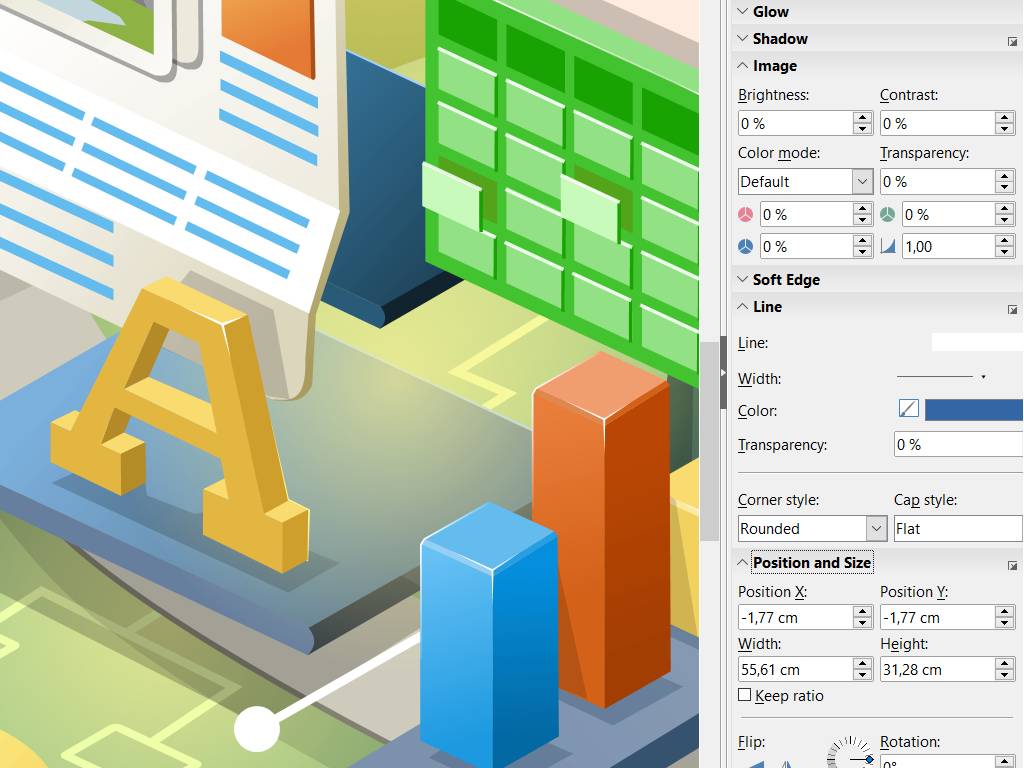 Base A powerful manager for all databases Base is a full-featured desktop database front end, designed to meet the needs of a broad array of users. Base caters to power users and enterprise requirements, providing native-support drivers for some of the most widely employed multi-user database engines: MySQL/MariaDB, Adabas D, MS Access and PostgreSQL. In addition, the built-in support for JDBC- and ODBC-standard drivers allows you to connect to virtually any other existing database engine as well. 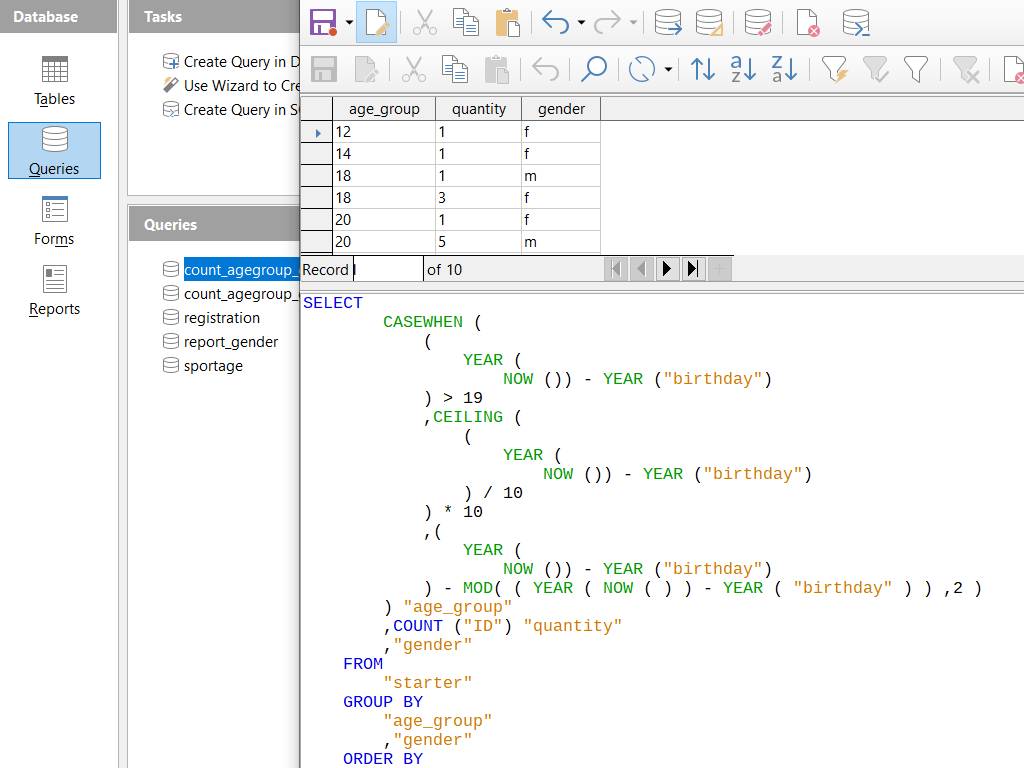 Math The neat equations and formulas editor Math is LibreOffice's formula editor, and can be invoked in your text documents, spreadsheets, presentations and drawings, enabling you to insert perfectly formatted mathematical and scientific formulas. Your formulas can include a wide range of elements, from fractions, terms with exponents and indices, integrals, and mathematical functions, to inequalities, systems of equations, and matrices. You can start Math either as a stand-alone application directly from the LibreOffice Start Center or directly from within other LibreOffice applications such as Writer, Calc, Impress and Draw. 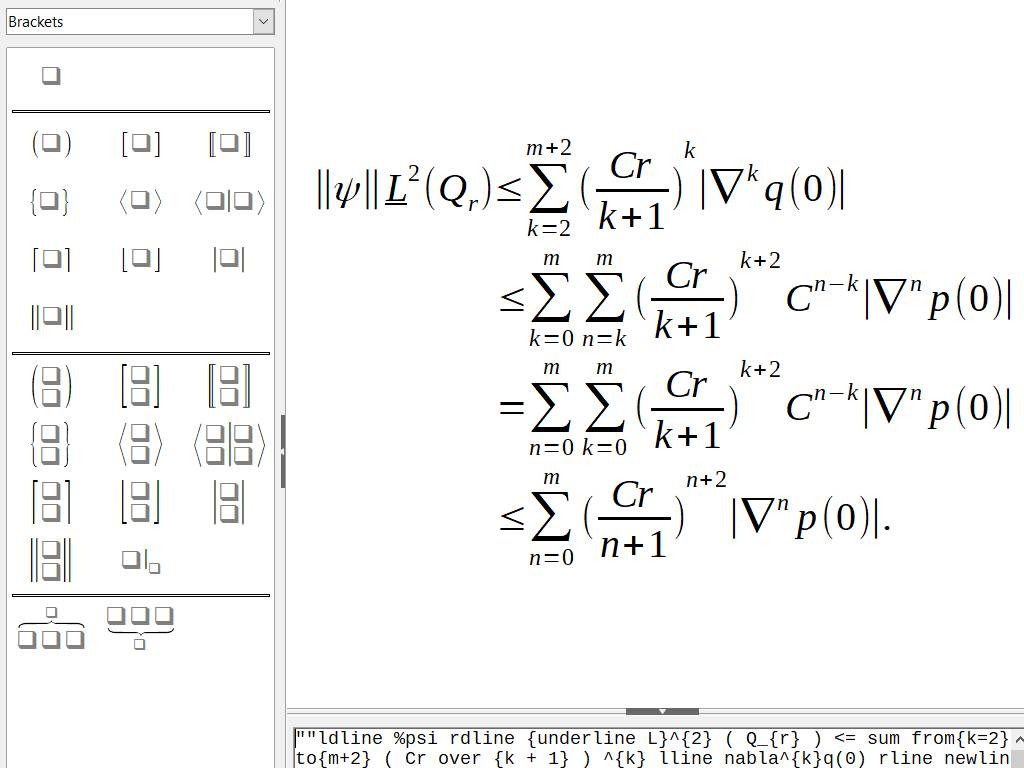 Supported operating systems: • Windows 10, Windows 11 • macOS 12 (Monterey) or Higher • Linux (Debian, Ubuntu, Fedora, openSUSE, and other distributions) Supported languages: English, Spanish, French, German, Italian, Portuguese, Dutch, Polish, Russian, Chinese (Simplified and Traditional), Japanese, Korean, and many more Changes: v26.8.0 08-26-26 Introduced Paragraph Composer in Writer for improved justified text layout and more balanced word spacing across consecutive lines. Added native support for OpenType variable fonts. Improved bidirectional, right-to-left and complex text handling, including automatic paragraph direction detection. Added N’Ko and Adlam script support and right-to-left formula improvements in Math. Added Draft view in Writer, hiding headers, footers and margins for distraction-free editing. Improved Writer performance when opening very large documents containing images. Added searching through comments to the Quick Find sidebar. Added editable table styles in Writer and Calc. Added Calculated Fields to Calc pivot tables. Added a Shuffle command in Calc to randomize cells within a selected range. Added relative font sizes to Calc cell styles. Improved XLSX compatibility, including line breaks in referenced cells and form controls in the Navigator. Added support for multiple page sizes within a single Impress or Draw document. Added presentation sections in Impress for organizing slides into named groups. Added custom slide names alongside slide numbers in the Impress slide panel. Added 16:9 and 4:3 versions of several Impress templates. Improved the Notebookbar with application-specific backgrounds, category labels and mouse-wheel/touchpad tab scrolling. Added live application theme color changes without requiring a restart. Added paper sizes from A0 through B3. Improved style previews and consistency across the Notebookbar, Formatting toolbar and Sidebar. Added a search filter for custom dictionaries. Added an option to remove query strings from URLs in the Hyperlink dialog. Improved accessibility for Writer tables and keyboard navigation in the Special Character selector. Added document-specific keyboard shortcuts. Added direct creation and editing of Python scripts from the Macro manager. Improved Base with preserved SQL comments in Design View and filtering of Firebird date, time and timestamp columns. Improved Microsoft Office document compatibility, including preservation of additional OOXML chart types. Renamed Safe Mode to Troubleshoot Mode. Removed obsolete Java applet configuration and the OfficeBean SDK example. Gentium Basic and Gentium Book Basic fonts are no longer bundled with LibreOffice. Added a periodic donation banner to the Start Centre. LibreOffice 26.8 contains no generative AI features and does not transmit documents to remote AI services. This download is for the Windows x86-64 version (very bottom of page). All other download assets are below: Other Windows: LibreOffice_26.8.0_Win_aarch64.msi macOS: LibreOffice_26.8.0_MacOS_x86-64.dmg LibreOffice_26.8.0_MacOS_aarch64.dmg Linux: LibreOffice_26.8.0_Linux_x86-64_deb.tar.gz LibreOffice_26.8.0_Linux_aarch64_deb.tar.gz LibreOffice_26.8.0_Linux_x86-64_rpm.tar.gz LibreOffice_26.8.0_Linux_aarch64_rpm.tar.gz Click here to visit the author's website. Continue below for the main download link. |
||||||||
| Downloads | Views | Developer | Last Update | Version | Size | Type | Rank | |
| 12,592 | 39,132 | The Document Foundation | Aug 30, 2026 - 14:35 | 26.8.0 | 357.54MB | MSI |  , out of 111 Votes. , out of 111 Votes. |
|
| File Tags | ||||||||
| LibreOffice Writer Calc Impress Draw Base Math office spreadsheet presentation database formula ODF | ||||||||
Click to Rate File Share it on Twitter → Tweet
|


