|

|
Processed through Paypal No account required. |








Buy our over-priced crap to help pay the bills.



|
|
Processed through Paypal No account required. |
| File - Download HelixNotes v1.3.3 | ||||||||
| Description | ||||||||
|
A plea... Deanna and I have been running this site since 2008 and lately we're seeing a big increase in users (and cost) but a decline in percentage of users who donate. Our ad-free and junkware-free download site only works if everyone chips in to offset the revenue that ads on other sites bring in. Please donate at the bottom of the page. Every little bit helps. Thank you so much. Sincerely, your Older Geeks: Randy and Deanna Always scroll to the bottom of the page for the main download link. We don't believe in fake/misleading download buttons and tricks. The link is always in the same place. HelixNotes v1.3.3 👉 A fast, local-first Markdown note-taking application with powerful organization tools. HelixNotes is a privacy-focused, open-source Markdown note-taking application that stores your notes as standard .md files on your own computer instead of locking them into a proprietary database or cloud service. Built with Rust and Tauri for excellent performance and low resource usage, it combines a clean WYSIWYG editor with the flexibility of raw Markdown editing. Features such as wiki links, graph visualization, task management, version history, full-text search, Mermaid diagrams, KaTeX math, optional WebDAV synchronization, and optional AI integration make it suitable for everything from simple note-taking to large personal knowledge bases. 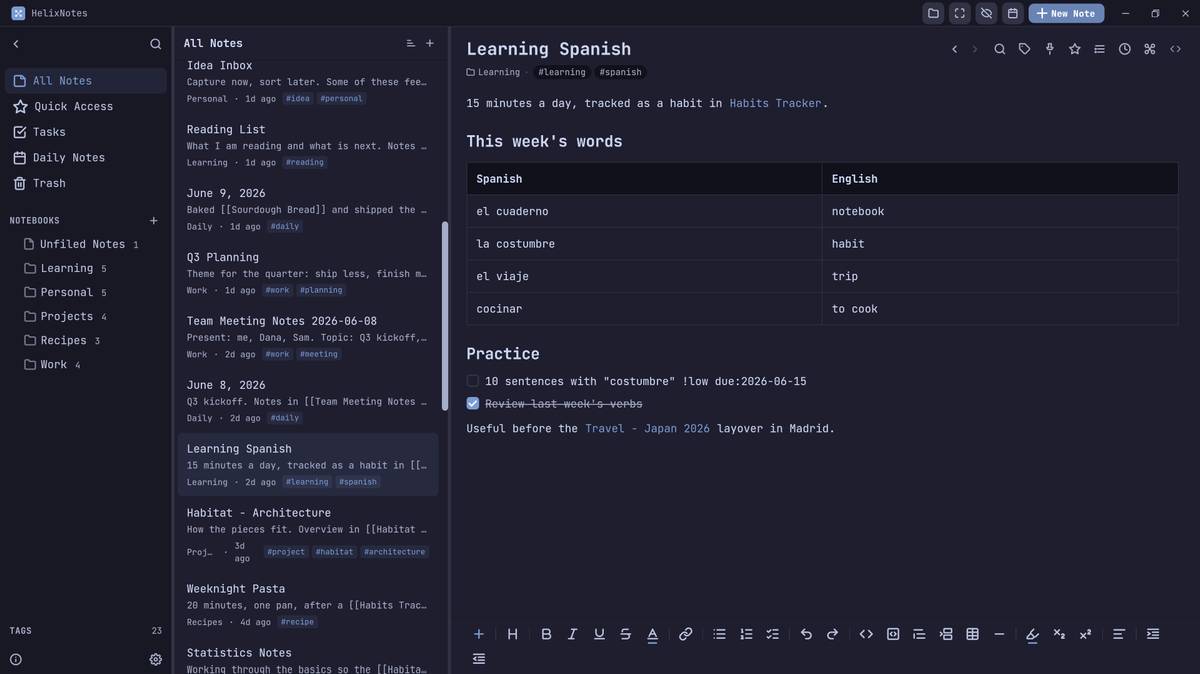 Features: • Plain Markdown (.md) file storage with no proprietary database • Clean WYSIWYG editor with optional raw Markdown source mode • Slash commands, tables, syntax-highlighted code blocks, and live KaTeX math • Wiki links with automatic interactive graph view • Centralized task management with priorities, due dates, and calendar view • Daily notes with integrated calendar • Fast local full-text search • Native Mermaid diagram rendering • Version history with automatic backups and diff viewer • Optional WebDAV synchronization • Optional AI integration using Ollama or your own API key • Obsidian import support • Outline panel and tag autocomplete • Custom themes, fonts, accent colors, and interface scaling • Built with Rust and Tauri for fast startup and low memory usage Supported operating systems: • Windows 10, Windows 11 • macOS (Apple Silicon and Intel with Rosetta 2) • Linux (AppImage, Debian/Ubuntu APT, Arch Linux, Fedora 43+, openSUSE Tumbleweed, Solus) • Android 16 or later Supported languages: • English Changes: v1.3.3 06-30-26 Android: removed the Updates tab from Settings, since updates are handled by the ArkHost F-Droid repo or Obtainium. Editor: the inline task tokens (!high, due:2026-06-12) are now dimmed in the rich editor so they're less distracting while staying readable. Fixed the desktop app showing the mobile layout (no sidebar or top bar) on some Linux systems such as CachyOS. (community report, issue #63) Fixed "Find orphaned attachments" treating notebook folder icons as orphaned and moving them to trash; their references are now recognized. (community report, issue #157) Press Ctrl/Cmd+Shift+Del to move the open note to the trash. (community PR by milaforge, #156) The outline panel can now be resized by dragging, with its width remembered per vault and the text scaling with the editor font size. (community PR by milaforge, #161) Create and edit your own custom themes, and import or export them as JSON to share. (community PR by RockyRoad226, #159) Added callouts: typing > [!note] (also info, tip, warning, danger, success, question, quote, and more) inserts a colored, titled, foldable box; available from the /callout command, a toolbar button, and a type picker that also supports custom types. All Notes can now group notes under relative-date headers (Today, Yesterday, Previous 7 Days, Previous 30 Days, then by month); toggle it from the list header when sorting by Created or Modified. Added a collapsible Note Info panel with live word and character counts, created and modified dates, and the note's snapshots. (community PR by RockyRoad226, #164) Fixed ordered lists in the editor showing only the last digit past item 9 (10 appeared as 0) on Linux; multi-digit numbers now display correctly. Android: large vaults load faster on launch, with the notebook tree and note list now scanned in parallel and a redundant directory read removed. Fixed the editor stuttering and pausing while typing in large notes, where text would lag and then catch up all at once. In a task list, type ! to set a priority (High/Medium/Low) or pick a due date from a small menu; both insert as dimmed inline tokens. Android: an Info button in the top bar (next to Settings) opens the About panel with the app version and credits. Manual notebook sorting now works on Windows and Android: in Manual sort mode each notebook has a grip handle you drag to reorder (this previously worked only on Linux and macOS). Fixed notes opened with "Open in New Window" moving the cursor to the top of the note, and sometimes adding a duplicate title heading, when you paused typing. (community report) 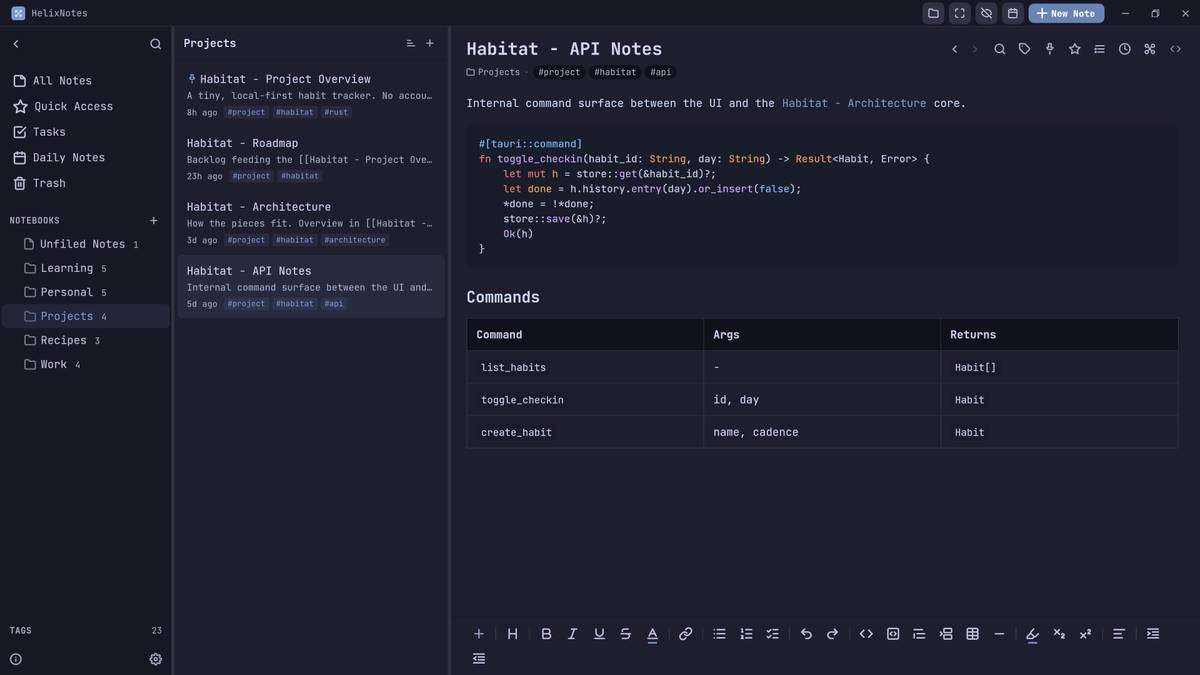 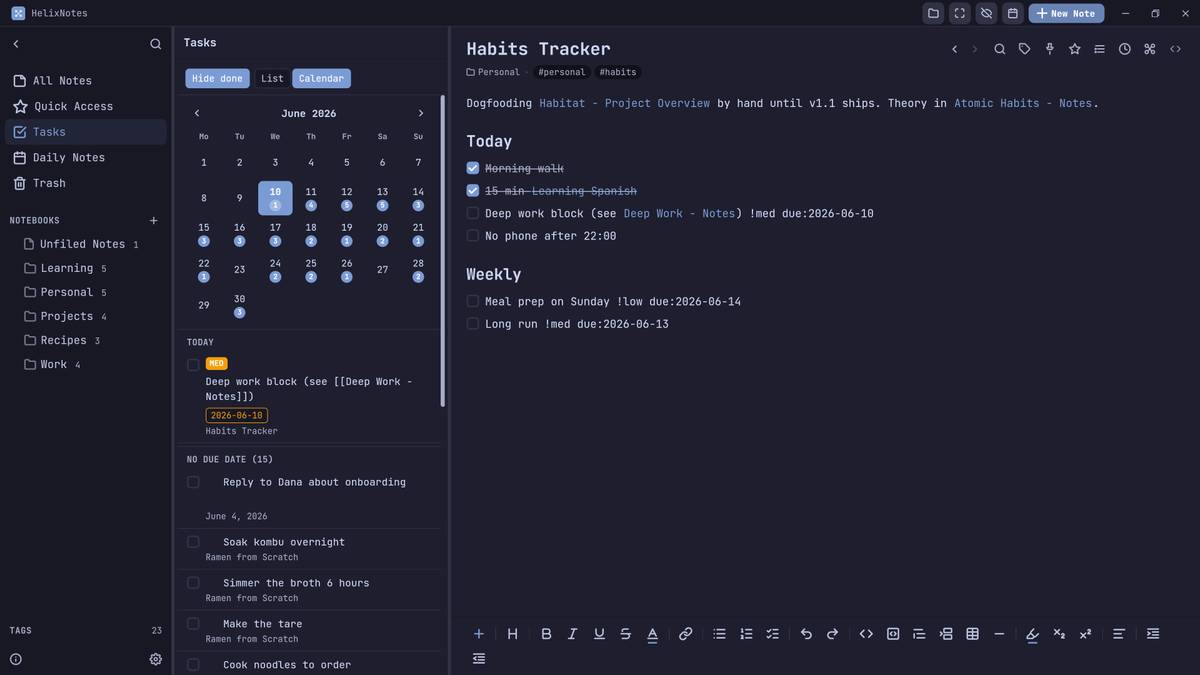 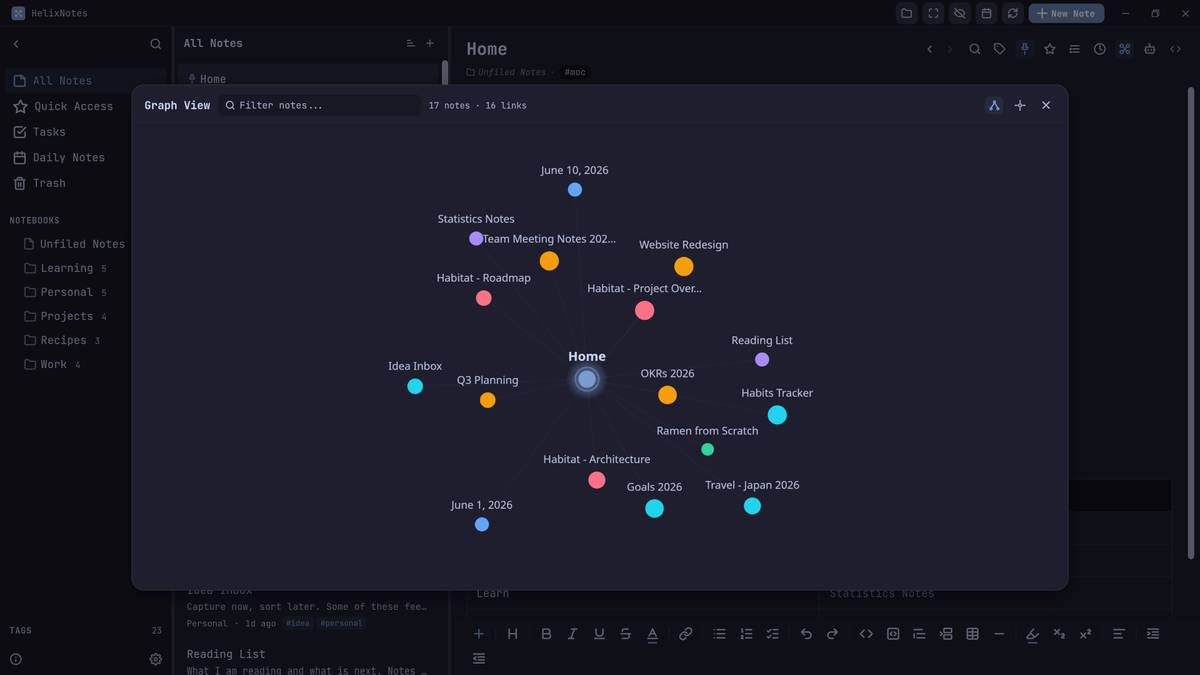 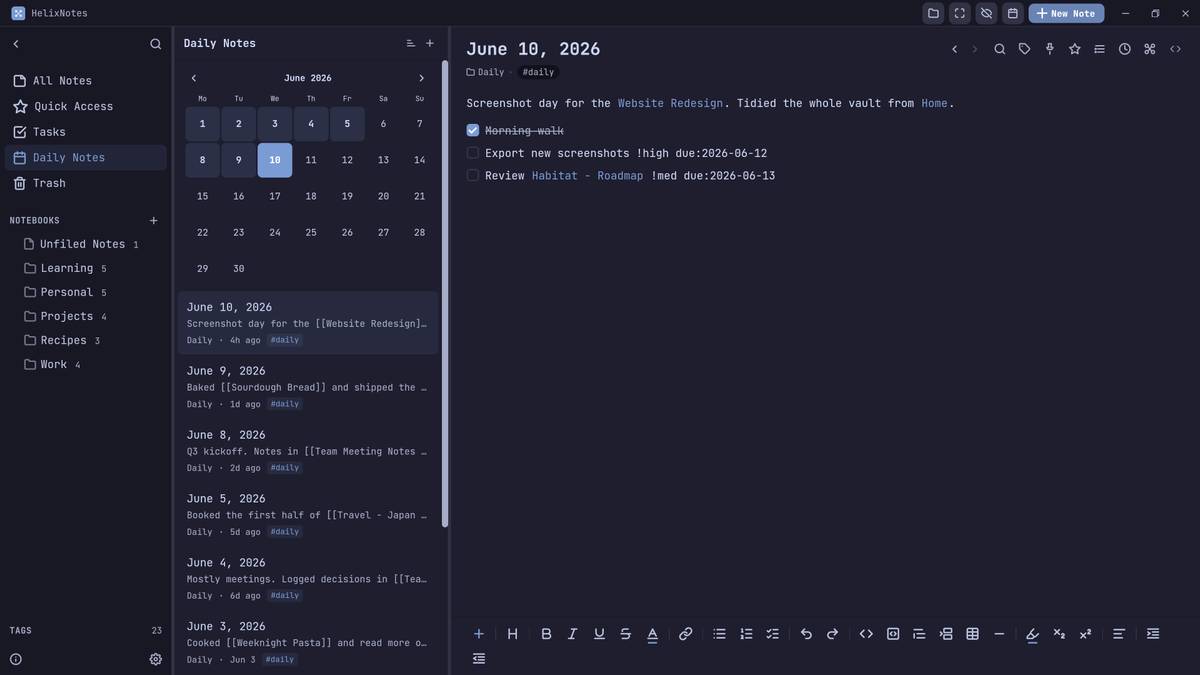 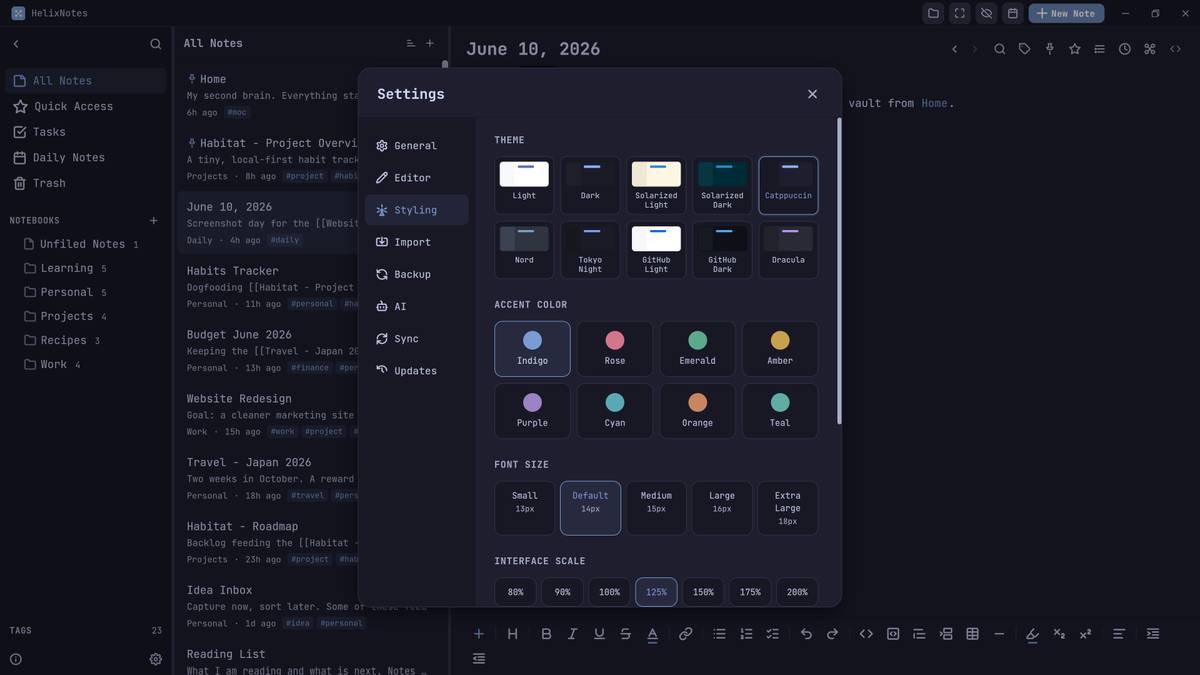 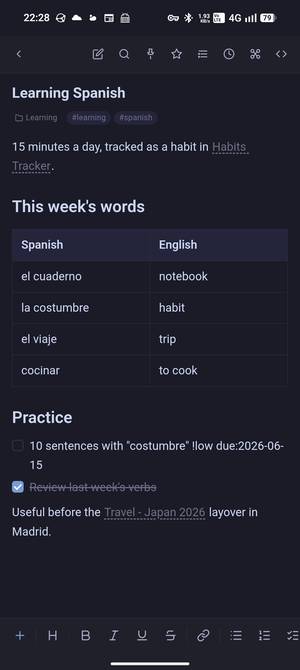 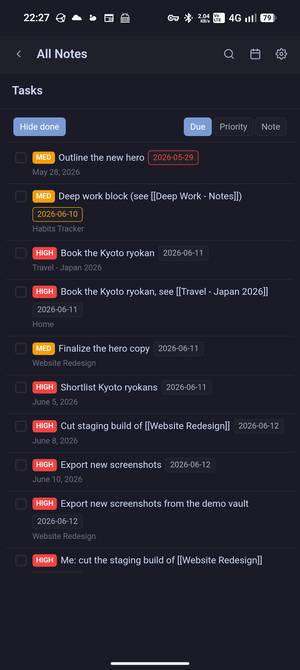 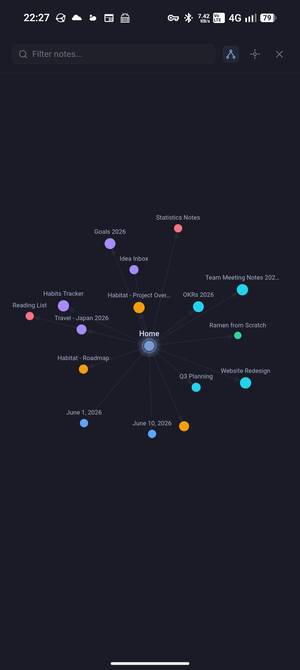 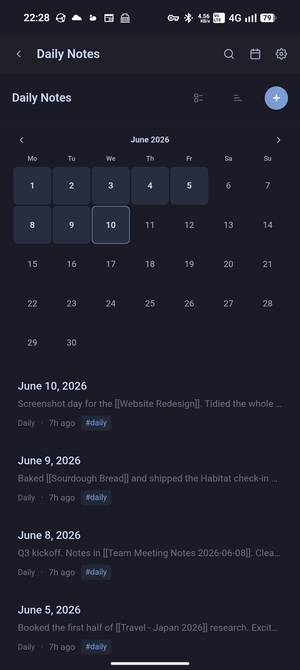 Note: This file has two hits on VirusTotal. We have confirmed these to be false positives. The file is safe. This download is for the Windows version (very bottom of page). All other download assets are below: macOS: HelixNotes_1.3.3_aarch64.dmg HelixNotes_1.3.3_x64.dmg macOS "damaged" warning: If macOS reports that HelixNotes is "damaged" and can't be opened, the application is not actually damaged. The current macOS version has not yet been notarized by Apple, so on Apple Silicon Macs Gatekeeper may display this misleading message instead of the normal Open Anyway option. Open Terminal and run: xattr -cr /Applications/HelixNotes.appAfter running the command, launch HelixNotes normally. Note: You will need to run this command again after each HelixNotes update until the application is notarized by Apple. Linux: HelixNotes_1.3.3_amd64.AppImage Android: HelixNotes_1.3.3_android.apk Click here to visit the author's website. Continue below for the main download link. |
||||||||
| Downloads | Views | Developer | Last Update | Version | Size | Type | Rank | |
| 447 | 1,413 | ArkHost | Jul 03, 2026 - 12:54 | 1.3.3 | 8.24MB | EXE |  , out of 3 Votes. , out of 3 Votes. |
|
| File Tags | ||||||||
| HelixNotes markdown notes notetaking wiki-links graph tasks journal WebDAV Mermaid KaTeX Rust Tauri Android local | ||||||||
Click to Rate File Share it on Twitter → Tweet
|


