|

|
Processed through Paypal No account required. |








Buy our over-priced crap to help pay the bills.



|
|
Processed through Paypal No account required. |
| File - Download Windows Post-Install Generator v1.0 | ||||||||
| Description | ||||||||
|
A plea... Deanna and I have been running this site since 2008 and lately we're seeing a big increase in users (and cost) but a decline in percentage of users who donate. Our ad-free and junkware-free download site only works if everyone chips in to offset the revenue that ads on other sites bring in. Please donate at the bottom of the page. Every little bit helps. Thank you so much. Sincerely, your Older Geeks: Randy and Deanna Always scroll to the bottom of the page for the main download link. We don't believe in fake/misleading download buttons and tricks. The link is always in the same place. Windows Post-Install Generator v1.0 A web-based tool that generates customized Windows post-installation batch scripts. In Windows Post-Install Generator you can select from 200+ software applications and 50+ system configurations to create a personalized Windows setup script. 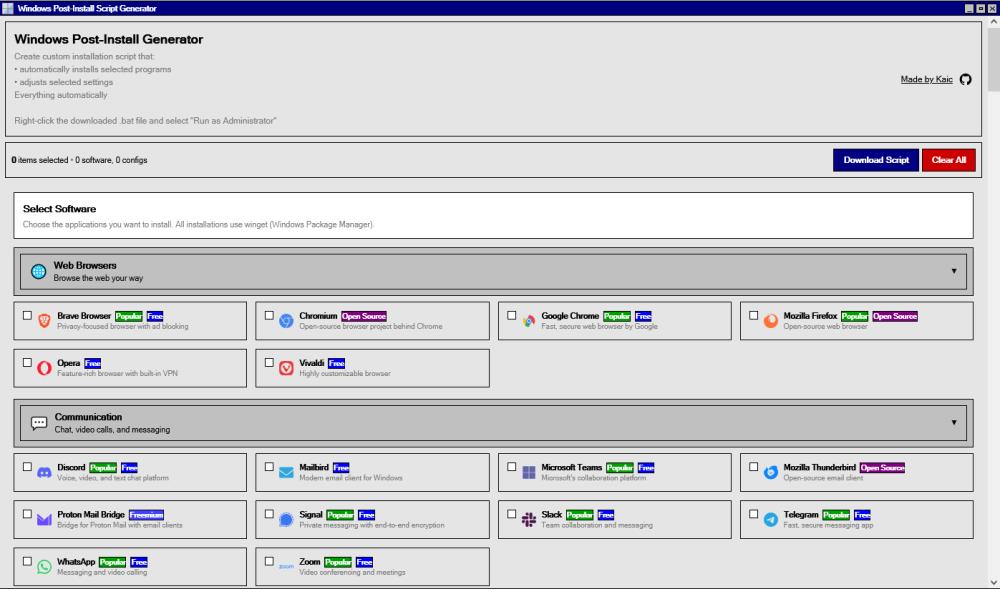 Features: • 115 Software Applications: Curated apps across 13 categories • 80 System Configurations: Performance, privacy, UI, gaming tweaks • Cleanup Tools: Remove bloatware safely • One-Click Script Generation: Ready-to-run batch file • Windows 98-Inspired UI: Nostalgia + modern functionality • Safe and Reversible: Uses official Windows tools (winget, PowerShell) How to Use: 1) Choose the apps and settings you want. 2) Generate a .bat script. 3) Download it and run on your fresh Windows install (USB or local machine). • Runs entirely in your browser — no installation required. Using the Web Interface 1) Browse Categories: Navigate through software categories (Browsers, Development, Gaming, etc.) 2) Select Software: Click on applications you want to install 3) Configure System: Switch to the Configurations tab to optimize Windows settings 4) Review Selection: View your selected items in the right panel 5) Download Script: Click "Download Script" to generate your batch file 6) Run on Windows: Execute the downloaded .bat file as Administrator on your Windows machine Running the Generated Script 1) Download the windows-setup.bat file from the web interface 2) Right-click the file and select "Run as Administrator" 3) The script will: • Install selected software using winget • Apply system configurations via registry and PowerShell • Remove bloatware if selected • Display progress and completion status Adding Your Own Software: Edit src/data/software-catalog.js to add new software entries:{Adding System Configurations: Edit src/data/configurations.js to add new configurations:{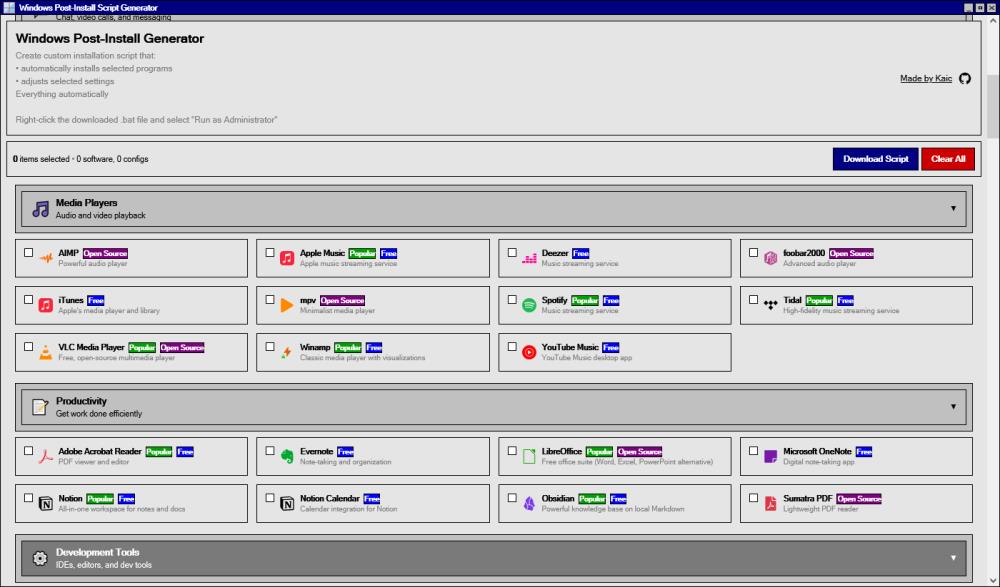 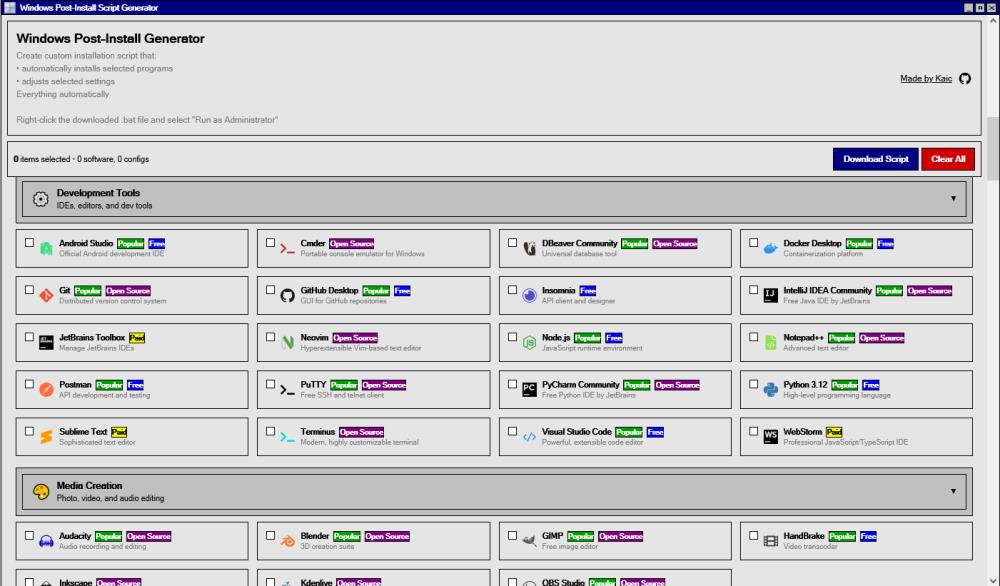 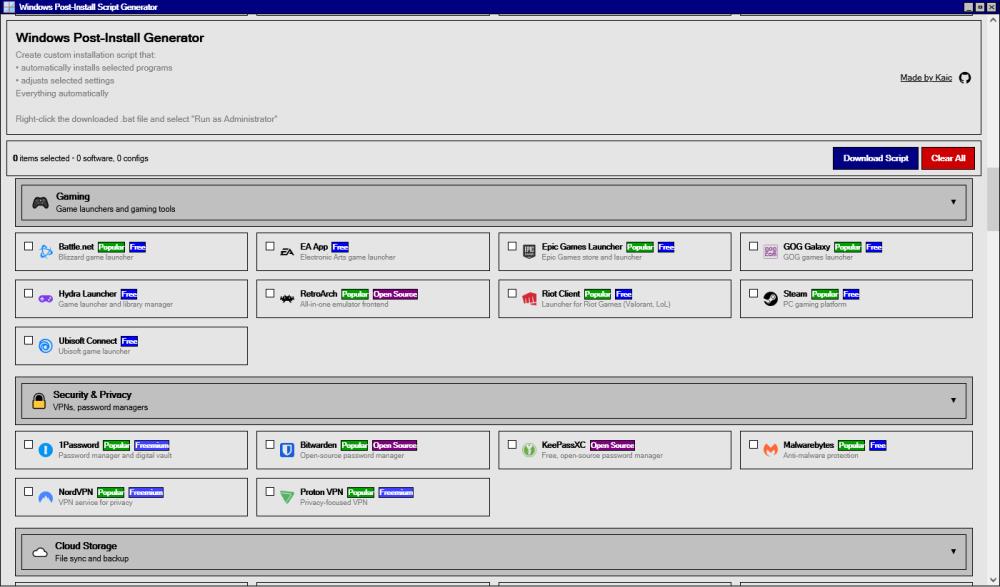 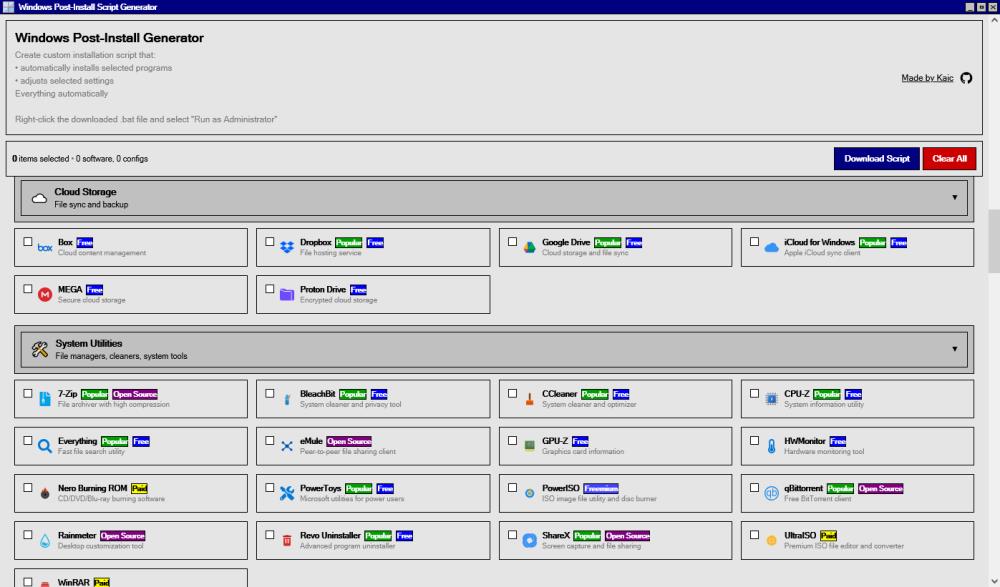 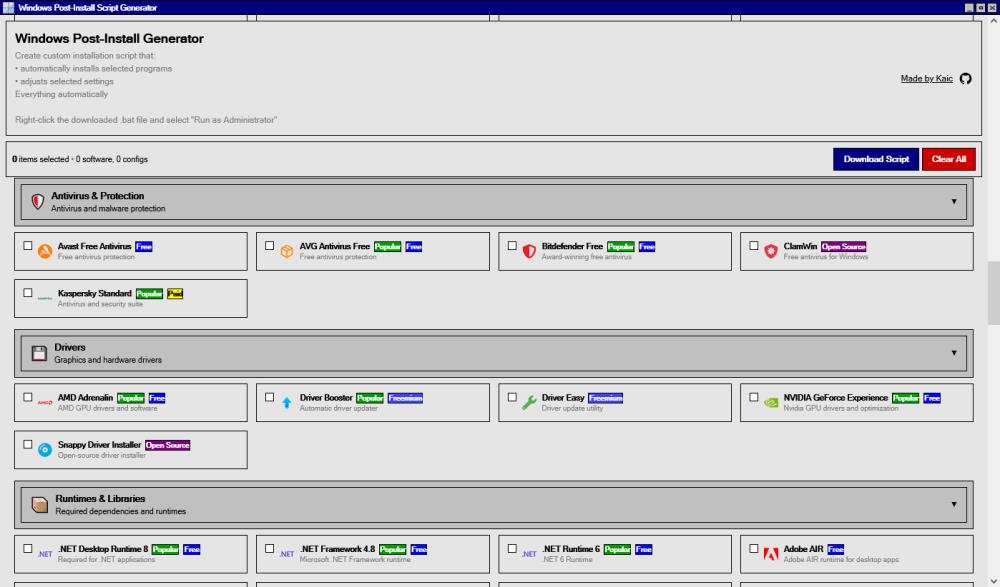 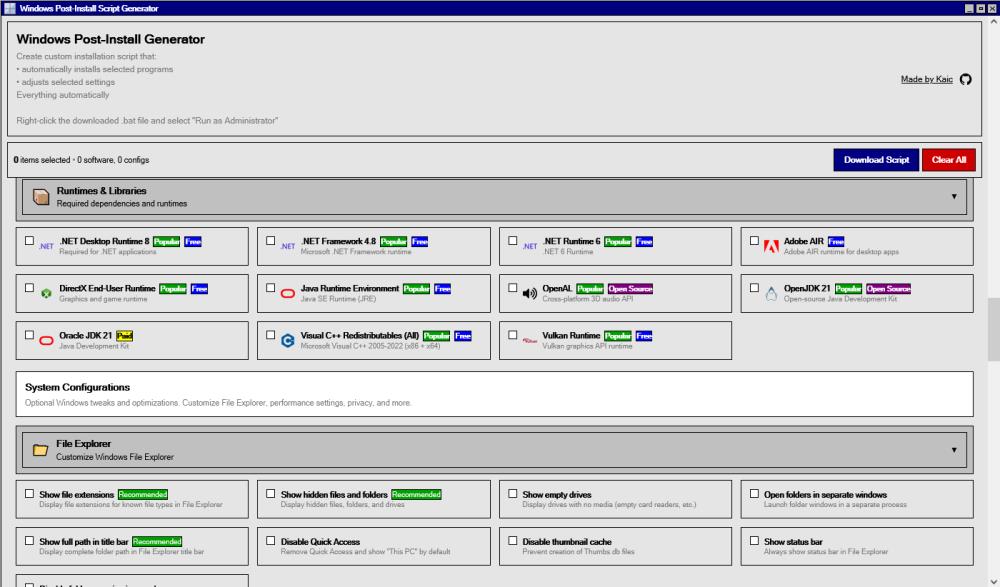 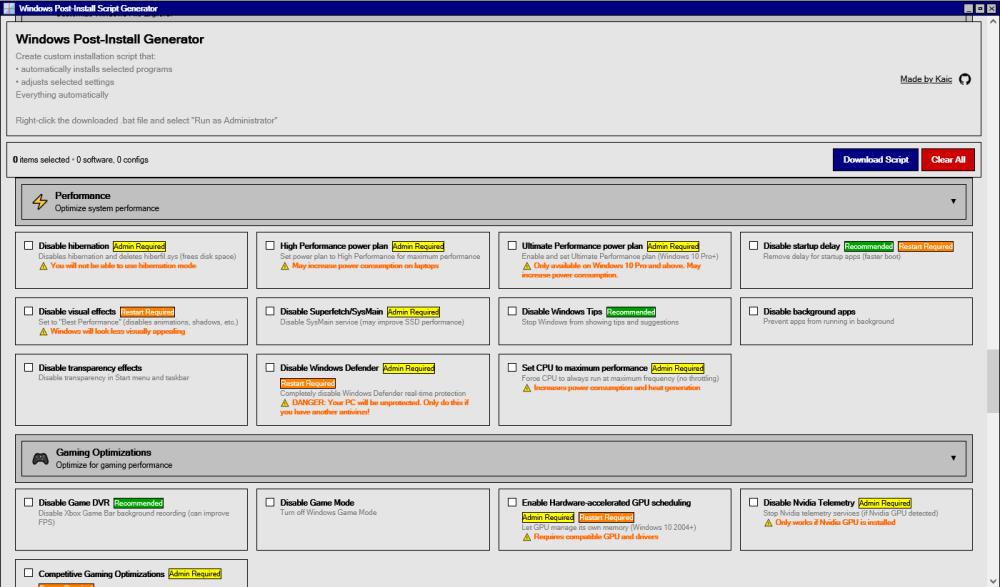 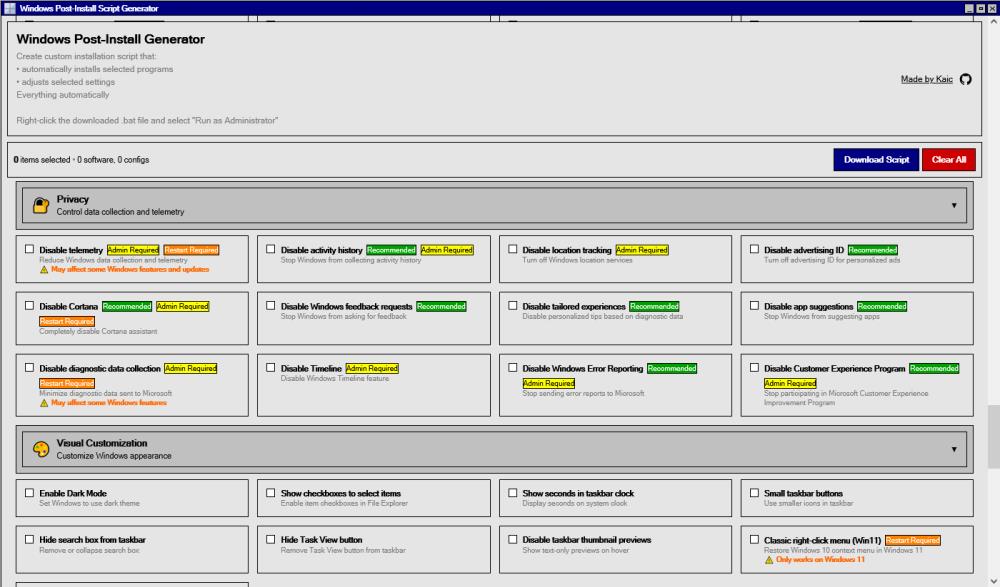 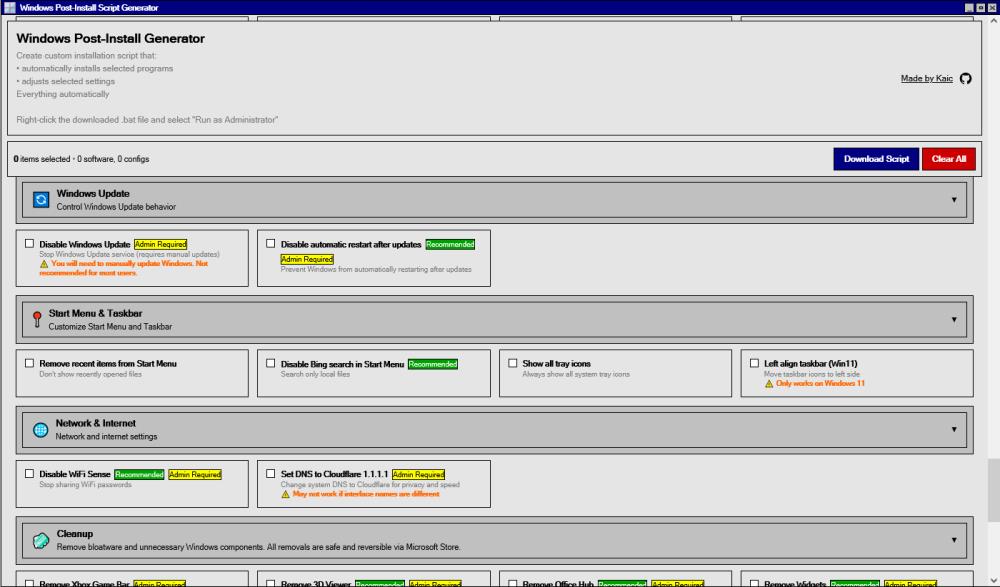 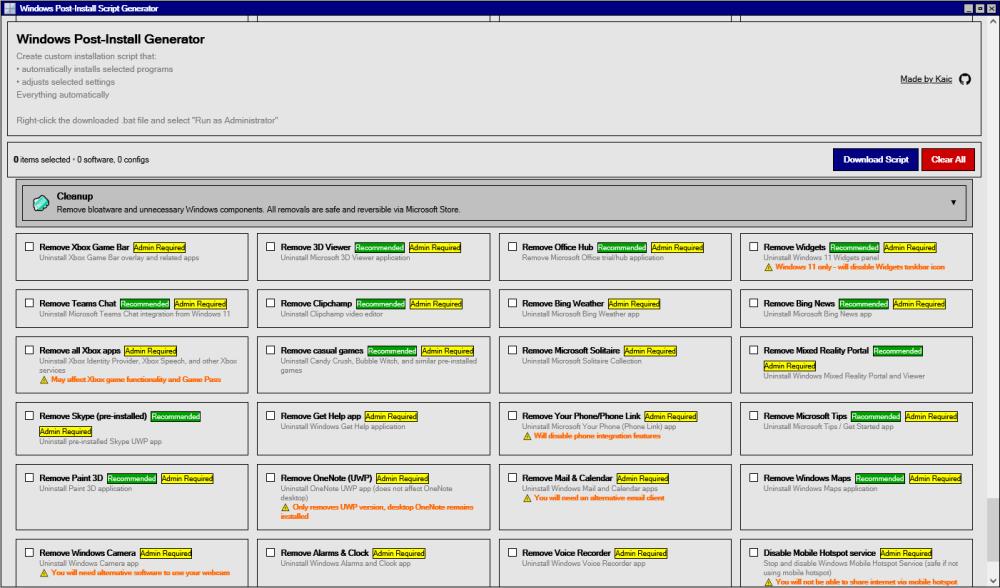 Click here to visit the author's website. Continue below for the main download link. |
||||||||
| Downloads | Views | Developer | Last Update | Version | Size | Type | Rank | |
| 836 | 2,070 | Kaic B. | Dec 10, 2025 - 12:32 | 1.0 | 3.3KB |  , out of 18 Votes. , out of 18 Votes. |
||
| File Tags | ||||||||
| Windows Post-Install Generator v1.0 | ||||||||
Click to Rate File Share it on Twitter → Tweet
|


