|

|
Processed through Paypal No account required. |








Buy our over-priced crap to help pay the bills.



|
|
Processed through Paypal No account required. |
| File - Download GSmartControl v2.0.2 | ||||||||
| Description | ||||||||
|
Always scroll to the bottom of the page for the main download link. We don't believe in fake/misleading download buttons and tricks. The link is always in the same place. GSmartControl v2.0.2 👉 Hard disk and SSD health inspection tool using S.M.A.R.T. data. GSmartControl is a graphical user interface for smartctl (from smartmontools) that allows you to inspect the S.M.A.R.T. data of hard disk drives and solid-state drives to determine their health status. It supports ATA and SCSI devices and provides detailed drive information, attributes, error logs, and self-test results. GSmartControl enables you to run various self-tests, including short, extended, and conveyance tests, and displays the results in an easy-to-read format. It also provides drive identification information, capabilities, and statistics to help diagnose potential hardware issues before failure occurs. 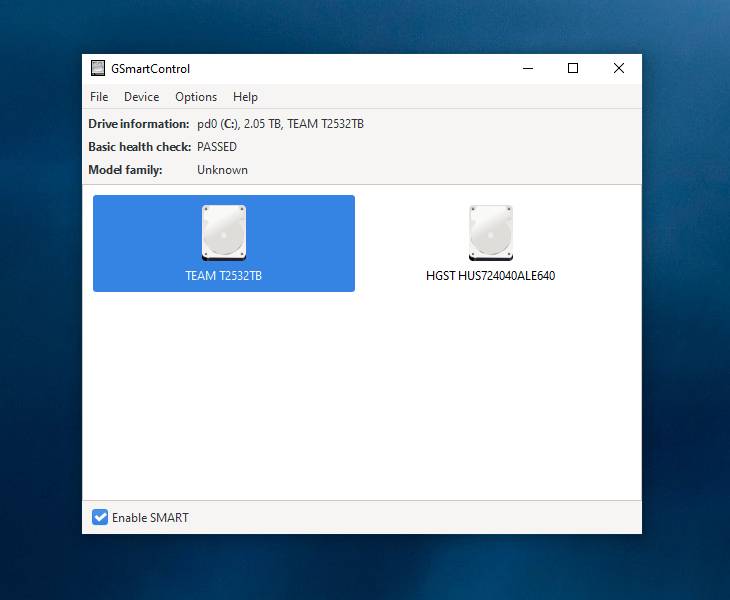 Features: • View detailed S.M.A.R.T. attributes and drive information • Perform short, extended, and conveyance self-tests • Automatic detection of ATA and SCSI devices • Display error logs and self-test logs • Advanced drive information and capability reporting • Cross-platform support Supported operating systems: • Windows 7, Windows 8, Windows 10, Windows 11 • macOS • Linux Supported languages: English Changes: v2.0.2 02-24-25 Support GCC 11 (and Ubuntu 22.04) by using and vendoring fmt library (#77). Support an option of saving smartctl output to text instead of JSON (#76). Restored pre-2.0.0 runtime support for smartctl < 7.3 (based on Text parser); this is an unsupported, old method without NVMe, provided for compatibility only (#77). Restored pre-2.0.0 support for standard (non-extended) self-test log found in very old ATA drives; the new JSON parser did not support this previously (#79). Better support for temperature values in JSON parser; this fixes unreasonably large temperature values (#78). Add a tooltip explaining self-test "lifetime hours" wrapping behavior (#73). Windows: Fixed a crash on Windows 7 when opening drive information by using Windows 7-compatible librsvg (#71). Windows: Avoid using non-integer font sizes. 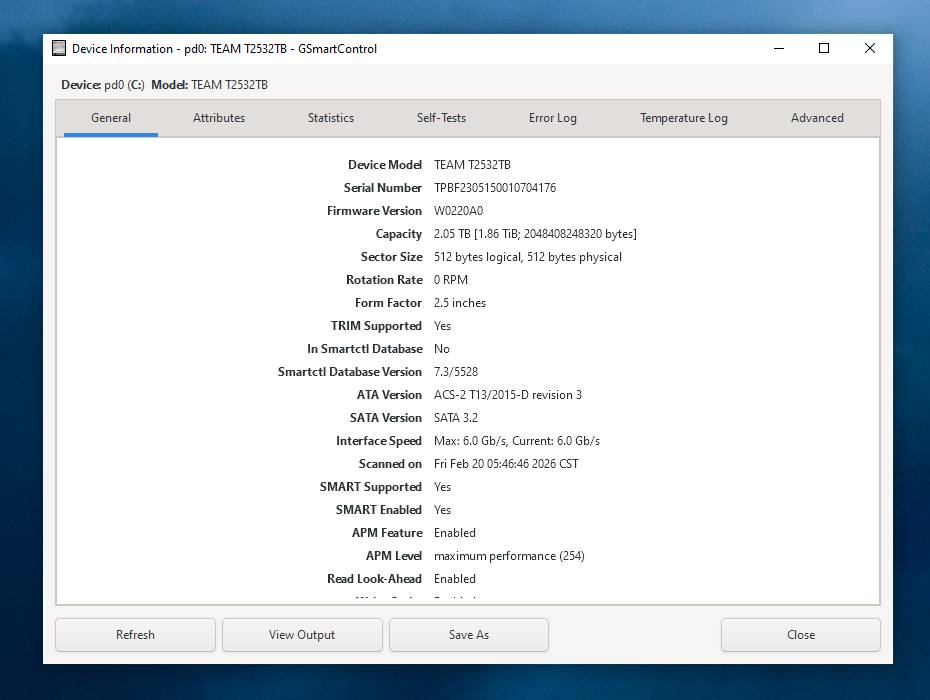 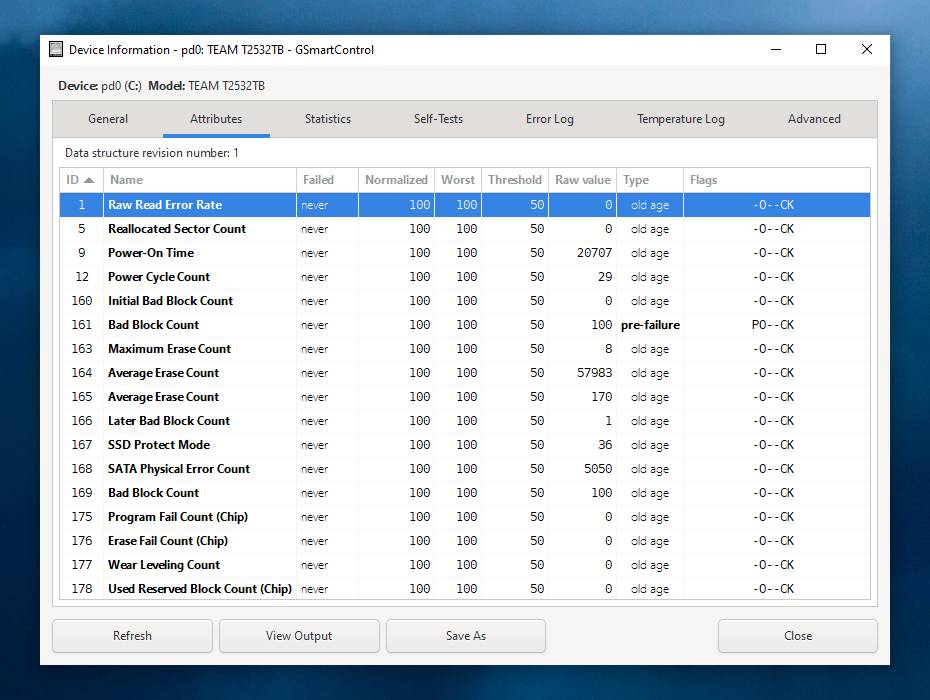 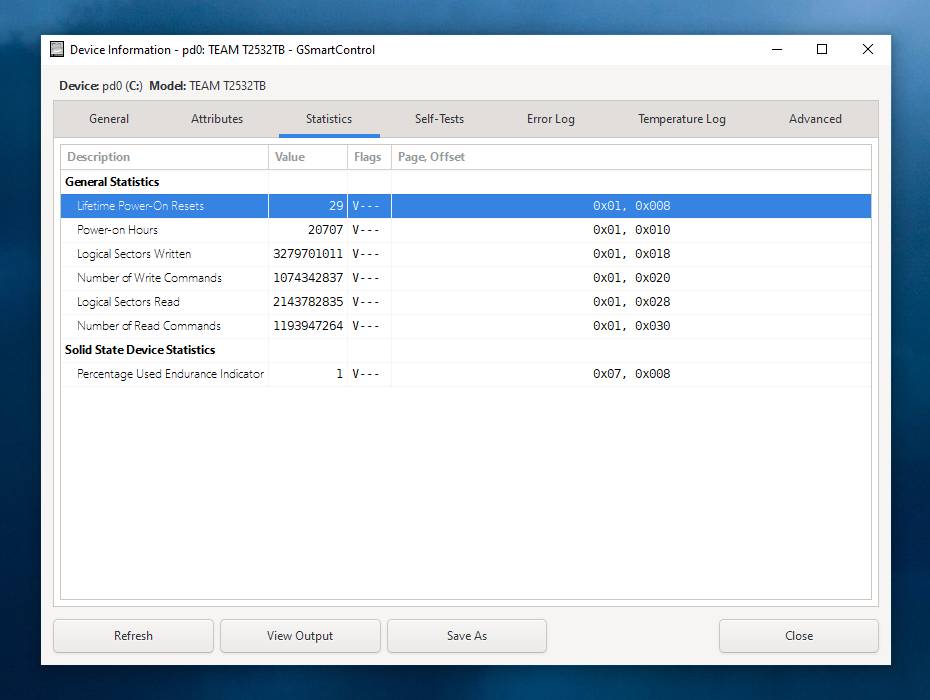 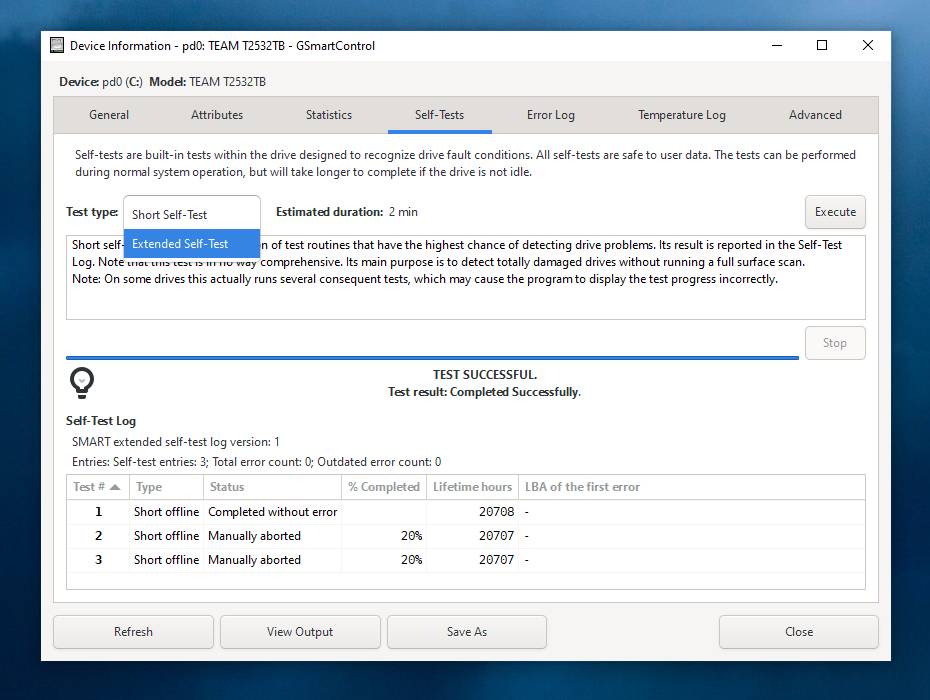 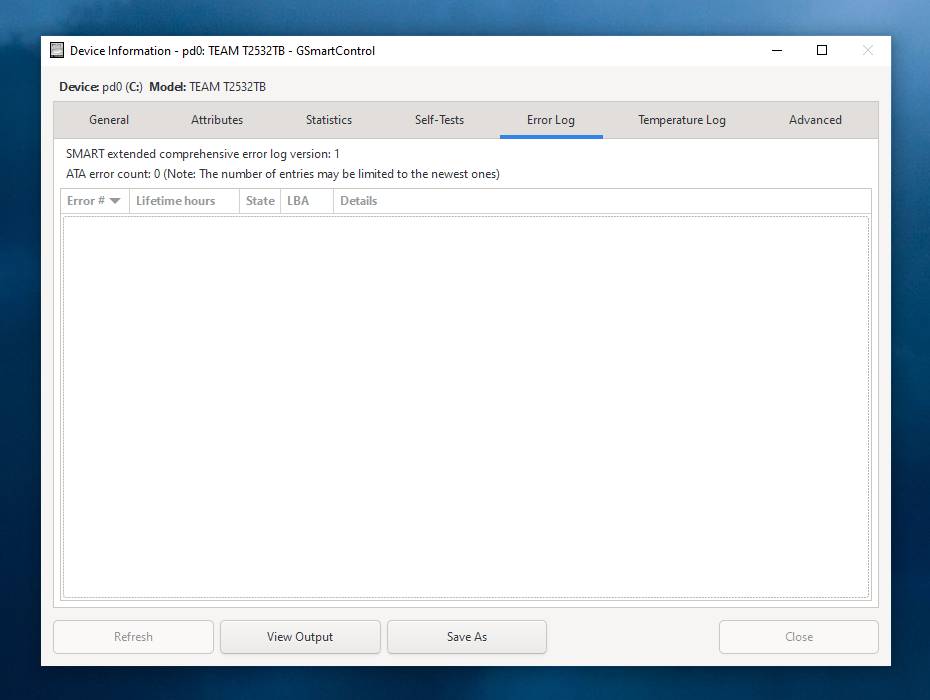 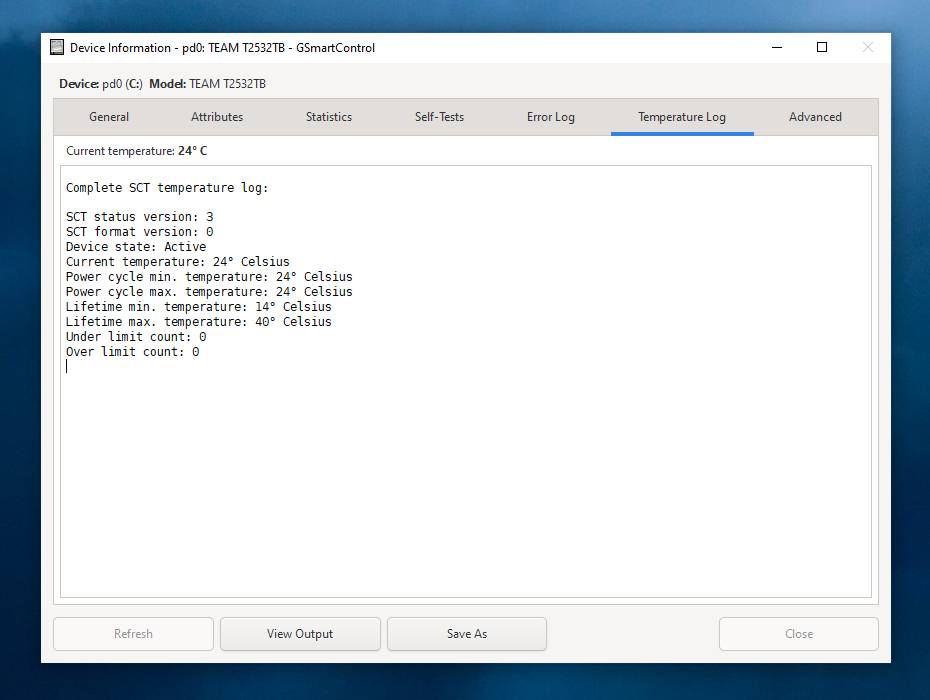 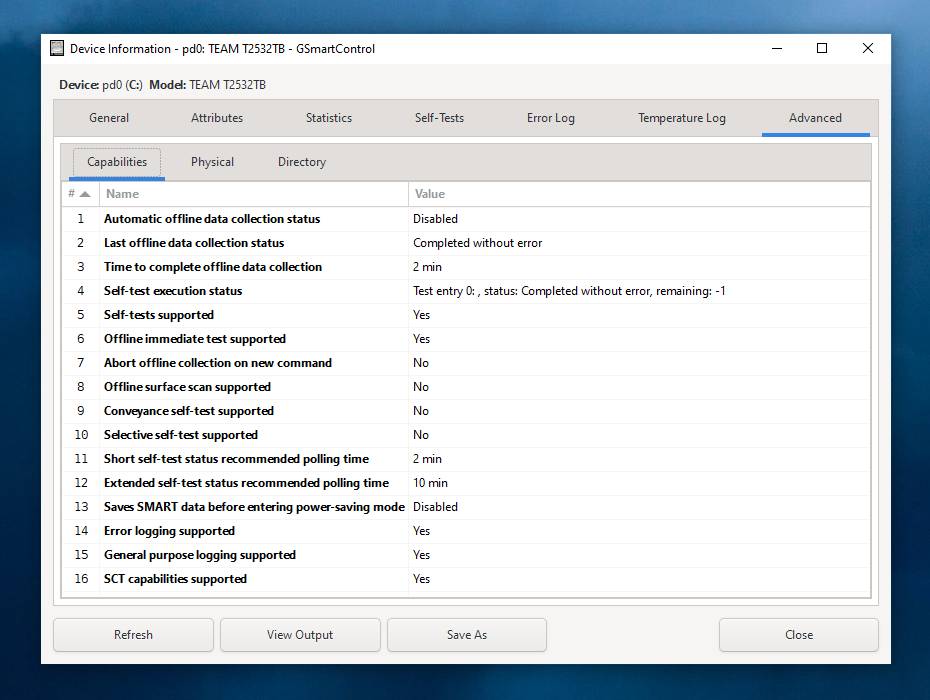 This download is for the Windows 64bit portable version (very bottom of page). If you need the Windows 32bit portable version, download here. If you need the Windows XP, Vista, 2000, 2003 version, download here. If you need the FreeBSD version, it's available in the ports system. Use cd /usr/ports/sysutils/gsmartcontrol/ && make install clean to install the port. Use pkg_add -r gsmartcontrol to add the package.If you need the Linux version, Most Linux distributions already include GSmartControl in their repositories. Click here to visit the author's website. Continue below for the main download link. |
||||||||
| Downloads | Views | Developer | Last Update | Version | Size | Type | Rank | |
| 6,593 | 17,955 | Alexander Shaduri | Jun 29, 2026 - 12:05 | 1.1.4 | 35.68MB | ZIP |  , out of 101 Votes. , out of 101 Votes. |
|
| File Tags | ||||||||
| GSmartControl disk health SMART monitoring hard drive SSD diagnostics smartctl smartmontools | ||||||||
Click to Rate File Share it on Twitter → Tweet
|


