|

|
Processed through Paypal No account required. |








Buy our over-priced crap to help pay the bills.



|
|
Processed through Paypal No account required. |
| File - Download PeaZip v11.2.0 | ||||||||
| Description | ||||||||
|
Always scroll to the bottom of the page for the main download link. We don't believe in fake/misleading download buttons and tricks. The link is always in the same place. PeaZip v11.2.0 👉 A free, open source file and archive manager for creating, opening, extracting, and securing compressed files. PeaZip is a cross-platform archive manager and file compression utility that can create, open, browse, and extract 7Z, RAR, TAR, ZIP, and many other archive formats. It also includes archive conversion, file splitting and joining, file hashing, password management, secure deletion, search, bookmarks, duplicate file detection, and integrated text, hex, and image viewers. 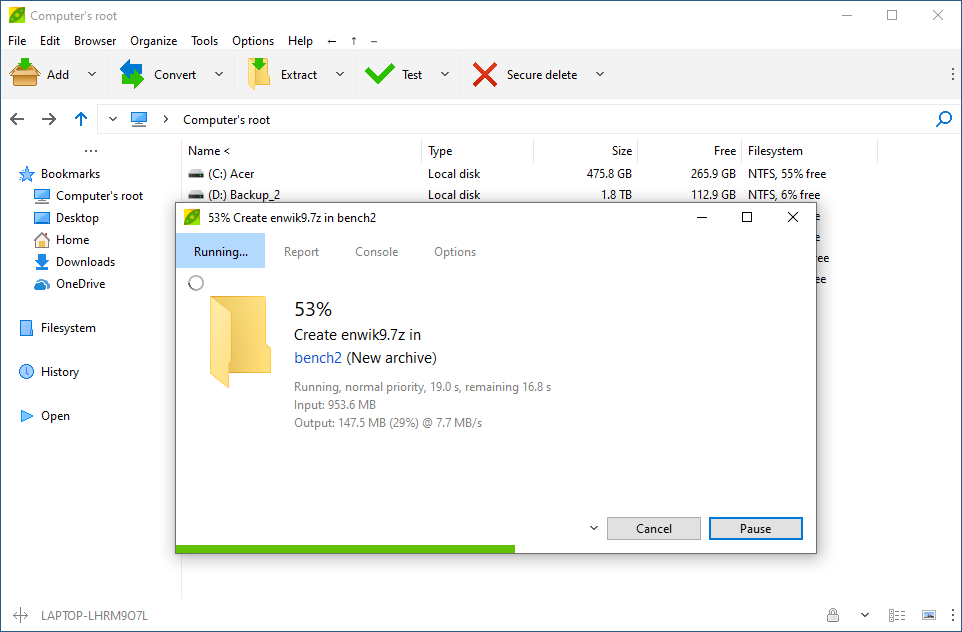 Features: • Opens over 200 archive types and variants • Creates, opens, browses, and extracts 7Z, RAR, TAR, ZIP, ZIPX, and many more archive formats • Converts existing archives between supported formats • Splits and joins files • Handles spanned archives such as 001, R01, and Z01 • Supports multiple archive encryption standards • Includes file hashing tools • Can export GUI tasks as command line scripts • Provides a built-in file manager with bookmarks, search, and instant content filtering • Detects duplicate files • Includes integrated text, hex, and image viewers • Offers portable packages that do not require installation • Includes password management features and password entropy rating • Adds batch archive testing and improved archive browsing performance in v11.0.0 Supported operating systems: • Windows x86, Windows x64, ReactOS, Wine • Linux x86_64, Linux x86, Linux ARM, Linux aarch64 • macOS / Darwin Intel x86_64, macOS / Darwin Apple Silicon aarch64 • BSD x86-64 Supported languages: Arabic, Belarusian, Bulgarian, Catalan, Chinese Simplified, Chinese Traditional, Czech, Danish, Dutch, English, Esperanto, Finnish, French, German, Greek, Hungarian, Indonesian, Italian, Japanese, Korean, Lithuanian, Norwegian, Persian, Polish, Portuguese (Brazil), Portuguese (Portugal), Romanian, Russian, Serbian, Slovak, Spanish, Swedish, Thai, Turkish, Ukrainian, Vietnamese Changes: v11.2.0 07-12-26 BACKEND 7z/p7zip 26.02 Pea 1.32 hardened against timing attack on verification of integrity tags CODE Code review with various fixes and quality improvements FILE MANAGER Added read support for Zeno IMproved .ZIM archives, used for Wikipedia and Project Gutenberg data dumps Fixed some inconsistencies in icons representation for special folders and search filters Keyboard shortcuts updated and made fully working when the main menu is set to hidden F12 shortcut remapped to Functions, which allows to type, or select from dropdown menu, any of the supported app's function (and run it on the selected files, if applicable for the selected function) Ctrl+F12 new shortcut for Run Improved auto-refresh of the file manager Improved Drag and drop (cross-platform) Drag and drop from system/apps to PeaZip with Shift or Ctrl key pressed - to make it compatible with more Operating Systems - shows menu to choose special actions on dragged files (copy/move here, extract, add to archive, open as archive) (cross-platform) Improved internal drag and drop menu, now featuring Add to archive and Extract entries - dropped items are sent to archiving or extraction screens, with output set to drop target directory (Windows) Improved drag and drop between two instances of the app Drag and drop extract is now possible Drag and drop files/folders now displays the menu to choose action to perform, consistently with internal drag and drop behavior Refreshing a non correctly displayed archive (i.e. wrong TOC password) now triggers a new password request prompt, if applicable EXTRACTION and ARCHIVING ".part1" string (multi volumes .rar archives) removed from the output name after extraction in new folder or smart new folder Added hint to Output button to document preservation of original filename and extension when pure compression format (Brotli, BZip2, GZip, XZ, Zstd...) is used Context menu of the extraction screen now shows archive's name, for information, when extracting content from single archive Improved handling of errors in archive creation procedure 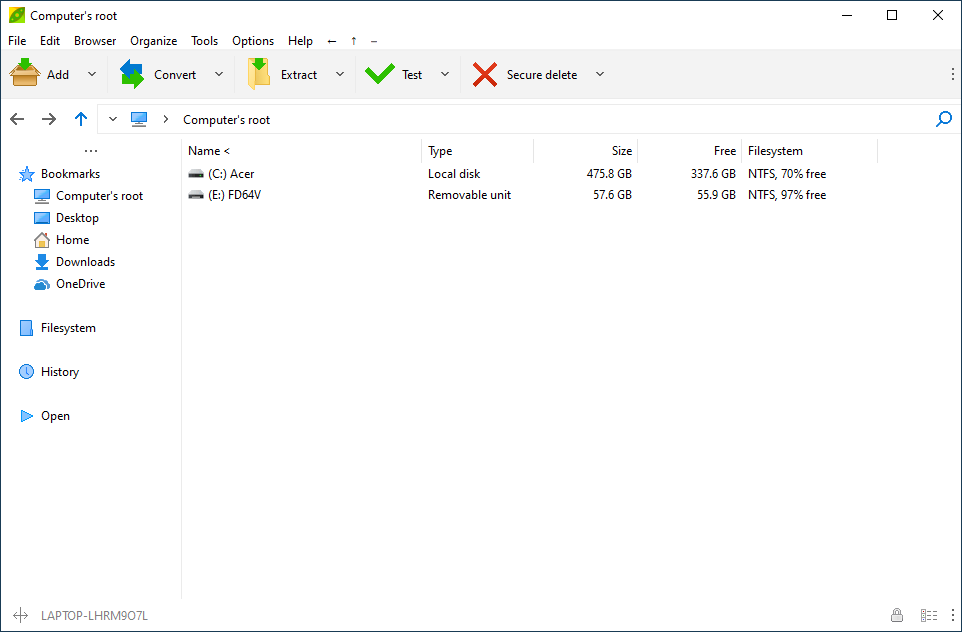 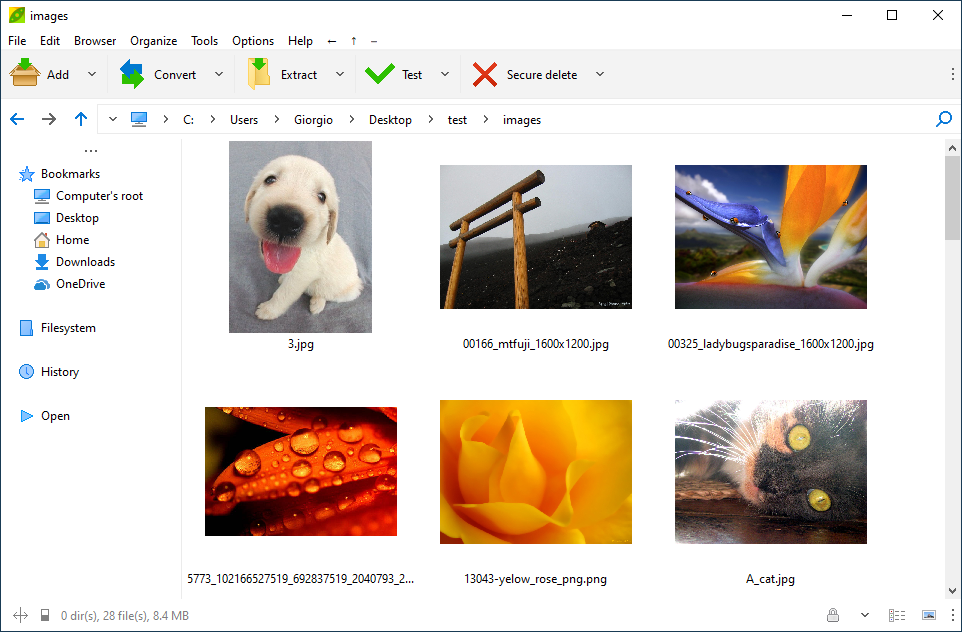 This download is for the Windows 64bit portable version (very bottom of page). All other download assets are below: Other Windows: peazip-11.2.0.WIN64.exe (64bit) peazip-11.2.0.WINDOWS.exe (32bit) peazip_portable-11.2.0.WINDOWS.zip (32bit) MacOS: peazip-11.2.0.DARWIN.x86_64.dmg peazip-11.2.0.DARWIN.aarch64.dmg FreeBSD: peazip_portable-11.2.0.BSD.GTK2.x86_64.tar.gz Linux: peazip_portable-11.2.0.LINUX.Qt6.x86_64.tar.gz peazip_portable-11.2.0.LINUX.GTK2.x86_64.tar.gz peazip_portable-11.2.0.LINUX.GTK2.aarch64.tar.gz peazip_portable-8.4.0.LINUX.GTK2.x86.tar.gz peazip_portable-8.4.0.LINUX.Qt4.x86.tar.gz peazip_11.2.0.LINUX.Qt6-1_amd64.deb peazip_11.2.0.LINUX.GTK2-1_amd64.deb peazip-11.2.0.LINUX.Qt6-1.x86_64.rpm peazip-11.2.0.LINUX.GTK2-1.x86_64.rpm Click here to visit the author's website. Continue below for the main download link. |
||||||||
| Downloads | Views | Developer | Last Update | Version | Size | Type | Rank | |
| 7,524 | 21,445 | PeaZip | Jul 13, 2026 - 12:32 | 11.2.0 | 15.61MB | ZIP |  , out of 125 Votes. , out of 125 Votes. |
|
| File Tags | ||||||||
| PeaZip archive manager file archiver file compression zip unzip rar extractor open source portable encryption file manager | ||||||||
Click to Rate File Share it on Twitter → Tweet
|


