|

|
Processed through Paypal No account required. |








Buy our over-priced crap to help pay the bills.



|
|
Processed through Paypal No account required. |
| File - Download Magpie v0.12.1 | ||||||||
| Description | ||||||||
|
Always scroll to the bottom of the page for the main download link. We don't believe in fake/misleading download buttons and tricks. The link is always in the same place. Magpie v0.12.1 A free, lightweight, real-time window upscaling tool for Windows that applies multiple algorithms and filters to improve visual quality. Magpie is a powerful real time window scaling utility designed to improve the appearance of games and applications that do not natively support high resolutions. It captures a target window and upscales it using modern algorithms such as Anime4K, AMD FSR, CRT shaders, and other image enhancement filters. This allows older games, pixel art software, emulators, and low resolution programs to look significantly sharper and cleaner on modern high DPI displays. Magpie runs with very low overhead, supports hotkeys, multi monitor setups, fullscreen or windowed applications, and provides a modern WinUI interface for selecting and customizing scaling effects. 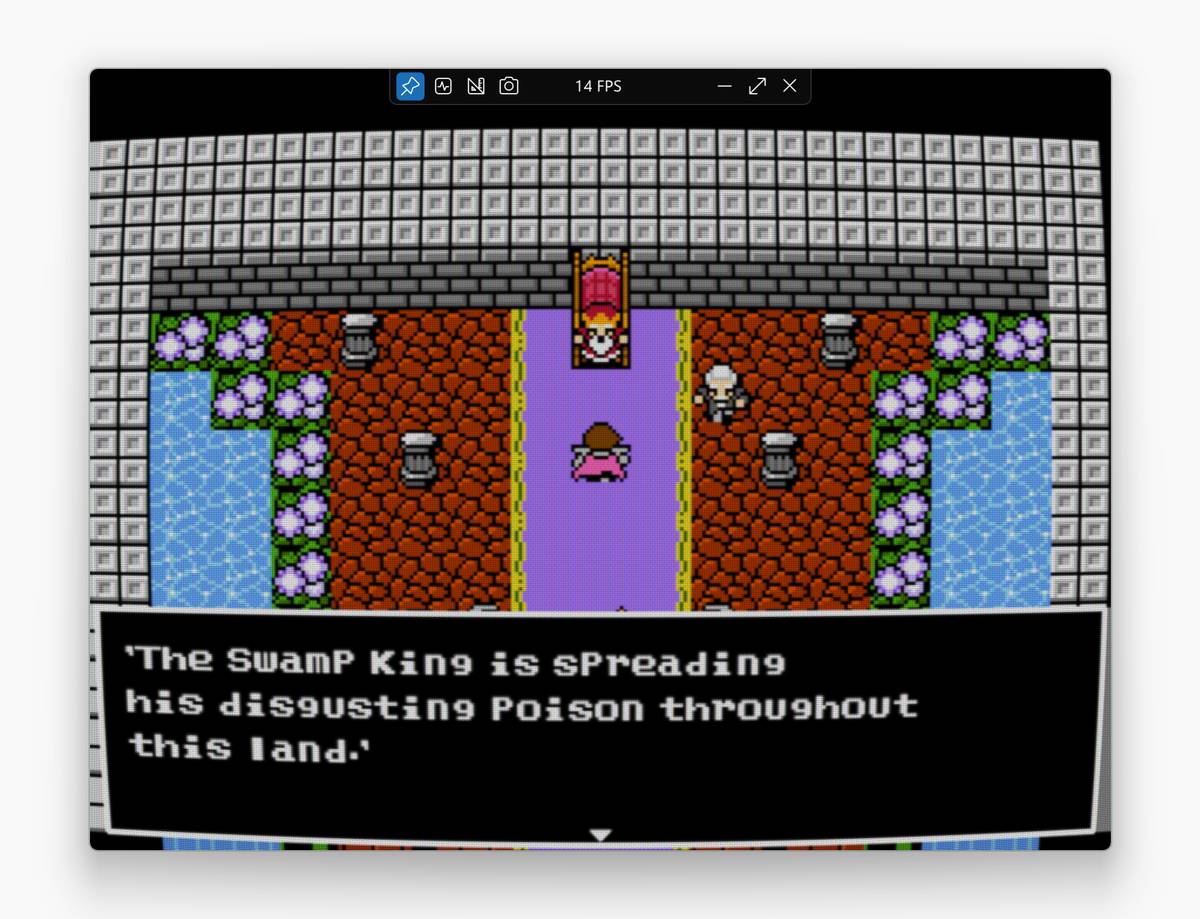 Features: • Real time window capture and upscaling • Multiple scaling algorithms including Anime4K, FSR, CRT shaders and more • Works with games, emulators, video players and standard applications • Fullscreen and windowed mode support • Multi monitor support • Customizable effects and filter chains • Hotkeys for quick activation and control • Modern WinUI interface with theme support Supported operating systems: Windows 10 version 1903 and later, Windows 11 Supported languages: English, Chinese, Japanese, Korean, Russian, Spanish, French, German, Portuguese, Italian, Turkish, Polish, Vietnamese, Indonesian, Ukrainian, Hungarian, Czech, Dutch, Thai, Arabic Changes: v0.12.1 08-27-25 This release adds auto-hide cursor support and fixes several compatibility issues. New Features Added support for automatically hiding the cursor when idle (#1267, #1045) Customizable hide delay Improved auto-scaling mechanism so scaling won’t be interrupted by pop-up windows (#1276) Fixes Fixed an issue where scaling could sometimes stop unexpectedly (#1252, #1244) Fixed an issue where the source window could appear above the scaled window (#1259, #1232) The “Keep scaled window on top” option has been removed, the scaled window is now always on top Fixed an issue where certain windows were not cropped correctly (#1255, #1251) Fixed a bug where monochrome cursors could cause the scaled window to freeze (#1275, #1273) Fixed toolbar screenshot menu item ID conflict (#1242, #1241) Other Changes Updated translations (thanks to all localization contributors!) 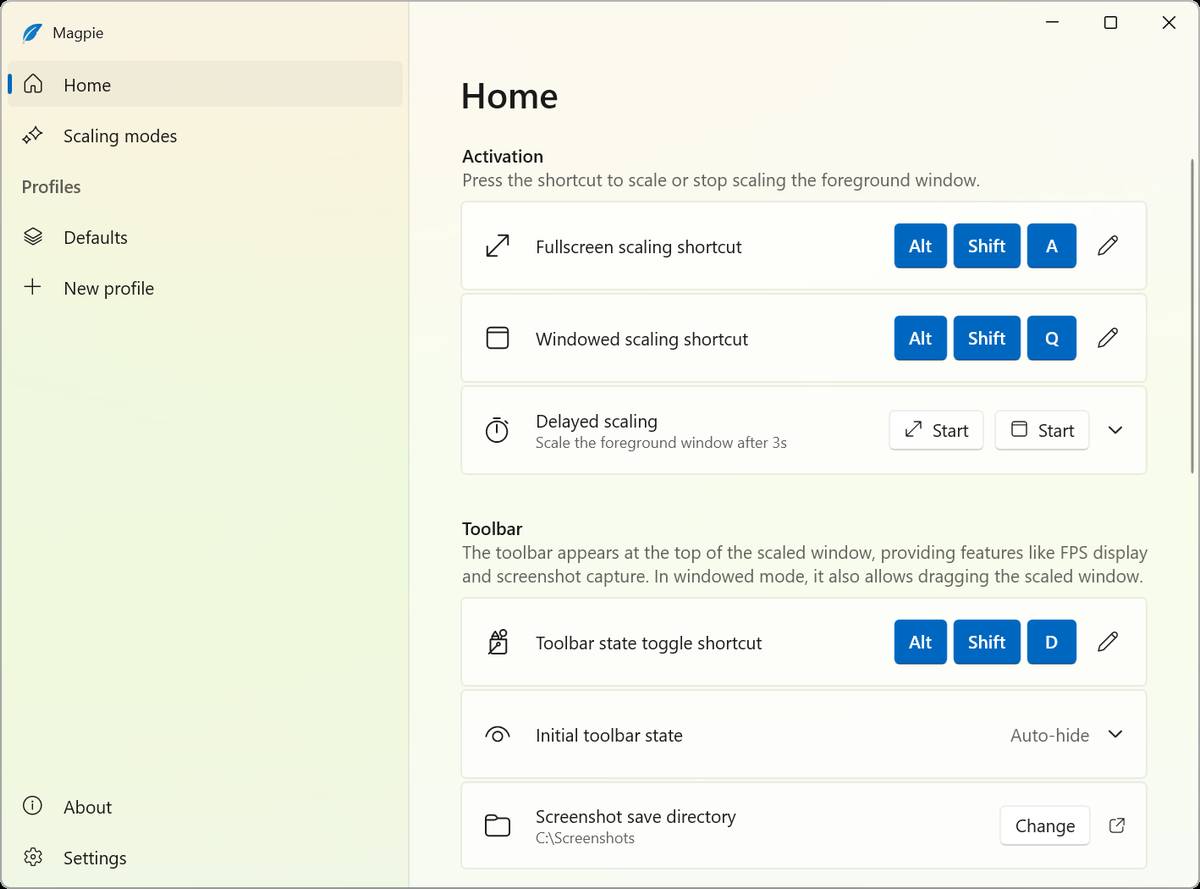 This download is for the Windows 64bit version (very bottom of page). If you need the Windows ARM64 version, download here. Click here to visit the author's website. Continue below for the main download link. |
||||||||
| Downloads | Views | Developer | Last Update | Version | Size | Type | Rank | |
| 802 | 6,577 | Xu Blinue | Feb 02, 2026 - 12:52 | 0.12.1 | 10.33MB | ZIP |  , out of 11 Votes. , out of 11 Votes. |
|
| File Tags | ||||||||
| Magpie v0.12.1 | ||||||||
Click to Rate File Share it on Twitter → Tweet
|


