|

|
Processed through Paypal No account required. |








Buy our over-priced crap to help pay the bills.



|
|
Processed through Paypal No account required. |
| File - Download Mitten v2.3.0 | ||||||||
| Description | ||||||||
|
Always scroll to the bottom of the page for the main download link. We don't believe in fake/misleading download buttons and tricks. The link is always in the same place. Mitten v2.3.0 👉 A free infinite canvas drawing application for Windows, macOS and Linux. Mitten is a portable drawing program for your computer.  Controls: Draw • Left click to draw. • Shift + Left click to draw lines. • Control + Shift + Left click to change the brush size. Drag left to shrink the size and right to increase it. • Alt + Hover to select a different color. • Control + Alt + Hover to select a different background color. • E to toggle the eraser. Camera • Middle click to drag the camera. • Scroll wheel to zoom. • Control + Middle click to zoom. Drag up to zoom in and down to zoom out. • Dot and Comma to rotate. • Hold Space use the hyper zoom. Release to go back to the previous position. • Save the current camera position with Control + 1, Control + 2, all the way to Control + 9. • Load a saved camera position by pressing 1, 2, ... 9. • Slot 0 is reserved for toggling back and forth between the current and previous position. You can also toggle using your mouse's extra buttons if you have them. Misc • Control + Z to undo. • Control + Shift + Z to redo. • Control + Backspace to undo everything. • Control + Shift + Backspace to redo everything. • F11 for the borderless fullscreen mode. • Alt + Enter for the fullscreen mode. • M to show or hide the mouse cursor. Saved files Saved next to the application's executable. • Drawing.json - Your whole canvas is saved there including undo redo and camera position. • Settings.json - Window settings are saved here. Includes if the app should start in fullscreen, vsync and fixed timestep. Supported operating systems: Windows, macOS, Linux 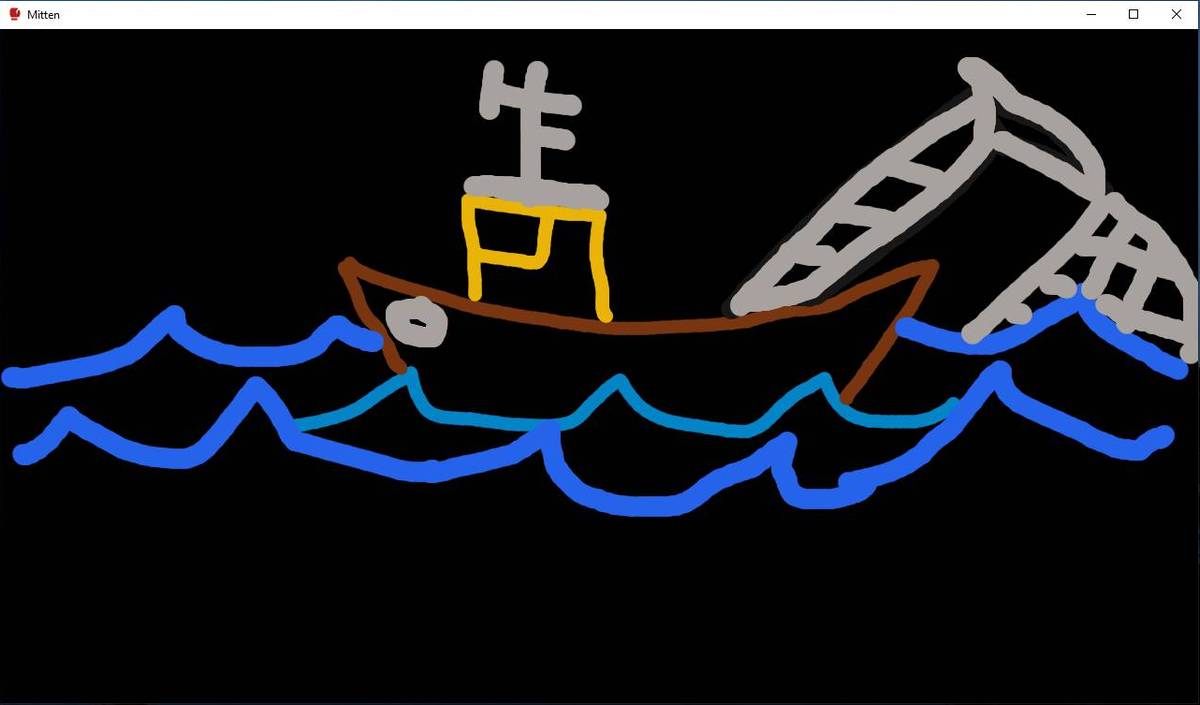 Yes it's a boat! Lets see your kid do better. 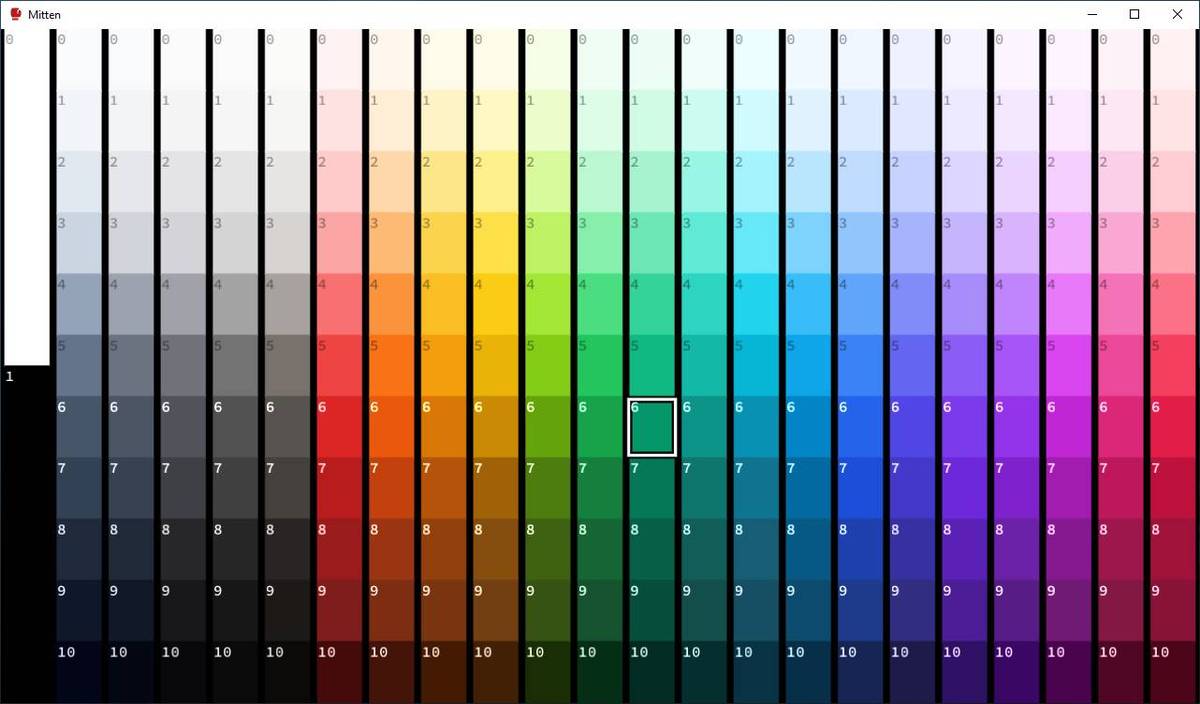 This download is for the Windows version (very bottom of page). If you need the macOS version, download here. If you need the Linux version, download here. Click here to visit the author's website. Continue below for the main download link. |
||||||||
| Downloads | Views | Developer | Last Update | Version | Size | Type | Rank | |
| 668 | 2,567 | Jean-David Moisan | Apr 29, 2026 - 11:58 | 2.3.0 | 37.13MB | ZIP |  , out of 13 Votes. , out of 13 Votes. |
|
| File Tags | ||||||||
| Mitten v2.3.0 | ||||||||
Click to Rate File Share it on Twitter → Tweet
|


