|

|
Processed through Paypal No account required. |








Buy our over-priced crap to help pay the bills.



|
|
Processed through Paypal No account required. |
| File - Download ScrollSnap v1.1.0 | ||||||||
| Description | ||||||||
|
Always scroll to the bottom of the page for the main download link. We don't believe in fake/misleading download buttons and tricks. The link is always in the same place. ScrollSnap v1.1.0 A free macOS app for capturing and stitching scrolling screenshots. ScrollSnap is an open-source macOS application designed to capture scrolling screenshots with a customizable selection area and menu interface. It allows users to define a capture region, take stitched scrolling screenshots, and save them to various destinations (e.g., Desktop, Clipboard, Preview). Built with Swift and leveraging AppKit and ScreenCaptureKit, ScrollSnap provides a sleek overlay-based UI for precise control. 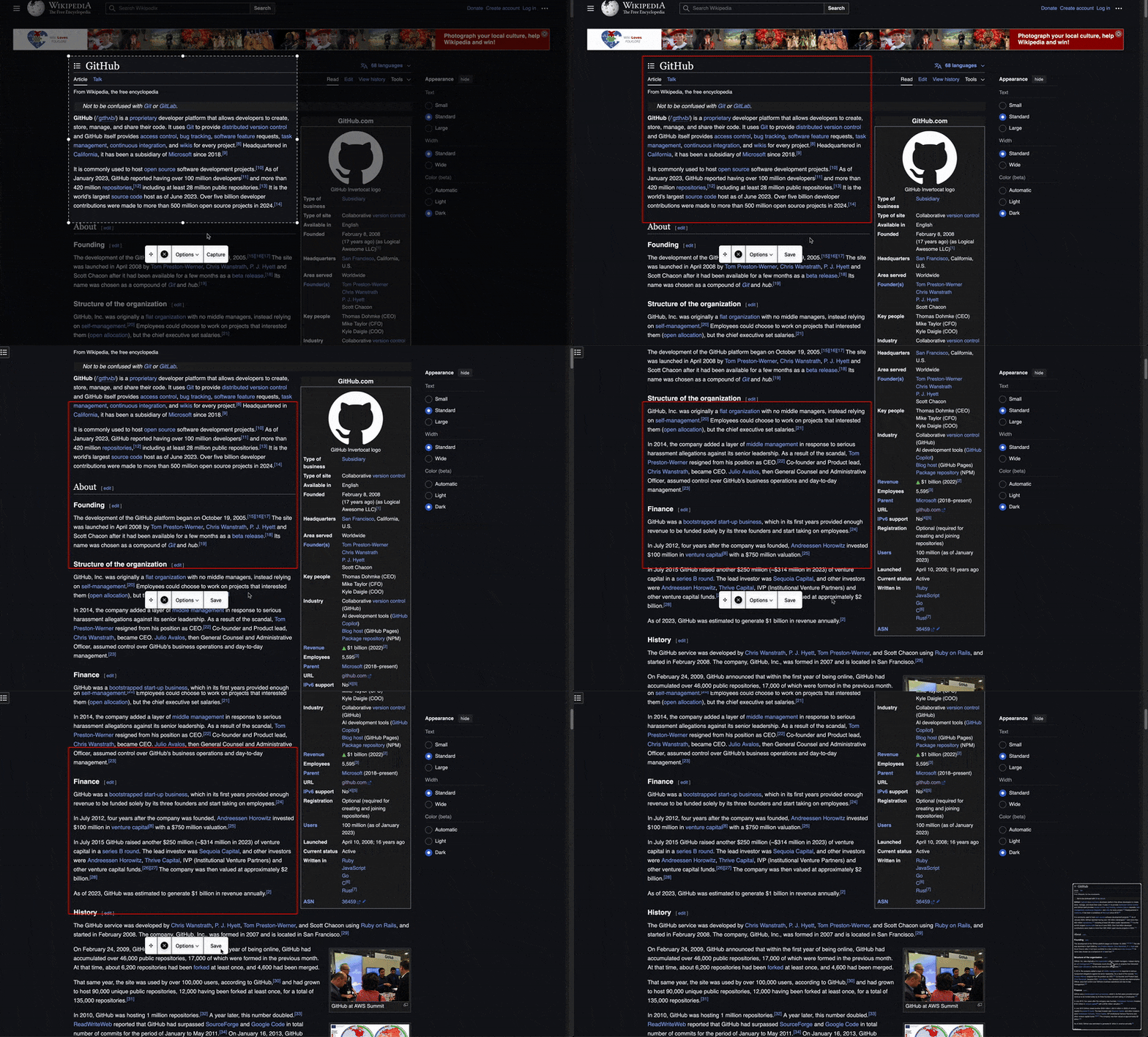 Features: • Customizable Selection Area: Resize and drag a selection rectangle to define the capture region. • Scrolling Capture: Automatically stitches multiple screenshots into a single image for capturing long content. • Interactive Menu: Includes options to capture, save, reset positions, or cancel, with a draggable interface. • Thumbnail Preview: Displays a draggable thumbnail of the captured image with swipe-to-save or right-click options. • Save Destinations: Supports saving to Desktop, Documents, Downloads, Clipboard, or opening in Preview. • Preferences: Reset selection and menu positions via a settings window (Command + ,). Supported operating systems: • macOS 12.0 or later How to use: 1. Launch the App: ScrollSnap starts automatically, displaying an overlay with a selection rectangle and menu bar. 2. Adjust the Selection: Drag the rectangle to move it or use the resize handles to adjust its size. 3. Capture a Screenshot: For scrolling capture, click "Capture" to start, then "Save" to stop and stitch the images. 4. Interact with the Thumbnail: Drag the thumbnail to copy the image elsewhere, swipe right to save, or right-click for options (Show in Finder, Delete, Close). 5. Save Options: Use the "Options" menu to set the save destination (Desktop, Clipboard, etc.). 6. Preferences: Press Cmd + , to open the settings window and reset positions if needed. 7. Quit: Press Esc or select "Quit ScrollSnap" from the main menu. Changes: v1.1.0 This release introduces a completely re-architected stitching engine powered by Apple's Vision framework, delivering significant improvements in accuracy and performance. We've also focused on enhancing the user experience with performance optimizations and bug fixes. ✨ New Features Vision-Powered Stitching: The old template-matching algorithm has been replaced with VNTranslationalImageRegistrationRequest from the Vision framework. This provides more accurate and efficient offset detection between screenshots. Display App Version: The app version is now conveniently displayed in the settings window. 🚀 Improvements Asynchronous Image Stitching: The image stitching process is now fully asynchronous, preventing the UI from freezing or becoming unresponsive when capturing long screenshots. Reduced Memory Usage: The new stitching engine compares only the two most recent screenshots, keeping memory usage low and constant, even for very long captures. Improved Performance: Fixed high CPU usage and excessive logging when dragging the selection rectangle. The app now only redraws the necessary parts of the screen, making it much more efficient. 🐛 Bug Fixes Multi-Monitor Support: Fixed a bug where UI elements, including the menu bar, could be invisible on launch if located on a different monitor. 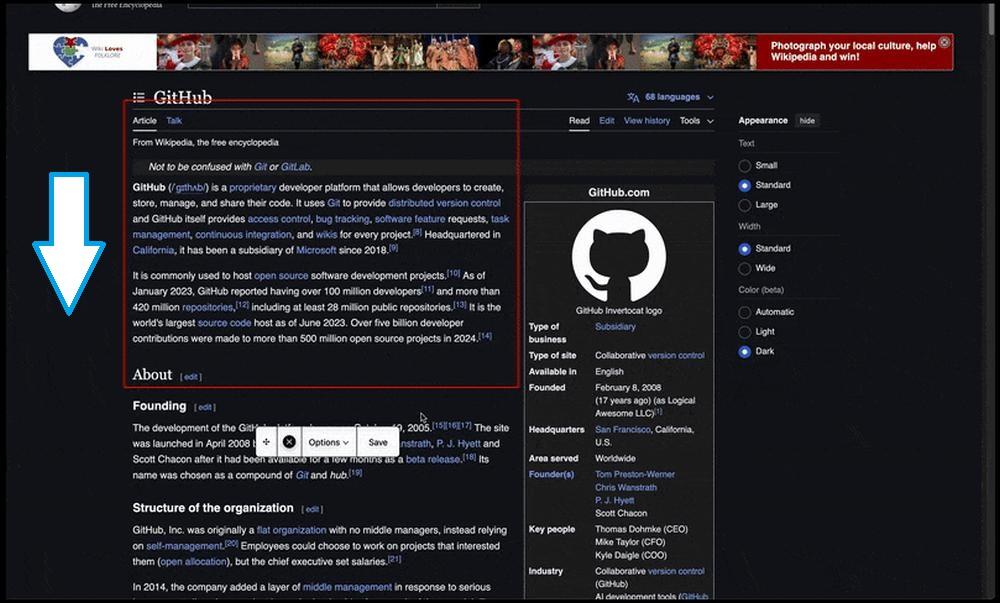 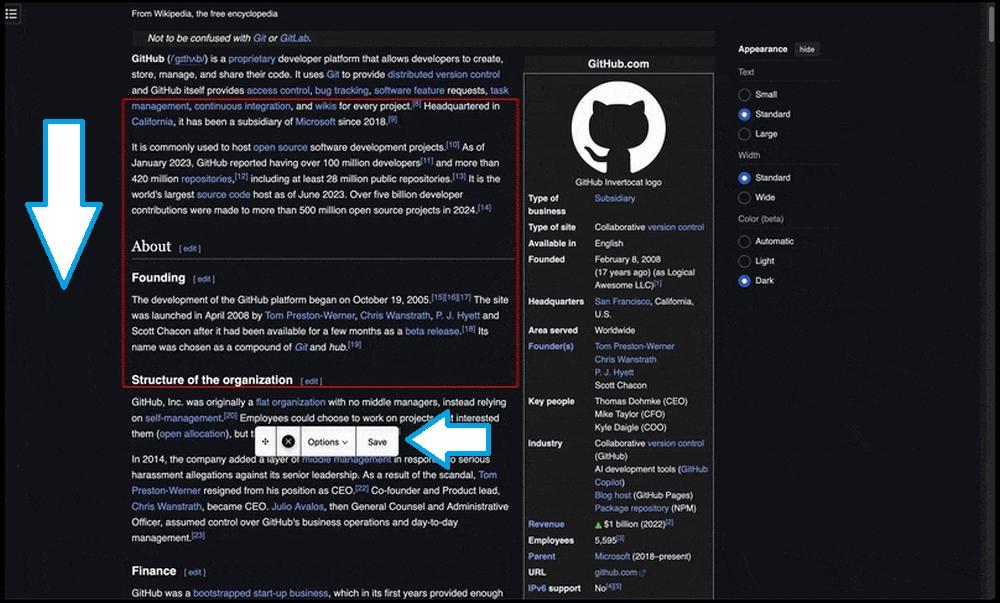 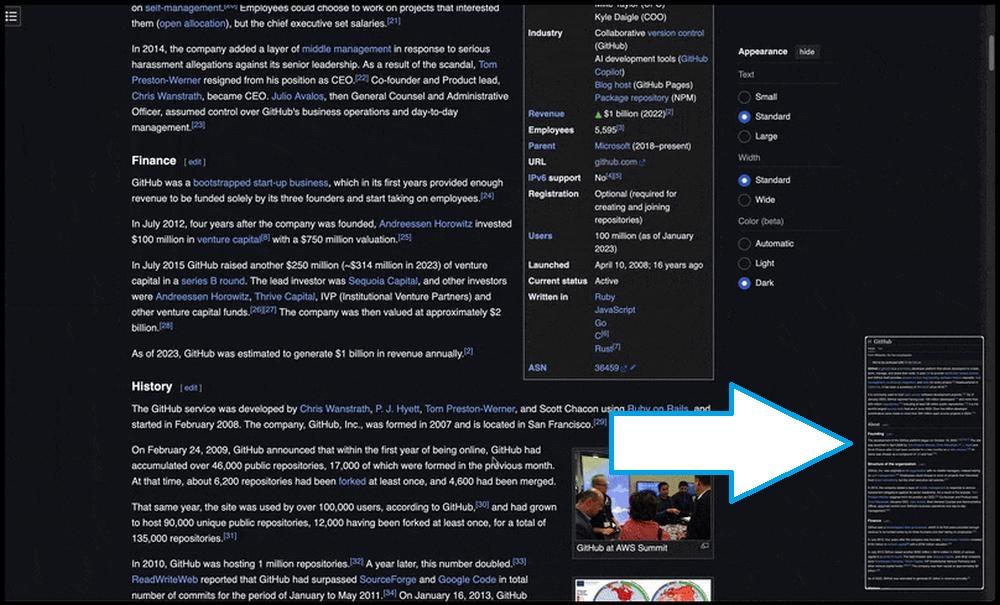 Click here to visit the author's website. Continue below for the main download link. |
||||||||
| Downloads | Views | Developer | Last Update | Version | Size | Type | Rank | |
| 796 | 3,514 | Nov 17, 2025 - 13:20 | 1.1.0 | 309.3KB | ZIP |  , out of 21 Votes. , out of 21 Votes. |
||
| File Tags | ||||||||
| ScrollSnap v1.1.0 | ||||||||
Click to Rate File Share it on Twitter → Tweet
|


