|

|
Processed through Paypal No account required. |








Buy our over-priced crap to help pay the bills.



|
|
Processed through Paypal No account required. |
| File - Download CosmoBlast v0.4 | ||||||||
| Description | ||||||||
|
Always scroll to the bottom of the page for the main download link. We don't believe in fake/misleading download buttons and tricks. The link is always in the same place. CosmoBlast v0.4 A free, space-based, shoot'em up game. CosmoBlast is inspired by games such as R-Type and Gradius, it features side-scrolling, retro-looking graphics and chiptune music. The game is portable, no installation required. 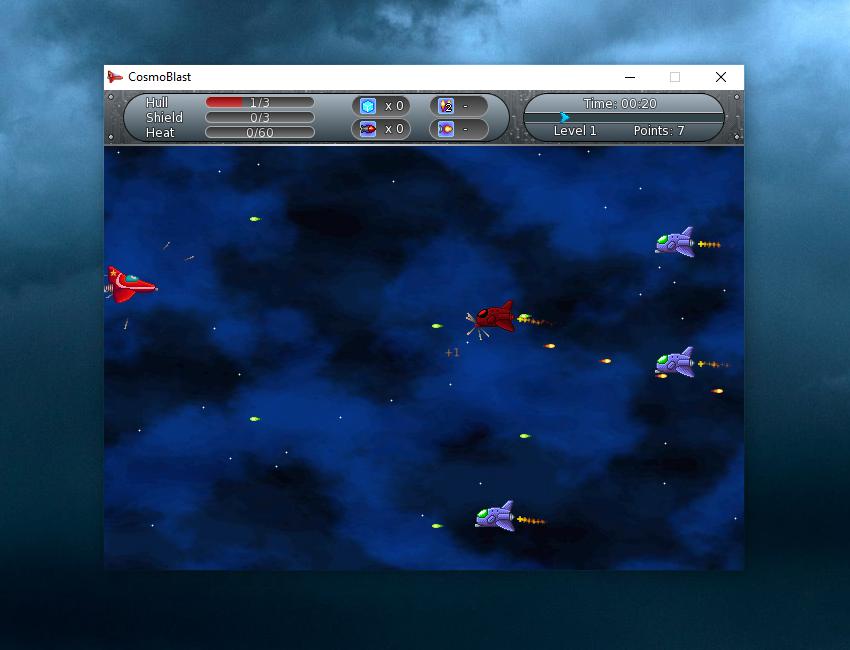 Supported operating systems: Windows XP and higher. User Guide: Keyboard layout You can also play with a pad or a joystick. Keyboard and joystick layouts can be configured in the Options menu. ▸ Move spaceship: Up, Down, Left, Right▸ Fire: Space▸ Launch missile: A▸ Use ice cube power-up: Left Ctrl▸ Pause the game: Escape▸ Place HUD at the top of the screen: Page Up▸ Place HUD at the bottom of the screen: Page Down▸ Take a screenshot (saved in screenshots directory): F1Power-ups Power-ups are randomly dropped when an enemy is destroyed. ▸ Repair: Restores 1 health point. ▸ Full repair: Restores all health points. ▸ Shield: Restores 1 shield point. ▸ Full shield: Restores all shield points. ▸ Ice cube: Gives +1 ice cube. Use an ice cube to instantly cool down the weapon system and cancel over-heat. You can store up to 5 ice cubes. ▸ Missile: Gives +1 missile. One shot can destroy many enemies. You can store up to 5 missiles. ▸ Double laser: Doubles laser for 10 seconds. ▸ Triple laser: Triples laser for 10 seconds. ▸ Speed: Increases speed for 10 seconds Configuration file CosmoBlast saves your configuration in your application settings directory, using your operating system's convention: ▸ Windows: Application Data/cosmoblast/cosmoblast.ini▸ Linux: ~/.config/cosmoblast/cosmoblast.ini▸ Mac OS: ~/Library/Application Support/cosmoblast/cosmoblast.iniIf you don't want CosmoBlast to store your configuration in this directory, you can set another location with the -config argument in command line. You can reset the game by deleting this file, a new one will be created the next time the game is launched. Take note you will lost your entire configuration (scores, level progression, settings, etc.) by deleting the settings file. 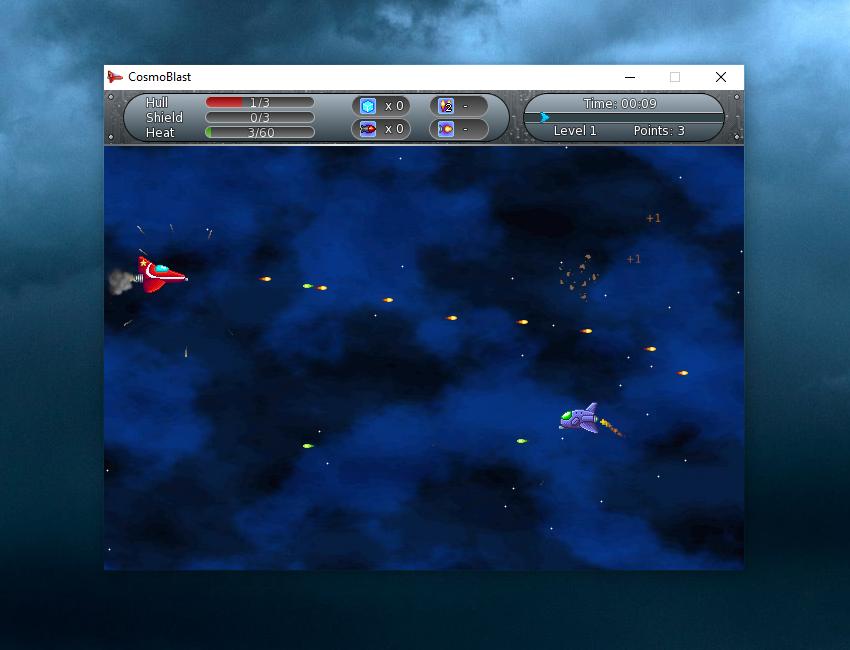 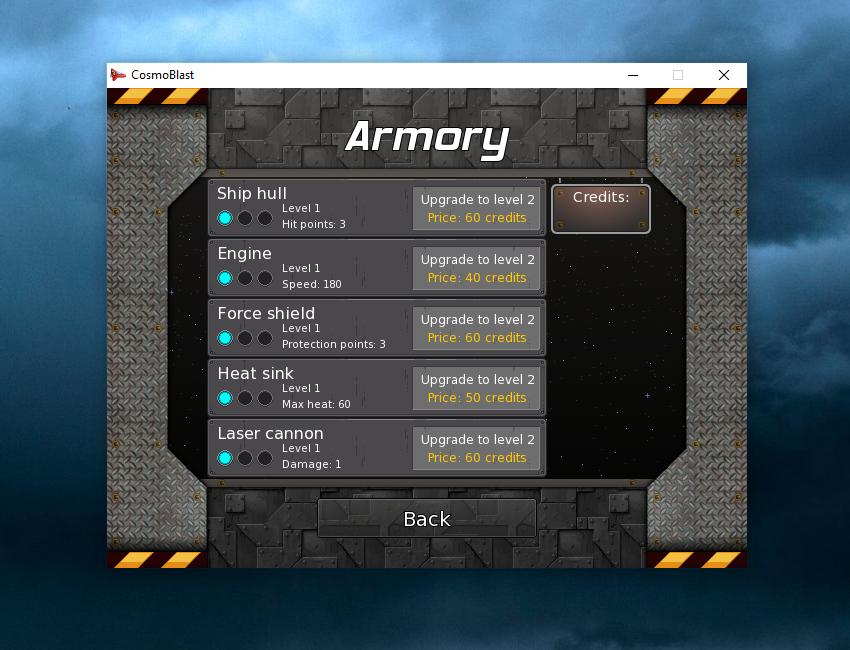 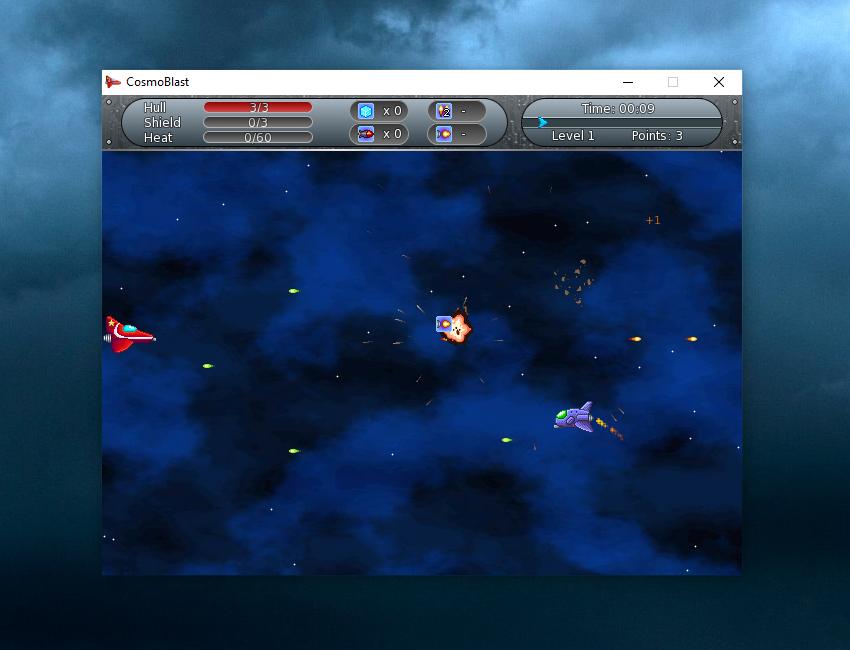 Click here to visit the author's website. Continue below for the main download link. |
||||||||
| Downloads | Views | Developer | Last Update | Version | Size | Type | Rank | |
| 848 | 2,953 | Mechanika Design | Jul 17, 2025 - 11:04 | 0.4 | 4.89MB | ZIP |  , out of 22 Votes. , out of 22 Votes. |
|
| File Tags | ||||||||
| CosmoBlast v0.4 | ||||||||
Click to Rate File Share it on Twitter → Tweet
|


