|

|
Processed through Paypal No account required. |








Buy our over-priced crap to help pay the bills.



|
|
Processed through Paypal No account required. |
| File - Download AnduinOS v1.4.0/1.1.10 | ||||||||
| Description | ||||||||
|
Always scroll to the bottom of the page for the main download link. We don't believe in fake/misleading download buttons and tricks. The link is always in the same place. AnduinOS v1.4.0/1.1.10 No telemetry at all! Choose AnduinOS to regain your privacy AnduinOS is a custom Ubuntu-based Linux distribution that aims to facilitate developers transitioning from Windows to Linux by maintaining familiar operational habits and workflows. 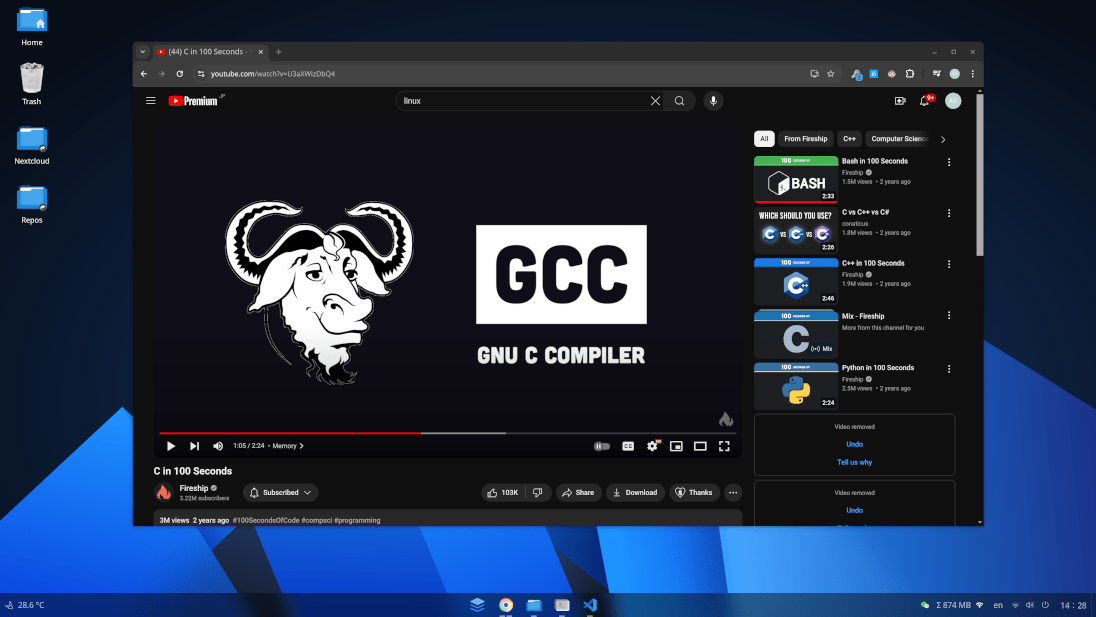 Why choose AnduinOS? Smaller image, friendly interface, unbeatable performance, safe and secure. Ready to use The ISO is just 2.0GB in size. Similar to Ubuntu, it is simple to install and can meet your daily needs without additional configuration or complicated operations. Friendly interface The GNOME-based desktop environment have beautiful interfaces and human-computer interactions that fit user habits, allowing you to quickly get started with AnduinOS without too much learning cost. Root and privacy Privacy is no longer optional. It's essential. AnduinOS is designed to gather nothing from you. We don't track you. We don't profile you. We don't target you. You remain anonymous to the system. Ecological perfection AnduinOS is based on Ubuntu's package base. It's compatible with most of the apt packages from Ubuntu. It's a perfect combination of experience and ecology. Open Source AnduinOS is an open-source project. Following the GPL-v3 license, you can view the source code, modify it, and redistribute it. It's free and will always be free. Containerized Graphical applications are installed via Flatpak, and keep themselves separate from the base system (Since 1.3). They also allow for fine-grained control over their permissions. Choose your AnduinOS version AnduinOS is available in two version branches: LTS and Standard. The LTS version is recommended for users need a stable long-term support, while the Standard version is recommended for users with newer devices and want to explore the latest features. AnduinOS Documentation: https://docs.anduinos.com Changes: v1.4.0 Changed the base system from Plucky (Ubuntu 25.04) to Questing (Ubuntu 25.10). Gnome was bumped to 49. Kernel was bumped to 6.17. Added a new language support for ro_RO for Romanian users. Added 3 new gnome-shell extensions: to automatically switch the accent color based on gnome settings. (Thanks to @florintanasa for the help) Added AnduinOS To Go option in the boot menu to allow users to run AnduinOS with persistent storage on a USB drive. gnome-startup-applications was removed. See reason here. Use sudo-rs to as the default sudo command. Removed Gnome Evince and added Gnome Papers as the default PDF viewer. Removed X11 support. Wayland is now the only display server. (This change was from upstream Ubuntu 25.10) Uses Firefox ESR to replace the regular Firefox as the default web browser. This is because the Canonical launchpad http://ppa.launchpad.net/mozillateam/ppa/ubuntu/dists/questing/ no longer provides the latest Firefox builds for Questing. Added new app gnome-calendar as default calendar app. Pinned to the start menu by default. Added system-config-printer package to the default app list to support printer configuration. Removed gnome-console(kgx) as the default terminal app. Added ptyxis as the default terminal app. Removed Openweather Refined gnome extension. Added SimpleWeather gnome extension. Added NO_AT_SAME to ubiquity to fix a possible crash during installation. Important: OS Branding Changes The /etc/os-release branding file was changed. OS ID from ubuntu changed to anduinos. Patch /usr/bin/add-apt-repository to trick the software-properties-common to think we are using Ubuntu. This is because some PPAs do not support AnduinOS. Pin software-properties-common as not to be upgraded. This is to avoid breaking the above patch. Patched the file /etc/legal to update the OS name information. Added fastfetch package to the default app list to show system information in the terminal. Correctly show the logo based on /etc/os-release file. Patched /usr/bin/add-apt-repository to fake the OS information to ubuntu when adding PPAs. This is still a hack and may break in the future. Ultimately in the future, we may use our own PPAs to provide software and patches for AnduinOS. v1.1.0 Refactored the branch management. Branches will now follow the "Fork version" naming convention (e.g., 1.0, 1.1, 1.2). "Dot versions" will now be represented as tags instead of branches. The foundational system has been updated from Jammy (Ubuntu 22.04) to Noble (Ubuntu 24.04). Replaced gedit with gnome-text-editor as the default text editor. Removed Rounded Window Corners Extension due to instability and performance issues in GNOME 45+ environments. Removed Audio Output Switcher Extension due to compatibility issues with GNOME 45+. Updated the README.md file to include detailed instructions for users to compile their own AnduinOS builds. The ISO boot menu now includes additional options such as Safe Graphics, Next Volume, and UEFI Firmware Settings. Replaced xz compression with zstd for faster and more efficient ISO generation. The ISO now consolidates the previous Try Mode and Install Mode into a unified Install Mode. Daily builds will now only support English and Chinese language options. Available to download from the AnduinOS website. Added: apt-utils, crash, debconf-i18n, fdisk, grub-efi-amd64, hwdata, info, init, numactl, cloud-init, coreutils, dnsutils, gvfs-fuse, htop, httping, libsass1, squashfs-tools, sysstat, thermald, traceroute, vim, whiptail, openvpn, network-manager-openvpn, network-manager-openvpn-gnome, network-manager-pptp-gnome, ibus, gnome-snapshot, gnome-text-editor, gstreamer1.0-libav, gstreamer1.0-alsa, gstreamer1.0-vaapi, gstreamer1.0-tools, gstreamer1.0-packagekit, gstreamer1.0-plugins-base-apps, alsa-base, fprintd, pipx. Removed: wireless-tools, cheese, gedit, nautilus-extension-gnome-console, zutty. Switched from using pip3 to pipx for installing gnome-extensions-cli. Replaced openweather-extension@jenslody.de with openweather-extension@penguin-teal.github.io. Added new GNOME extensions: mediacontrols@cliffniff.github.com,loc@anduinos.com, loc@anduinos.com. Redesigned the dark/light theme switcher to listen for system theme changes and apply the theme accordingly. Users can now directly enable/disable location service from the action center. Set the default cursor size to 32, based on feedback from Arch Linux forums. The Super + Up Arrow shortcut now toggles fullscreen mode instead of enabling it. Updated the visual indicator for highlighted applications on the taskbar from dashes effect to segmented effect. The Ubuntu startup sound is now disabled by default. Set kernel.apparmor_restrict_unprivileged_userns to 0, addressing concerns raised in Ask Ubuntu. Changed the default live environment username to live. The ISO now includes a pre-generated Netplan configuration file. The compiled ISO has already run apt update, ensuring better user experience in the live environment with proper command hints and install suggestions. 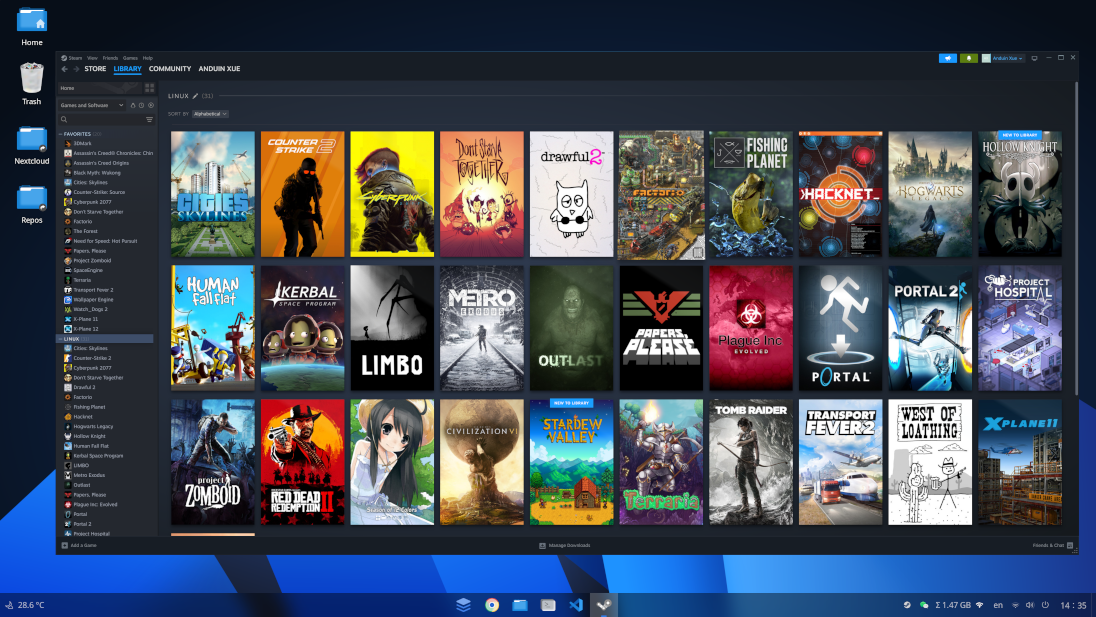 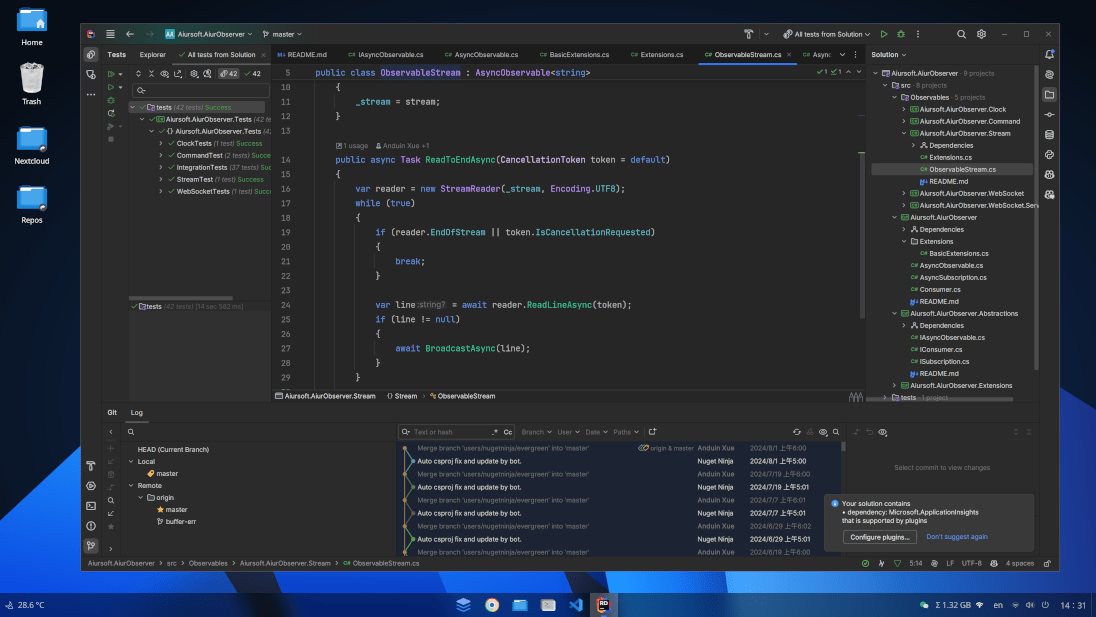 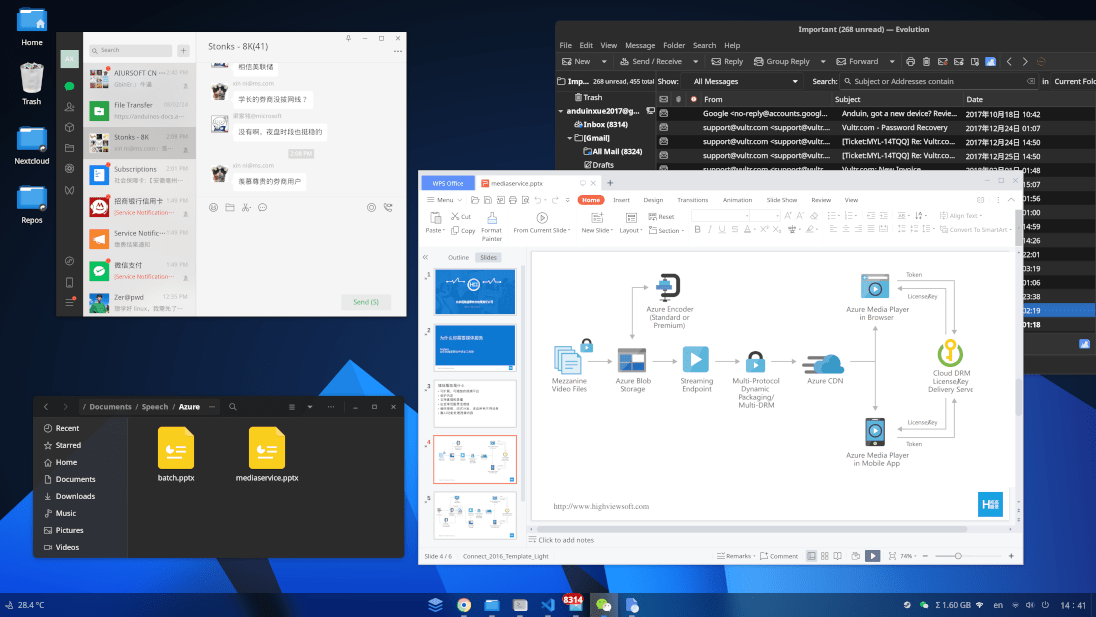 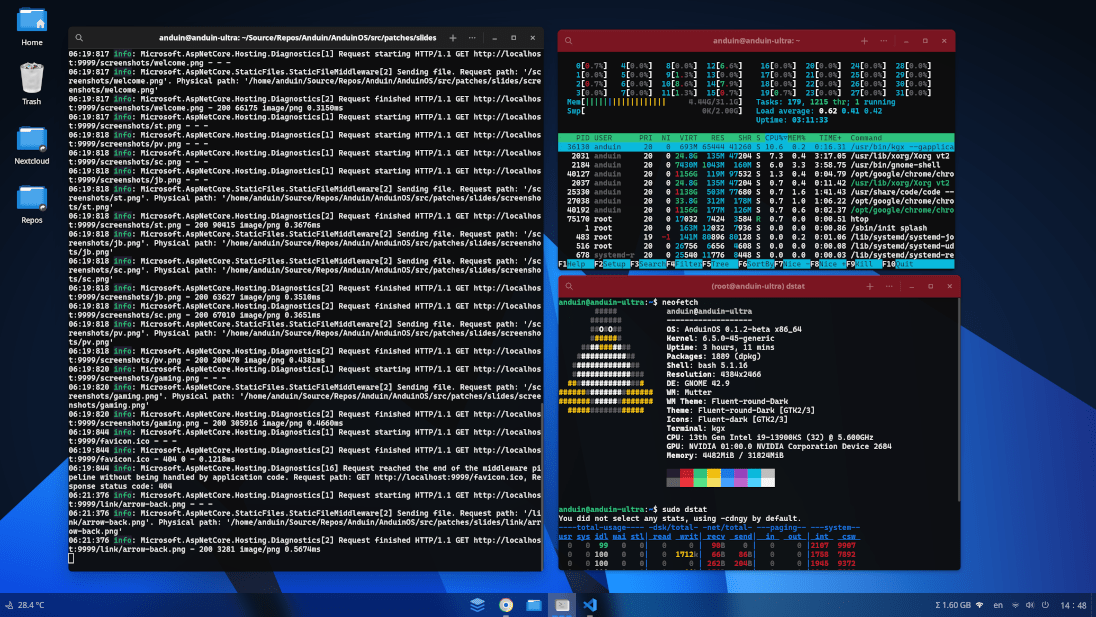  This download is for the v1.4.0 Standard (Questing Quokka) version (very bottom of page). Recommended for users with newer devices and want to explore the latest features. If you need the v1.1.10 LTS (Noble Numbat) version, download here. Recommended for users need a stable long-term version and on older hardware. Click here to visit the author's website. Continue below for the main download link. |
||||||||
| Downloads | Views | Developer | Last Update | Version | Size | Type | Rank | |
| 1,169 | 6,665 | Anduin Xue | Nov 22, 2025 - 15:15 | 1.4.0/1.1.10 | 2GB | ISO |  , out of 30 Votes. , out of 30 Votes. |
|
| File Tags | ||||||||
| AnduinOS v1.4.0/1.1.10 | ||||||||
Click to Rate File Share it on Twitter → Tweet
|


