|

|
Processed through Paypal No account required. |








Buy our over-priced crap to help pay the bills.



|
|
Processed through Paypal No account required. |
| File - Download Supermium v132.0 | ||||||||
| Description | ||||||||
|
Always scroll to the bottom of the page for the main download link. We don't believe in fake/misleading download buttons and tricks. The link is always in the same place. Supermium v132.0 An up-to-date Chromium-based web browser compatible with Windows XP, 2003, Vista, 7, 8.x, and newer. Supermium is a drop-in replacement for Google Chrome with privacy and usability enhancements, optimized for legacy and modern Windows systems alike. It aims to restore classic Chrome features, as well as to ensure that compatibility with legacy Windows is preserved. 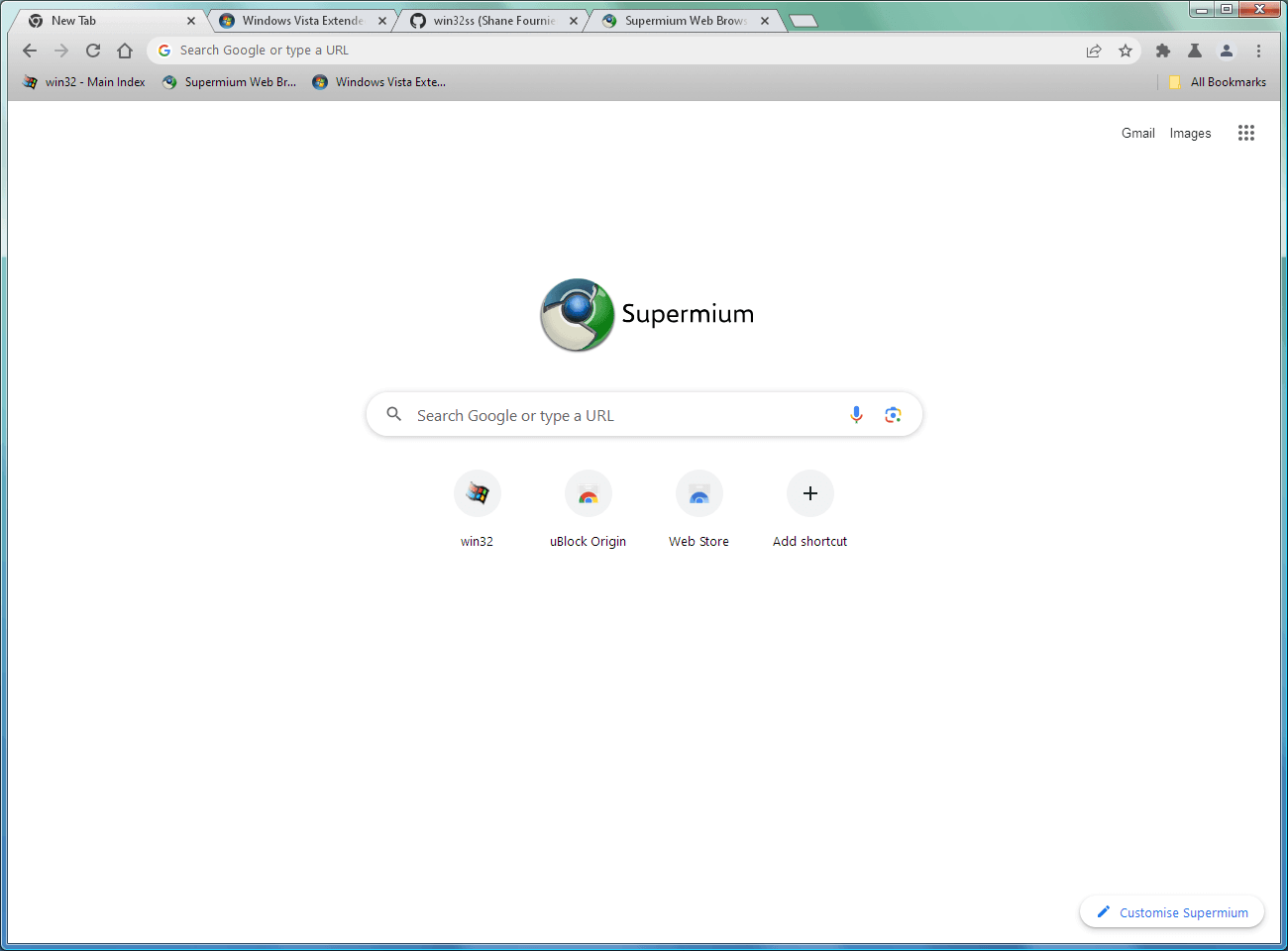 Features: • Aero Glass and Aero Glass-style titlebars instead of Windows 10-style ones (#force-xp-theme in chrome://flags for the latter) • Turnaround for major vulnerability patches generally less than one week from upstream disclosure • A functional sandbox for enhanced security • Google Sync • On Windows 7 and up, Widevine CDM support for viewing DRM content • GDI font rendering, using #force-gdi in chrome://flags • Persistent dark mode on the browser's UI elements, using #force-dark-mode in chrome://flags • Custom tab options including trapezoidal tabs, transparent tabs, and outlined tabs • Many flags from ungoogled-chromium • Support for SSE2-only processors in the 32-bit build System Requirements: • Windows XP SP1 or later or Windows Server 2003 SP1 or later • An Intel Pentium 4 processor or later that's SSE2 capable. Hyper-threading or dual-core recommended. • A minimum of 768 MB of RAM. 2 GB or greater is recommended for a smooth browsing experience. Supports your favorite Chrome extensions, including uBlock Origin. 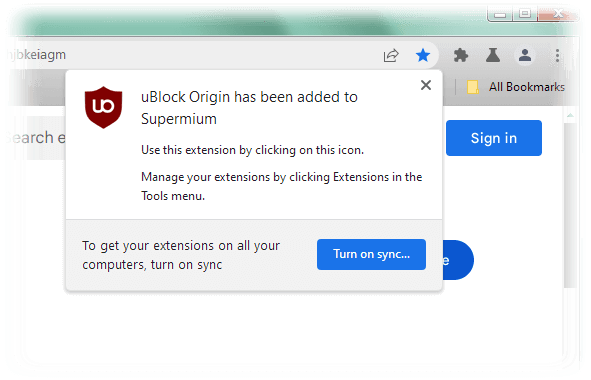 Changes: v132.0.6834.226 R5.02 Aug. 18, 2025 This release was expedited to cover security vulnerability CVE-2025-4609 (#1550). It also includes the following enhancement: (#1518) - Tab borders now available by default in v60 mode. The functionality can be toggled, including in other modes, via a boolean setting in the scs file, named int_layout_constant_57{x} wherein x is the boolean value. Note: This file has two hits on VirusTotal. We have confirmed these to be false positives. The file is safe. This download is for the Windows 64bit installer version (very bottom of page). All other download assets are below: Windows 32bit installer: supermium_132_32_setup.exe Windows 64bit installer for Windows 10/11: supermium_132_64_setup_win10_11.exe Windows portable 32bit: supermium_132_32_nonsetup.zip Windows portable 64bit: supermium_132_64_nonsetup.zip Click here to visit the author's website. Continue below for the main download link. |
||||||||
| Downloads | Views | Developer | Last Update | Version | Size | Type | Rank | |
| 2,294 | 30,806 | Shane Fournier | Aug 18, 2025 - 12:39 | 132.0.6834.226 R5.02 | 115.79MB | EXE |  , out of 31 Votes. , out of 31 Votes. |
|
| File Tags | ||||||||
| Supermium v132.0 | ||||||||
Click to Rate File Share it on Twitter → Tweet
|


