|

|
Processed through Paypal No account required. |








Buy our over-priced crap to help pay the bills.



|
|
Processed through Paypal No account required. |
| File - Download Portable Bookmarks v2024.05 | ||||||||
| Description | ||||||||
|
Always scroll to the bottom of the page for the main download link. We don't believe in fake/misleading download buttons and tricks. The link is always in the same place. Portable Bookmarks v2024.05 A portable bookmarks (favorites) manager that adds a website link to it's list every time you copy a link to your Windows clipboard. A great way of capturing links for later use, tagging or removing. Runs on Windows and Linux to share your links across platforms! 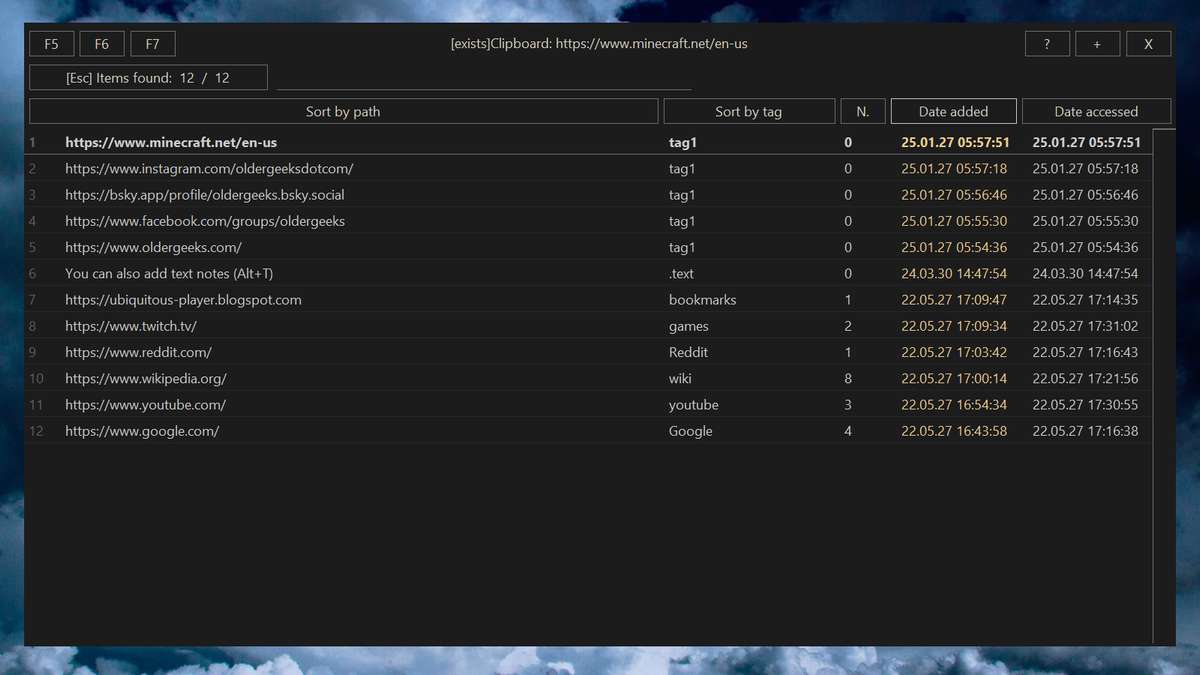 Usage "Hot Corner" is the top center of your screen. Not really a corner. Move your mouse to the top center to quickly restore the program. You can disable it in settings. Portable Bookmarks is free for non-commercial use. The software is provided "As is", without warranty of any kind. Hotkeys F1-F4 = Internet search from the search box Alt+1..4 = Internet search from your Clipboard You can modify your search engines in Settings Alt+8, +9, +0 = sort bookmarks by number of visits, date modified, date accessed F5 = open the File Explorer F6 = show Settings F7 = show .text F9 = clear Clipboard Alt+E = edit link Alt+Q = delete link (only while editing) Alt+D = add a folder to bookmarks Alt+T = add text (.text) Alt+X = open link and remove it from the bookmarks Alt+C = reset/change link counter (number of visits) Alt+P = show popular tags ESC = start searching / close popup windows ENTER = open selected link ENTER (while editing) = rename link / tag Mouse wheel click = open selected link F11 = resize window Search Suffixes -f = File search. Example: filename-f -q = Close the program immediately File Explorer Hotkeys F2 = rename file / folder F5 = reload folder F8 = delete file / folder Alt+8 = sort files by file name Alt+9 = sort files by date Alt+0 = sort files by size Alt+J = resize and save image as JPG (size %, quality 10-100) Alt+K = resize and save image as PNG (size %) Alt+Z = move file ENTER = open selected file / folder / image ENTER (while editing) = rename file / folder Mouse wheel click = open selected file / open image viewer Image Viewer Hotkeys Click on the left / right side of the image = previous / next image UP / DOWN keys = previous / next image Right mouse button = show random image Alt+M = show random image Mouse wheel click = close image viewer Supported Operating Systems Linux, Windows 11, Windows 10. 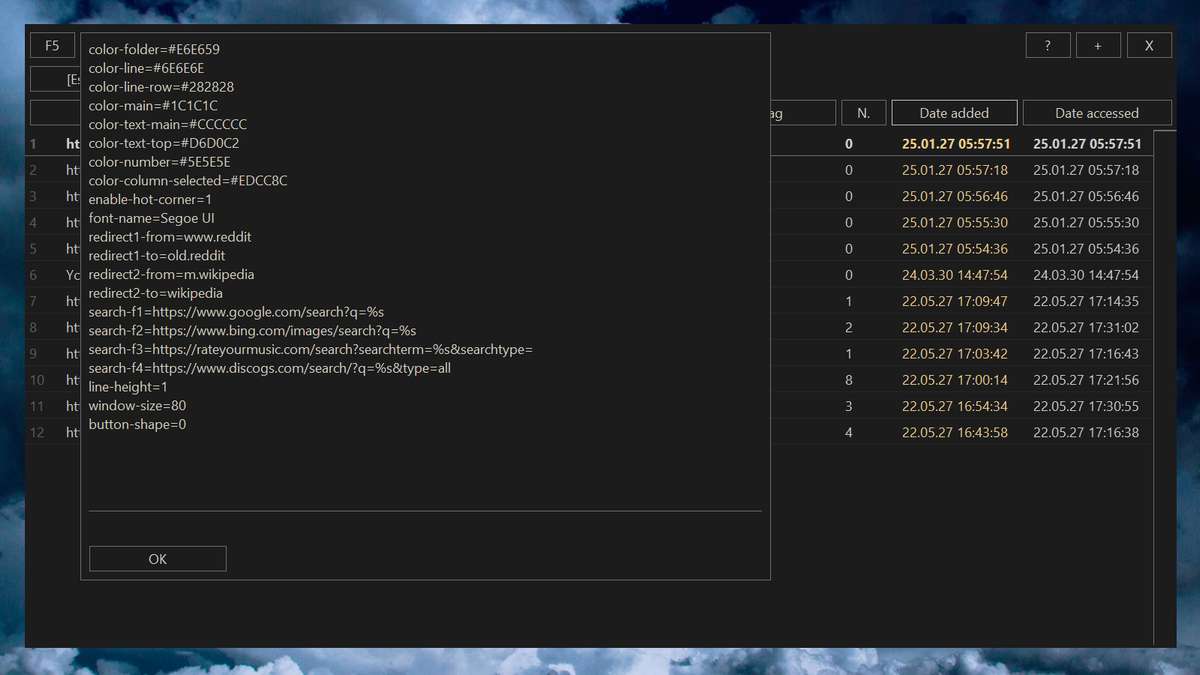 Click here to visit the author's website. Continue below for the main download link. |
||||||||
| Downloads | Views | Developer | Last Update | Version | Size | Type | Rank | |
| 996 | 3,479 | Uubiquitous Player | Jan 27, 2025 - 12:25 | 2024.05 | 1.94MB | ZIP |  , out of 39 Votes. , out of 39 Votes. |
|
| File Tags | ||||||||
| Portable Bookmarks v2024.05 | ||||||||
Click to Rate File Share it on Twitter → Tweet
|


