|

|
Processed through Paypal No account required. |








Buy our over-priced crap to help pay the bills.



|
|
Processed through Paypal No account required. |
| File - Download OpenBoardView v9.95.2 | ||||||||
| Description | ||||||||
|
Always scroll to the bottom of the page for the main download link. We don't believe in fake/misleading download buttons and tricks. The link is always in the same place. OpenBoardView v9.95.2 👉 Open-source boardview file viewer for electronics repair and diagnostics. OpenBoardView is a cross-platform open-source utility designed to load and display boardview files used in electronics repair. It allows technicians to visually inspect PCB layouts, search for components and nets, and trace signal connections without needing proprietary manufacturer tools. OpenBoardView supports a variety of boardview file formats commonly used for laptops, desktops, and other electronic devices, making it an essential tool for board-level troubleshooting and reverse engineering. 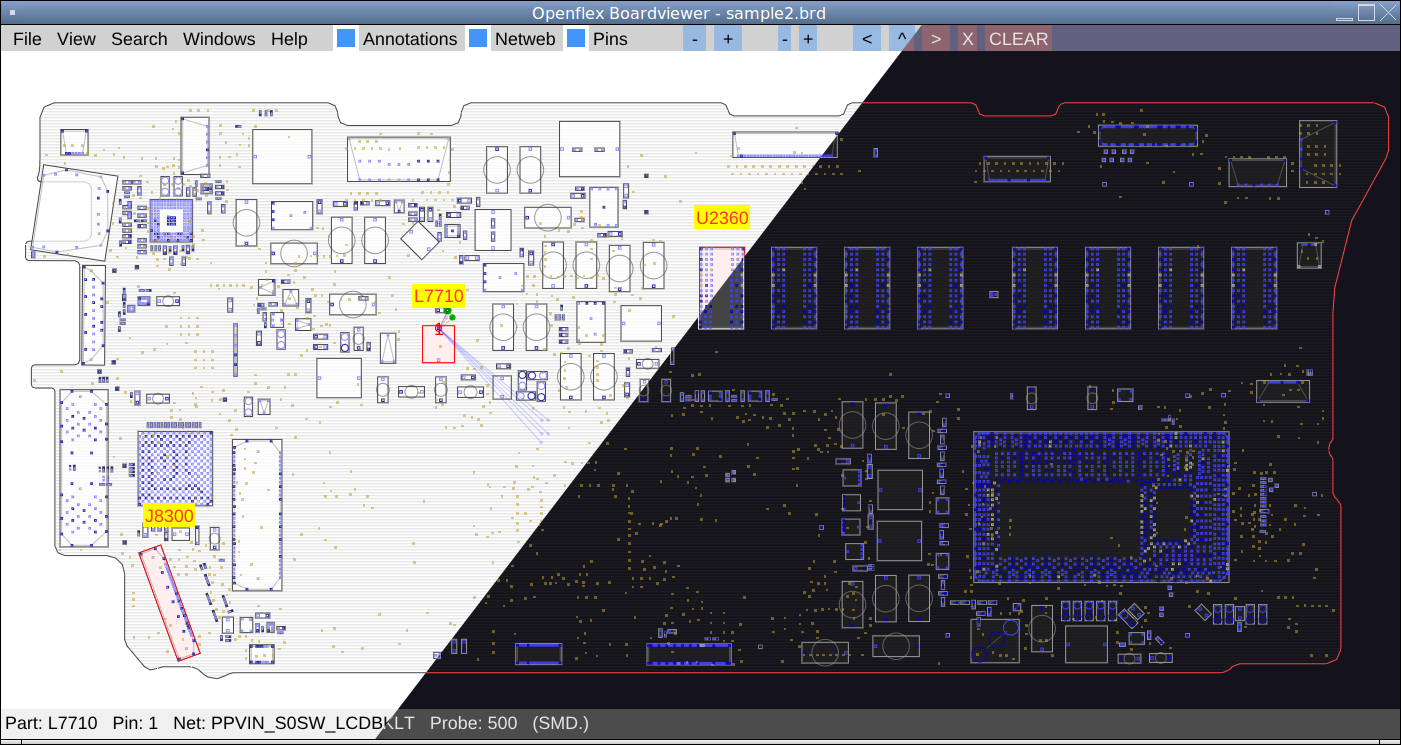 Features: • View and navigate boardview files for PCB layouts • Search components by name, value, or reference designator • Highlight nets and trace signal connections • Cross-platform support with native builds • Zoom, pan, and layer visibility controls • Open-source and community-driven development • Supports multiple boardview formats including BRD and BVR Supported operating systems: • Windows 10, Windows 11 • macOS 10.15 or higher • Linux (64-bit distributions) Supported languages: • English Changes: v9.95.2 08-19-25 New features File formats XZZ PCB file format support (#309 #316 #334 d5099f9) Asrock PCBRepair Pro CAE file format support (#162 a8e9087) GenCAD: improve loading time (#321 6d63947) GUI Dynamic font scaling thanks to ImGui 1.92.0 (2d6105e, 99e3d90, 3249b9b, 3a89256) Windows high-DPI support (e238d63) Windows higher resolution application icon (3f98e11) macOS high-DPI support (9e9b367) macOS system menu bar and dock menu items to open new instance of OpenBoardView (19d90b8) Show configured keyboard bindings in Help→Controls dialog (653c39c) Add Save/Cancel buttons in Program preferences (b2e69e1) Apply font changes and user DPI scaling without restart (ee909a3) Build system Automatic development builds with Github Actions (#315) Custom build of SumatraPDF for Windows updated to 3.5.2 Custom build of Evince for Linux updated to 48.1 Bug fixes File formats GenCAD: fix loading some files (eaf0dce) FZ: use pin name if no pin number (#307 165e480) Crash Fix opening file on macOS Sequoia (#326 40ddadc) Fix crash during PDF file settings initialization with newer GCC (757cc37) GUI Fix scrollbar size when changing user-defined DPI (ce7b8e3) Prevent spawning a window larger than the usable screen area (e66ef8d) Refactor of some GUI elements and various small fixes (0296de6, 87d667e, f1d9d1c, b6e5d50, 298eede, 628ab22, 4135a8d, 60f0695, a5db210, 039f200, fb4a137, a37a650, 2b68e28, c357096, 2425643, de5c30f, e57ccbd, 8eb54a0, 941b0eb, 07303ea, b2e69e1) Build system Various build system fixes (55ba0af, bcdbaf5, 0a3b792, 9ce39ac) 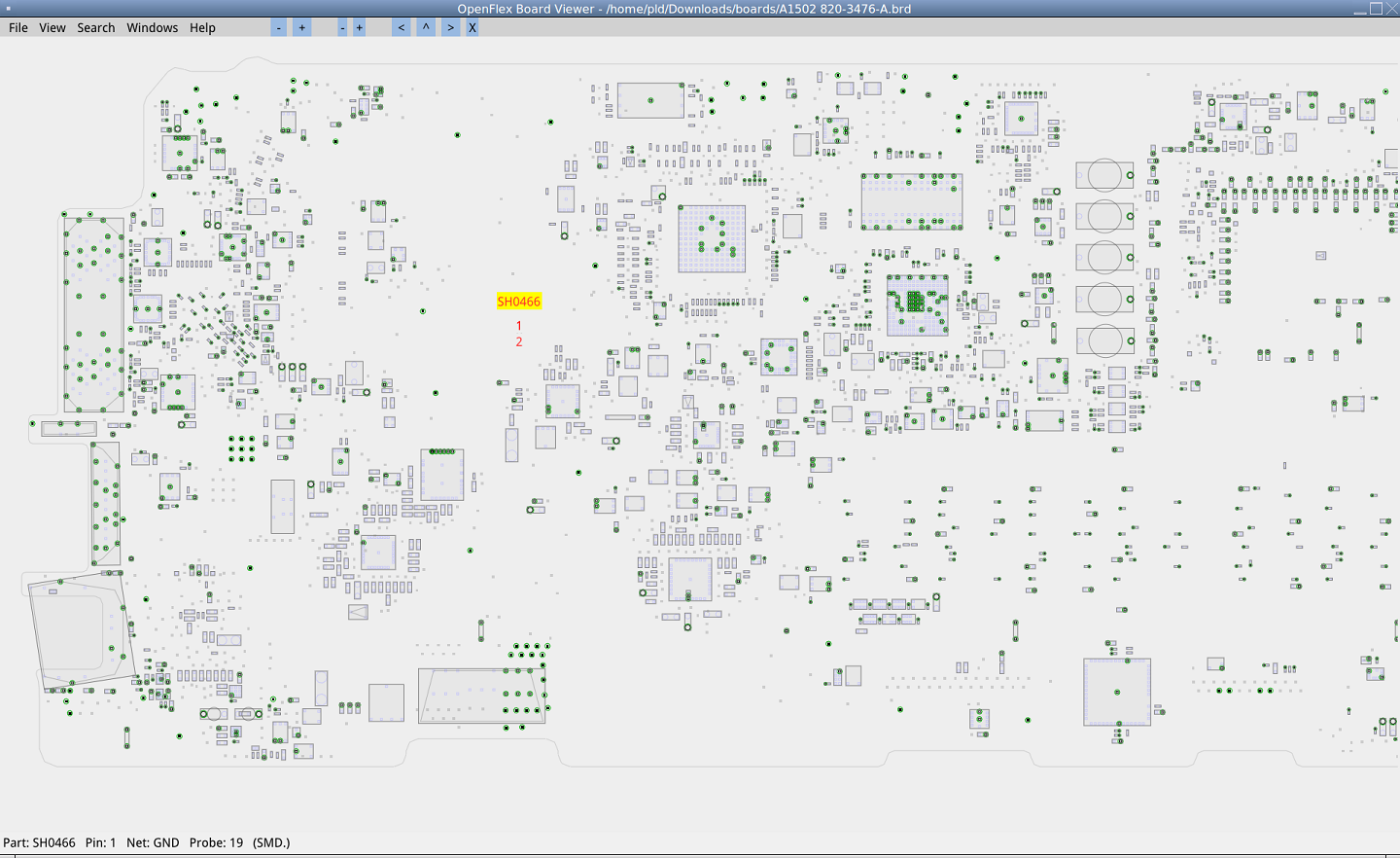 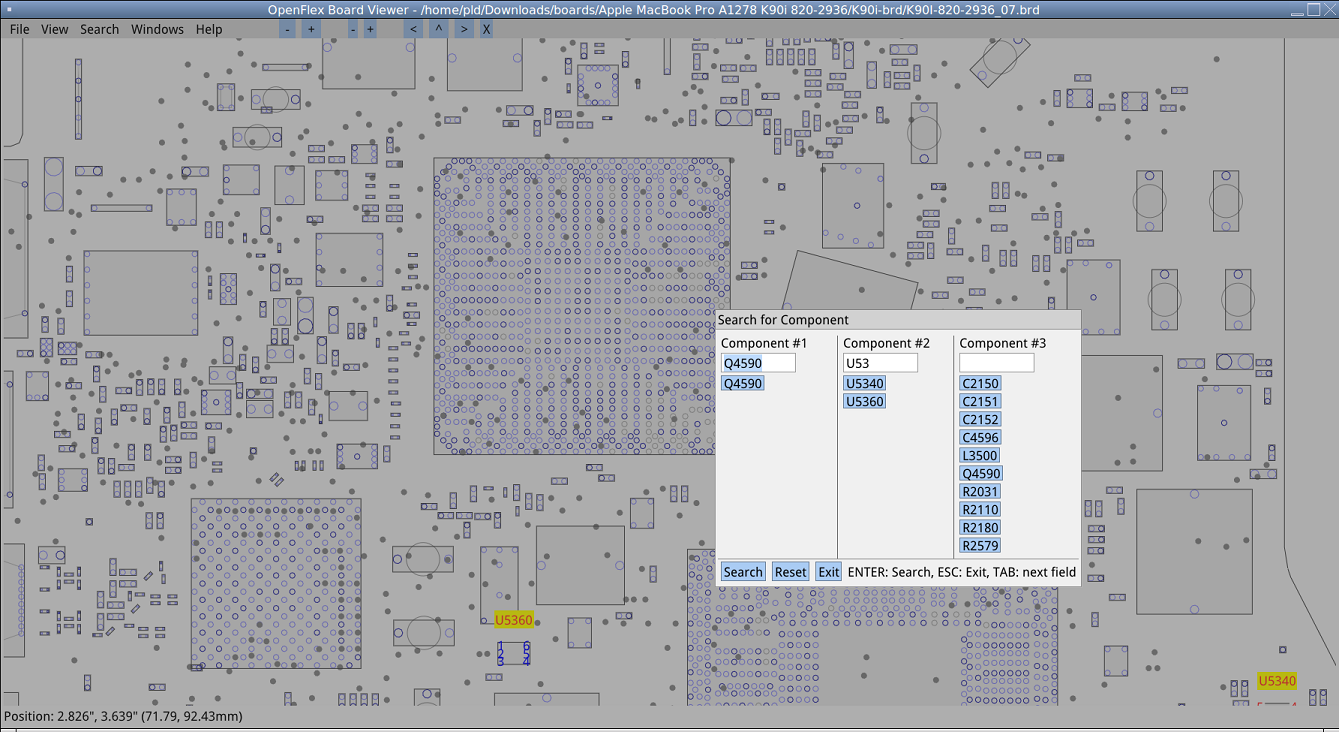 This download is for the Windows version (very bottom of page). All other download assets are below: macOS: OpenBoardView-9.95.2-Darwin-x86_64.dmg Linux: openboardview_9.95.2-1_amd64.deb openboardview-9.95.2-1.x86_64.rpm evince-48.1.flatpak Click here to visit the author's website. Continue below for the main download link. |
||||||||
| Downloads | Views | Developer | Last Update | Version | Size | Type | Rank | |
| 11,714 | 109,750 | openboardview.org | Mar 01, 2026 - 17:21 | 9.95.2 | 9.53MB | ZIP |  , out of 130 Votes. , out of 130 Votes. |
|
| File Tags | ||||||||
| v9.95.2 OpenBoardView | ||||||||
Click to Rate File Share it on Twitter → Tweet
|


