|

|
Processed through Paypal No account required. |








Buy our over-priced crap to help pay the bills.



|
|
Processed through Paypal No account required. |
| File - Download AutoOff v4.15 | ||||||||
| Description | ||||||||
|
A plea... Deanna and I have been running this site since 2008 and lately we're seeing a big increase in users (and cost) but a decline in percentage of users who donate. Our ad-free and junkware-free download site only works if everyone chips in to offset the revenue that ads on other sites bring in. Please donate at the bottom of the page. Every little bit helps. Thank you so much. Sincerely, your Older Geeks: Randy and Deanna Always scroll to the bottom of the page for the main download link. We don't believe in fake/misleading download buttons and tricks. The link is always in the same place. AutoOff v4.15 AutoOff is a program which shut down or restart Windows at a time specified by you. In addition, you can put the computer to sleep or turn off the display, lock Windows and more for power savings and privacy protection. [System requirements] Windows XP SP3 or higher(Windows 2003, Windows Vista, Windows 7, Windows 8, Windows 8.1, Windows 10) Features A variety of functions You can shut down or restart, suspend, hibernate Windows, turn off/on the display, start a screen saver, lock Windows, get an alarm, run/terminate a program at a specified time with easy options. Repeative, Multiple Tasks You can schedule a repeative task and you can schedule multiple tasks at the same time. Status You can see the Today's Usage Time, Run Count and so on. More options You can change Alarm Sound. You can force processes to terminate.(*) Password Lock You can prohibit schedule changes and program termination with Password Lock. System Tray menu You can run a function of AutoOff immediately with a System Tray menu. Taskbar Jump List task menu If you click an AutoOff icon pinned to the Taskbar with a right mouse button, you can run a function of AutoOff immediately.(Windows 7 or higher) * When processes are forced to terminate, you may lose data. [4.15 Changes] Fixed shutdown warning bug Support for Slovenian, thanks to https://www.sooftware.com Other bug fixes and improvements Download Language Pack Here. 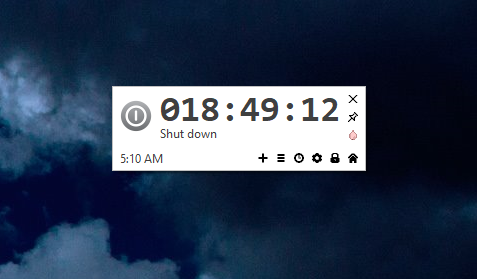 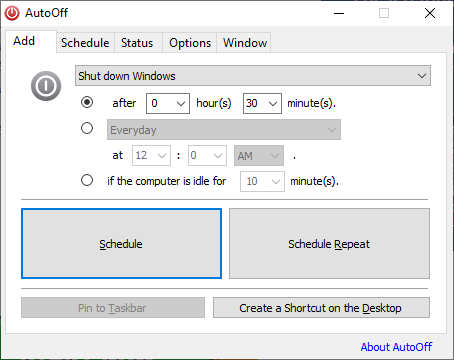 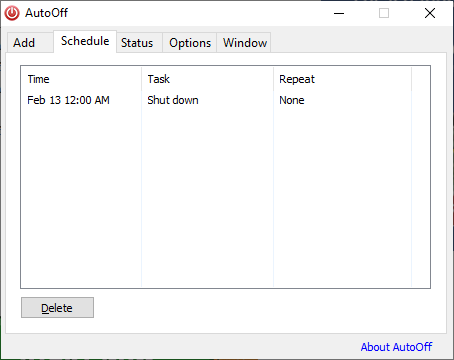 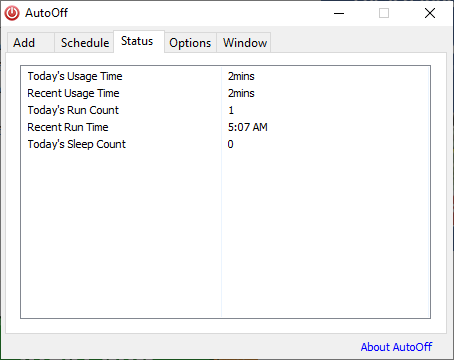 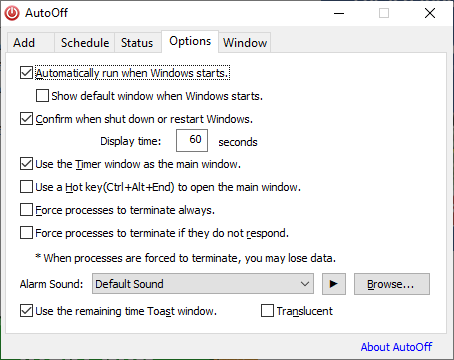 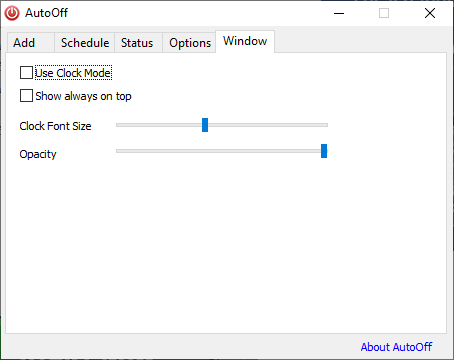 Continue below for the main download link. |
||||||||
| Downloads | Views | Developer | Last Update | Version | Size | Type | Rank | |
| 4,397 | 8,073 | Pintosoft | Jul 02, 2020 - 19:47 | 4.15 | 607.5KB | EXE |  , out of 79 Votes. , out of 79 Votes. |
|
| File Tags | ||||||||
| AutoOff v4.15 | ||||||||
Click to Rate File Share it on Twitter → Tweet
|


