|

|
Processed through Paypal No account required. |








Buy our over-priced crap to help pay the bills.



|
|
Processed through Paypal No account required. |
| File - Download BowPad v2.9.6 | ||||||||
| Description | ||||||||
|
Always scroll to the bottom of the page for the main download link. We don't believe in fake/misleading download buttons and tricks. The link is always in the same place. BowPad v2.9.6 A small and fast text editor with a ribbon user interface and syntax highlighting. 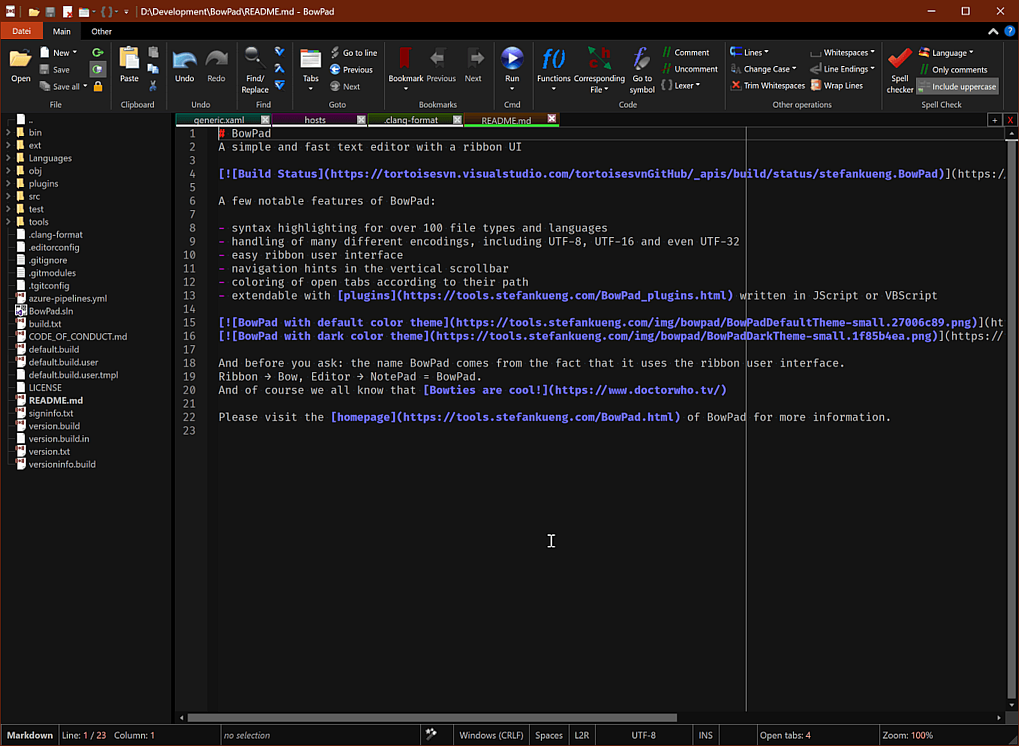 A few notable features of BowPad: • syntax highlighting for over 100 file types and languages handling of many different encodings, including UTF-8, UTF-16 and even UTF-32 • easy ribbon user interface • navigation hints in the vertical scrollbar • coloring of open tabs according to their path • can open files bigger than 2GB • extendable with plugins written in JScript or VBScript Windows 7 or higher required BowPad requires Windows 7 or later. It won't work on Windows XP! Or if you're using Vista, you have to install the Platform Update for Windows Vista. Replace Notepad If you want to replace the Windows NotePad with BowPad, you can do that by modifying the registry: • Start regedit.exe • go to HKLM\SOFTWARE\Microsoft\Windows NT\CurrentVersion\Image File Execution Options and create a new key named notepad.exe • under the notepad.exe key, create a new string value named Debugger and set the value to "c:\program files\BowPad\BowPad.exe" /z Changes: v2.9.6 -when installed for all users, Bowpad automatically registers the Windows 11 Explorer context menu for every user that logs on -calculator didn't work if term was not on the last line 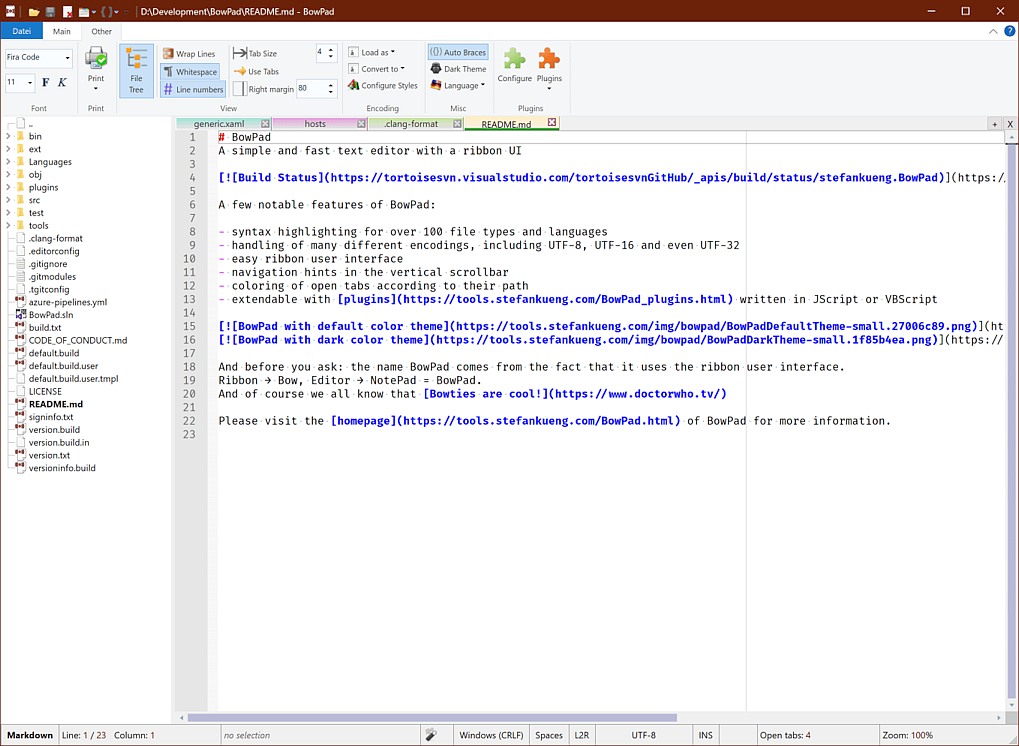 This download is for the Windows 64bit version (very bottom of page). If you need the Windows 32bit version, download here. If you need the Windows ARM version, download here. Click here to visit the author's website. Continue below for the main download link. |
||||||||
| Downloads | Views | Developer | Last Update | Version | Size | Type | Rank | |
| 5,893 | 11,679 | Sep 25, 2025 - 11:28 | 2.9.6 | 2.34MB | ZIP |  , out of 81 Votes. , out of 81 Votes. |
||
| File Tags | ||||||||
| BowPad v2.9.6 | ||||||||
Click to Rate File Share it on Twitter → Tweet
|


