|

|
Processed through Paypal No account required. |








Buy our over-priced crap to help pay the bills.



|
|
Processed through Paypal No account required. |
| File - Download TED Notepad v6.4.1 | ||||||||
| Description | ||||||||
|
Always scroll to the bottom of the page for the main download link. We don't believe in fake/misleading download buttons and tricks. The link is always in the same place. TED Notepad v6.4.1 👉 Small, fast and powerful plain-text editor packed with advanced text-processing tools. TED Notepad is a free plain-text editor and Notepad replacement for Windows, built for users who want speed, portability and serious text manipulation without a bulky interface. It includes hundreds of tools for editing, sorting, filtering, transforming, searching and cleaning text, while staying small, quick to launch and easy to carry as a portable utility. 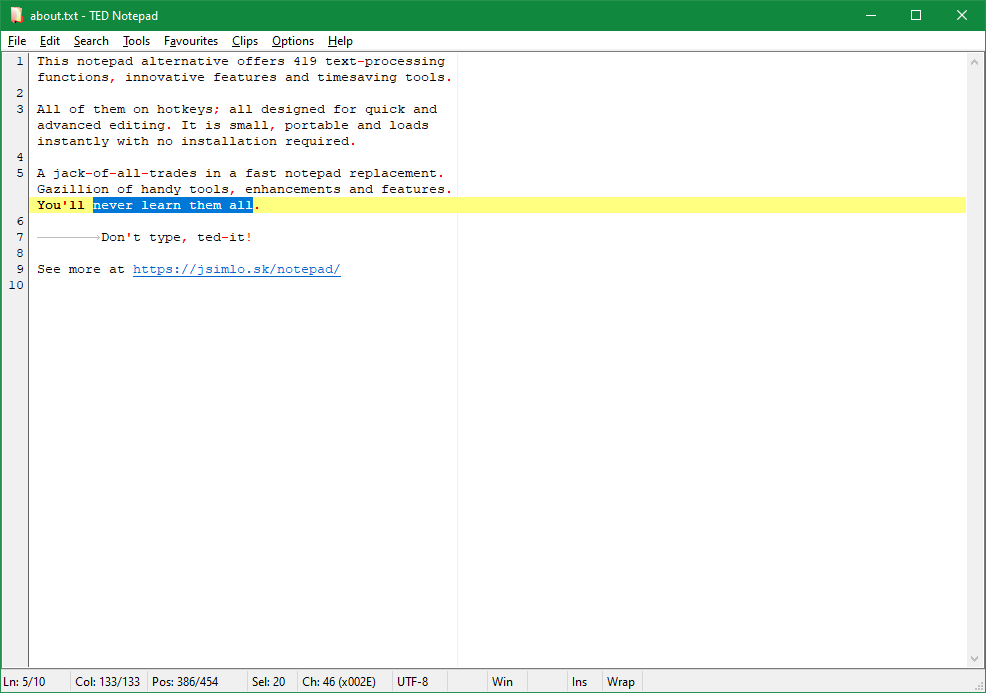 Features: • Free, small and portable text editor with no installation required • New 64-bit version for working with very large files • Tested with huge files, including multi-gigabyte documents • 457 text-processing functions and editor features • Grep, Sort, Cut, Unique, RegEx, Shuffle, Tr and Reverse tools • Search and replace with regular expressions • Selection and search match highlighting • Search and Replace history • Line numbers, line lengths and visible spaces/tabs/newlines • Multi-level Undo and Redo • Auto-save, recovery and backup options • UTF-8 and Unicode auto-recognition • Multiple permanent clipboards and clipboard append tools • Word and line auto-completion • Portable INI file settings Supported operating systems: • Windows 11, Windows 10, Windows 8, Windows 7, Windows Vista, Windows XP, Windows Server 2008, Windows Server 2003, Windows 2000 Supported languages: English Changes: v6.4.1 06-04-26 Introducing a 64-bit version. Added selection highlighter for all occurrences of selected text. Added settings for minimum selection length, match case and highlighter color. Added search highlighter for all Search Bar matches. Added total occurrence count in the Search Bar. Added Search history and Replace history. Added positive and negative look-ahead and look-behind assertions in Regular Expressions. Added setting to include seconds when inserting date/time. Added setting to disable the "Exit without saving" hotkey. Added Session Hard to Close option. Fixed multiple Search Bar, RegEx, Grep, Filters, Sort, Columns, Status Bar and clipboard issues. Improved Unicode file detection, DPI awareness, search routines, clipboard handling and settings validation. 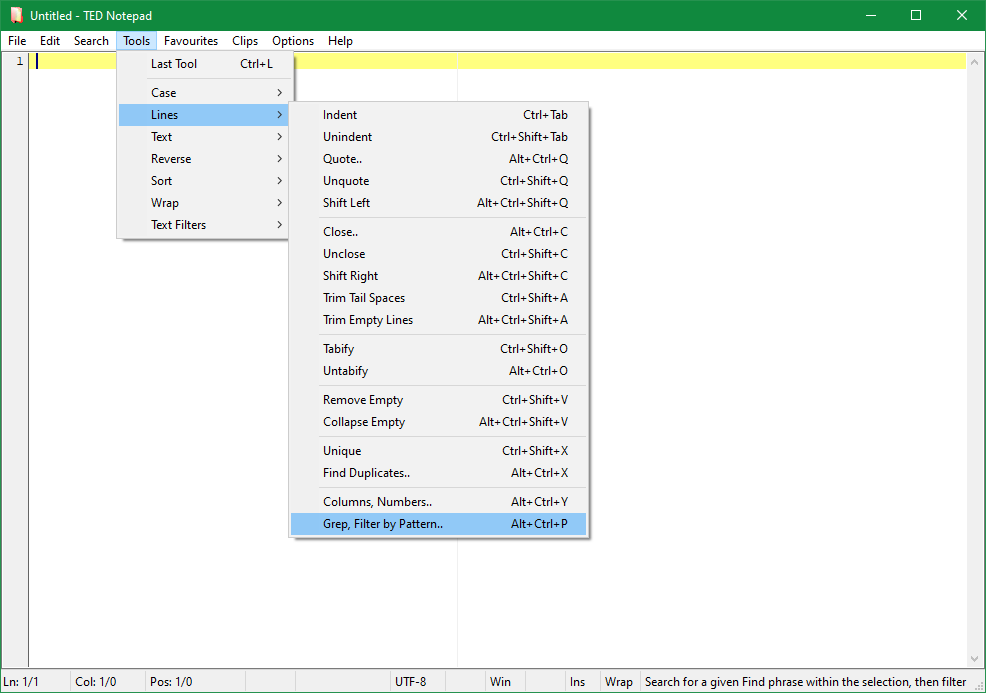 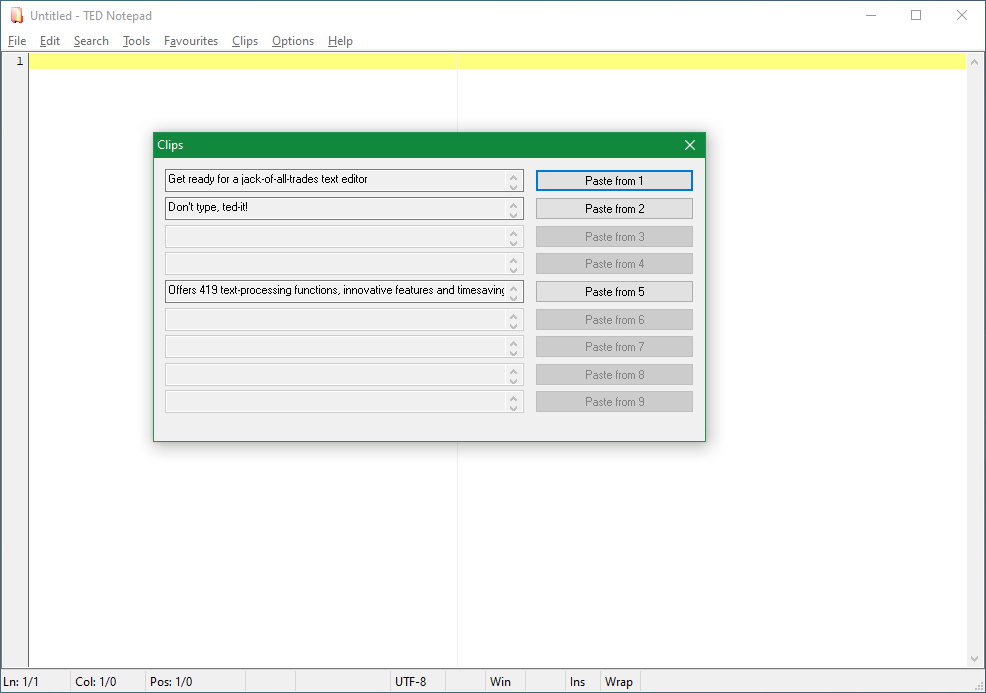 This download is for the Windows Unicode 64bit Installer version (very bottom of page). All other download assets are below: Other Windows Unicode: tnp641se_uni_64.zip (portable) tnp641se_uni_32.exe tnp641se_uni_32.zip (portable) Windows ANSI: tnp641se_9x_64.exe tnp641se_9x_64.zip (portable) tnp641se_9x_32.exe tnp641se_9x_32.zip (portable) Windows Unicode is the most common version, suitable for Windows 11, Windows 10, Windows 7, Windows XP, etc. Windows ANSI version consumes half the memory, which is great especially when editing really huge files. However, it can only work with your local regional characters. In a way, it will feel like being stuck with the Windows 98 again. Don't worry though, this version will warn you when opening files with an occasional Unicode character, to avoid damaging them. Click here to visit the author's website. Continue below for the main download link. |
||||||||
| Downloads | Views | Developer | Last Update | Version | Size | Type | Rank | |
| 6,290 | 12,095 | Medvedik, Juraj Simlovic | Jun 09, 2026 - 11:26 | 6.2.1 | 237.4KB | EXE |  , out of 107 Votes. , out of 107 Votes. |
|
| File Tags | ||||||||
| TED Notepad text editor notepad replacement portable windows freeware regex grep sort clipboard unicode utf8 large files | ||||||||
Click to Rate File Share it on Twitter → Tweet
|


