|

|
Processed through Paypal No account required. |








Buy our over-priced crap to help pay the bills.



|
|
Processed through Paypal No account required. |
| File - Download Flagfox v6.1.93 | ||||||||
| Description | ||||||||
|
Always scroll to the bottom of the page for the main download link. We don't believe in fake/misleading download buttons and tricks. The link is always in the same place. Flagfox v6.1.93 Displays a country flag depicting the location of the current website's server in Firefox. Flagfox also provides a multitude of tools such as site safety checks, whois, translation, similar sites, validation, URL shortening, and more... 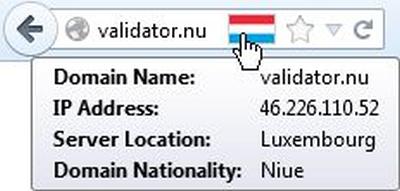 Flagfox is an extension that displays a flag icon indicating the current webserver's physical location. Knowing where you're connected to adds an extra layer of awareness to your browsing and can be useful to indicate the native languages and legal jurisdictions that may apply. Additional information can be obtained via a multitude of external lookups and users can add their own custom actions. All actions can be added to the flag icon's context menu and set to icon click or keyboard shortcuts for quick access. Clicking the flag icon loads, iplookup.flagfox.net Geotool which gives a detailed map showing the city the server is in and other useful information such as its local time and Internet Service Provider (ISP). Many other actions are available for a wide range of uses such as: • Site safety and malware checks • Finding similar sites and reviews • Automatic translation to your language • Search Engine Optimization (SEO) and web development research • Diagnostics like pings and traceroutes • Whois and Domain Name Service (DNS) information • Page code validation • Quick URL shortening • Copying a server's Internet Protocol (IP) address or other info • or you can create your own custom actions! Flagfox is simple, unobtrusive, and uses relatively little resources. In order to protect your privacy, country lookups are done locally rather than asking an external server about every page you browse to. It works by accessing an internal IP address location database, basically a rough map of the physical layout of the Internet, based on data provided by Maxmind. This gives a flag for the nationality of the actual location of the server you're connected to, rather than just the nationality of the domain name which may be different. Flagfox updates are provided on a monthly basis to keep this internal database accurate. Changes: v6.1.93 11-29-25 IPv4 & IPv6 address location database updates for November 2025 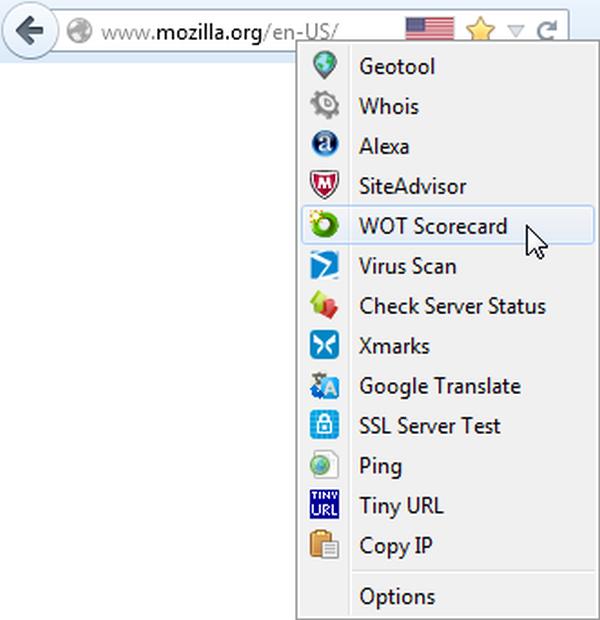 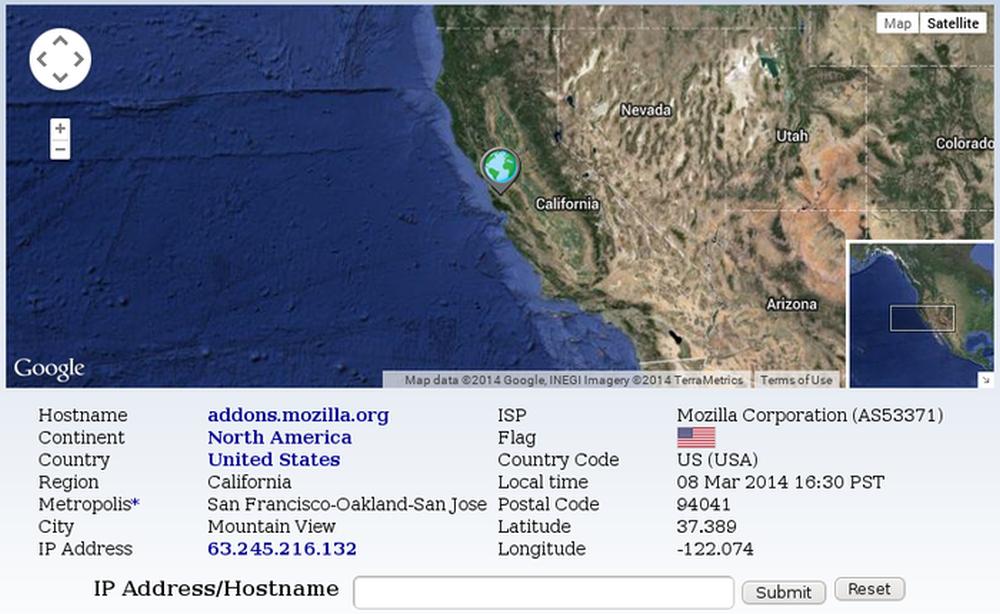 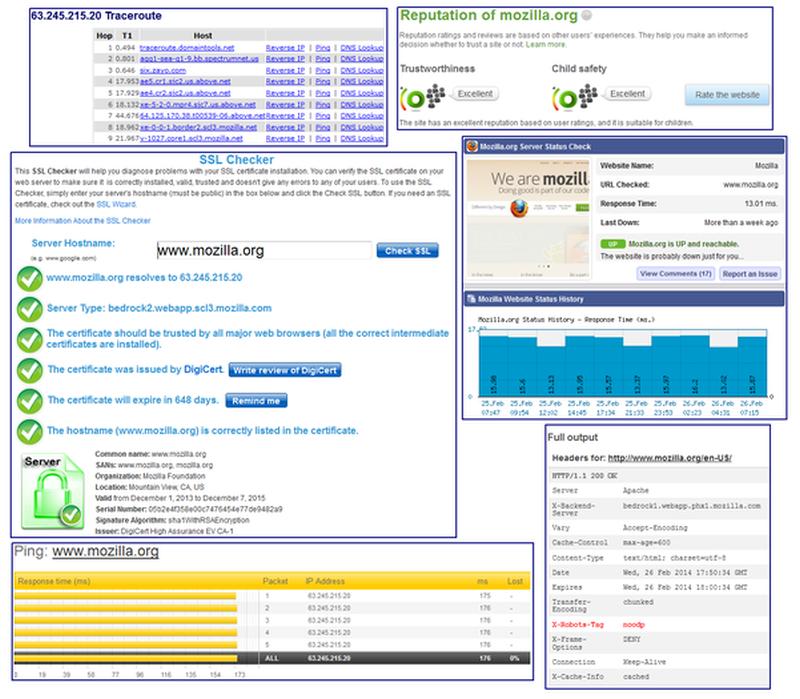 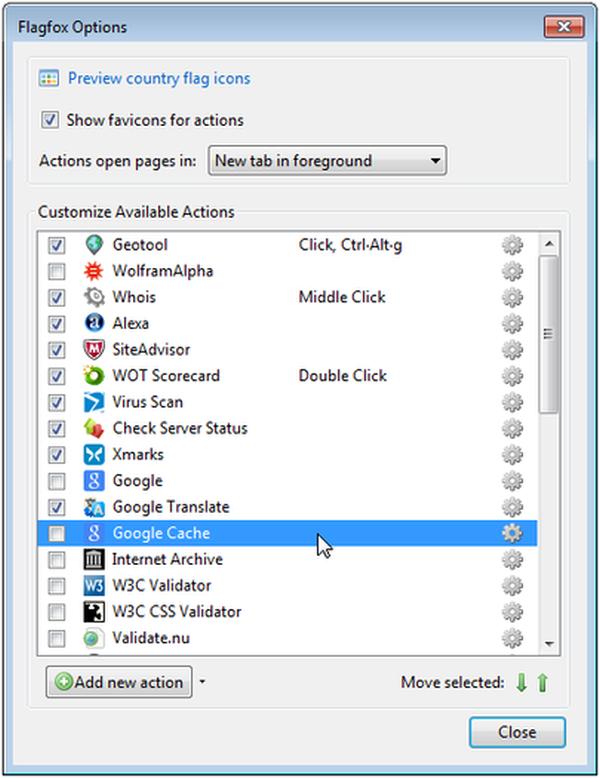 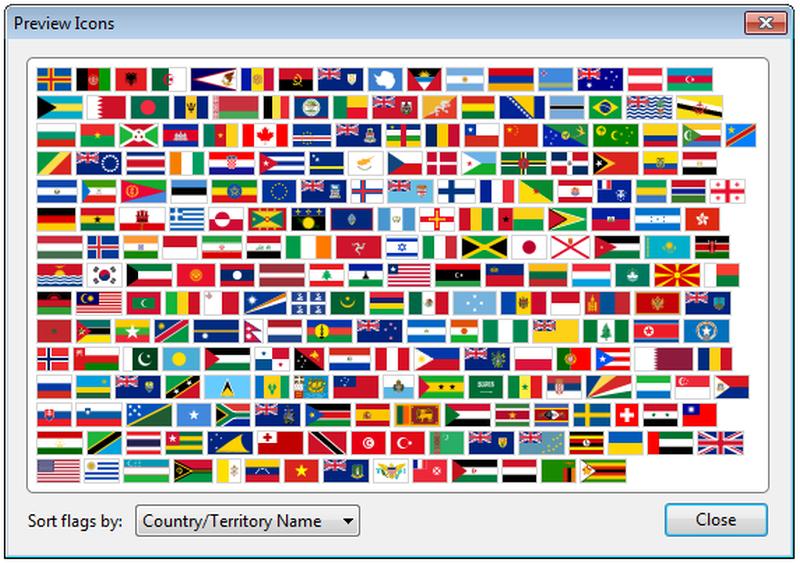 Note: Websites that use Cloudflare for protection will not show the server's flag. OlderGeeks.com's server is in the US (as are we) but it won't show an American flag because we too use Cloudflare. Click here to visit the author's website. Continue below for the main download link. |
||||||||
| Downloads | Views | Developer | Last Update | Version | Size | Type | Rank | |
| 9,497 | 15,818 | Dave G | Dec 08, 2025 - 13:16 | 6.1.93 | 1.11MB | XPI |  , out of 14 Votes. , out of 14 Votes. |
|
| File Tags | ||||||||
| Flagfox v6.1.93 | ||||||||
Click to Rate File Share it on Twitter → Tweet
|


