|

|
Processed through Paypal No account required. |








Buy our over-priced crap to help pay the bills.



|
|
Processed through Paypal No account required. |
| File - Download QMPlay2 v25.09.11 | ||||||||
| Description | ||||||||
|
Always scroll to the bottom of the page for the main download link. We don't believe in fake/misleading download buttons and tricks. The link is always in the same place. QMPlay2 v25.09.11 A video and audio player that can play most formats, codecs and streams. QMPlay2 can play all formats supported by FFmpeg, libmodplug (including J2B and SFX). It also supports Audio CD, raw files, Rayman 2 music and chiptunes. It contains YouTube and MyFreeMP3 browser. 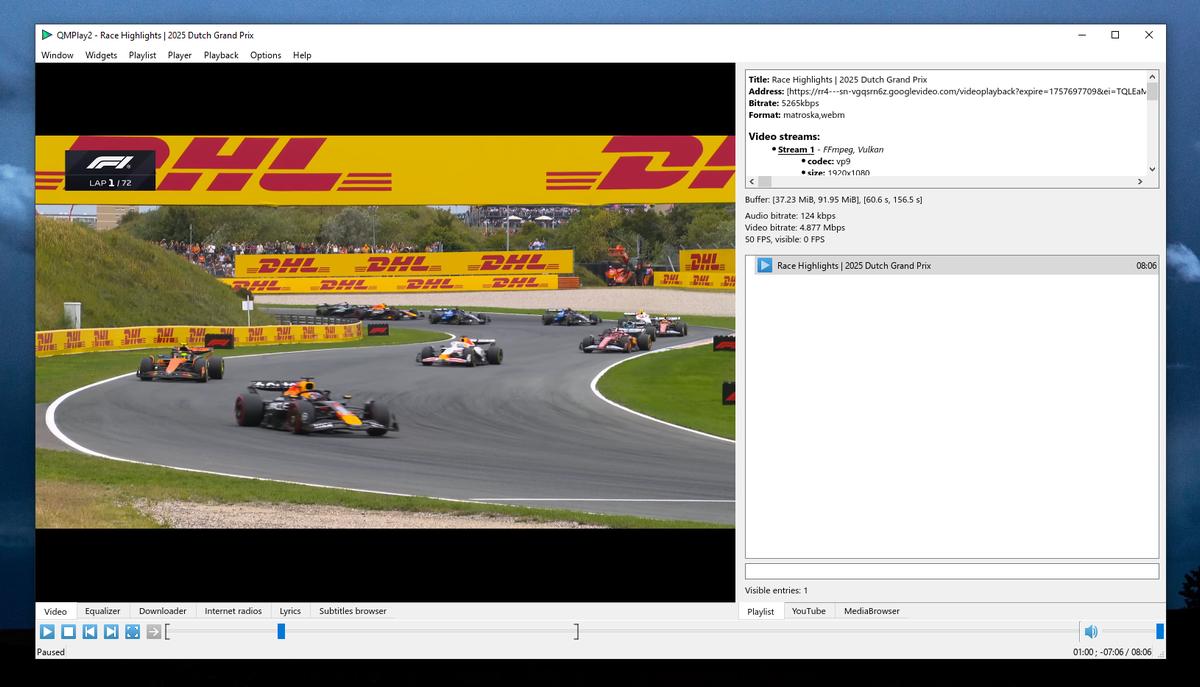 YouTube: You can change the default audio and video quality of YouTube contents. Click on the "Settings" icon on the left of the search bar, change the order of audio and/or video quality priorities and apply changes. If the chosen quality can't be found on YouTube content, QMPlay2 will try using the next entry on the quality list. YouTube videos don't work without external "yt-dlp" software, so QMPlay2 will download it automatically. You can remove downloaded "yt-dlp" from settings. Windows • Make sure that antivirus or firewall doesn't block "yt-dlp" and doesn't block executing external applications! • Vulkan might not switch to full screen exclusive on some configurations or obsolete drivers. Streamlink: Examples: streamlink -p QMPlay2 --player-http "URL" beststreamlink -p QMPlay2 -a /dev/stdin "URL" bestSpherical view: QMPlay2 supports spherical view on OpenGL and Vulkan video outputs. You can watch e.g. YouTube spherical videos by pressing "Ctrl+3". You can also enable it from the menu: "Playback->Video filters->Spherical view" ALSA: If you are using your own ALSA configuration asound.conf or .asoundrc you should also append: defaults.namehint.!showall on to the configuration file. Otherwise devices which were added may not be visible.Hardware acceleration: QMPlay2 supports hardware video decoding: Vulkan Video, CUVID (NVIDIA only), DXVA2 (Windows), D3D11VA (Vulkan, Windows) VA-API (Linux/BSD only) and VideoToolBox (macOS only). Hardware acceleration is disabled by default, but you can enable it in "Settings->Playback settings": • move hardware accelerated decoder on decoders list to the top, • apply settings. Hardware acceleration important information: • CUVID, DXVA2 and VA-API use OpenGL video output, so OpenGL features are available, but CPU filters won't work. • VkVideo, CUVID, D3D11VA and VA-API use Vulkan video output, so Vulkan features are available, but CPU filters won't work. • DXVA2 requires "WGL_NV_DX_interop" extension. • DXVA2 doesn't work with Vulkan. • VA-API, CUVID and DXVA2 have its own deinterlacing filters. Their settings are available in "Settings->Video filters". • VA-API on Vulkan uses its own deinterlacing filter only on Intel drivers. • H.264 lossless movies (CRF 0 or QP 0) might not be properly decoded via VA-API. • VideoToolBox doesn't support deinterlacing. VA-API + OpenGL information: VA-API + OpenGL uses EGL for OpenGL context creation. On X11 QMPlay2 tries to detect if EGL can be used, but the detection can fail. In this case you can try do it manually: export QT_XCB_GL_INTEGRATION=xcb_glx and run QMPlay2 from command line. If everything is working properly, you can export this variable globally. In case of multiple GPUs installed in system VA-API requires to use the same device as OpenGL. QMPlay2 detects it automatically, but if the detection fails, try to do it manually, e.g.: export QMPLAY2_EGL_CARD_FILE_PATH=/dev/dri/card1 and run QMPlay2 from command line. If everything is working properly, you can export this variable globally. Deinterlacing: Video interlacing is automatically detected by QMPlay2. Go to "Settings->Video filters" for more options. If you have fast CPU (or low video resolution), you can use "Yadif 2x" deinterlacing filter for better quality. You can enable deinterlacing filter on non-interlaced video if necessary (some interlaced videos may not have interlacing data), but remember to revert this setting on any other video! Otherwise the video quality and performance will be worse! Hardware-accelerated video decoding uses its own video filtering, so the CPU deinterlacing method (e.g. "Yadif 2x") does nothing in this case. Of course you can adjust other deinterlacing settings in case of hardware acceleration. Vulkan renderer has Yadif deinterlacing filter which is used by default for CPU decoded videos. You can change this behavior in Vulkan renderer settings. Moreover, Yadif Vulkan filter is used for hardware-decoded videos. Chroma plane if pixel format is not YUV420 when XVideo is used as video output may not be properly deinterlaced. Hidden features: Audio balance Right click on volume slider and select "Split channels". Last.fm scrobbling Go to "Options->Modules settings" and click "Extensions" on the list. Find "LastFM" group box, select "Scrobble", type your login and password and then press "Apply". Control files Empty files in share directory (on Windows it is a directory with QMPlay2.exe): • portable - runs QMPlay2 in portable mode (settings are stored in applications directory), • noautoupdates - disables auto-updates at first run. Still images Go to "Options->settings" and check "Read and display still images". Custom user agent You can specify a CustomUserAgent in QMPlay2.ini file in General section. Disable covers cache Set NoCoversCache to true in QMPlay2.ini file in General section. Single instance You can force single instance for QMPlay2: set "Allow only one instance" in "Settings->General settings". Changes: v25.09.11 fix swapped Referer and User-Agent parameters fix playing of some HLS streams disable DRC audio on YouTube fix "--opennew" parameter 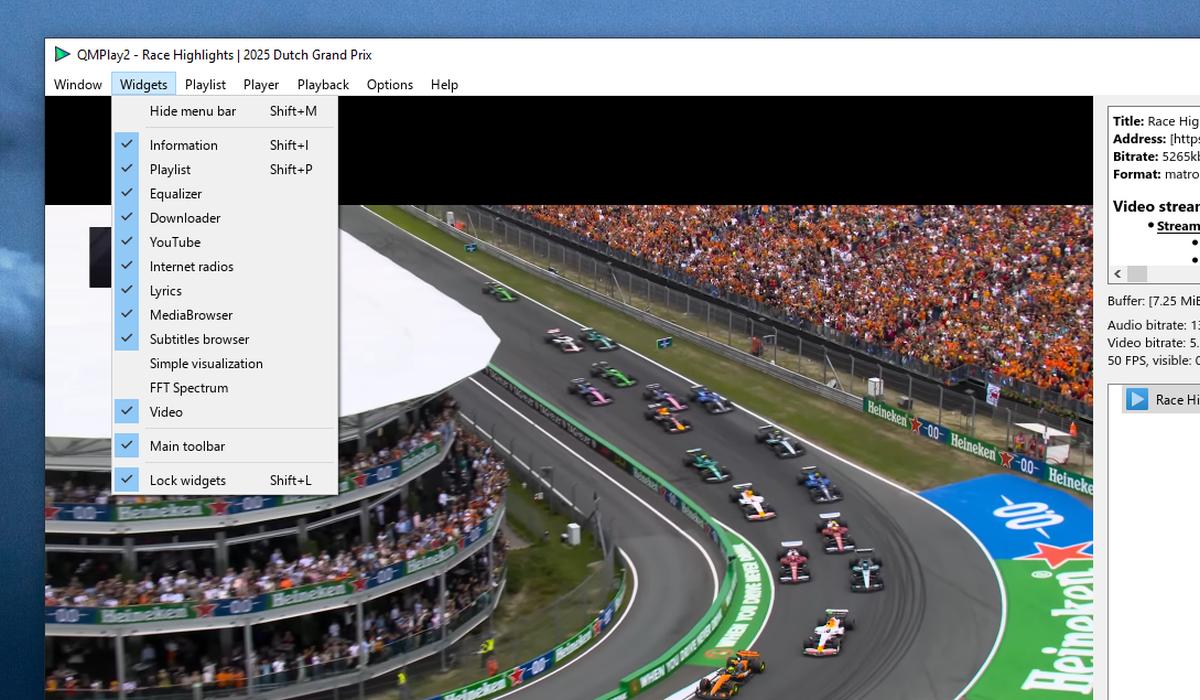 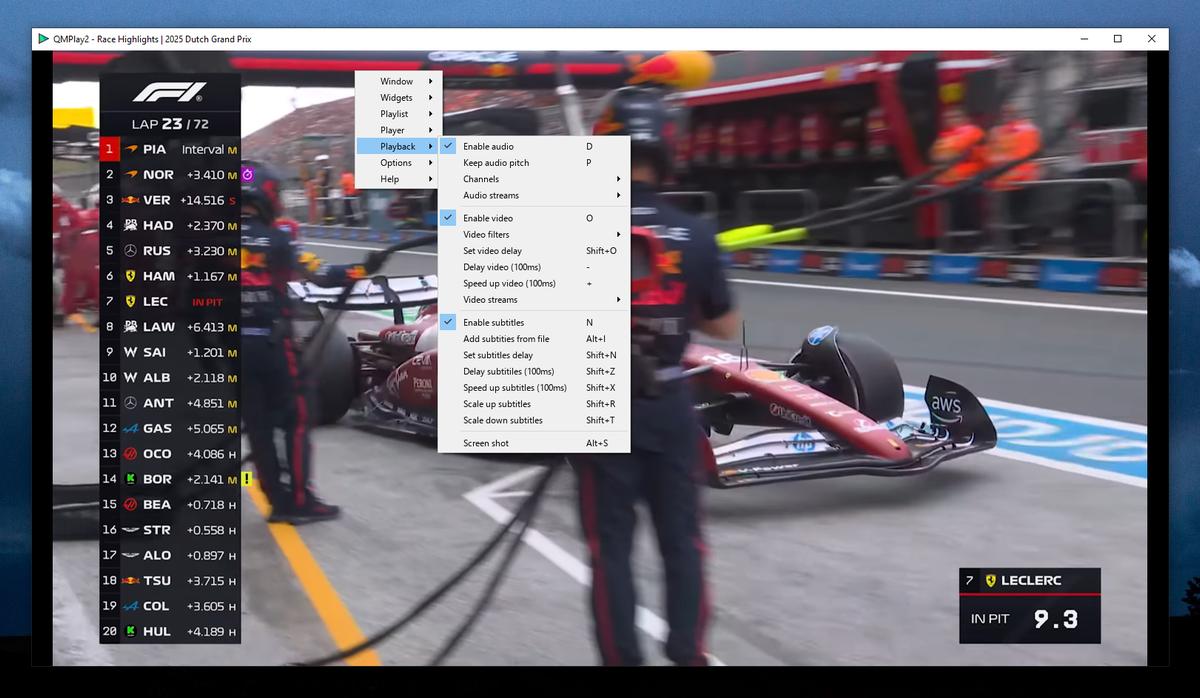 Use 7-Zip to unzip this file. This download is for the Windows 10/11 64-bit portable version (very bottom of page). All other download assets are below: Windows 10/11: QMPlay2-Win64-25.09.11.exe Windows 7/8/8.1/10 32-bit: QMPlay2-Win64-25.09.11-qt5-portable.7z QMPlay2-Win64-25.09.11-qt5.exe QMPlay2-Win32-25.09.11-qt5.exe macOS: QMPlay2-macOS-25.09.11.dmg Linux: QMPlay2-25.09.11-1-x86_64.AppImage Click here to visit the author's website. Continue below for the main download link. |
||||||||
| Downloads | Views | Developer | Last Update | Version | Size | Type | Rank | |
| 736 | 3,388 | Błażej Szczygieł | Sep 12, 2025 - 12:04 | 25.09.11 | 23.04MB | 7Z |  , out of 18 Votes. , out of 18 Votes. |
|
| File Tags | ||||||||
| QMPlay2 v25.09.11 | ||||||||
Click to Rate File Share it on Twitter → Tweet
|


