|

|
Processed through Paypal No account required. |








Buy our over-priced crap to help pay the bills.



|
|
Processed through Paypal No account required. |
| File - Download Mac EFI Toolkit v2.1.3 | ||||||||
| Description | ||||||||
|
A plea... Deanna and I have been running this site since 2008 and lately we're seeing a big increase in users (and cost) but a decline in percentage of users who donate. Our ad-free and junkware-free download site only works if everyone chips in to offset the revenue that ads on other sites bring in. Please donate at the bottom of the page. Every little bit helps. Thank you so much. Sincerely, your Older Geeks: Randy and Deanna Always scroll to the bottom of the page for the main download link. We don't believe in fake/misleading download buttons and tricks. The link is always in the same place. Mac EFI Toolkit v2.1.3 A tool for analyzing Mac EFI and SOCROM firmware, featuring limited editing capabilities. Mac EFI Toolkit (also known as mefit) is designed to aid technicians in repair and analysis of Mac EFI and SOCROM firmwares. Designed to be compact, this application provides information gathering capabilities and limited patching functionality. 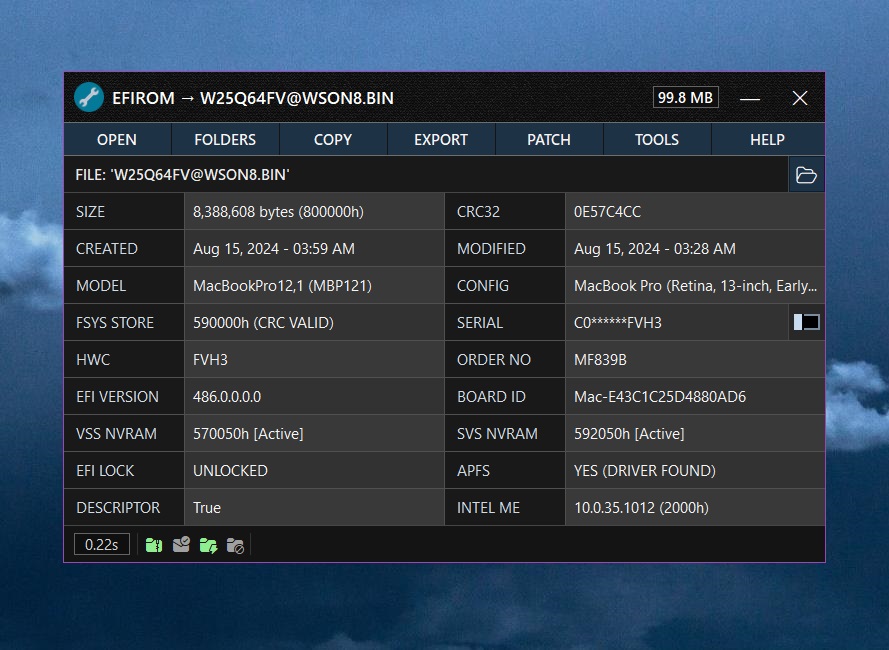 Features: Application • File Handling ▸ All files are edited in memory preserving the original ▸ Backup firmwares to a .zip archive for long-term storage ▸ Drag and drop support ▸ Open multiple firmwares simultaneously • Error Handling and Logging ▸ Automatic handling of uncaught exceptions ▸ Automatic background logging for errors and key actions • User Interface ▸ Automatic DPI scaling ▸ New version notifications with automatic updates ▸ Serial numbers are censored by default • Search and Verification ▸ Knuth–Morris–Pratt algorithm for binary data searching ▸ Serial number validation rules ▸ Check serial numbers on EveryMac ▸ View firmware parse time • Misc ▸ No installation required ▸ Works with Wine Firmware (EFIROM) • View firmware details ▸ Binary size (bytes, hex) ▸ Checksum ▸ Created and modified date ▸ EFI version ▸ EFI lock status ▸ Platform Data Region Board-ID ▸ APFS driver status ▸ Intel ME version ▸ Model information -System model -System config code -System serial number -Hardware config code -System order number • Automatic Fsys checksum masking • Edit the system serial number • Export and replace the Fsys region • Export and replace the Intel Management Engine region • Export firmware information to a text file • Detect invalid binary size • Detect and repair invalid Fsys checksums • View Apple ROM section information • Reset NVRAM stores with proper header configuration • Detect and remove EFI passwords (EFI lock) • Detect and export decompressed LZMA DXE archives • Detect and export the Find My Mac email address Firmware (SOCROM) View firmware details Binary size (bytes, hex) Checksum Created and modified date iBoot version View SoC type Model Information SCfg store details System serial number System config code System order number Edit the serial number Export and replace the SCfg store Export firmware information to a text file System Requirements: • Operating System: Windows 11 (64-bit) Windows 10 (32/64-bit) mefit is compatible with Wine • Internet Connectivity (optional, only required for specific features): Receiving notifications about new versions (can be disabled in settings). Downloading automatic updates. Fetching device configuration data from Apple’s server if not available in the internal database. Checking serial numbers on EveryMac. Getting Started: • Ensure your system has .NET Framework 4.8 installed. • Download mefit below. • If needed, create a dump of your Mac firmware using an SPIROM programmer. • Launch the software (no installation required) and open your firmware. User Manual: https://github.com/MuertoGB/MacEfiToolkit/blob/main/MANUAL.md#application-manual Wine Instructions: To run Mac EFI Toolkit on Linux or macOS using Wine, follow these steps: 1) Install Wine to your Operating System. 2) Open the terminal and run the command winecfg. This will open the Wine configuration window. Then, navigate to the 'Graphics' tab and change the 'Screen resolution' to 120 dpi. 3) Download the font pack archive from here. After downloading, navigate to Home\.wine\drive_c\windows\Fonts. Extract the downloaded font pack archive and copy the fonts into this folder. Once these steps are completed, you should be able to run Mac EFI Toolkit under Wine. Changes: v2.1.3 07-30-25 Enhancements User Interface Improvements: Updated button, menu, and switch colours throughout the application to make them more visually distinctive. New textured sprite for window title bars. Improved the EFIROM window status bar. Minor string and font adjustments. Improved firmware patching logic. Improved LZMA decompressed method. Improved logging system. Improved exception handler. Defensive: Ensure an empty serial number is correctly flagged as invalid. Bugs Fixed a Windows 11 bug where opening the log file using the application could summon an army of text file windows like it was preparing for digital war. 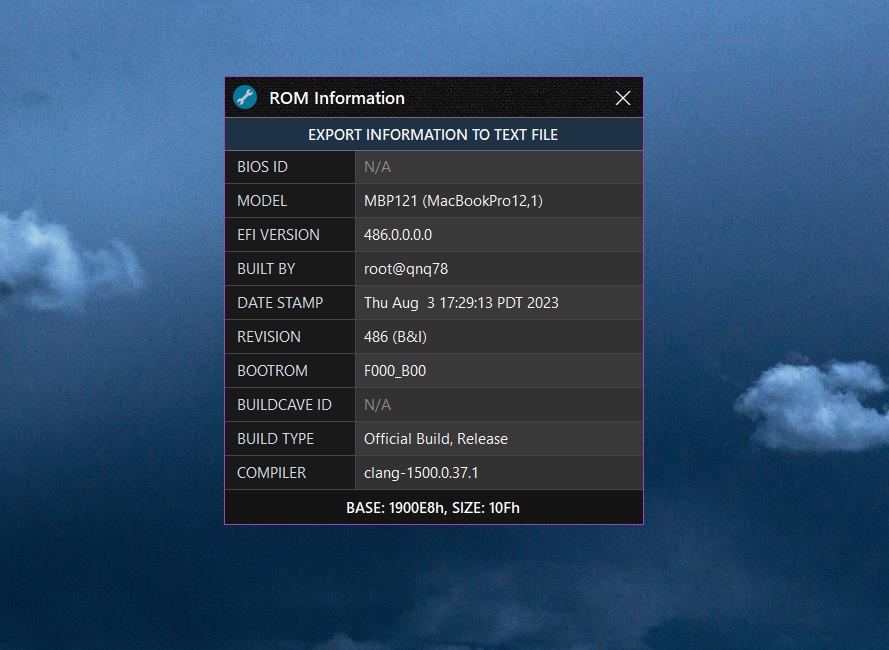 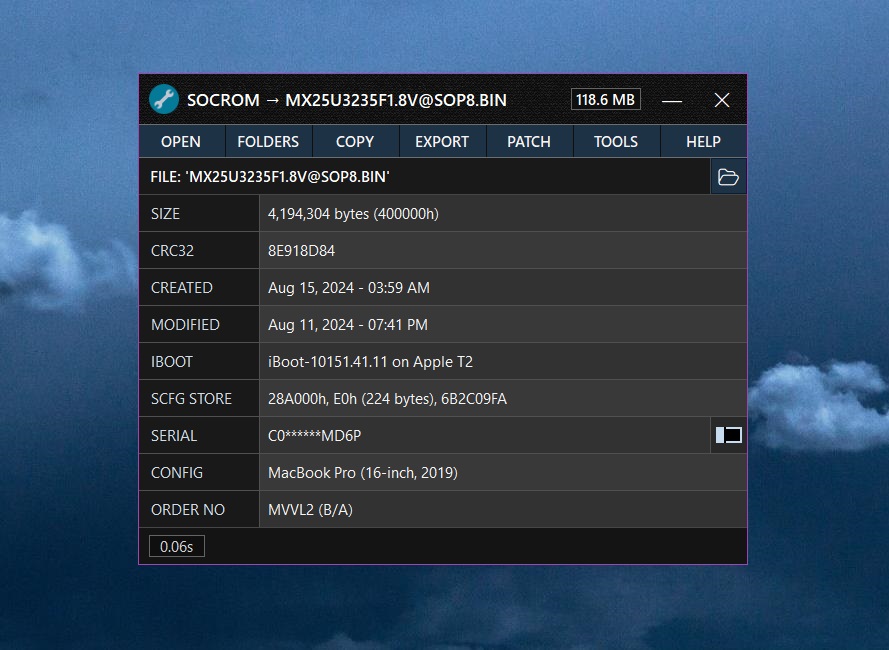 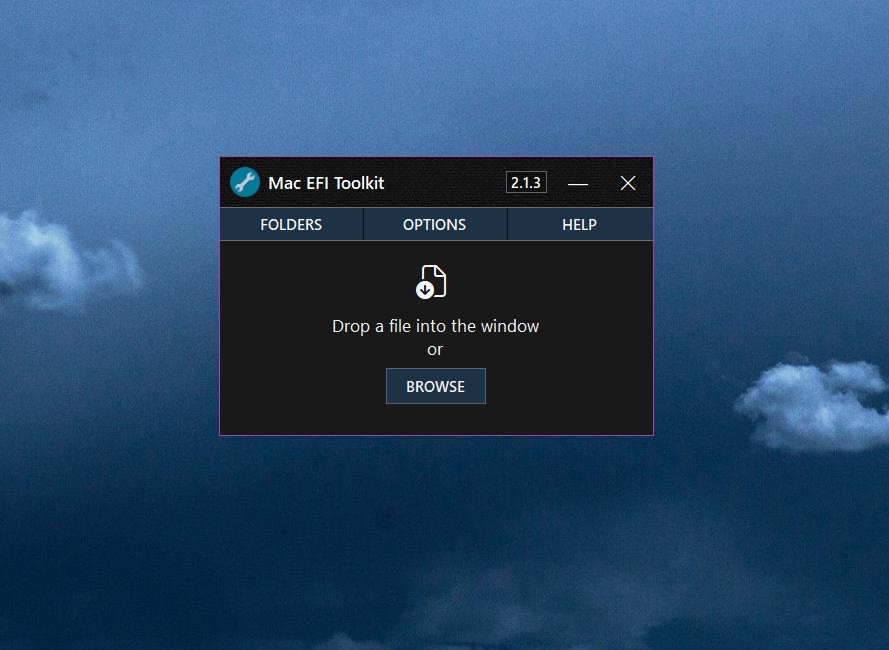 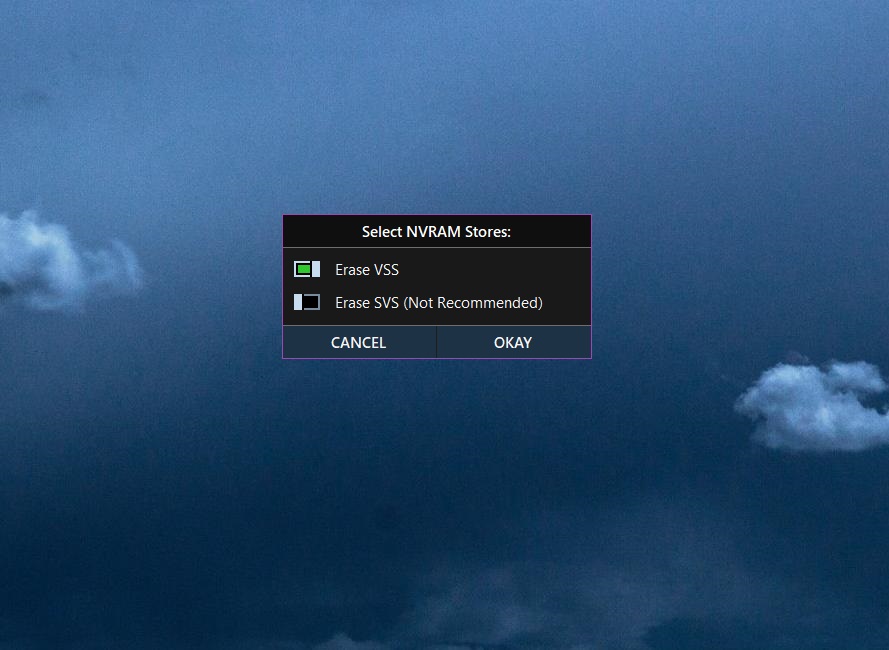 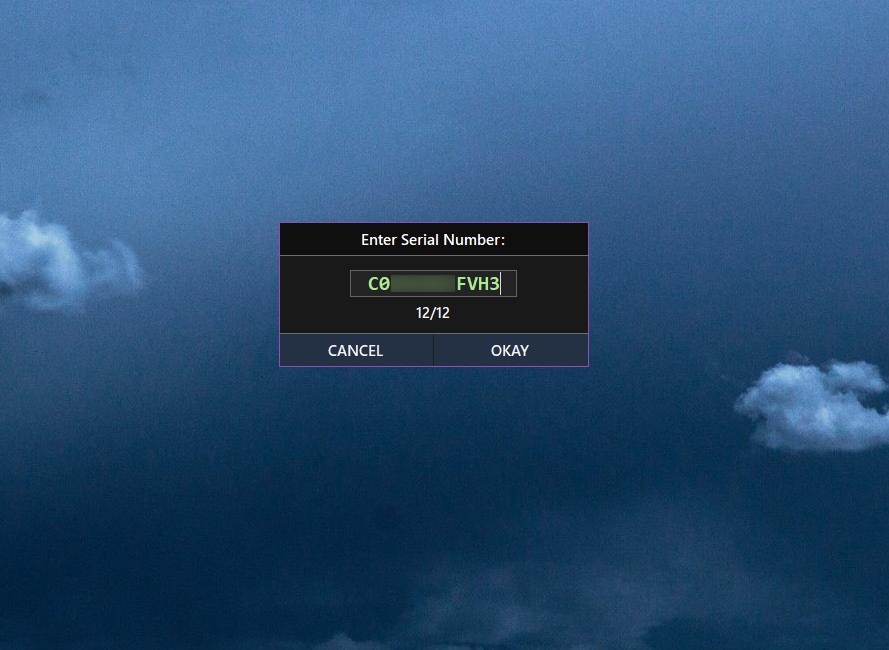 Click here to visit the author's website. Continue below for the main download link. |
||||||||
| Downloads | Views | Developer | Last Update | Version | Size | Type | Rank | |
| 791 | 3,767 | David Roberts | Jul 31, 2025 - 12:49 | 2.1.3 | 2.91MB | EXE |  , out of 21 Votes. , out of 21 Votes. |
|
| File Tags | ||||||||
| EFI Mac Toolkit v2.1.3 | ||||||||
Click to Rate File Share it on Twitter → Tweet
|


