|

|
Processed through Paypal No account required. |








Buy our over-priced crap to help pay the bills.



|
|
Processed through Paypal No account required. |
| File - Download Xournal++ v1.2.5 | ||||||||
| Description | ||||||||
|
Always scroll to the bottom of the page for the main download link. We don't believe in fake/misleading download buttons and tricks. The link is always in the same place. Xournal++ v1.2.5 A handwriting notetaking software with PDF annotation support. Written in C++ with GTK3, supporting Linux (e.g. Ubuntu, Debian, Arch, SUSE), macOS and Windows 10. Supports pen input from devices such as Wacom Tablets. 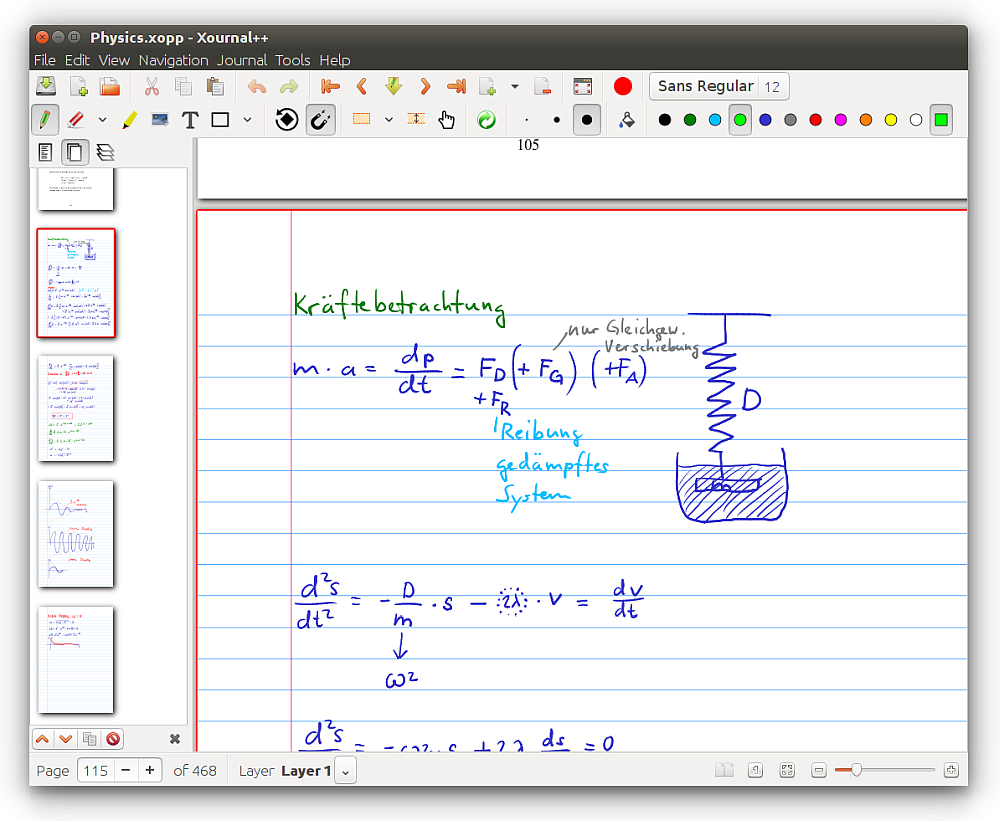 Features • Supports pressure-sensitive styluses and digital pen tables (e.g. Wacom, Huion, XP Pen, etc. tablets) • Paper backgrounds for note-taking, scratch paper, or whiteboarding • Annotate on top of PDFs • Export to a variety of formats including SVG, PNG and PDF, both from the GUI and command line • Different drawing tools (e.g. pen, highlighter) and stroke styles (e.g. solid, dotted) • Shape drawing (line, arrow, circle, rectangle, spline) • Fill shape functionality • Shape resizing and rotation • Rotation and grid snapping for precise alignment of objects • Input stabilization for smoother writing/drawing • Text tool for adding text in different fonts, colors, and sizes • Enhanced support for image insertion • Eraser with multiple configurations • LaTeX support (requires a working LaTeX installation) with customizable template • Sidebar containing page previews with advanced page sorting, PDF bookmarks and layers (can be individually hidden/edited) • Allows mapping different tools/colors etc. to stylus/mouse buttons • Customizable toolbar with multiple configurations, e.g. to optimize toolbar for portrait/landscape • Page template definitions • Bug reporting, auto-save, and auto backup tools • Audio recording and playback alongside with handwritten notes • Multi language support (over 20 languages supported) • Plugins using Lua scripting User manual here. Changes v1.2.5 This is a new minor version of Xournal++ with bug fixes and improvements from the community. Fixed regressions when exporting to PDF Fixed crash when importing some SVG files Have geometry tools appear in the middle of the view Fixed issues with Windows installer Fixed missing translations on Windows Updated translations 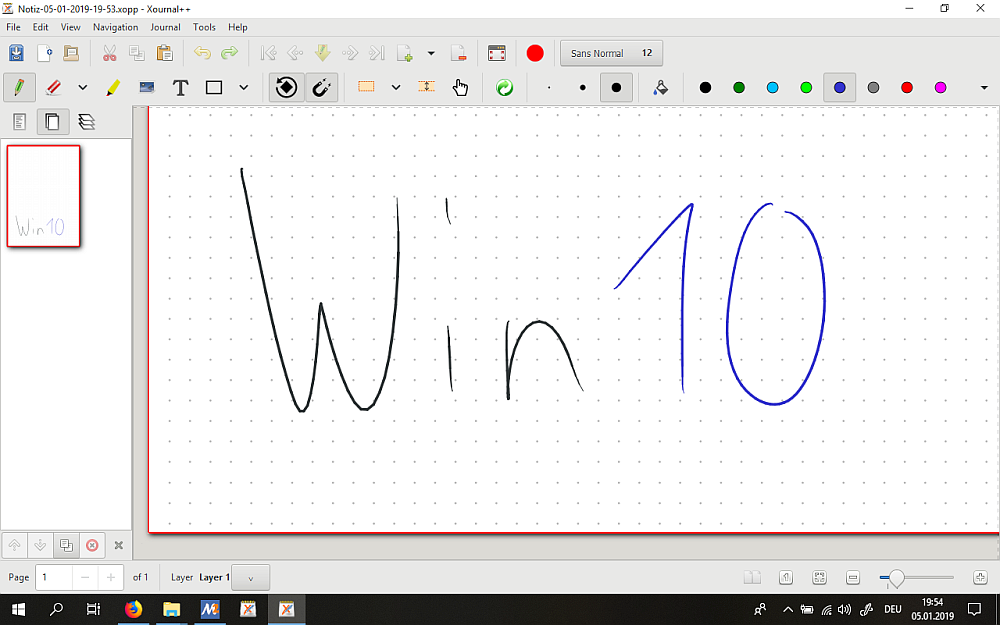 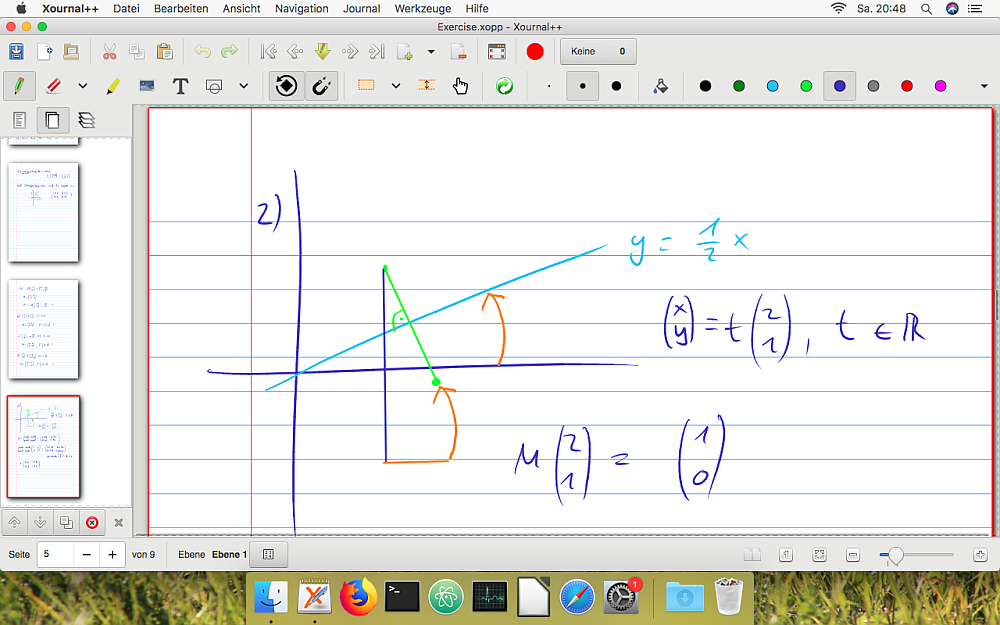 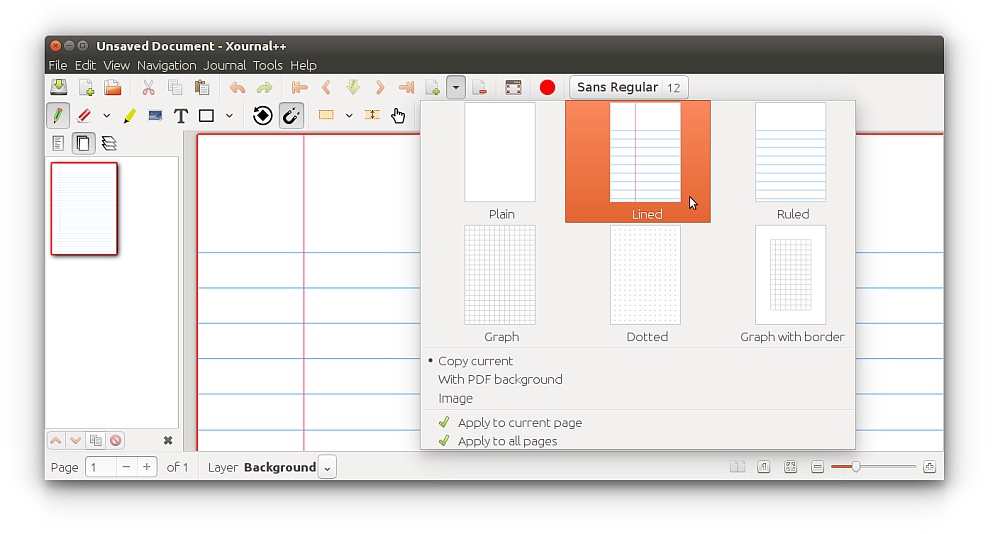 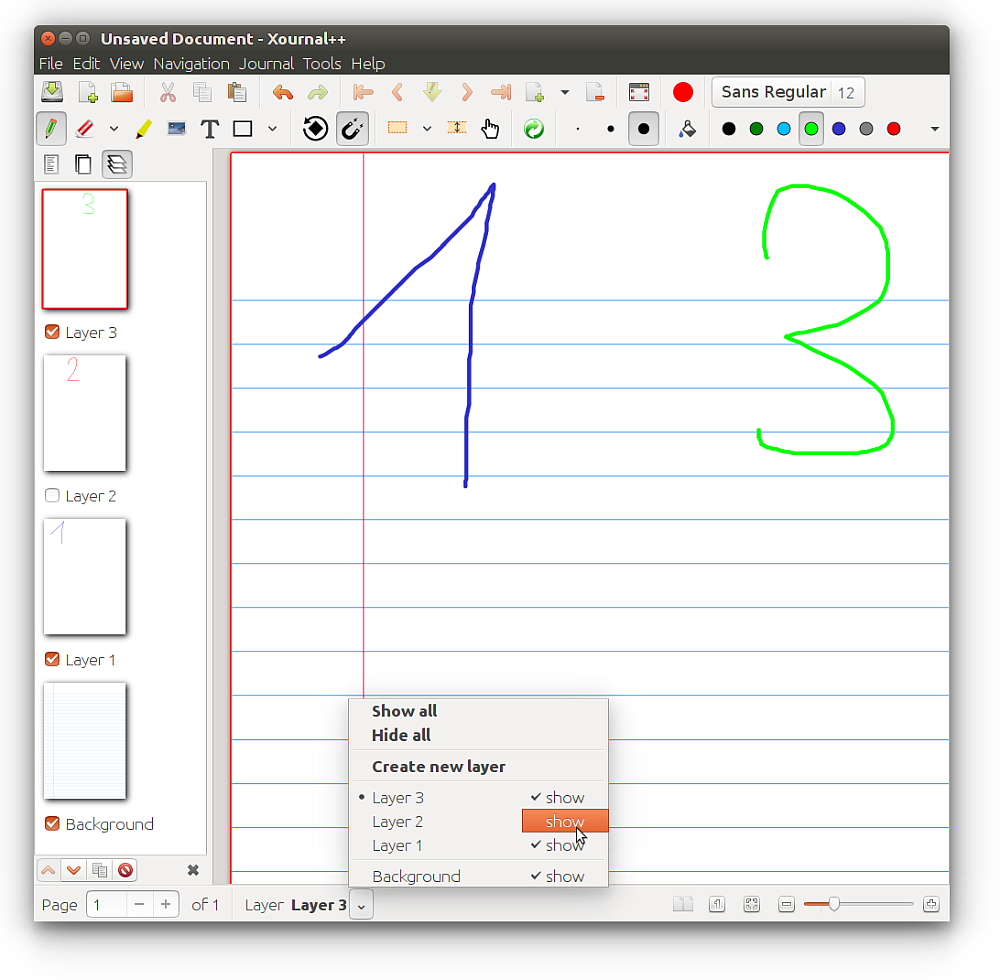 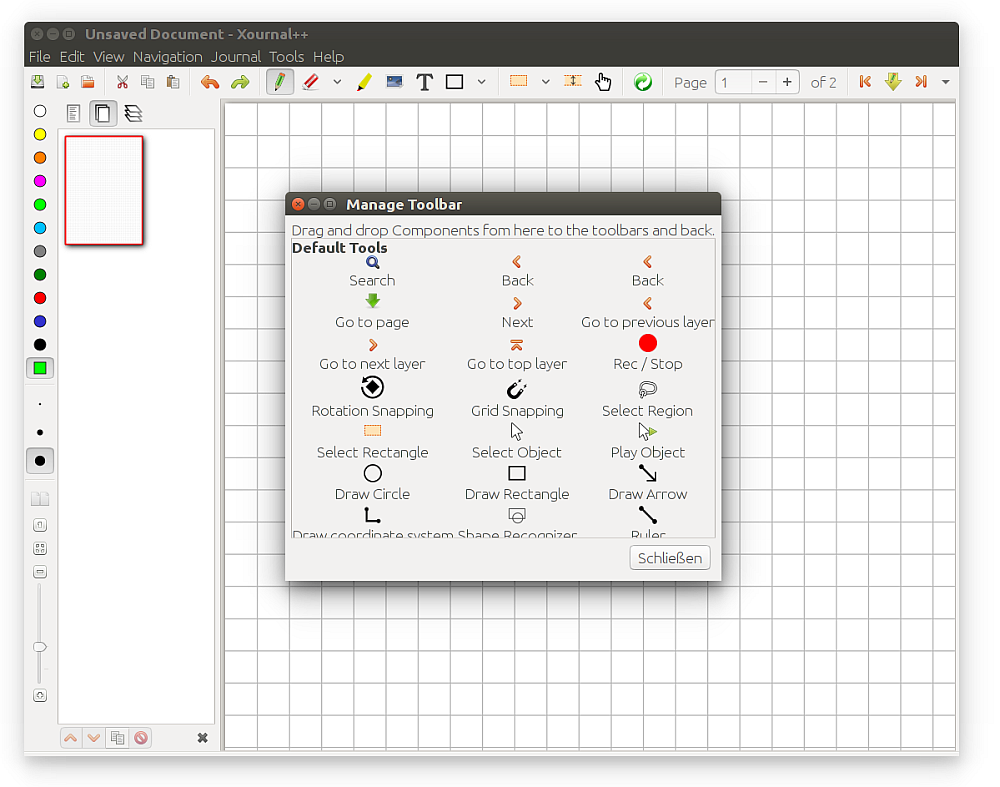 This download is for the Windows portable version (very bottom of page). All other download assets are below: Windows: xournalpp-1.2.5-windows-setup-x86_64.exe macOS: xournalpp-1.2.5-macOS-X64.dmg xournalpp-1.2.5-macOS-ARM64.dmg MacOS ARM users: After installing Xournal++ in the Applications folder, run the following command to remove quarantine: xattr -c /Applications/Xournal++.app Linux: xournalpp-1.2.5-x86_64.AppImage xournalpp-1.2.5-Debian-bookworm-x86_64.deb xournalpp-1.2.5-Debian-bookworm-x86_64.tar.gz xournalpp-1.2.5-Ubuntu-focal-x86_64.deb xournalpp-1.2.5-Ubuntu-focal-x86_64.tar.gz xournalpp-1.2.5-Ubuntu-jammy-x86_64.deb xournalpp-1.2.5-Ubuntu-jammy-x86_64.tar.gz xournalpp-1.2.5-Ubuntu-noble-x86_64.deb xournalpp-1.2.5-Ubuntu-noble-x86_64.tar.gz Click here to visit the author's website. Continue below for the main download link. |
||||||||
| Downloads | Views | Developer | Last Update | Version | Size | Type | Rank | |
| 2,055 | 13,453 | Xournalpp | Dec 19, 2024 - 12:00 | 1.2.5 | 60.57MB | ZIP |  , out of 59 Votes. , out of 59 Votes. |
|
| File Tags | ||||||||
| v1.2.5 Xournal++ | ||||||||
Click to Rate File Share it on Twitter → Tweet
|


