|

|
Processed through Paypal No account required. |








Buy our over-priced crap to help pay the bills.



|
|
Processed through Paypal No account required. |
| File - Download Heroic Games Launcher v2.11.0 | ||||||||
| Description | ||||||||
|
Always scroll to the bottom of the page for the main download link. We don't believe in fake/misleading download buttons and tricks. The link is always in the same place. Heroic Games Launcher v2.11.0 A Native GOG, Amazon and Epic Games Launcher for Linux, Windows and Mac. Right now it supports launching games from the Epic Games Store using Legendary and GOG Games using our custom implementation with gogdl. 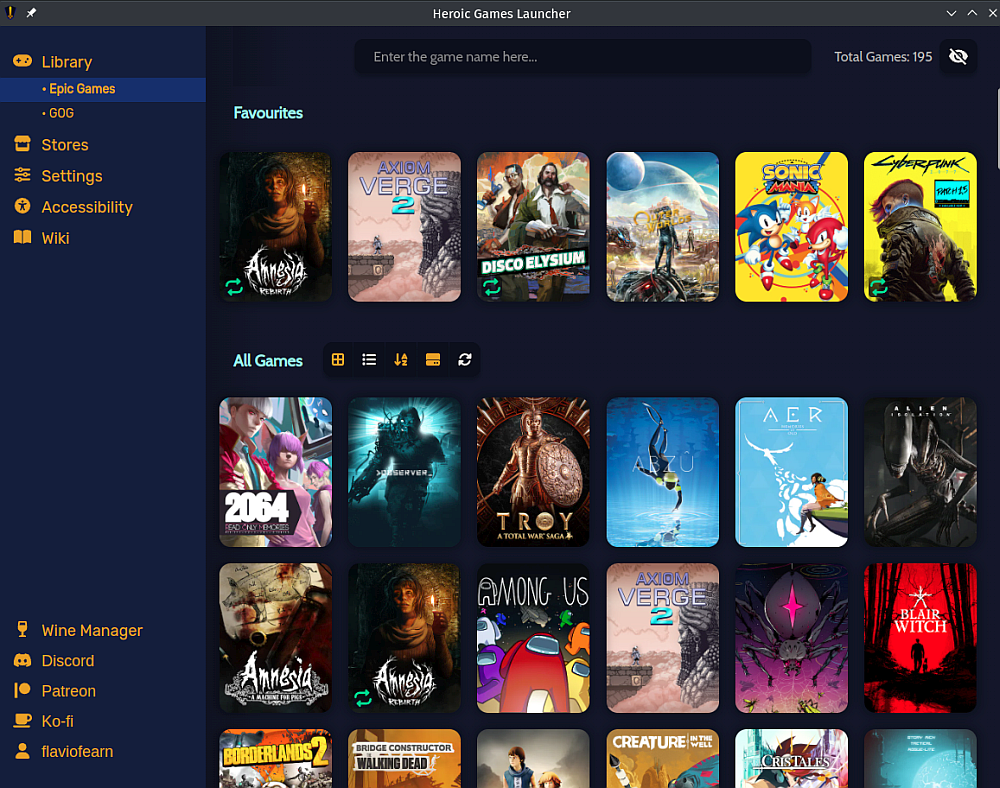 Heroic is built with Web Technologies: • Typescript • React • MUI • NodeJS • Electron • Electron-Builder • Jest • Vite Features available right now • Login with an existing Epic Games, GOG or Amazon account • Install, uninstall, update, repair and move Games • Import an already installed game • Play Epic games online [AntiCheat on macOS and on Linux depends on the game] • Play games using Wine or Proton [Linux] • Play games using Crossover [macOS] • Download custom Wine and Proton versions [Linux] • Access to Epic, GOG and Amazon Games stores directly from Heroic • Search for the game on ProtonDB for compatibility information [Linux] • Show ProtonDB and Steam Deck compatibility information [Linux] • Sync installed games with an existing Epic Games Store installation • Sync saves with the cloud • Custom Theming Support • Download queue • Add Games and Applications outside GOG, Epic Games and Amazon Games Planned features • Support Other Store (IndieGala, etc) • Play GOG games online Supported Operating Systems • Linux: — Ubuntu 20.04LTS or newer — Fedora 33 or newer — Arch Linux & derivatives (Manjaro, Garuda, EndeavourOS) — Heroic will still work on most distros, but it is up to you to get it to work Chances are though that someone on our Discord can help you • SteamOS (downloading using Discover only) • Windows 10 & 11 • macOS 12 or newer Language Support • English • Azerbaijani • Basque • Belarussian • Bosnian • Bulgarian • Catalan • Czech • Croatian • Simplified Chinese • Traditional Chinese • Dutch • Estonian • Finnish • French • German • Greek • Japanese • Korean • Hungarian • Italian • Indonesian • Malayalam • Norwegian Bokmεl • Persian • Polish • Portuguese • Portuguese (Brazil) • Romanian • Russian • Spanish • Slovak • Swedish • Tamil • Turkish • Ukrainian • Vietnamese Changes v2.11.0 [Fix] AppSettings type mismatches by @CommandMC in #2718 [FIX] Wine Stuck sometimes at adding registry key by @K900 in #3210 [i18n] Update Language selector with two more languages by @flavioislima in #3217 [Tech] Deduplicate our Workflows by @CommandMC in #3198 [Fix] Prevent storing external urls for stores by @arielj in #3208 [UI/UX] Fix some visual issues related to logs, dialogs, and RTL layout by @arielj in #3207 [FIX] Enable anti cheat runtimes by default by @Etaash-mathamsetty in #3103 [FIX-macOS] Wine Downloader fails to extract files by @flavioislima in #3227 [Fix/Tech] Fixup Snap publishing in build-base workflow by @CommandMC in #3223 [Tech] Truly ignore flatpak-build by @CommandMC in #3219 [Fix] Workflows: Disable publishing when building the AppImage by @CommandMC in #3253 [UI] Fix height of install and settings dialogs by @arielj in #3254 [UI] Improve download speed chart by @RawToast225 in #3244 [Fix] Issue #2466 GamePage image is missing logo when available by @hashkar123 in #3245 [UI] Fix regression of missing background image in game page by @arielj in #3269 [UI] Some small game page fixes by @arielj in #3270 [UI/UX] Filters dropdown in Library. Show only installed by @arielj in #3266 [UI] Fix style of Filters button in some themes by @arielj in #3278 [Fix] WINEPREFIX ignored when using GPTK by @Mrredstone5230 in #3277 [Feature] Add custom user-defined game categories #1428 by @lgcavalheiro in #3115 [Mac] Allow setting the prefixes folder on Mac too by @arielj in #3275 [Fix] SystemInfo: Detect the Steam Deck OLED by @CommandMC in #3273 [i18n] Updated Translations by @weblate in #3265 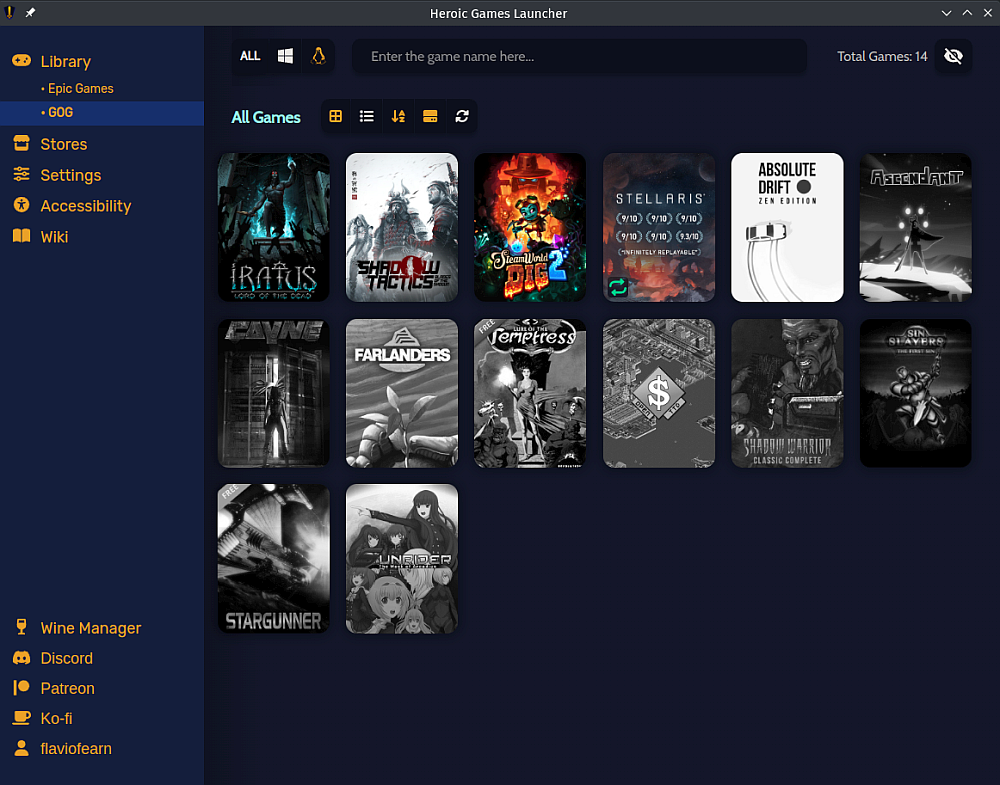 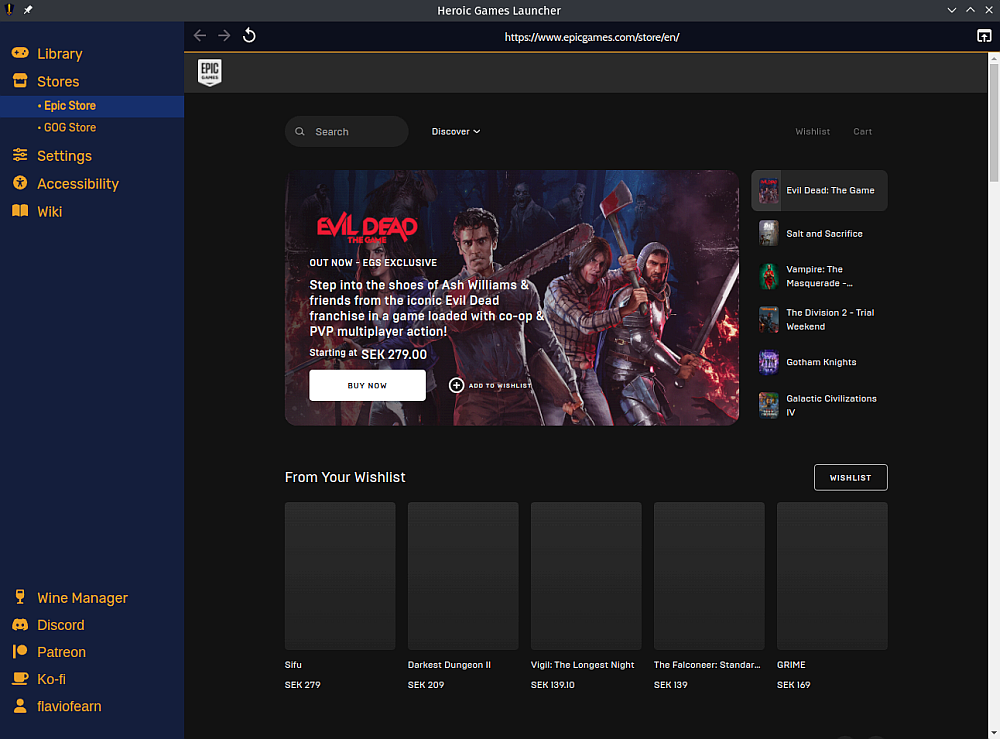 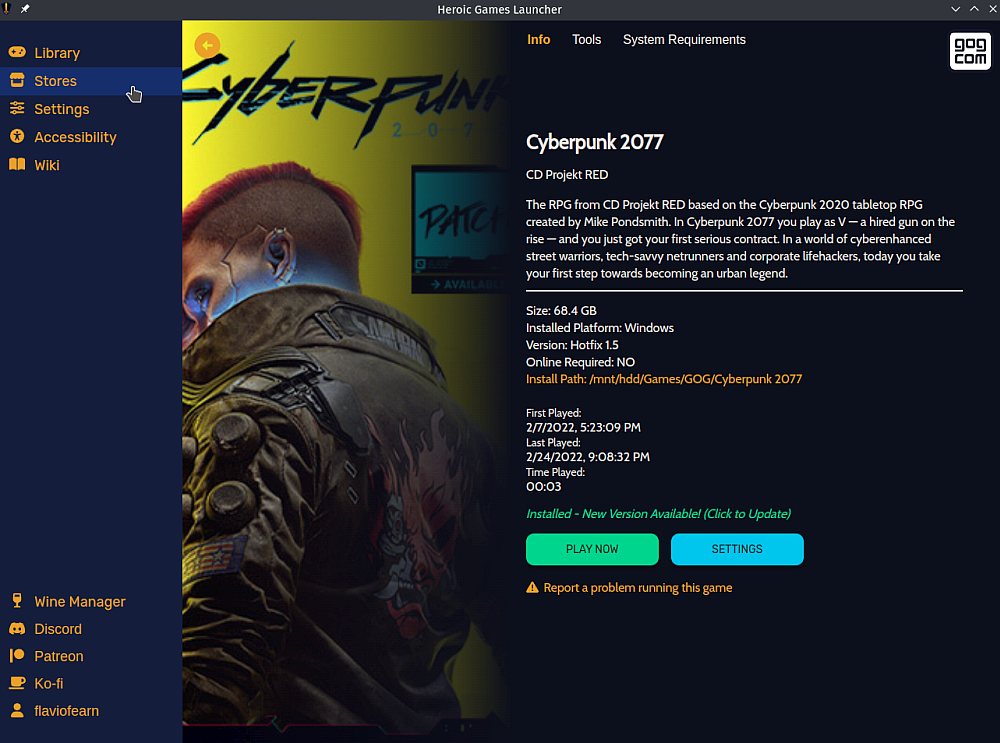 This download is for the Windows Setup version. All other download assets are below: Windows: Heroic-2.11.0-Portable-x64.exe MacOS: Heroic-2.11.0-macOS-x64.dmg Heroic-2.11.0-macOS-arm64.dmg Linux: Heroic-2.11.0.AppImage heroic-2.11.0.tar.xz heroic_heroic_2.11.0_amd64.deb heroic-2.11.0.x86_64.rpm heroic-2.11.0.pacman Click here to visit the author's website. Continue below for the main download link. |
||||||||
| Downloads | Views | Developer | Last Update | Version | Size | Type | Rank | |
| 3,075 | 10,526 | Heroic Games Launcher Team | Nov 30, 2023 - 13:21 | 2.11.0 | 116.9MB | EXE |  , out of 55 Votes. , out of 55 Votes. |
|
| File Tags | ||||||||
| Heroic Games Launcher v2.11.0 | ||||||||
Click to Rate File Share it on Twitter → Tweet
|


