|

|
Processed through Paypal No account required. |








Buy our over-priced crap to help pay the bills.



|
|
Processed through Paypal No account required. |
| File - Download FrameFun v2.0.0.7 | ||||||||
| Description | ||||||||
|
Always scroll to the bottom of the page for the main download link. We don't believe in fake/misleading download buttons and tricks. The link is always in the same place. FrameFun v2.0.0.7 A simple application to add frames to Bitmap, JPEG or PNG images. You may select an outer frame, a border around the image and a drop shadow for a 3D effect. You can modify the color and width of each Frame, Border and Shadow. You may additionally modify the direction of the drop shadow. A Batch Conversion option allows you to "frame" several pictures in one go. If the pictures have different sizes, you can select a relative Frame/Border/Shadow width. General hints The border cannot be wider than the frame, obviously Double-click on the target image for a quick full-sized preview Use the context menus (right click...) in the image panes... Source and target directory cannot be the same when doing batch conversions You can save and retrieve different sets of settings. The last effective setting is automatically saved and reloaded when you next run the program. 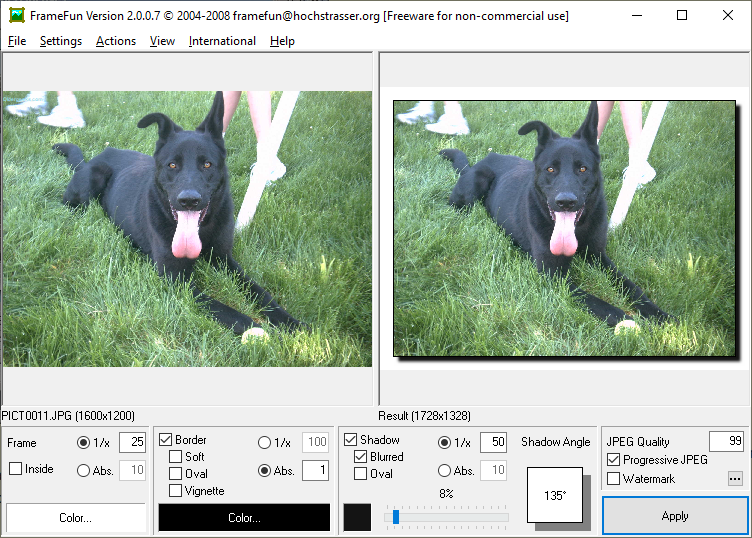 Examples: A white frame, a thin black border and a dark grey shadow at 225°  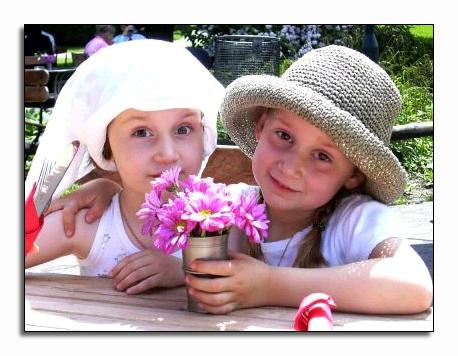 A blue frame, a white border and a black shadow at 135° 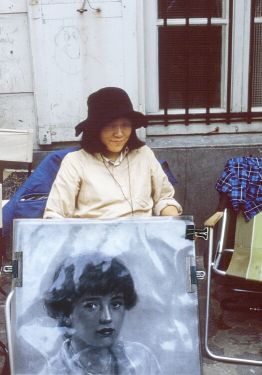 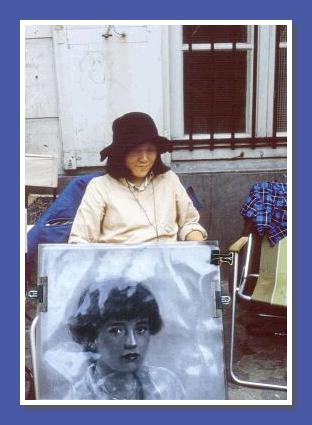 A light brown frame, chosen via the eyedrop color picker, a white border and a medium dark shadow. When put on a background with the same colour then you'll get a seamless display. However, to cope with less-than-24bit colour depths, your best bet would be to take "web safe" colours. (r, g and b values are each $00, $33, $66, $99, $CC or $FF - 6x6x6 = 216 web-safe colours) 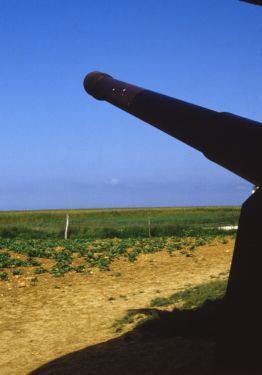 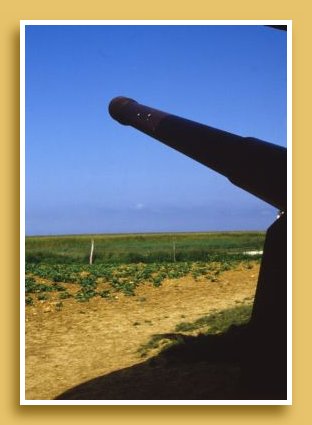 A thin light yellow frame, dark brown border with wide vignette. This has the effect of an old, probably poorly processed photo bleached by the years. 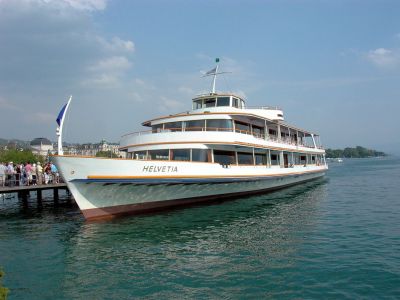  More examples: Textured Frame, No Border, Oval Shadow  Textured Frame, Textured Border, Shadow 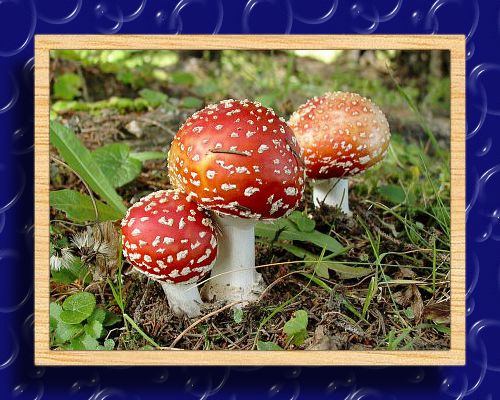 Thin Frame inside Picture, Shadow 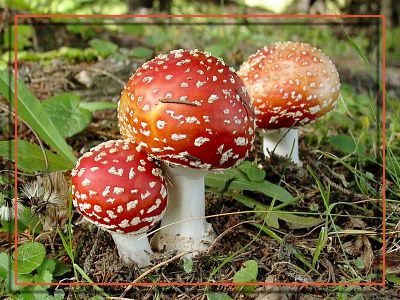 Multiple Framings combined in one Action Macro 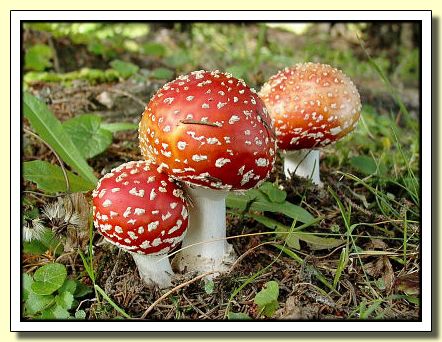 Watermark: Text at 35° Angle, semitransparent 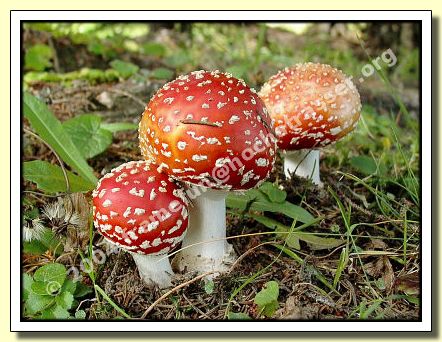 Watermark: Image at 0° Angle, semitransparent 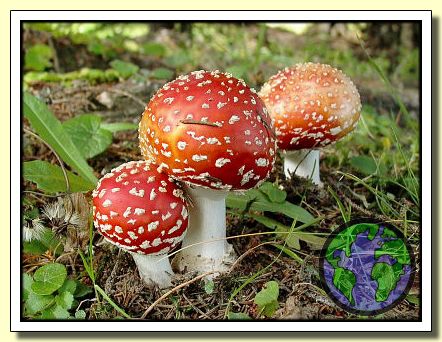 Changes: 2.0.0.7 Fixed crash-on-exit after clipboard use Shadow greyness/opacity instead of (misleading) colour dialog for shadow. Click here to visit the author's website. Continue below for the main download link. |
||||||||
| Downloads | Views | Developer | Last Update | Version | Size | Type | Rank | |
| 3,307 | 6,688 | Benedikt Hochstrasser | Jul 23, 2021 - 11:36 | 2.0.0.7 | 1.24MB | EXE |  , out of 62 Votes. , out of 62 Votes. |
|
| File Tags | ||||||||
| FrameFun v2.0.0.7 | ||||||||
Click to Rate File Share it on Twitter → Tweet
|


