|

|
Processed through Paypal No account required. |








Buy our over-priced crap to help pay the bills.



|
|
Processed through Paypal No account required. |
| File - Download SanDisk SecureAccess v3.02 | ||||||||
| Description | ||||||||
|
Always scroll to the bottom of the page for the main download link. We don't believe in fake/misleading download buttons and tricks. The link is always in the same place. SanDisk SecureAccess v3.02 SanDisk SecureAccess v3.02 is a fast, simple way to store and protect critical and sensitive files on SanDisk USB flash drives. Access to your private vault is protected by a personal password, and your files are automatically encrypted - so even if you share your SanDisk® USB flash drive or it becomes lost or stolen, access to your files are safe. NOTE: SecureAccess is not required to use your flash drive as a storage device on Mac or PC. SecureAccess is a complimentary data encryption and password protection application. SecureAccess v3.02 features - Quicker start-up - Improved password settings - Faster Encryption with multi-thread processing - Ability to edit your documents stored in vault - File Streaming Access - Encrypted Backup and Restore data stored in vault - Optional File Shredder (deletion) from source after transfer to vault - Automatic logout time-out setting Critical: - The SanDisk SecureAcces Encryption program is a 128-bit AES encryption. - If the password is forgotten, the information stored on the flash drive cannot be retrieved. - There is no "forgot password" option to reset the password. - If the password cannot be remembered, with or without the password hint available, the files on the drive are not accessible. - SanDisk Customer Care cannot provide a new password or alternative method to access encrypted data. - The drive can still be used by reformatting and reinstalling SecureAccess. - Formatting the drive will erase all data on the drive. Once the process begins, ALL THE DATA ON THE DRIVE WILL BE LOST! Quick Assist Demos - How To Use SecureAccess Quick Start Guide - Download Quick Start Guide Languages Supported English, French, German, Spanish, Italian, Portuguese (Brazilian), Simplified Chinese, Traditional Chinese, Japanese and Korean System Requirements - Microsoft Windows® 10, Microsoft Windows® 8, Microsoft Windows® 7, Windows Vista® - Mac OS® X 10.7+ (Intel Based Mac only) This download is for the Windows version. If you need the MacOS version, download here. 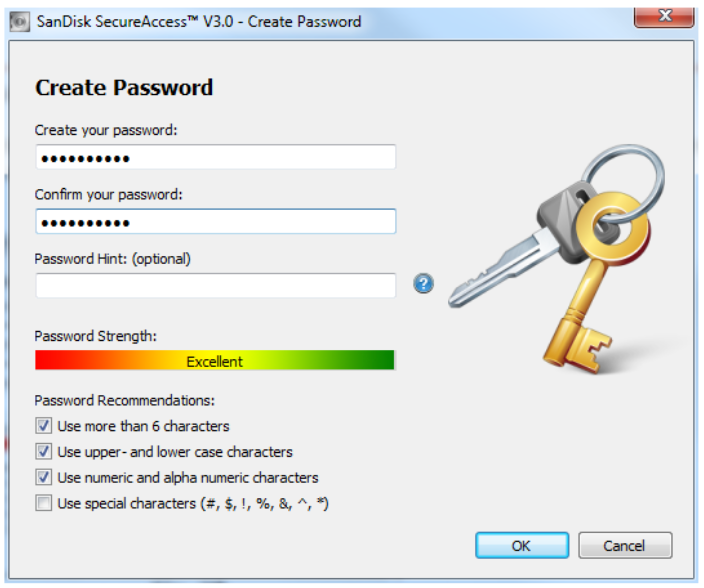 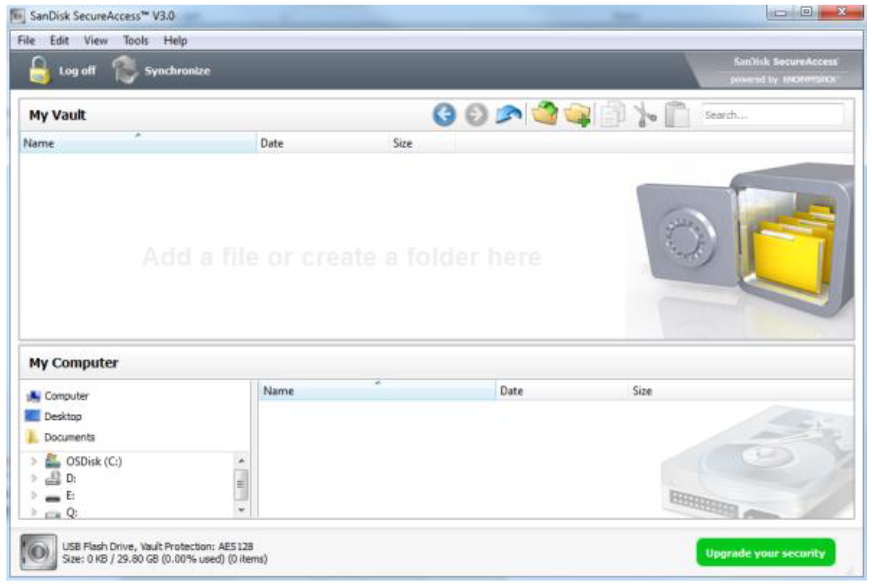 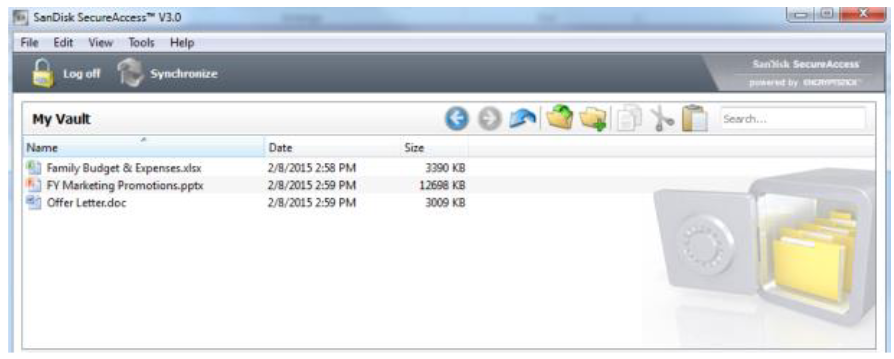 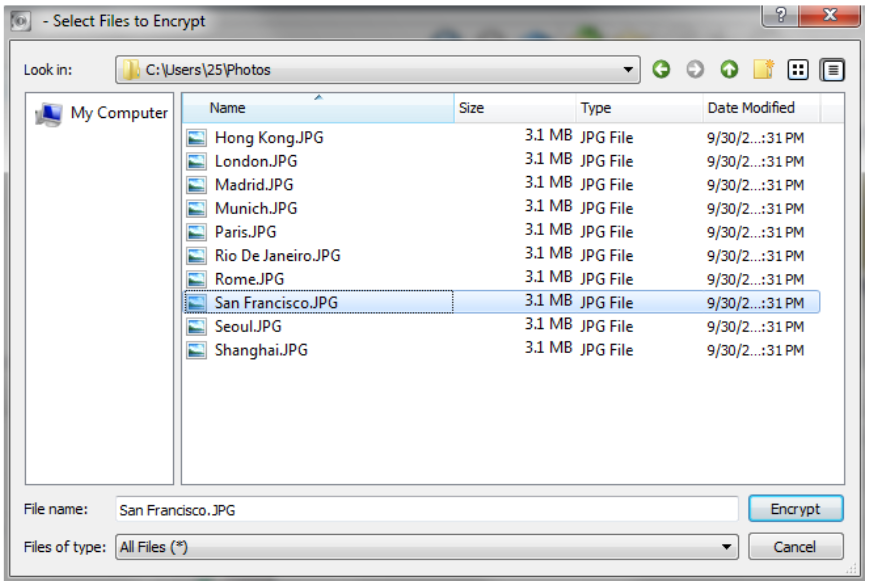 Click here to visit the author's website. Continue below for the main download link. |
||||||||
| Downloads | Views | Developer | Last Update | Version | Size | Type | Rank | |
| 5,376 | 19,205 | Western Digital | Oct 19, 2020 - 12:05 | 3.02 | 8.36MB | EXE |  , out of 54 Votes. , out of 54 Votes. |
|
| File Tags | ||||||||
| SanDisk SecureAccess v3.02 | ||||||||
Click to Rate File Share it on Twitter → Tweet
|


