|

|
Processed through Paypal No account required. |








Buy our over-priced crap to help pay the bills.



|
|
Processed through Paypal No account required. |
| File - Download Rescatux v0.74 | ||||||||
| Description | ||||||||
|
Always scroll to the bottom of the page for the main download link. We don't believe in fake/misleading download buttons and tricks. The link is always in the same place. Rescatux v0.74 A Debian GNU/Linux based live cd aimed at GNU/Linux and Microsoft Windows rescue tasks thanks to its graphical wizard named Rescapp. When the wizard is not able to solve your problem you can also enjoy of Rescatux unique support features: * Chat: Open the chat for asking help directly in Rescatux channel. * Share log: After running an option you can share its log (the action registry that it has done) so that in the chat they can help you better. O better, even, you can help debug and fix Rescatux bugs on the fly. * Share log on forum: Prepares a forum post alike text so that you can just copy and paste it in your favourite forum. Logs are nicely inserted into it with [CODE] symbols. * Boot Info Script: Run Boot Info Script option to share your computer configuration (specially boot one). Features Restore GRUB and GRUB2 (>=0.41 beta 1) Create a new UEFI Boot entry (>=0.41 beta 1) Fake Microsoft Windows UEFI (>=0.41 beta 1) Reinstall Microsoft Windows EFI (>=0.41 beta 1) Update UEFI order (>=0.31 beta 4) Update any GRUB2 menues Update Debian/Ubuntu grub menues Clear Windows passwords Restore Windows MBR (BETA) (>=0.31 beta 4) Promote a Windows user to Administrator role Change Gnu/Linux Password Regenerate sudoers file File System Check (Forced Fix) (BETA) (>= 0.40 beta 1) SELinux based systems are supported (>=0.31 beta 3) boot-repair 3.199 (>=0.31 beta 1) Gparted 0.12 (>=0.31 beta 3) os-uninstaller 3.199 (>=0.31 beta 3) clean-ubiquity 3.199 (>=0.31 beta 3) photorec (>=0.31 beta 3) testdisk 6.13 (>=0.31 beta 1) Gpart 0.1h-11+b1 (>=0.31 beta 1) extundelete 0.2.0 (>=0.40 beta 2) Gptsync - Create Hybrid MBR (>=0.40 beta 2) Recompute Hybrid GPT/MBR CHS (>=0.40 beta 2) Check bios_grub partition on GPT Boot Info Script Share a log (Support) Share a log on forum (Support) Show logs (Support) (>=0.41 beta 1) UEFI Partition Status (>=0.41 beta 1) Hide Microsoft Windows UEFI (>=0.41 beta 1) Check UEFI Boot 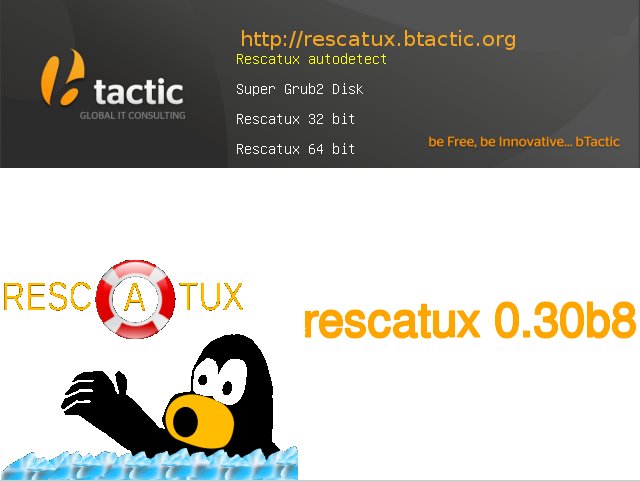 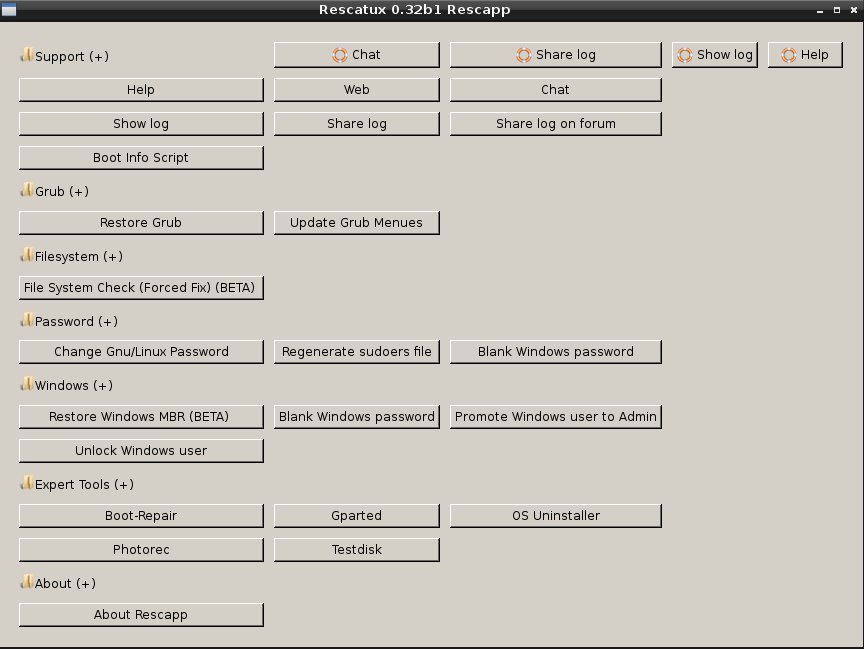 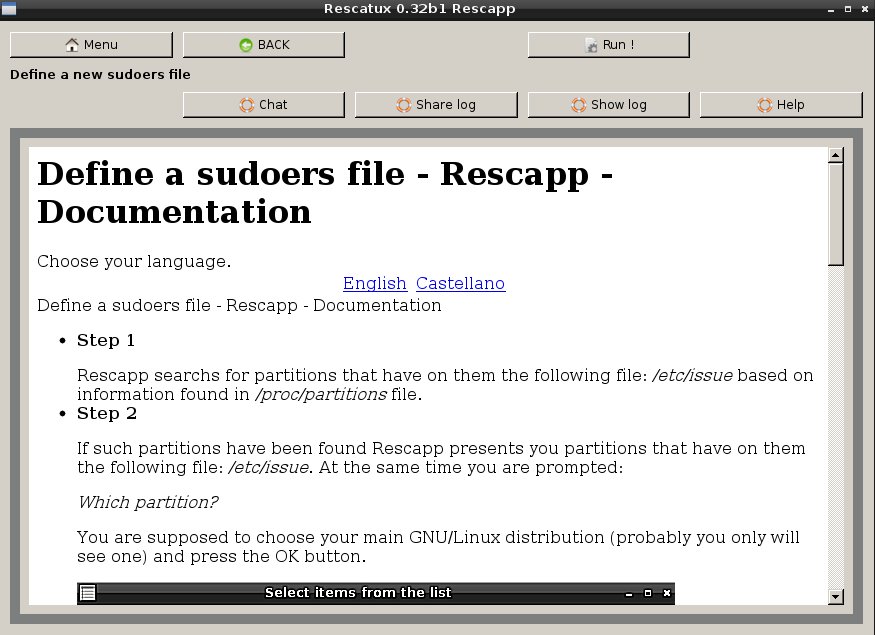 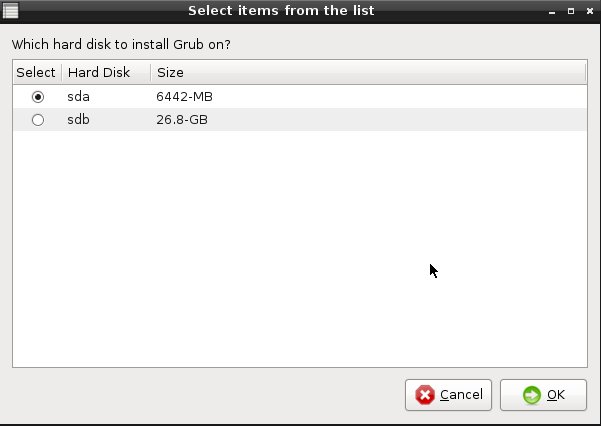  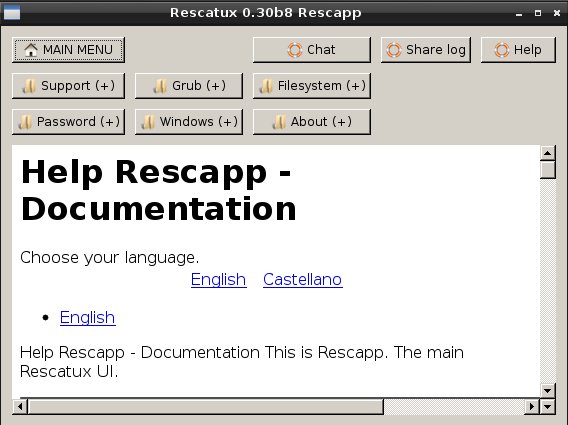 Click here to visit the author's website. Continue below for the main download link. |
||||||||
| Downloads | Views | Developer | Last Update | Version | Size | Type | Rank | |
| 6,699 | 13,504 | supergrubdisk.org | Jan 20, 2022 - 13:13 | 0.74 | 713MB | ISO |  , out of 81 Votes. , out of 81 Votes. |
|
| File Tags | ||||||||
| Rescatux v0.74 | ||||||||
Click to Rate File Share it on Twitter → Tweet
|


