|

|
Processed through Paypal No account required. |








Buy our over-priced crap to help pay the bills.



|
|
Processed through Paypal No account required. |
| File - Download KMyMoney v5.2.2 | ||||||||
| Description | ||||||||
|
Always scroll to the bottom of the page for the main download link. We don't believe in fake/misleading download buttons and tricks. The link is always in the same place. KMyMoney v5.2.2 👉 Open-source personal finance manager for tracking accounts, investments, budgets, and online banking. KMyMoney is a full-featured personal finance manager designed to help individuals and small businesses organize their finances. It provides tools for managing checking, savings, credit card, loan, and investment accounts while offering double-entry accounting principles for accurate record keeping. The program supports budgeting, scheduled transactions, financial reports, online banking integration, and importing data from numerous financial applications and formats including QIF, OFX, and CSV. KMyMoney aims to combine the power of professional accounting software with an easy-to-use interface suitable for everyday users. 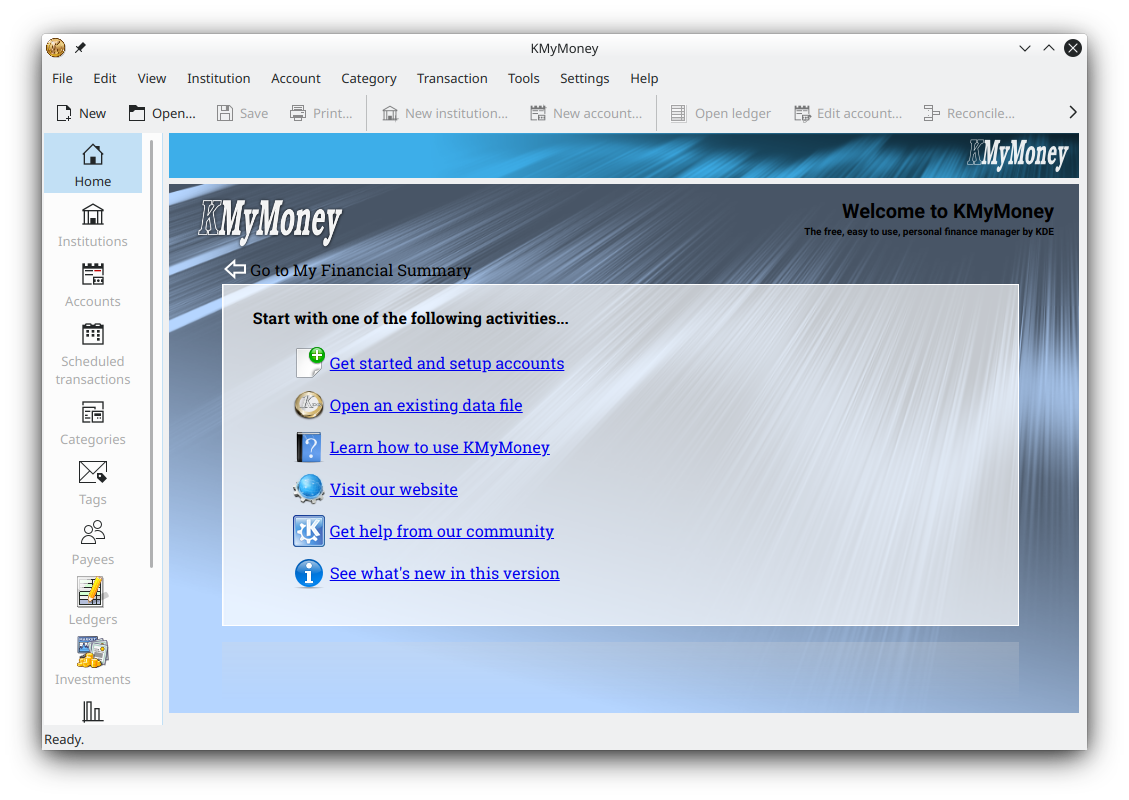 Features: • Double-entry accounting system for accurate financial tracking • Manage bank, cash, credit card, loan, asset, and liability accounts • Investment portfolio management with securities and price tracking • Budget creation and monitoring tools • Scheduled and recurring transactions • Financial reports and charts for income, expenses, and account balances • Online banking support through AqBanking and related plugins • Import and export support for QIF, OFX, CSV, and other financial formats • Reconciliation tools for matching statements and transactions • Multi-currency support • Transaction categorization with payees and tags • Ledger filtering and searching capabilities • Tabbed account views for working with multiple ledgers simultaneously • Customizable interface and reporting options • Open-source software with active community development Supported operating systems: • Windows 10, Windows 11 • Linux distributions supporting KDE Frameworks and Qt • FreeBSD Supported languages: English, Arabic, Basque, Bulgarian, Catalan, Chinese (Simplified), Chinese (Traditional), Czech, Danish, Dutch, French, Galician, German, Greek, Hungarian, Italian, Japanese, Korean, Lithuanian, Norwegian Bokmål, Polish, Portuguese, Portuguese (Brazilian), Romanian, Russian, Slovak, Slovenian, Spanish, Swedish, Turkish, Ukrainian and others Changes: v5.2.2 02-22-26 Major Changes and Improvements Stability Improvements Crash Fixes: Multiple crash scenarios have been resolved: Fixed crash when closing split view (Bug 514619) Fixed crash when closing ledger Fixed crash when double clicking schedule group header Fixed crash when applying unassigned difference to split (Bug 515690) Fixed crash in date entry when data has more than 3 sections (Bug 509701) Prevented crash by eliminating lambda slot issues (Bug 510209) Prevented infinite recursion in amount edit widget (Bug 513883) User Interface Enhancements Keyboard Navigation: Fixed numeric keypad handling when NUMLOCK is off (Bug 507993) Fixed handling of numeric keypad decimal separator Allow Shift+Return to store a split or transaction Allow the equal key to increment the date like the plus key (Bug 507964) Start editing transactions only with specific keys Editor Improvements: Fixed access to tab order editor inside the schedule editor Fixed access to tab order editor inside the split editor Select payee from completer popup with return key (Bug 516300) Focus out on payee widget takes the selected payee from the popup (Bug 508989) Use modified values when pressing Return key (Bug 510217) Visual Improvements: Improved repainting during reconciliation (Bug 514417) Reduced ‘jumping’ of ledger view Changed method to paint selected ledger items Use different background color for transaction and split editor Improved column selector Use full view size if account view has only one column (Bug 511890) Reports and Charts Report Fixes: Fixed bug in reports that date column is shown too small (Bug 507843) Fixed pivot reports with transactions in closed accounts (Bug 511553) Fixed display of reconciliation report (Bug 507993) Fixed handling of data range (Bug 512718) Fix handling of tags in reports (Bug 511104) Chart Improvements: Include limit lines in balance chart (Bug 513754) Fixed marker line for credit limits (Bug 513187) Show balance and value based on current date Data Management Transaction Handling: Don’t clear payee of second split onwards in scheduled tx (Bug 511821) Allow changing the memo in multiple transactions at once (Bug 513948) Select new investment transaction created by duplication (Bug 513882) Fixed generation of payment dates in MyMoneySchedule (Bug 513834) Assign an initial payee to each split Partial match on payee name in credit transfer Fixed removal of splits (Bug 508957) Clear the split model before loading another transaction (Bug 509138) Search and Filter: When searching text in the ledger view also consider split memos (Bug 507851) Also search for transaction ID and date in journal filter (Bug 512748) Fixed option to hide unused categories (Bug 514445) Hide zero accounts in payment account section of home page Investment Features Investment Transaction Editor: Fixed price display in investment transaction editor (Bug 507664) Update label when security changes (Bug 507664) Don’t modify price widget content if not needed (Bug 509454) Provide access to zero balance investments even if filtered out Budget and Schedule Management Budget Improvements: Allow to modify the budget year when the first fiscal month is january (Bug 515391) Set the dirty flag when changing budget name and year (Bug 514221) Improved setting of the first day in the fiscal year Schedule Features: Allow modifying loan schedule using schedule editor (Bug 509029) Keep the schedule type for loans (Bug 513387) Fixed calculation of number of remaining payments (Bug 509417) Categories and Accounts Allow direct creation of sub-categories (Bug 514987) Setup sorting of securities to be locale aware (Bug 508529) Keep column settings in institutions view Fixed auto increment of check number Currency and Localization The Chilean peso has no fractional part (Bug 286640) Support date formats using multiple delimiter characters (Bug 510484) Fixed various i18n calls and translation issues Replaced unsupported i18n.arg in multiple locations Online Banking Make sure KBanking configuration is stored permanently Prevent duplicate generation of KBanking settings code Prevent editing online job when no id is present (Bug 512665) Show import stats also for Web-Connect imports Performance Improvements Improved file load time Improved reconciliation performance Don’t update the home page too often Prevent starting the transaction editor during filtering (Bug 508288) Keep selected ledger items only upon first call (Bug 508980) Technical Improvements Data Integrity: Mark file as dirty after modifying user data (Bug 514575) Report references of splits to unknown accounts and stop loading Use correct method to determine top level parent id (Bug 507416) Speedup check if account id references a top-level account group Build and Dependencies: Fixed build error with Qt 6.10 Support Qt < 6.8 (Bug 507927) Add missing find_package for QtSqlPrivate (Bug 509512) Port libical v4 for function name changes Port the icalendar plugin to the upcoming libical version 4 Update flatpak runtime to 6.10 Various flatpak dependency updates (aqbanking, gwenhywfar, xmlsec, libchipcard) Code Quality: Prevented variable shadowing Resolved compiler warnings Fixed various typos Removed unused code and header files Fixed coverity issues (CID 488310, CID 488368) VAT Transactions Fixed Net→Gross UI update in new transaction editor for VAT transactions (Bug 514180) Don’t clear/replace debit/deposit boxes during autofill Home Page Don’t modify running balance when hiding reconciled transactions globally (Bug 508033) Fixed display of preferred accounts on home page Keep current settings of column selector Miscellaneous Don’t provide defaults that cannot be changed through GUI (Bug 514307) Enable QAction before using it (Bug 508081) Add option to make ledger filter widget visible permanently Use unique style for wizards Move the account selector of the ledger view to the left side Improved onlinejoboutbox view Don’t add the commit hash to tagged versions Start transaction editor if action is triggered (Bug 508420) Emit signal when returning value from calculator in amount widget (Bug 509135) Suppress warning about invalid date in KDateComboBox (Bug 509312) Bug Fixes by Category Critical Bugs Fixed Bug 507416 - Crash when opening existing database (REOPENED) Bug 507843 - Link not working on any report Bug 507664 - ‘Total for all shares’ and ‘fraction’ settings ignored when entering investment buy Bug 507851 - Text search doesn’t search through transaction’s memo field if written in a single split item 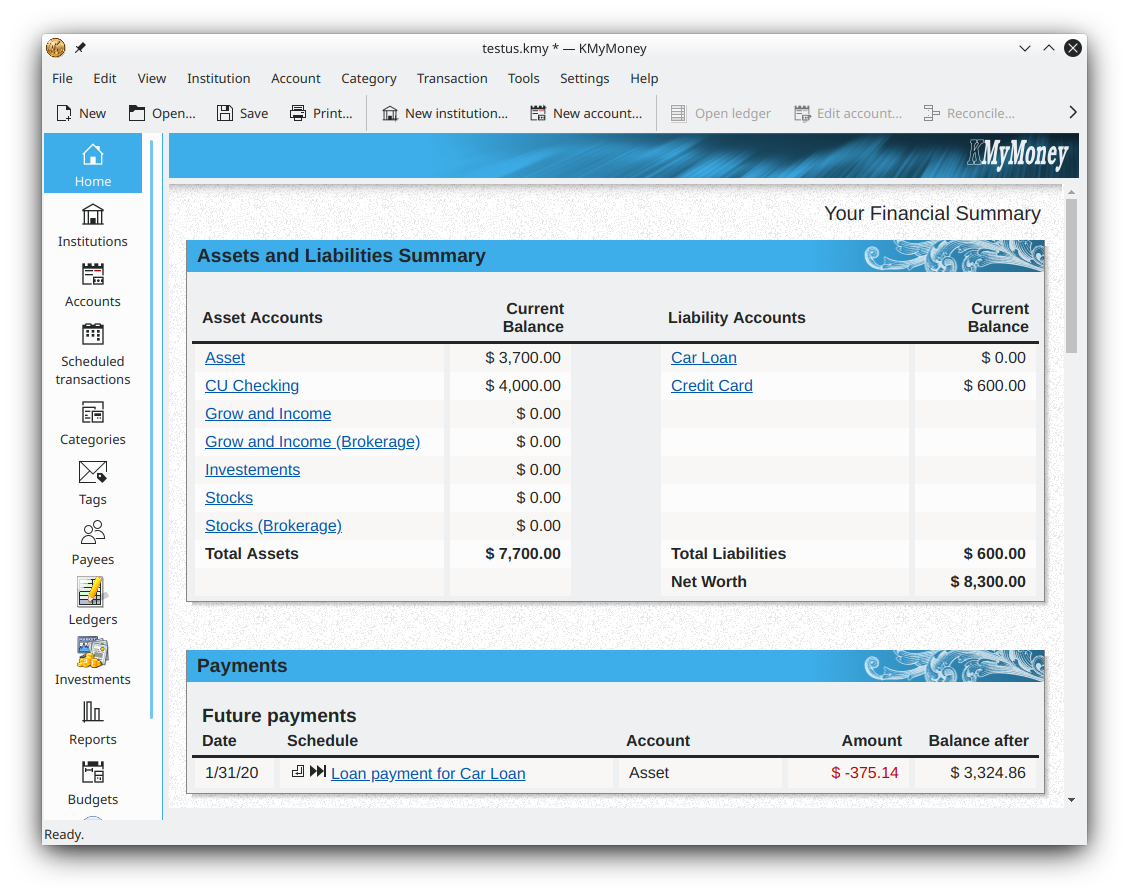 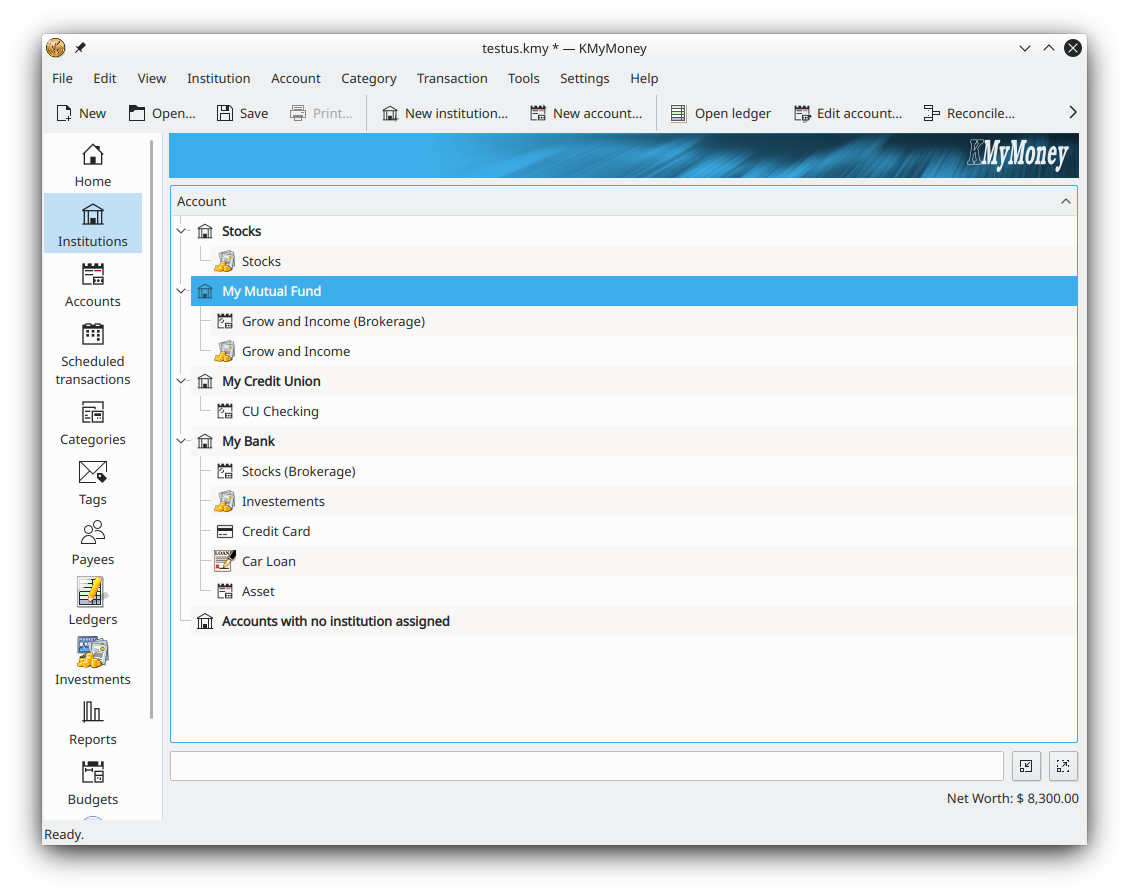 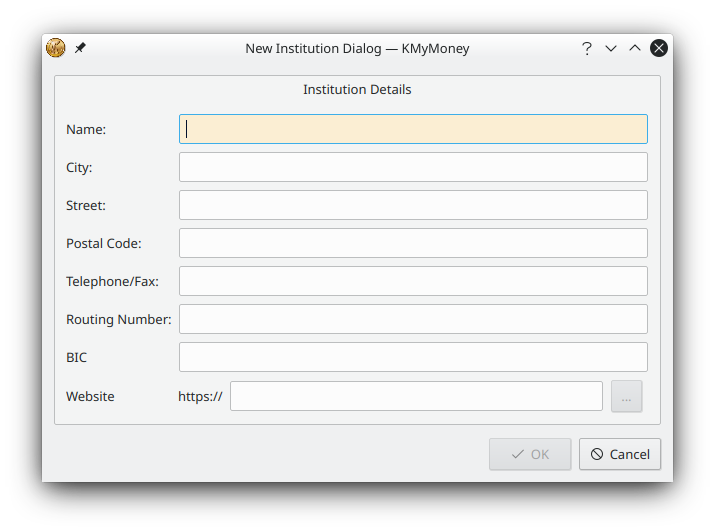 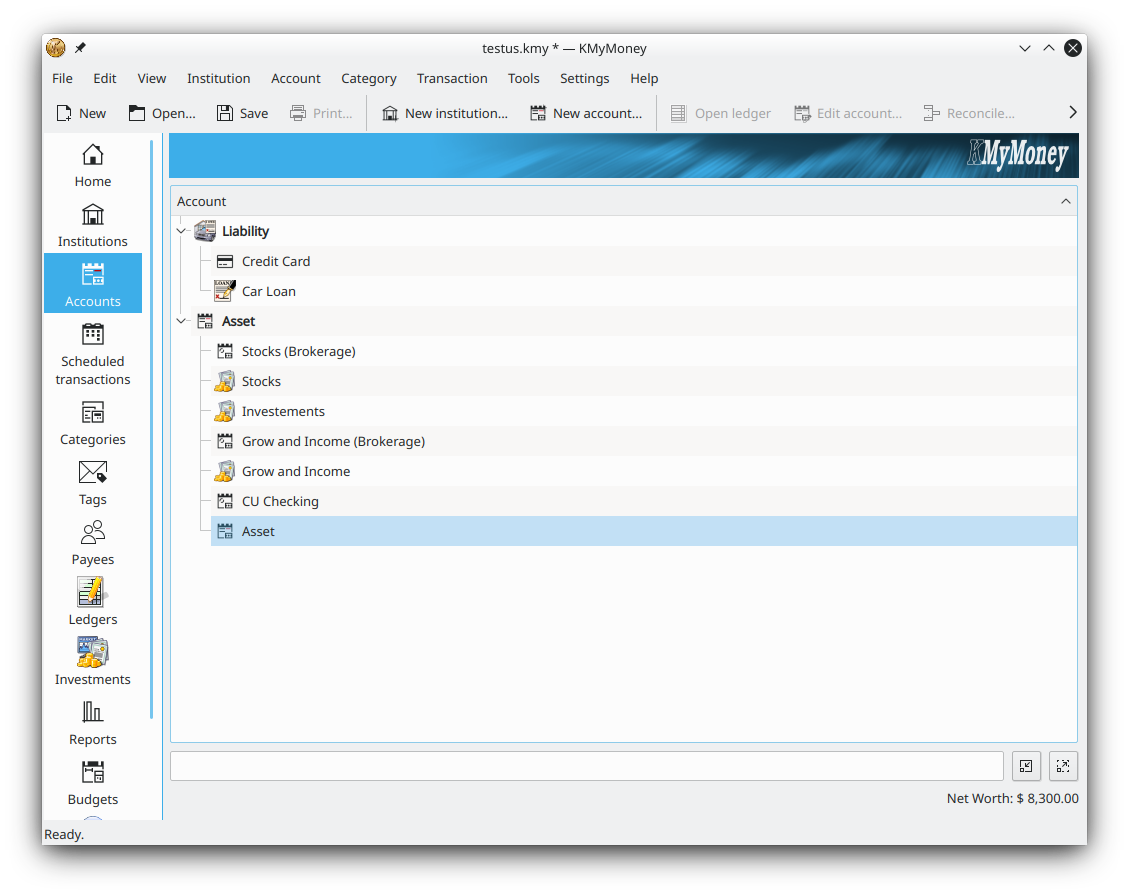 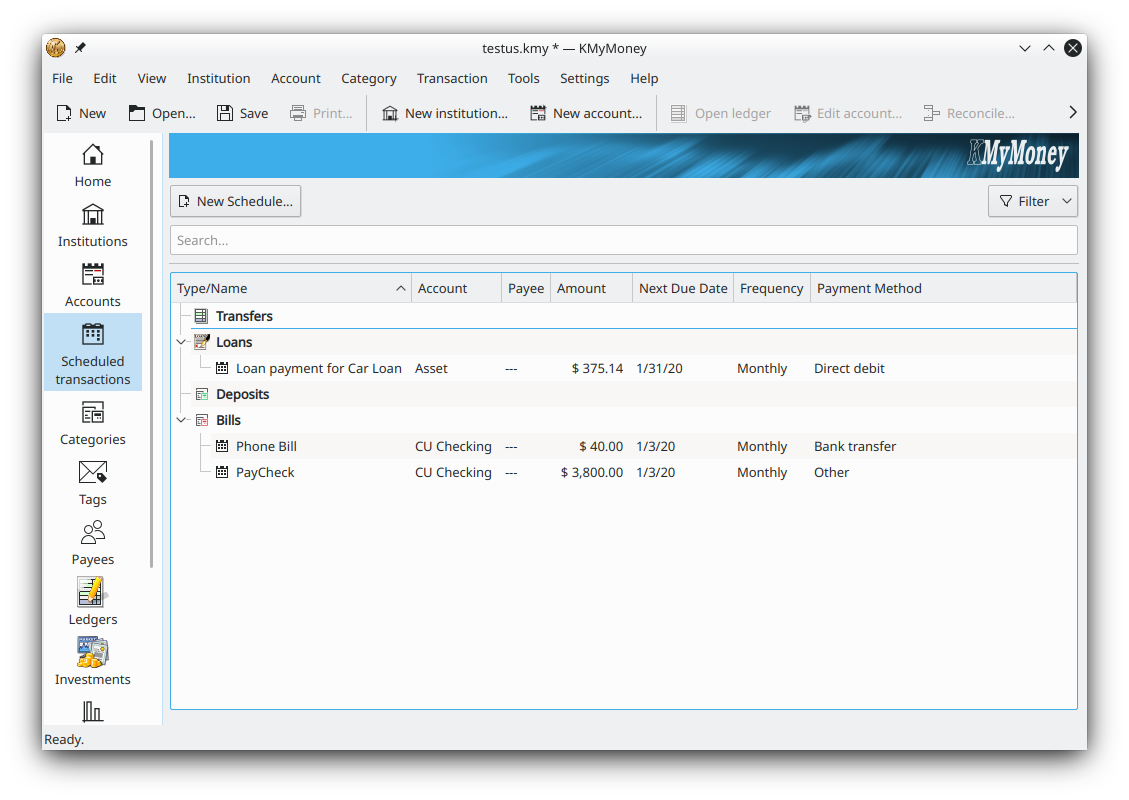 This download is for the Windows version (very bottom of page). If you need the Linux version, download here. Click here to visit the author's website. Continue below for the main download link. |
||||||||
| Downloads | Views | Developer | Last Update | Version | Size | Type | Rank | |
| 7,655 | 19,679 | KMyMoney Dev Team | Jun 16, 2026 - 12:09 | 5.2.2-c99aaa3 | 102.12MB | EXE |  , out of 105 Votes. , out of 105 Votes. |
|
| File Tags | ||||||||
| KMyMoney v5.2.2 | ||||||||
Click to Rate File Share it on Twitter → Tweet
|


