|

|
Processed through Paypal No account required. |








Buy our over-priced crap to help pay the bills.



|
|
Processed through Paypal No account required. |
| File - Download PDF24 Creator v11.30.1 | ||||||||
| Description | ||||||||
|
Always scroll to the bottom of the page for the main download link. We don't believe in fake/misleading download buttons and tricks. The link is always in the same place. PDF24 Creator v11.30.1 👉 Free and powerful PDF creation and management tool for Windows. PDF24 Creator is a full-featured PDF creation and management suite that lets you generate, edit, merge, split, compress, secure, and otherwise work with PDF documents directly on your Windows PC. It installs as a virtual PDF printer so you can create PDFs from almost any Windows application, and includes a toolbox of useful PDF utilities — all completely free of charge and without limits. Features: • Create PDF files from virtually any Windows application via virtual printer • Merge multiple documents into a single PDF • Split, delete, rotate, extract, and insert pages • Compress and shrink PDF files • Add digital signatures, encryption, watermarks, and metadata • Integrated PDF viewer and editor tools • Support for PDF/A, PDF/X and other PDF standards • Multiple PDF printer profiles for varied tasks • Works offline with all files staying local on your PC • Multilingual interface with wide language support The Tools: PDF Creator Easily assemble, create and modify PDF files with the Drag and Drop enabled user interface. 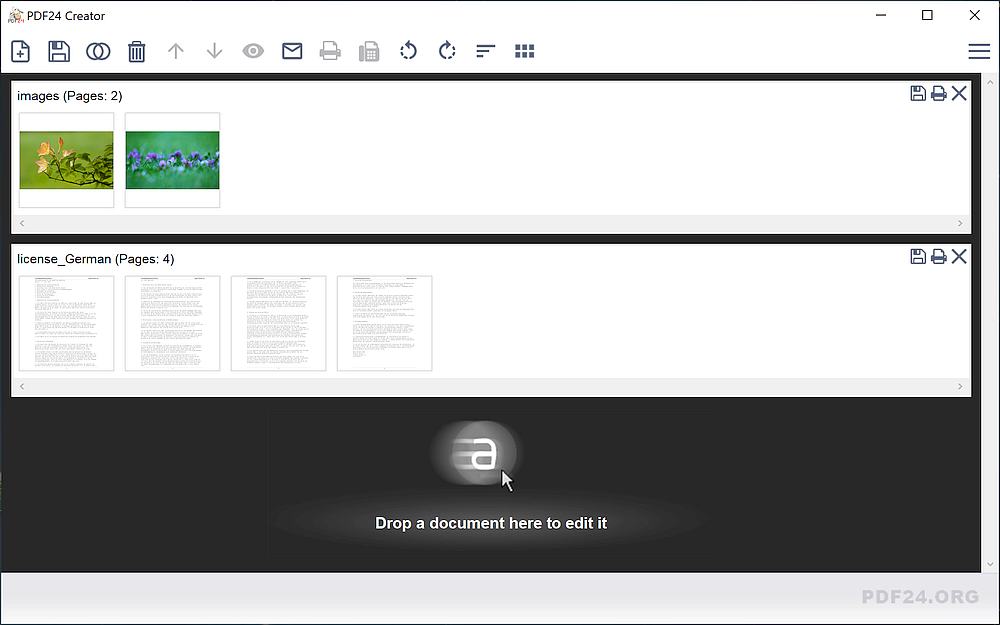 • Merge or split PDF files • Add, remove, extract, rotate, sort and move PDF pages • Import and automatic conversion of documents (Word, Excel, images, etc. to PDF • Various preview modes for easy editing of PDF documents • Integrated viewer • Drag and Drop wherever possible • Follow up tools: Save, Print, Email, Fax, ... PDF Printer Print on this printer in order to create a PDF or use it as a universal PDF converter that converts any printable file to PDF. 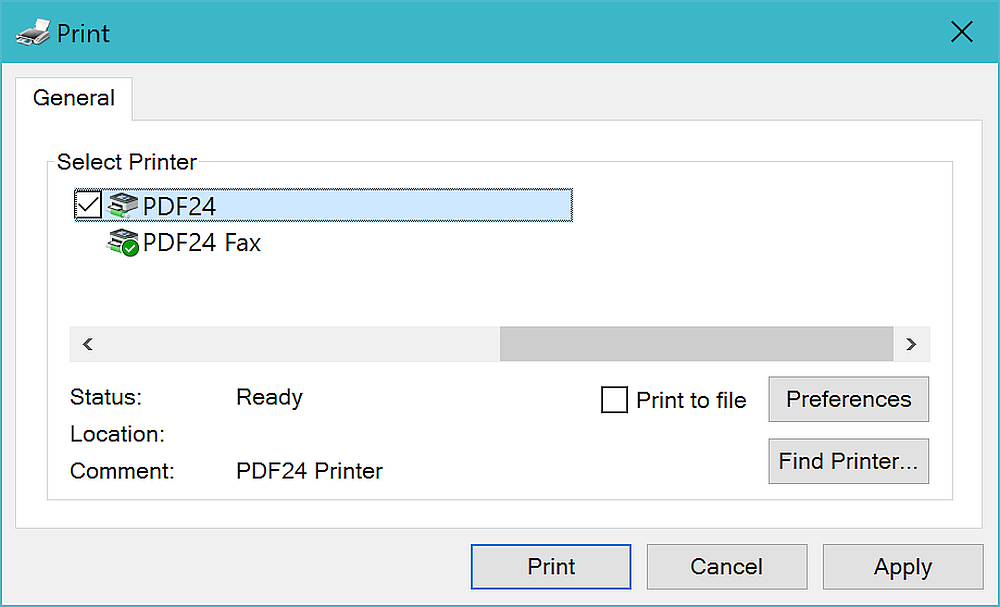 • Virtual printer for PDF creation • Multiple PDF printers for different tasks • Automatic saving • Profiles for recurring tasks • PDF printer assistant for saving, sending by e-mail, ... • Universal PDF converter • Digital letter paper PDF Reader A full featured and lightweight PDF Reader for displaying PDFs is also included. 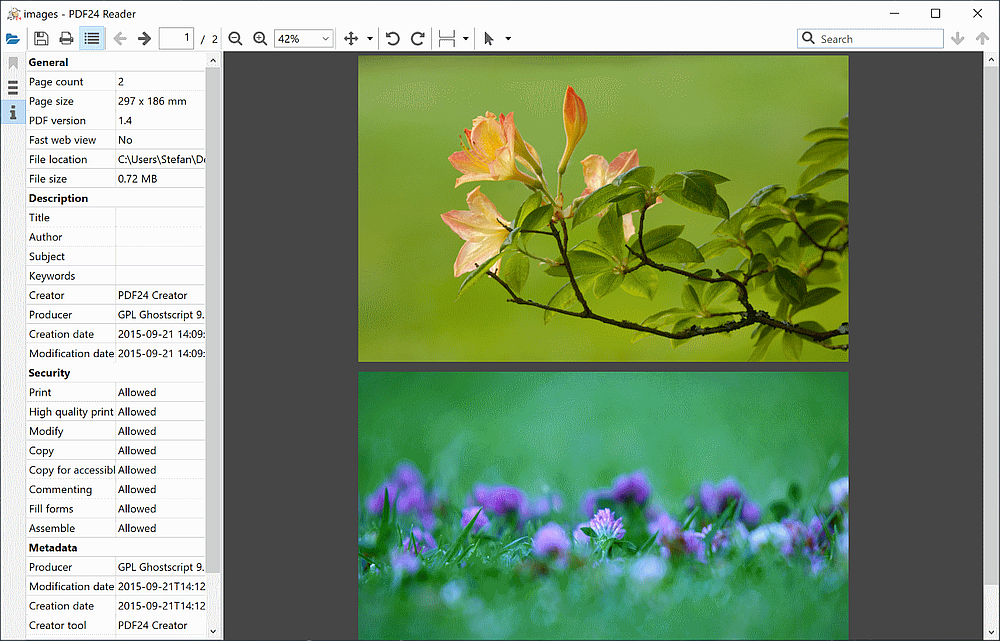 • Full PDF Reader for viewing PDFs • Lightweight, without ballast • Low resource requirements • Short starting time • Has all the features of a normal PDF reader • Comes as a replacement for other PDF readers PDF Converter Convert files to PDF and PDF files to other file types 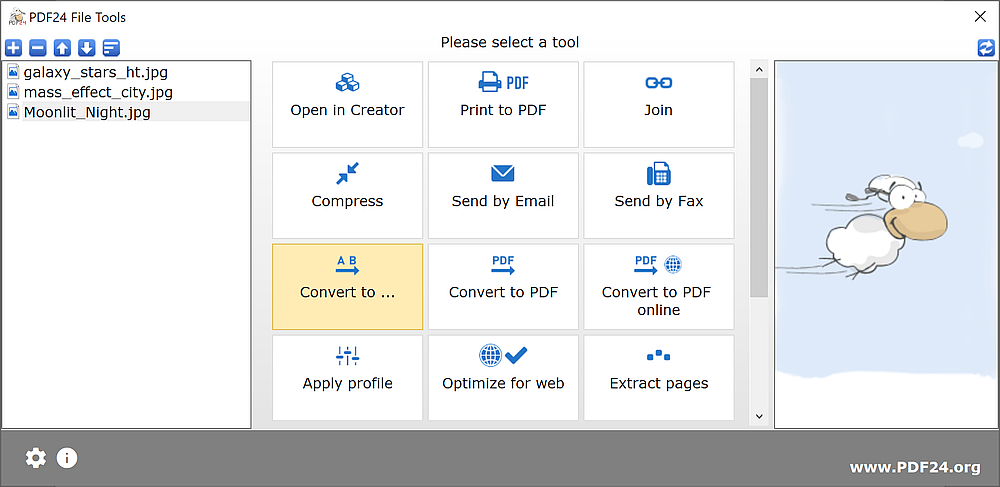 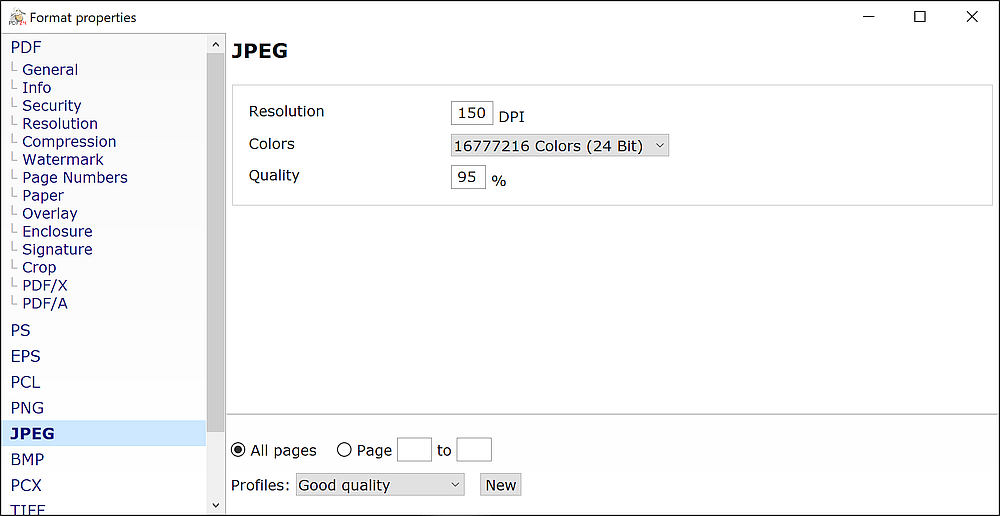 PDF Compression Convert files to PDF and PDF files to other file types 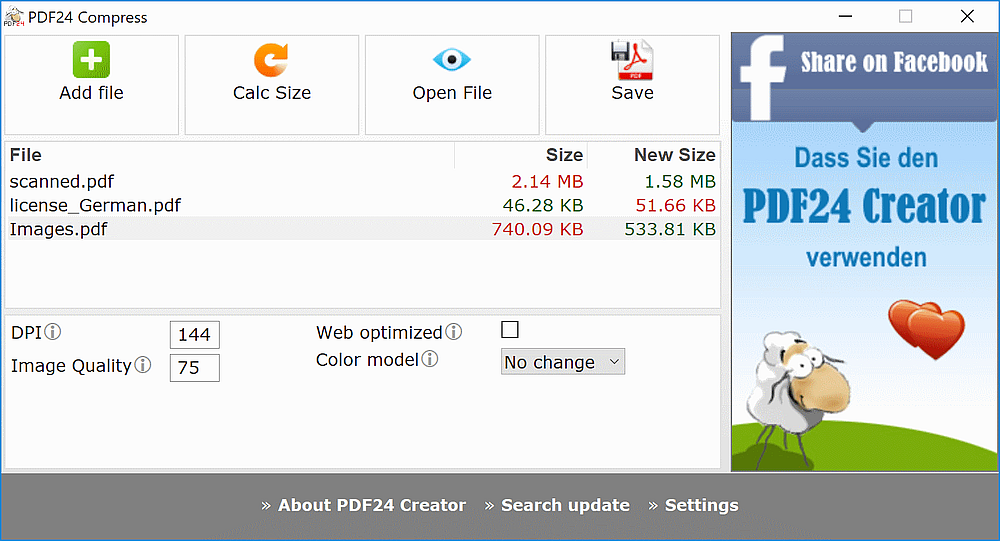 PDF OCR Recognize text in PDF and image files via OCR and create PDF files with text layer. 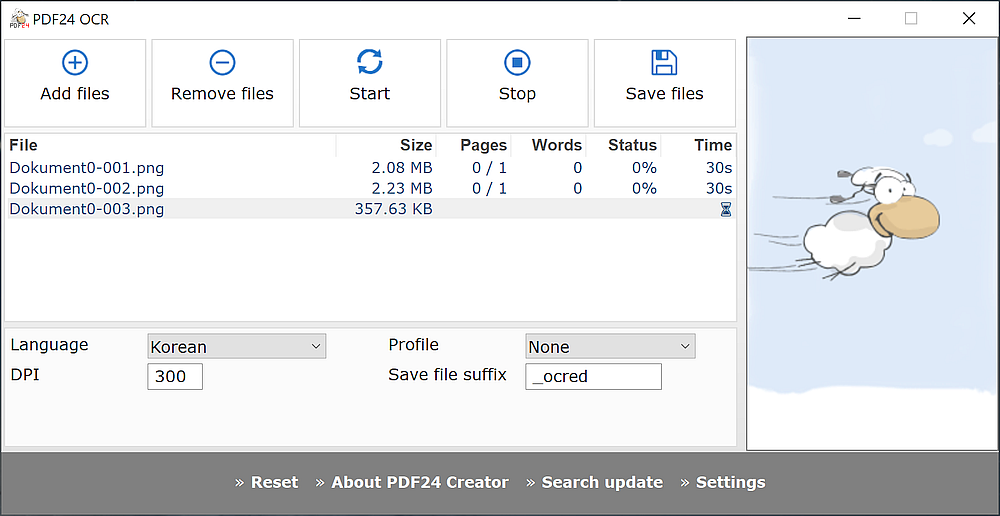 PDF Overlay Overlay PDF files to combine a document with a digital paper. 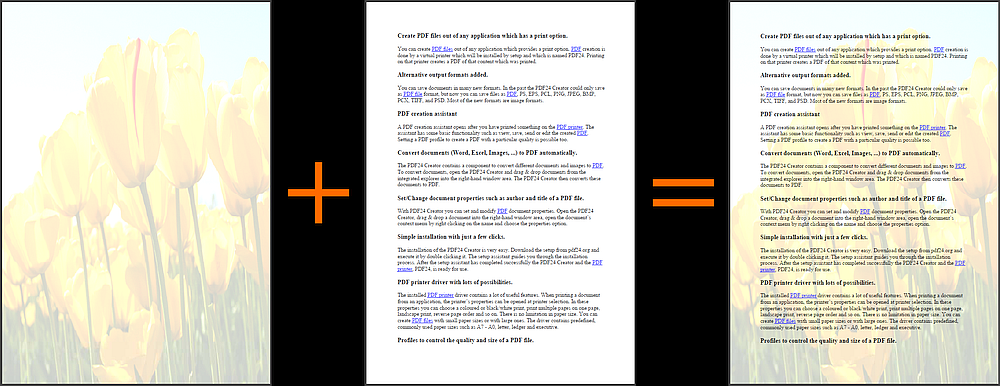 File Tools Easy to use file tools for common file tasks 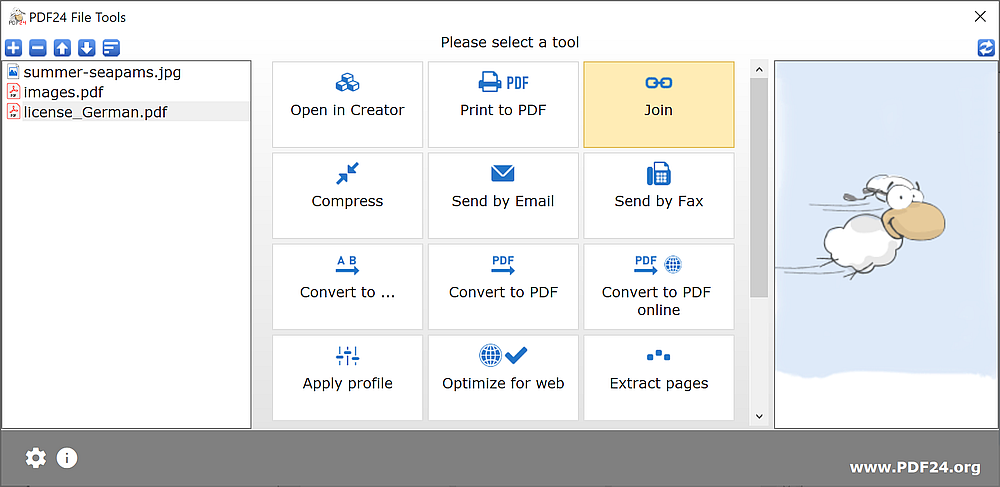 • User interface for performing common tasks on files • Easily join multiple files, apply profiles, lock or unlock PDFs, convert, split, compress, send files, ... • Batch processing of files • Windows file explorer context menu extension Format Options and Profiles Huge amount of format options and file types for experts 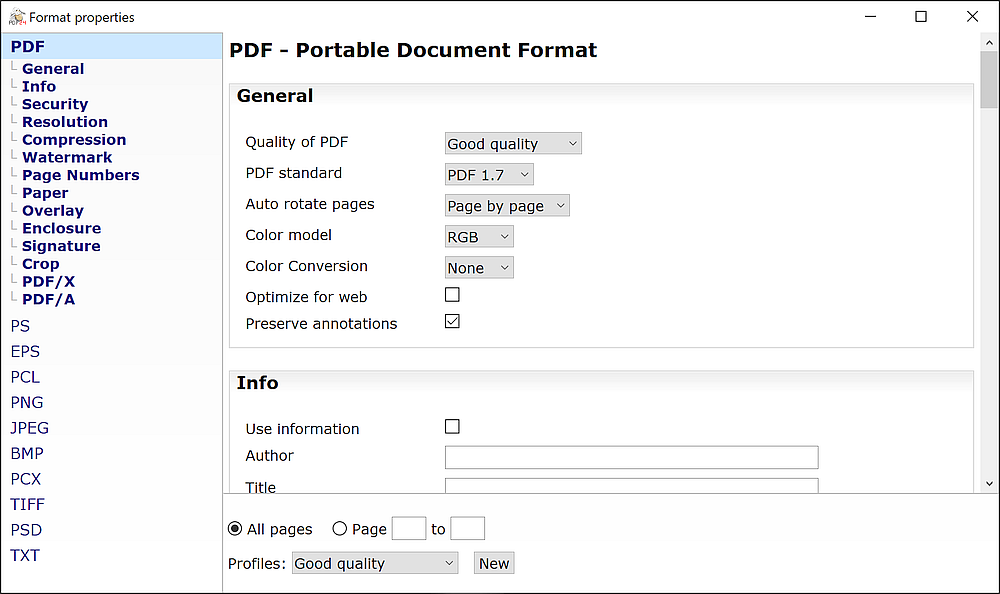 • Different output formats like PDF, PDF/A, PDF/X, images (JPG, PNG, ...) and more. • Customizable options to control the 'Save as' function. • Settings can be saved permanently for later use without having to change them every time. • Options for PDF meta data, password security, compression and resolution, water mark and page numbers, underlay and overlay, enclosures, signature, ... are available. PDF Screen Capture Create PDF and image files of the screen content. 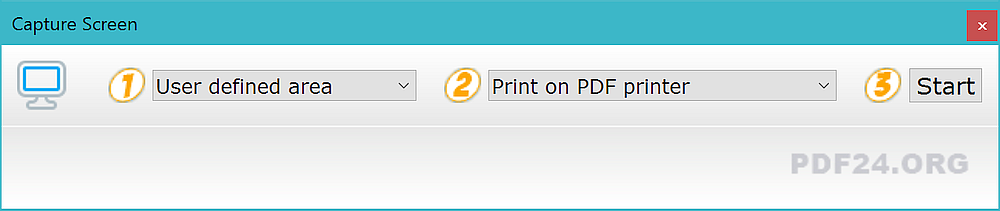 Scanner and Camera import Import images from scanner or camera and create a PDF of it. 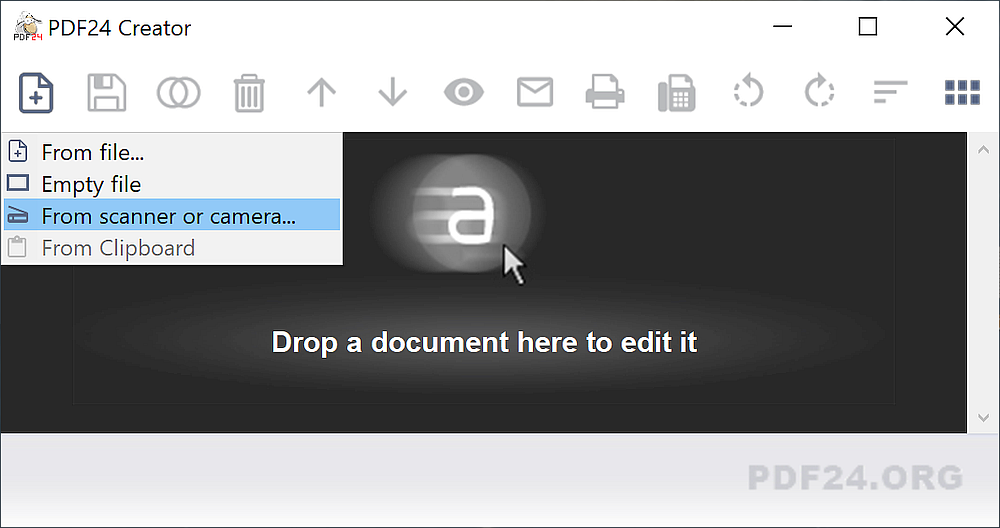 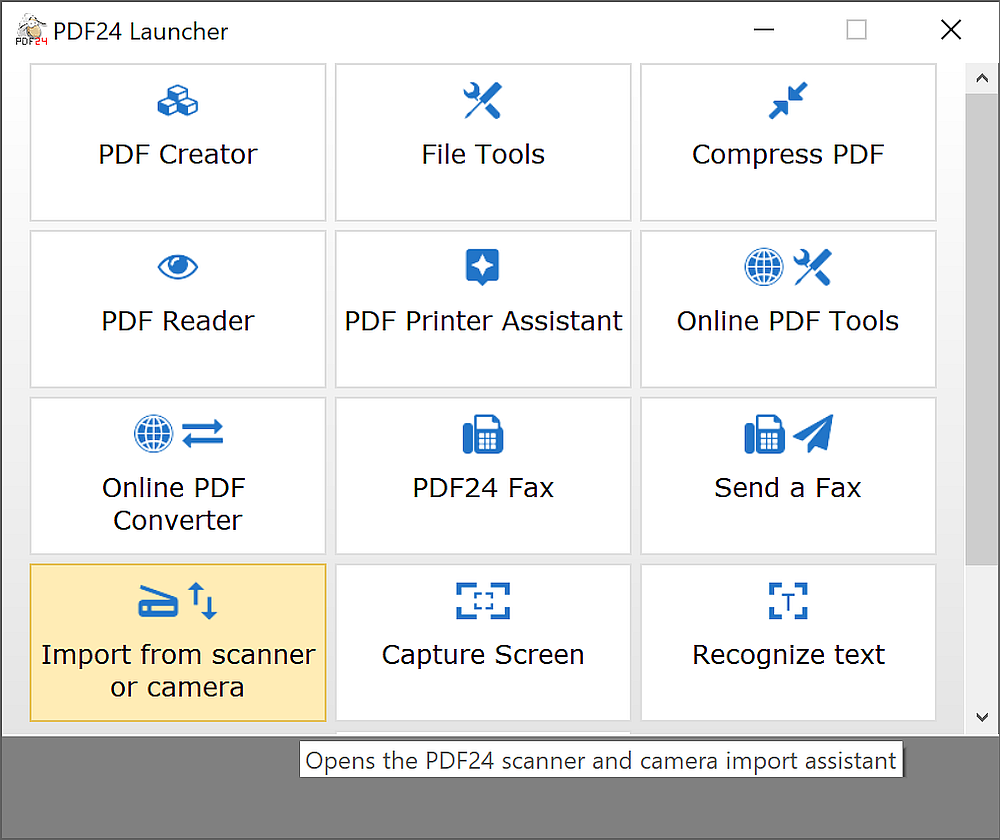 Tool Launcher The tool launcher makes it very easy to open one of the available sub-applications. 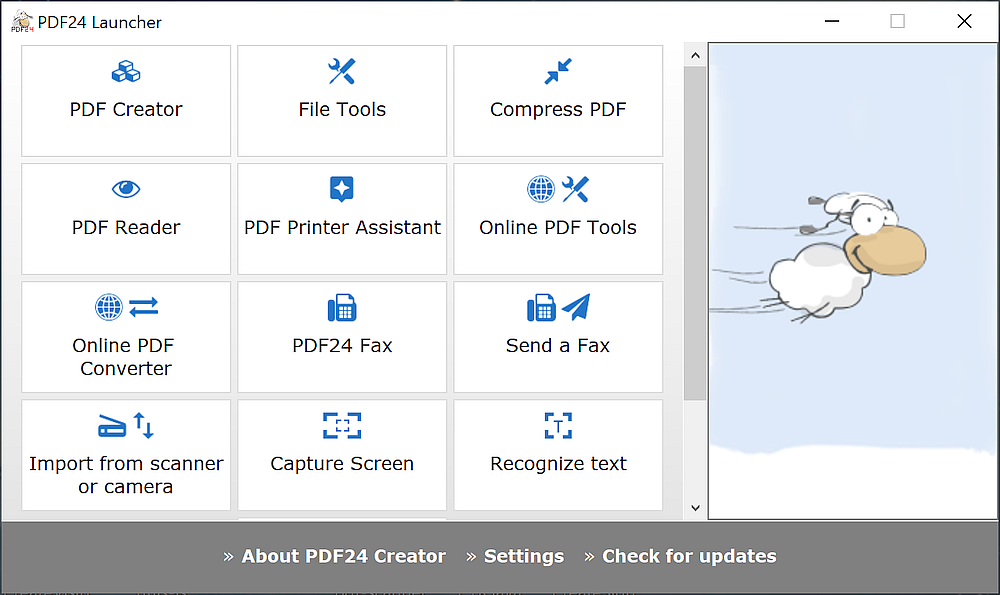 Settings Easy to use settings section to change default options 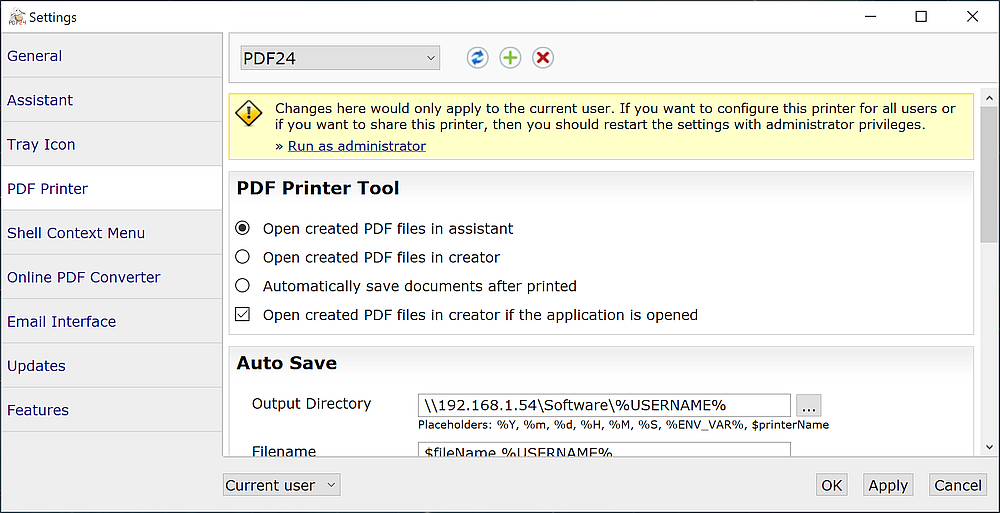 Supported operating systems: • Windows 10 • Windows 11 Supported languages: English, German, Spanish, French, Italian, and many more (over 30 languages supported). Changes: v11.30.1 04-24-26 toolbox: Fixed a bug in the PDF Form Editor The PDF Form Editor attempted to upload the file to the PDF24 online service, even though this is unnecessary when the tool is run from the PDF24 Creator toolbox. PDF24 Creator processes files locally on the PC, and this uploading behavior was incorrect; this has been improved in this new version. This download is for the Windows 11 and Windows 10 64bit version (very bottom of page). If you need the Windows 11, Windows 10 32bit version, download here. If you need the Windows 11 and Windows 10 ARM64 version, download here. If you need the Windows 11, Windows 10, Windows 8 and Windows 7 64bit version, download here. If you need the Windows 11, Windows 10, Windows 8 and Windows 7 32bit version, download here. If you need the Windows 11, Windows 10, Windows 8 and Windows 7 ARM64 version, download here. If you need the MSI versions for deployment: pdf24-creator-11.30.1-x64.msi pdf24-creator-11.30.1-arm64.msi pdf24-creator-11.30.1-x86.msi pdf24-creator-9.19.1-x64.msi pdf24-creator-9.19.1-arm64.msi pdf24-creator-9.19.1-x86.msi Click here to visit the author's website. Continue below for the main download link. |
||||||||
| Downloads | Views | Developer | Last Update | Version | Size | Type | Rank | |
| 9,205 | 42,709 | Geek Software GmbH | Jul 11, 2026 - 16:31 | 11.30.1 | 421.56MB | EXE |  , out of 50 Votes. , out of 50 Votes. |
|
| File Tags | ||||||||
| PDF24 sign encrypt watermark printer document PDF PDF PDF Windows PDF merge split compress convert editor toolkit freeware | ||||||||
Click to Rate File Share it on Twitter → Tweet
|


